 EN
 IT Italiano
 ES Español
 FR Français
 DE Deutsch
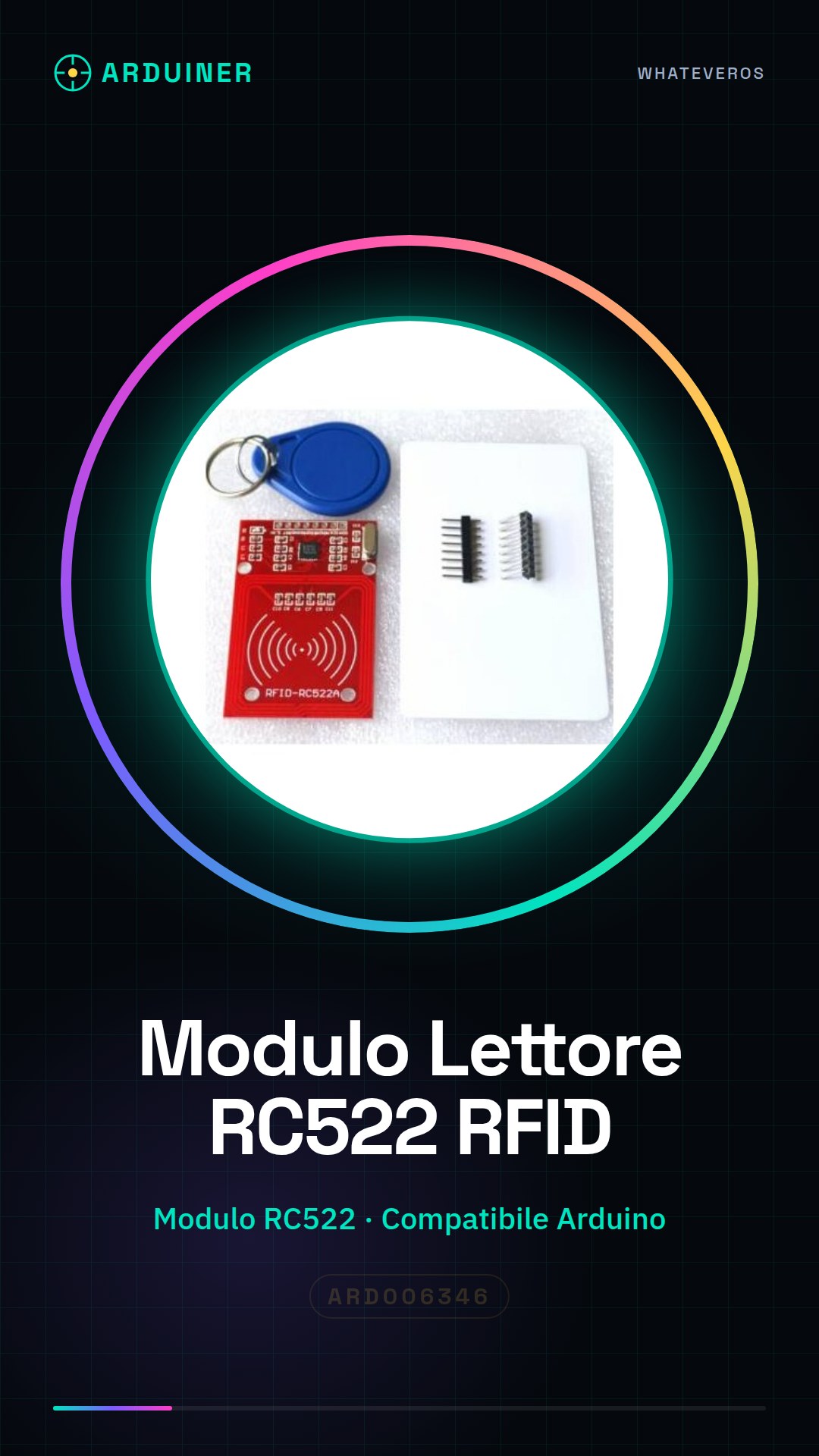
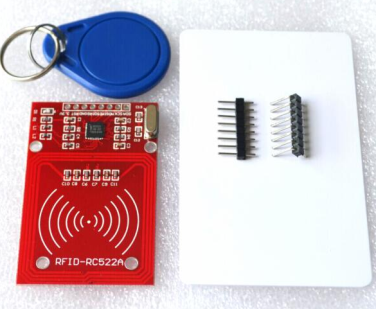
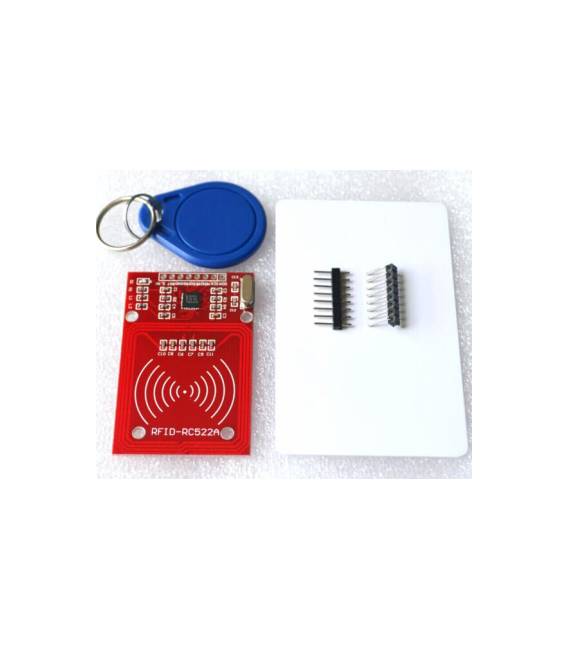
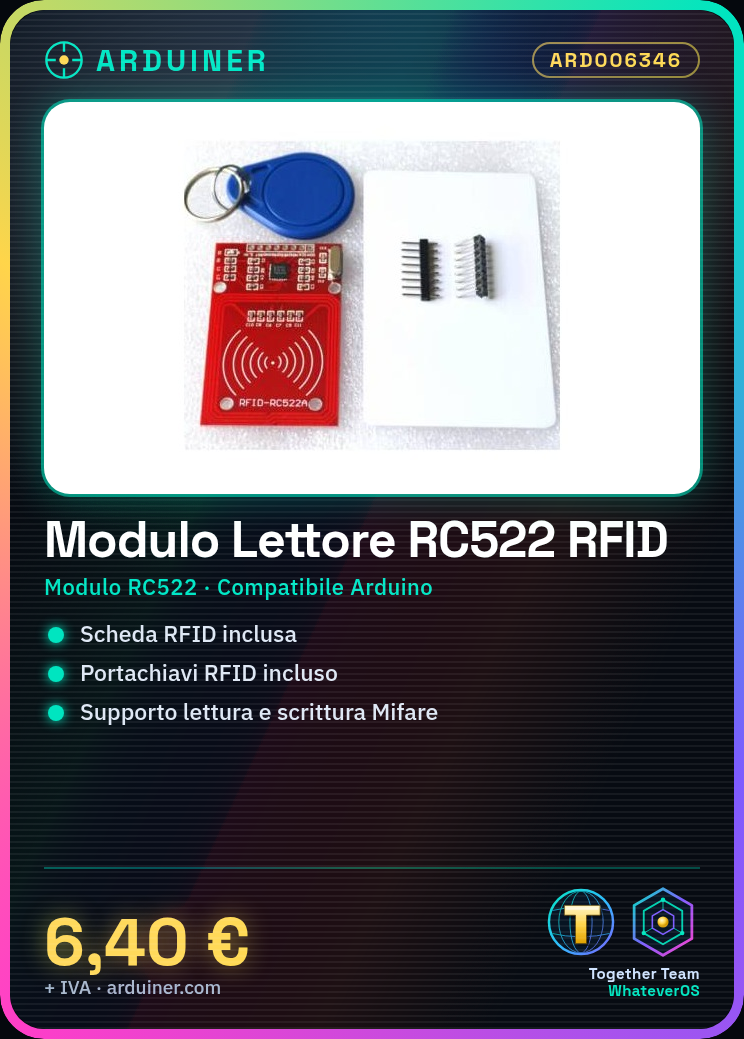
Description
What it is
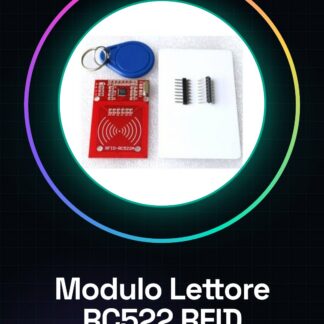
The RC522 RFID Mifare RF Kit module is an electronic component designed for reading and writing Mifare type RFID cards. Included in the kit is both the module and an RFID card, making this product ideal for starting to experiment with radio frequency identification systems.
Features
- RC522 RFID Mifare RF Kit Module
- Included RFID card
- Included RFID keychain
What it is for
RC522 modules are useful for implementing access control, parking, and digital archive systems. They are compatible with Arduino and ESP32/ESP8266, making this kit suitable for both beginners and experts in creating electronic security projects.
Tutorial: How to use RC522 RFID Mifare RF Kit Module
The RC522 module is a fundamental component for implementing RFID Mifare card reading and writing. Ideal for both beginners and more experienced makers, it allows the creation of projects such as secure access systems or digital archives.
What you need
- Arduino Uno
- RFID card or key
- USB A-Micro B cable
Steps
- Connect the RC522 module to pin 12 of the Arduino using the header connectors.
- Check the proper power supply of the module by connecting it to the 3.3V and GND of the Arduino.
- Install the MFRC522 library from the Arduino IDE library manager.
- Load the example sketch provided by the library (MFRC522_MF1_Reader).
- Read the unique identification number of your RFID card or key when it is brought close to the module.
- Modify the sketch to customize the Arduino’s response to the presence of a specific RFID card.
- Test the application by creating a simple access system that turns on an LED when a specific card is recognized.
- Check the datasheet of the RC522 module for further information on advanced configurations.
Example code
// Includi la libreria MFRC522
#include <MFRC522.h>

// Definisci i pin di connessione al modulo
#define SS_PIN 10
#define RST_PIN 9

// Crea un oggetto per il modulo RC522
MFRC522 mfrc522(SS_PIN, RST_PIN);

void setup() {
  Serial.begin(9600);
  SPI.begin();
  mfrc522.PCD_Init();
}

void loop() {
  if (mfrc522.PICC_IsNewCardPresent()) {
    mfrc522.PICC_ReadCardSerial();
    Serial.print("UID tag:");
    printHex(mfrc522.uid.uidByte, mfrc522.uid.size);
    delay(1000); // Attendi prima di rilevare nuovamente la carta
  }
}
Mini project
Create an access system that turns on an LED when a specific RFID card is recognized.
Common mistakes
- The module does not respond. Check the connections and power supply.
- Incorrect reading of the UID number of the card. Make sure the library is correctly installed.
- Radio interference issues with other devices. Try changing position or environment.
- LED does not turn on when an RFID card is brought near. Check the connection and the Arduino sketch.
Recommended accessories
- Arduino Uno
- LED
- 220 ohm resistor
- Mifare RFID cards
Frequently asked questions
How can I read data from an RFID chip?
Use the MFRC522 library and the PICC_ReadCardSerial() method.
The RC522 module does not respond. What should I do?
Check the connections, power supply, and ensure that the library is correctly installed.
Which RFID cards are compatible with this module?
Mifare Classic cards and other cards compatible with the RC522 protocol.
Reviews
There are no reviews yet.