 EN
 IT Italiano
 ES Español
 FR Français
 DE Deutsch
Description
What it is
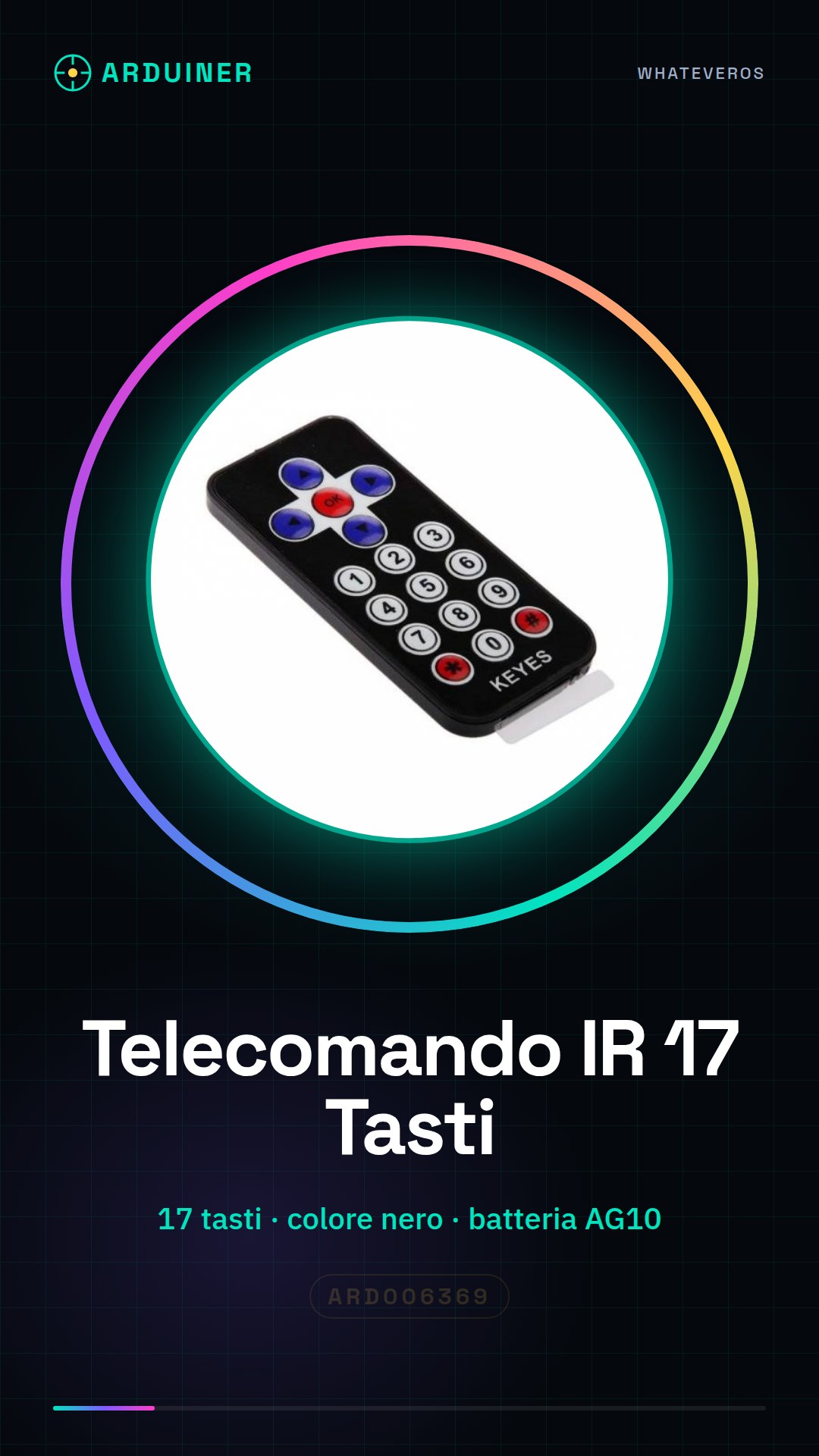
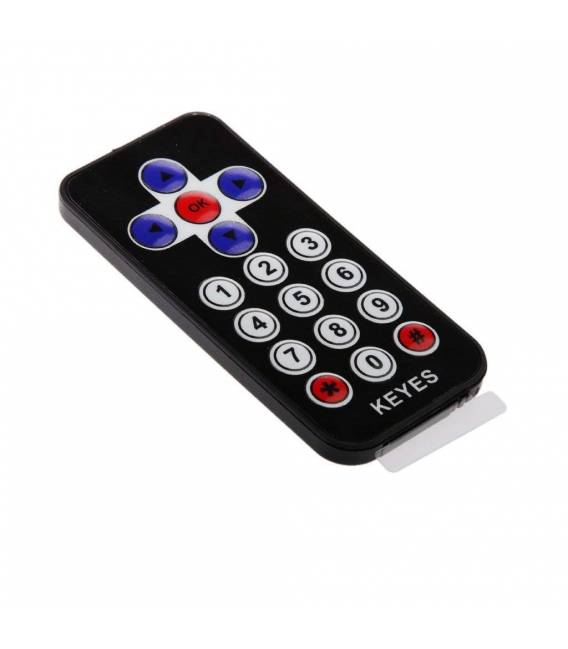
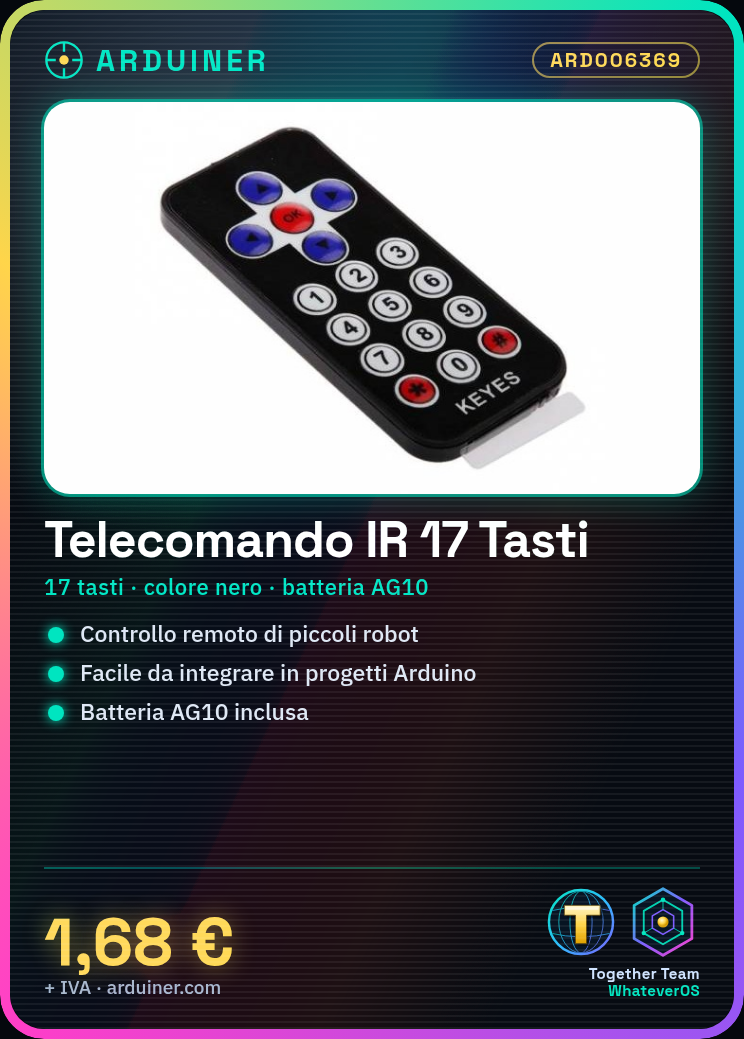
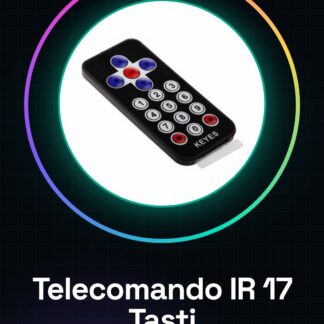
The IR remote with 17 buttons is a simple and versatile device for remote control of objects such as toy cars or small robots. Ideal for beginners, it allows you to start experimenting with electronics without complications.
Features
- Buttons: 17
- Color: Black
- Battery: AG10 (included)
- Usage: Remote control for Smart Car, Arduino and automation
What it is for
Ideal for controlling small robots or toy cars with commands such as forward, backward, left and right. Easy to integrate into Arduino projects.
Tutorial: How to use IR Remote 17 Buttons Black
The IR remote with 17 buttons is a simple and versatile device ideal for remote control of objects such as toy cars or small robots. It is perfect for beginners who want to start experimenting with electronics without complications.
What you need
- Arduino Uno
- AG10 Battery
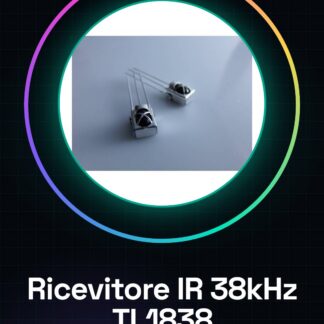
- Compatible IR Receiver
Steps
- Connect the remote control to the Arduino circuit using an appropriate connector.
- Install the IRremote library on Arduino IDE (check the datasheet for connection details).
- Write a simple sketch that reads commands from the remote control and sends them to the IR receiver or other modules.
- Verify the installation with a small experiment: press the remote control buttons and observe the response on the Arduino display (if present).
- If necessary, adjust the connection or sketch to obtain a correct response.
- Try to create a more complex project using multiple remote control commands.
Example code
/* Esempio di codice base */
#include <IRremote.h>

const int RECV_PIN = 11;
IRrecv irrecv(RECV_PIN);
decode_results results;

void setup() {
  Serial.begin(9600);
}

void loop() {
  if (irrecv.decode(&results)) {
    irrecv.resume();
    Serial.println(results.value, HEX);
  }
}
Mini project
Create a small robot that responds to remote control commands: forward, backward, left and right. Use two DC motors and an L298N module.
Common mistakes
- Incorrect connection between the remote control and Arduino
- AG10 battery power issues
- Commands not detected by the IR receiver
Recommended accessories
- DC Motor for Robot
- L298N Motor Driver Module
- Arduino Uno R3
- AG10 Batteries
Frequently asked questions
How can I control multiple devices?
Use different IR receiver pins on Arduino.
What is the maximum operating distance of the remote control?
Check the datasheet for accurate specifications.

Reviews
There are no reviews yet.