 EN
 IT Italiano
 ES Español
 FR Français
 DE Deutsch
Description
What it is
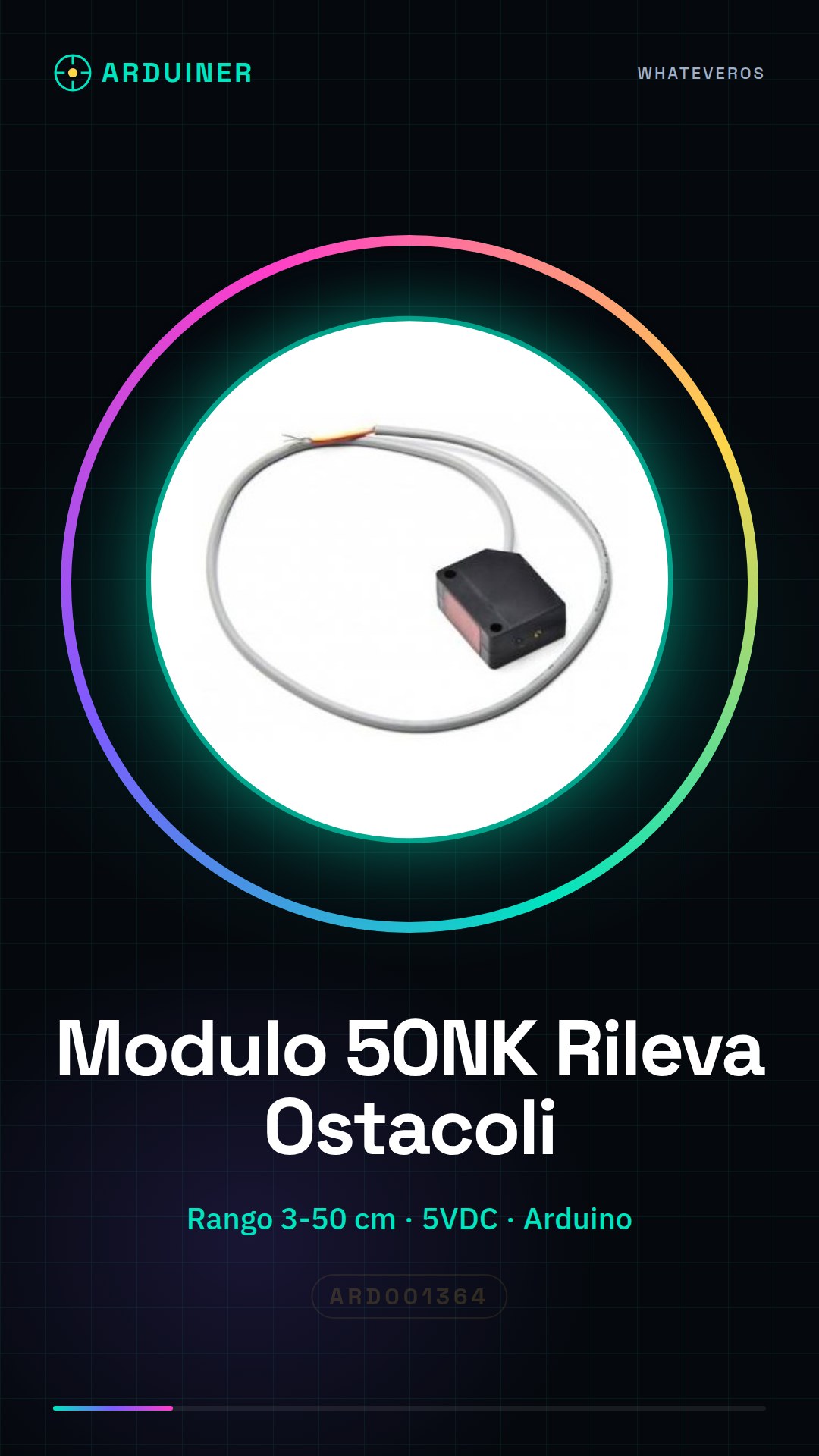
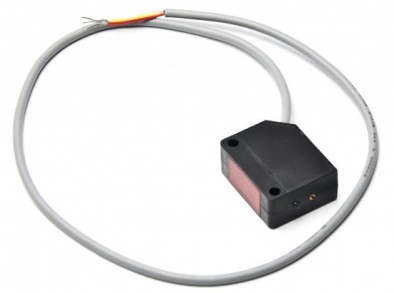
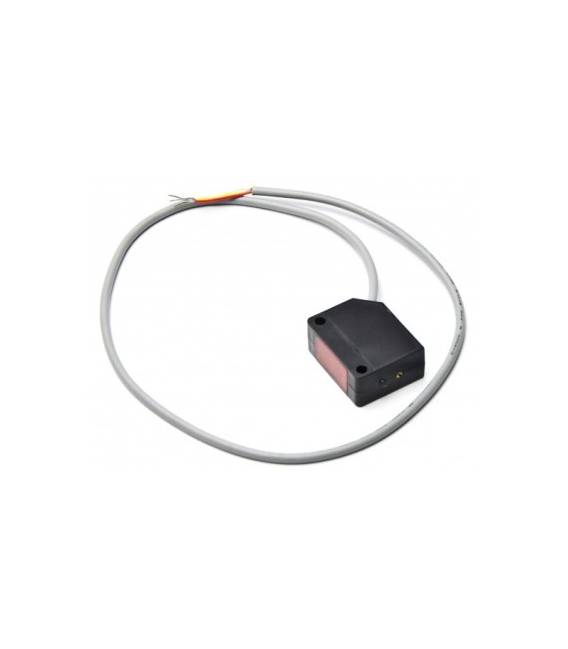
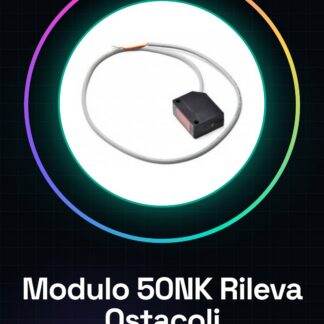
The 50NK Module is an infrared sensor for Arduino designed to detect obstacles at short distances. This module allows the creation of devices capable of interacting with the surrounding environment, such as collision-avoiding robots.
Features
- Obstacle detection from 3 to 50 cm
- Power supply direction: 5VDC
What it is for
Ideal for robotics and automation projects, this module is compatible with Arduino and can be used to create devices that change direction when an obstacle is detected. It is suitable for both beginners and experts.
Tutorial: How to use 50NK Obstacle Avoidance Module
The 50NK obstacle avoidance module is a useful component for robotics and automation projects that require the detection of objects at short distances. Ideal for beginners, this module allows makers to create devices capable of interacting with the surrounding environment.
What you need
- Arduino Uno or compatible
- USB cable
- Connect to PC
Steps
- Connect the VCC and GND pins of the module to 5V and GND of the Arduino respectively.
- Connect the OUT pin of the module to a digital input pin of the Arduino (e.g., PIN 2).
- Open the Arduino IDE and upload the provided sketch.
- Verify communication between the module and the Arduino through the serial console.
Example code
void setup() {
  Serial.begin(9600);
  pinMode(2, INPUT);
}

void loop() {
  int sensorValue = digitalRead(2);
  Serial.println(sensorValue);
}
Mini project
Create an obstacle-avoiding robot that moves around a room and changes direction when it detects an object.
Common mistakes
- Do not verify the proper power supply of the module.
- Connect the OUT pin to an output of the Arduino instead of an input.
- Ignore the instructions for configuring the sketch.
- Do not test serial communication to confirm correct setup.
Recommended accessories
- Stepper Motors
- 3.7V LiPo Battery
- Arduino Uno R3
- Robot Wheel Kit
Frequently asked questions
How can I calibrate the module?
Check the datasheet specifications for any calibration settings.
The module does not detect obstacles as expected, what should I do?
Check the electrical connection between the Arduino and the module. Also verify that the module is properly powered at 5VDC.

Reviews
There are no reviews yet.