 EN
 IT Italiano
 ES Español
 FR Français
 DE Deutsch
Description
What it is
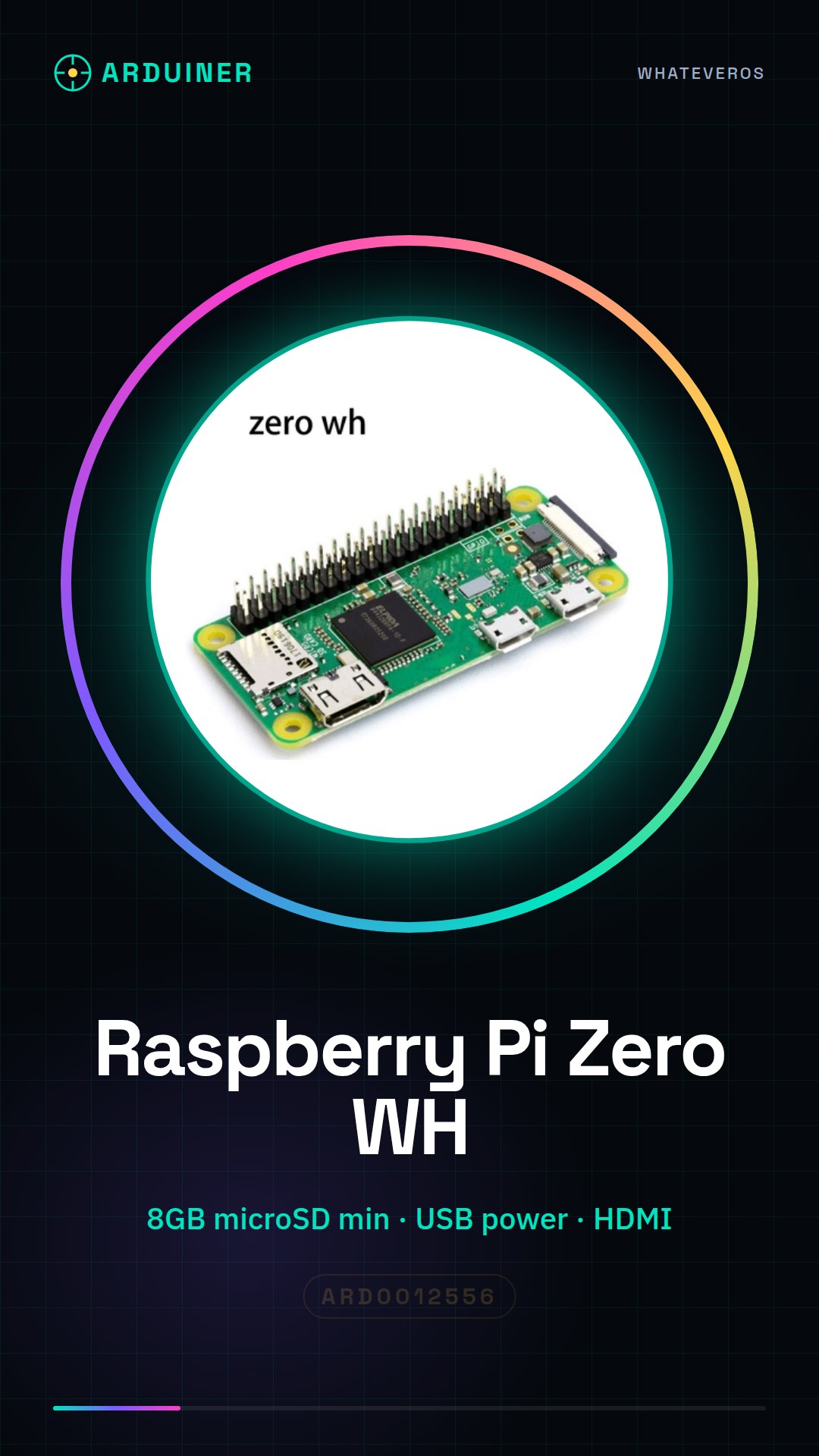
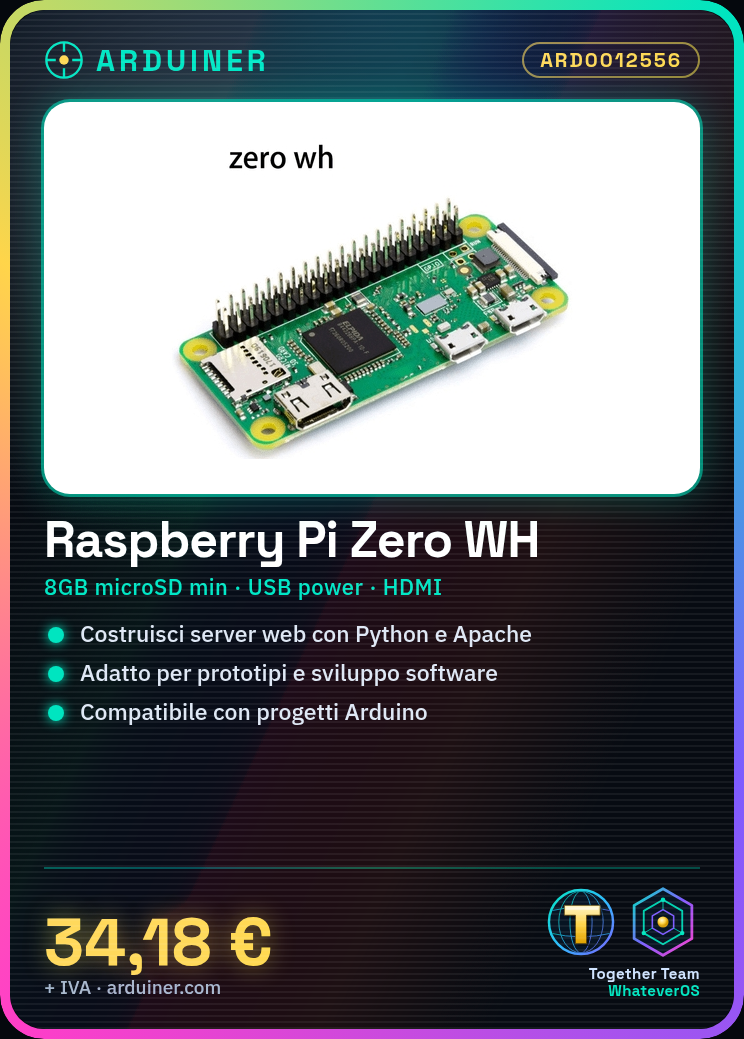
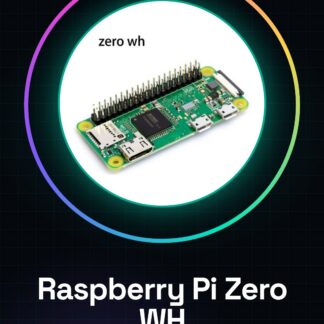
The Raspberry Pi Zero WH is a compact all-in-one computer designed for prototype and software development projects. It is ideal for beginner and intermediate programmers and makers who want to explore programming and electronics.
Features
- Product: Raspberry Pi Zero WH
- SKU: ARD0012556
- Price: 34.18 €
- Categories: Uncategorized
What it is for
The Raspberry Pi Zero WH can be used to create a simple web server using Python. You can install Apache and Python, create an HTML file and a Python file to handle HTTP requests. Additionally, it is compatible with Arduino projects and can be used for various programming and prototyping purposes.
Tutorial: How to use Raspberry Pi Zero WH
The Raspberry Pi Zero WH is a small computer perfect for prototype and software development projects. Useful for beginner and intermediate programmers and makers.
What you need
- Raspberry Pi Zero WH
- Micro USB adapter for power
- Micro SD card (8GB or more)
- Micro SD reader
- Monitor or HDMI screen
- HDMI cable
- Reset button
- USB cable
Steps
- 1. Format the Micro SD card with FAT32 using software like SD Memory Card Formatter.
- 2. Download the Raspberry Pi image from pi.imagemanagement.org.
- 3. Use software like Etcher to burn the image to the Micro SD card.
- 4. Connect the Micro SD card to the Raspberry Pi.
- 5. Connect the Raspberry Pi to a monitor or HDMI screen.
- 6. Connect a USB cable for power.
- 7. Power on the Raspberry Pi.
- 8. Follow the installer instructions to configure the operating system.
Mini project
Create a simple web server using Python. Install Apache and Python on Raspberry Pi, create an HTML file and a Python file to handle HTTP requests.
Common mistakes
- Set the screen resolution correctly.
- Check the datasheet for correct power supply.
- Insert the Micro SD card correctly.
- Configure the operating system correctly.
Recommended accessories
- Micro USB adapter for power supply
- Micro SD card (8GB or more)
- Monitor or HDMI screen
- HDMI cable
Frequently asked questions
How can I access the Raspberry Pi if I don’t have a monitor?
You can use software like NoMachine to connect remotely.
Which operating systems does the Raspberry Pi Zero WH support?
It supports Raspbian and other Linux-based operating systems.
Can I use a Micro USB 2.0 to power the Raspberry Pi?
Check the datasheet for the required current.
What programs can I run on Raspberry Pi Zero WH?
You can run any program compatible with Linux.
Reviews
There are no reviews yet.