 EN
 IT Italiano
 ES Español
 FR Français
 DE Deutsch
Description
What it is
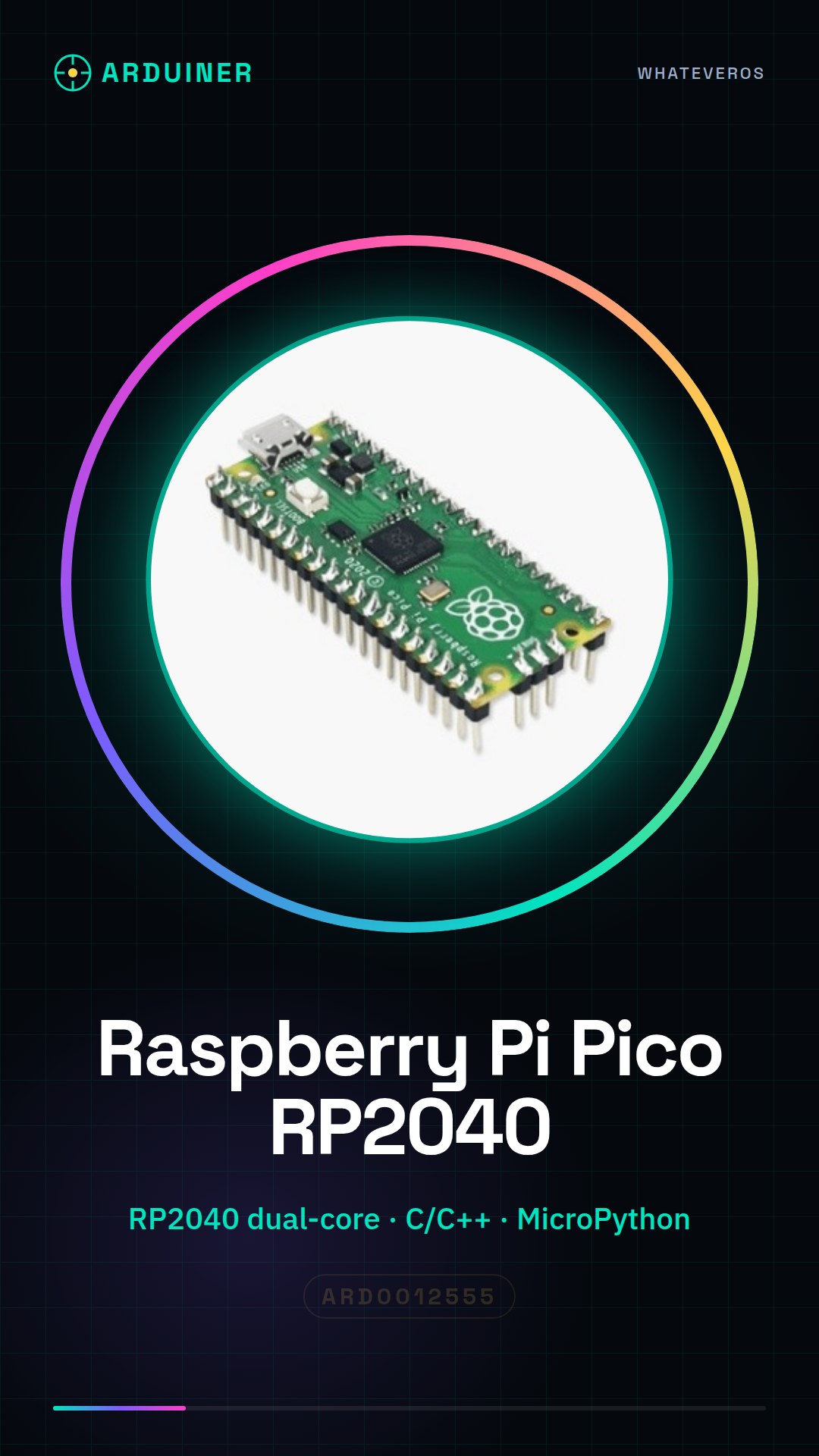
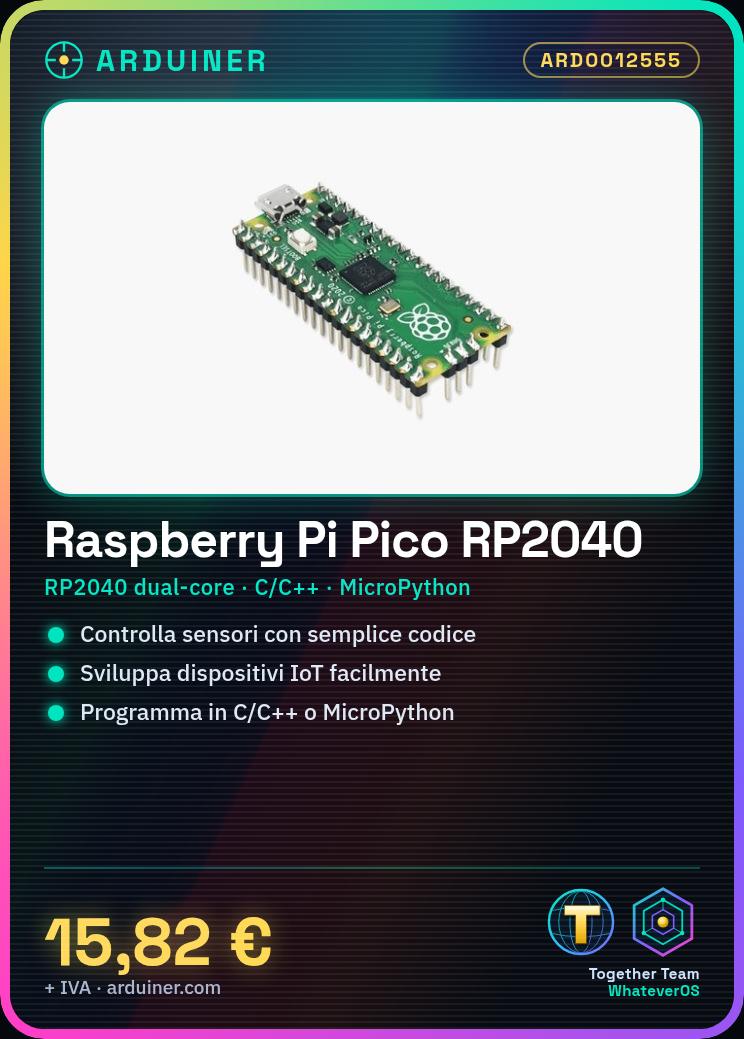
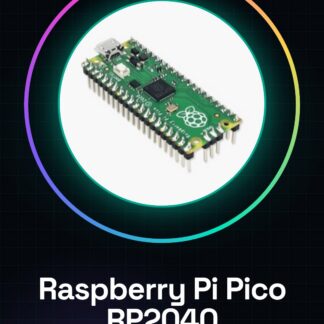
The Raspberry Pi Pico with pins is a dual-core RP2040 microcontroller, ideal for quickly developing and testing electronic projects. This small microcontroller is a versatile device that offers many possibilities for beginners and intermediate developers.
Features
- RP2040 dual-core processor
- Perfect for electronic and programming projects
- Compatible with C/C++ programming
- Supports MicroPython
What it is for
The Raspberry Pi Pico is used to create IoT devices, control sensors, and develop low-level applications. It is suitable for projects that require communication with mobile devices through an app.
Tutorial: How to use Raspberry Pi Pico
The Raspberry Pi Pico is a small microcontroller with RP2040 processor ideal for electronics and programming projects. It is perfect for beginners and intermediates who want to create IoT devices, control sensors, or develop low-level applications.
What you need
- Raspberry Pi Pico
- computer with micro USB
- MicroPython or C/C++ software
- micro USB cable
- USB power supply (check the datasheet)
Steps
- Connect the Raspberry Pi Pico to the computer via micro USB.
- Install MicroPython or C/C++ on the Raspberry Pi Pico following the official website instructions.
- Verify the connection and functionality of the Raspberry Pi Pico using a simple test code.
- Experiment with basic projects such as controlling LEDs or sensors.
- Explore advanced features such as serial communication or I2C.
- Customize the Raspberry Pi Pico for specific projects by adding sensors or other modules.
- Optimize the code and power management to improve the performance of your project.
- Share your projects with the maker community and continue to explore new possibilities.
Example code
import machine
led = machine.Pin(25, machine.Pin.OUT)
led.value(1)
led.value(0)
Mini project
Create an IoT device that turns a light on and off based on commands received from a mobile app.
Common mistakes
- Do not verify the correct installation of the software before starting to program.
- Omit power management, causing excessive energy consumption.
- Do not read the official documentation carefully.
- Do not test projects in controlled environments before implementing them in real situations.
Recommended accessories
- Raspberry Pi Pico Explorer Kit
- Temperature and Humidity Sensors
- 3D Printing for Custom Cases
- USB Power Supply for More Complex Projects
Frequently asked questions
How can I upload code to Raspberry Pi Pico?
You can use MicroPython or C/C++ to upload code. Follow the instructions on the official website.
How energy efficient is the Raspberry Pi Pico?
The Raspberry Pi Pico is designed to be energy efficient, but you will need to optimize the code to reduce power consumption.

Reviews
There are no reviews yet.