 EN
 IT Italiano
 ES Español
 FR Français
 DE Deutsch
Description
What it is
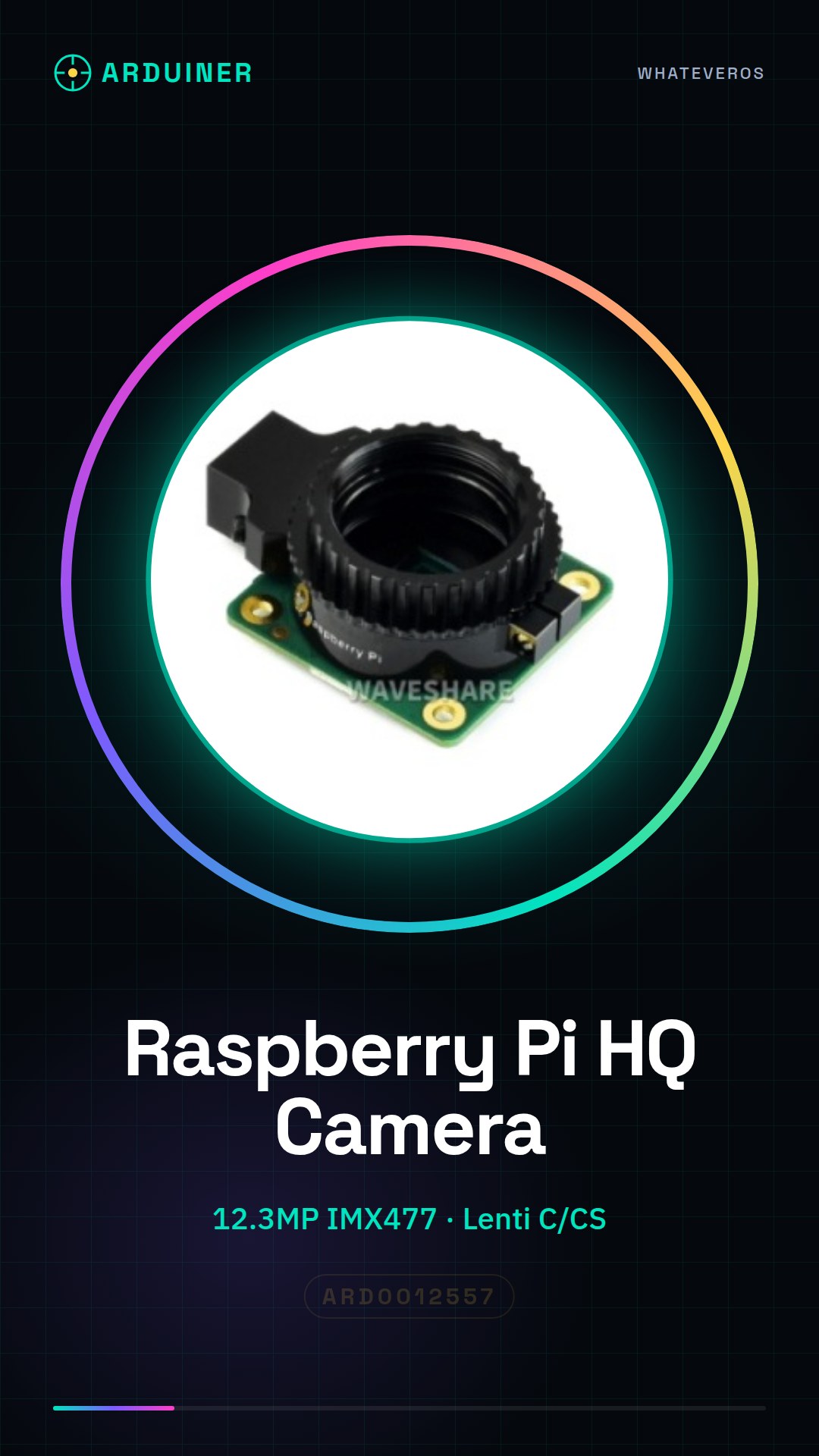
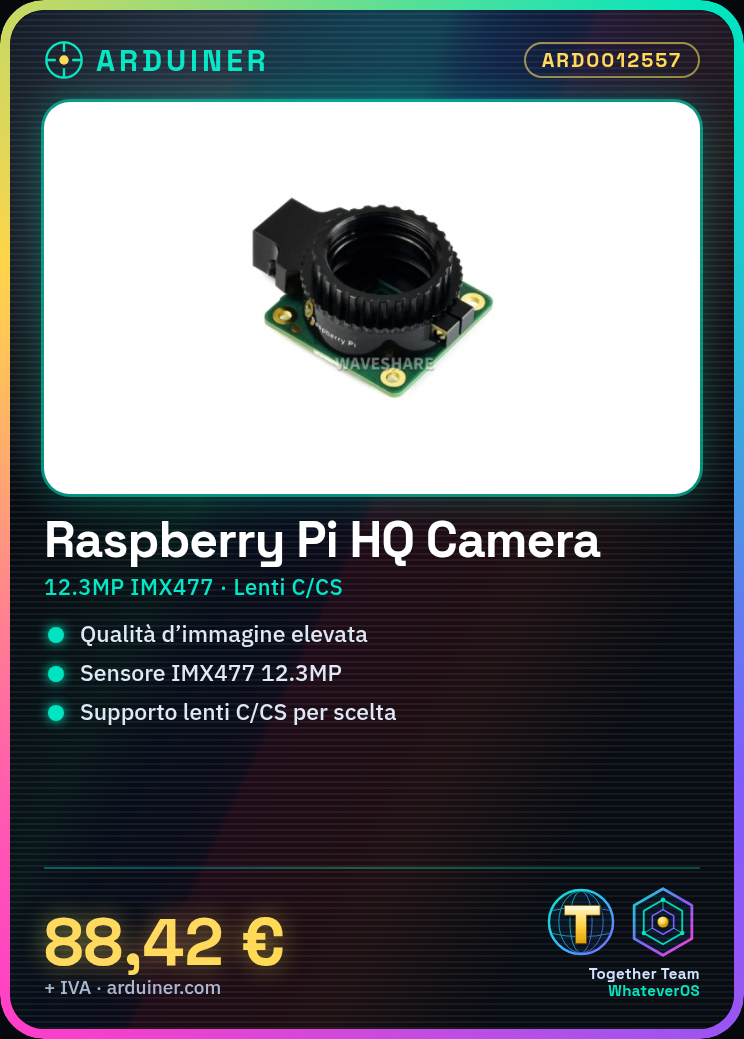
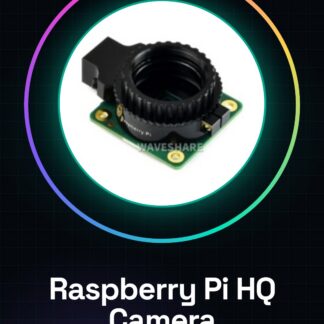
The Raspberry Pi High Quality Camera is a high-resolution camera designed for use with Raspberry Pi computers. It offers high image quality thanks to the 12.3MP IMX477 sensor and the ability to use C/CS lenses.
Features
- Resolution: 12.3MP
- Sensor: IMX477
- Lens support: C/CS
What it is for
The Raspberry Pi High Quality Camera is ideal for applications requiring high-quality images, such as photography, videography, and computer vision project development. It can be used to create home monitoring systems, visual robots, security systems, and much more. Its compatibility with Raspberry Pi computers makes it a versatile solution for a wide range of projects.
Tutorial: How to use the Raspberry Pi High Quality Camera
The Raspberry Pi High Quality Camera is a high-quality sensor with a 12.3MP resolution, ideal for photographers and developers seeking high-quality images. This sensor is compatible with Raspberry Pi and can be used with C/CS lenses.
What you need
- Raspberry Pi
- microSD card with Raspbian installed
- USB power supply with at least 3A
- CSI connector
- C/CS lens (optional)
Steps
- Connect the Raspberry Pi High Quality Camera to the CSI connector of the Raspberry Pi
- Check that the Raspberry Pi operating system is up to date
- Install the camera support software via the command ‘sudo apt install libraspberrypi-bin libraspberrypi-dev’
- Configure the camera using ‘sudo raspi-config’ and selecting ‘Interfaccia’ -> ‘Camera’
- Verify the camera configuration by running ‘vcgencmd get_camera’
- Test the camera using ‘raspistill -o foto.jpg’ to take a photo
- Install additional software such as picamera or opencv to use the camera in a more advanced way
- Try to make a video using ‘raspivid -o video.h264’
Example code
import picamera
with picamera.PiCamera() as camera:
    camera.resolution = (1280, 720)
    camera.start_preview()
    camera.capture('foto.jpg')
Mini project
Create a home monitoring system in 30 minutes: use the Raspberry Pi High Quality Camera to capture images periodically and send them via email.
Common mistakes
- The camera is not detected by the system
- Image resolution issues
- Software installation difficulties
- Physical connection issues
Recommended accessories
- C/CS lens
- Raspberry Pi case
- USB 3A power supply
- Secure SD card folder
Frequently asked questions
Is the Raspberry Pi High Quality Camera compatible with all versions of Raspberry Pi?
Check the datasheet for specific compatibility with your version of Raspberry Pi.
How can I install C/CS lenses?
Check the datasheet for installation instructions.
What software can I use to control the camera?
PiCamera and OpenCV are popular options.
Reviews
There are no reviews yet.