 EN
 IT Italiano
 ES Español
 FR Français
 DE Deutsch
Description
What it is
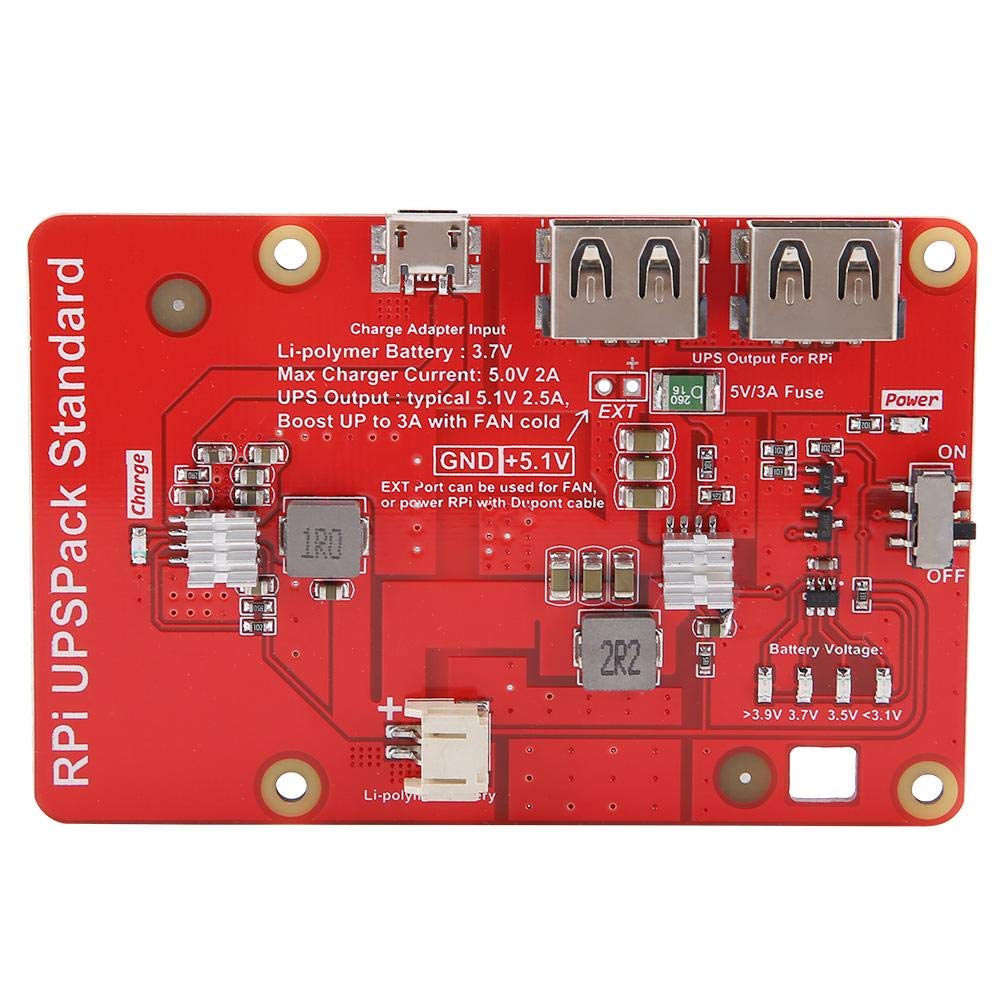
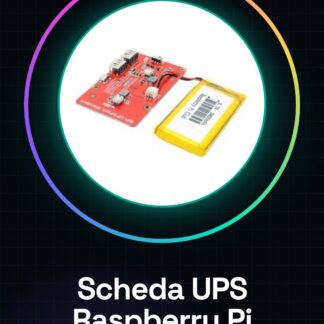
The Raspberry Pi UPS board with dual USB power and display is a component designed to protect your Raspberry Pi from power interruptions, ensuring the continuous operation of the device.
Features
- Dual USB Power Supply
- Integrated Display
- Protection against power interruptions
- Check the datasheet for detailed technical specifications
What it is for
The UPS board is ideal for projects that require constant connectivity or to protect data during power outages. It can be used to configure a backup system for Raspberry Pi-based web servers or any other device that requires a reliable power source.
Tutorial: How to use Raspberry Pi UPS Board with Dual USB and Display
The UPS (Uninterruptible Power Supply) board for Raspberry Pi is ideal for ensuring the continuity of your device’s operation in case of power outages. This component is particularly useful for projects that require constant connectivity or to protect data during blackouts.
What you need
- Raspberry Pi
- Micro USB cable
- Network cable (if required for configuration)
- Computer with USB connection
- Configuration software (such as UPSmon)
Steps
- Connect the UPS board to the Raspberry Pi using the micro USB cable.
- Connect the UPS board to the electrical network.
- Configure the monitoring software such as UPSmon.
- Verify the software configuration to ensure that the Raspberry Pi is protected.
- Test the backup function of the UPS board.
- Configure the UPS to automatically save data before shutting down the Raspberry Pi.
- Check the battery life during a network outage simulation.
- Add a display to monitor voltage and battery life.
Mini project
Configure your UPS board to protect a Raspberry Pi-based web server. In 30 minutes, you can have a backup system ready for any network outage.
Common mistakes
- Do not properly configure the monitoring software.
- Do not test the backup function before using the system.
- Connect the UPS board without first reading the documentation.
- Do not check the battery life.
Recommended accessories
- UPSmon
- Network cable
- UPS configuration software
- Battery monitoring display
Frequently asked questions
What is the battery life?
Check the datasheet.
How can I configure the UPS to save data?
Use the configuration software to set data-saving options.
Can I connect other devices to the UPS board?
Check the output capacity of the UPS board on the datasheet.
Reviews
There are no reviews yet.