 EN
 IT Italiano
 ES Español
 FR Français
 DE Deutsch
Description
What it is
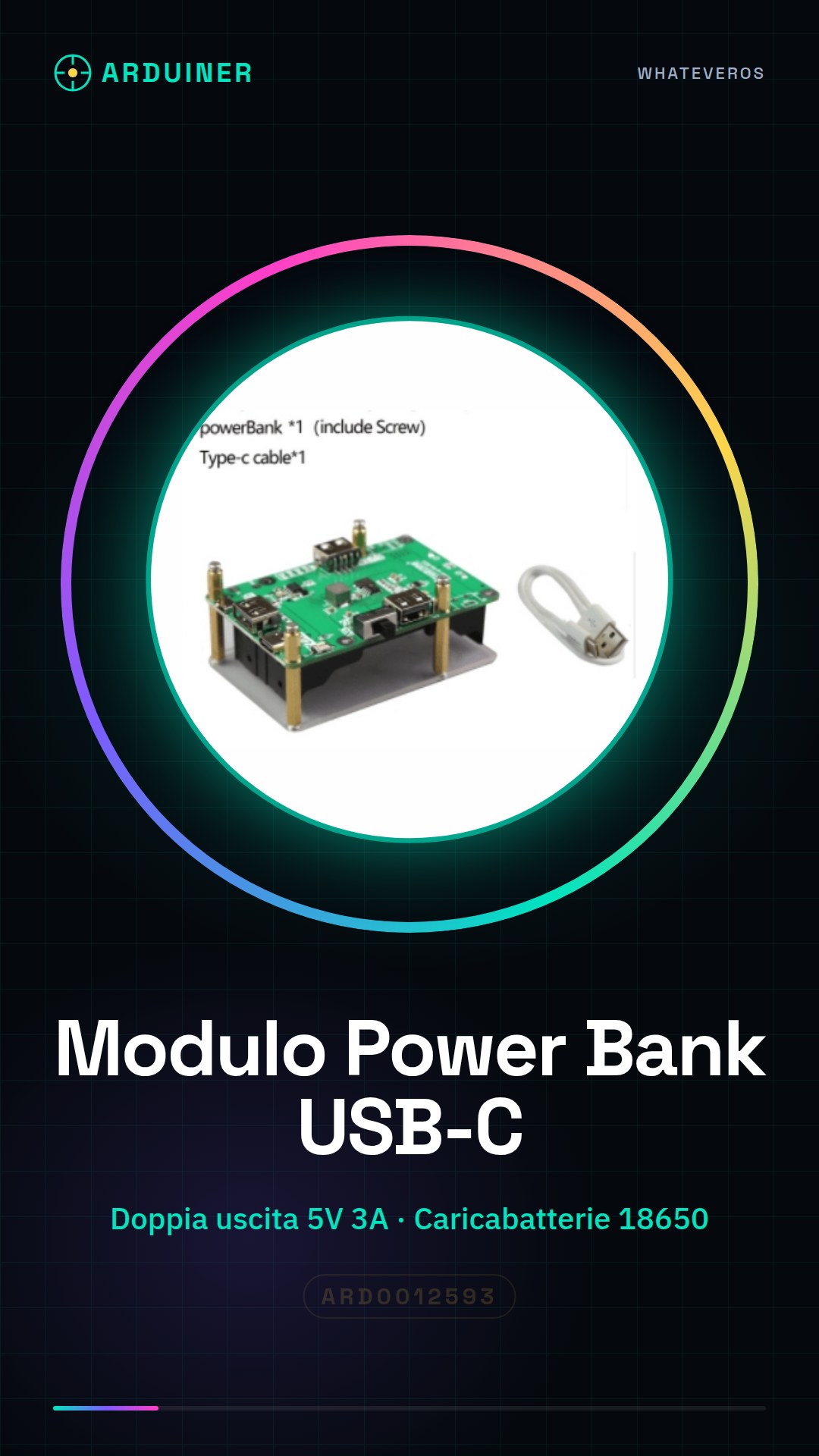
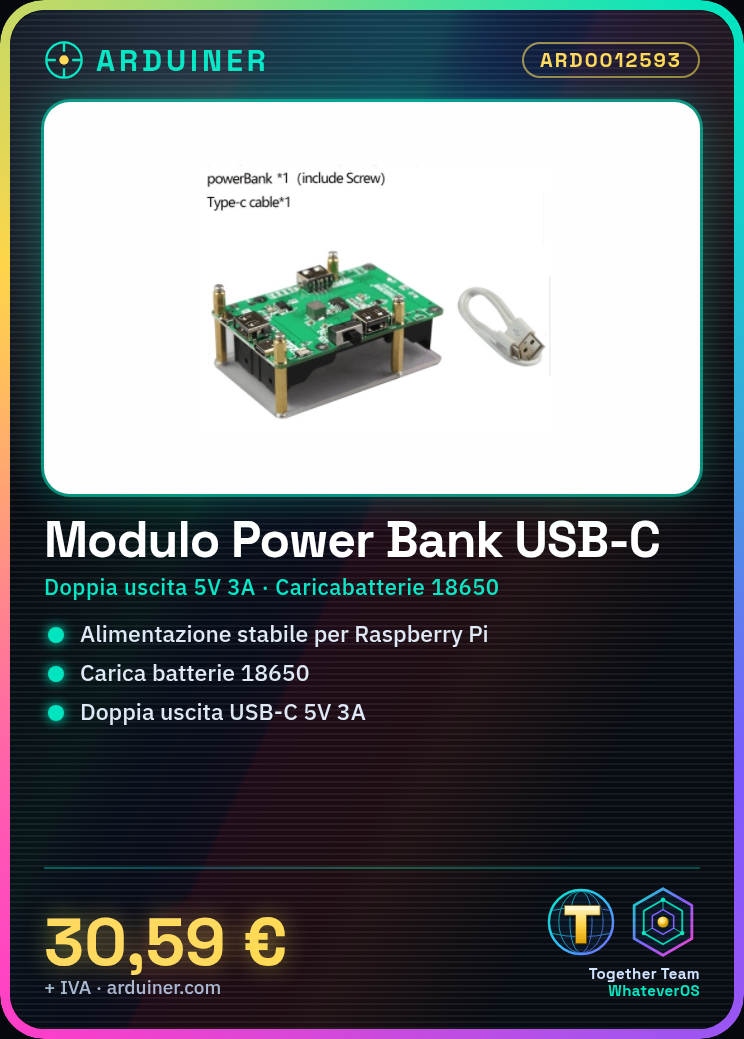
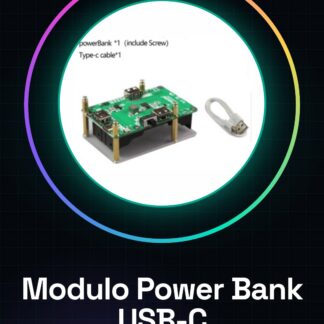
The Power Bank and 18650 Battery Charger USB-C Module for Raspberry Pi is a device designed to provide stable and portable power to devices like the Raspberry Pi. This module allows you to charge 18650 batteries and power the Raspberry Pi through a USB-C output.
Features
- Power Bank and 18650 Battery Charger USB-C Module
- Dual 5V 3A Output
- Continuous and Safe Power Supply
- Suitable for Raspberry Pi
- Check the datasheet for additional specifications
What it is for
This module is ideal for creating a portable system for the Raspberry Pi. You can use it to power the Raspberry Pi in a stable and safe manner, both indoors and outdoors. It is suitable for both beginners and experts looking for a reliable and versatile power option.
Tutorial: How to use Power Bank and 18650 Battery Charger USB-C Module for Raspberry Pi
This module is ideal for providing stable and portable power to devices like the Raspberry Pi. It is suitable for both beginners and experts who want a reliable and versatile power option.
What you need
- Power Bank and Charger Module 18650 USB-C for Raspberry Pi
- Two 18650 batteries
- Micro USB or USB-C connector for Raspberry Pi
- Micro USB or USB-C connector for charging the module
Steps
- Check that the module is adequately protected and undamaged.
- Insert two 18650 batteries into the module, ensuring they are inserted correctly.
- Connect the module to the power outlet using a micro USB or USB-C connector.
- Connect the module to the Raspberry Pi using a micro USB or USB-C connector.
- Check that the module is providing a constant current of 5V.
- If necessary, use software like Power Management to monitor the Raspberry Pi’s power supply.
- If you want to charge the batteries, connect the module to a USB-C power source.
- Check that the module is charging the batteries correctly by monitoring the charge and power status lights.
Mini project
Raspberry Pi Power Bank: Create a portable system for the Raspberry Pi using the Power Bank and 18650 USB-C Battery Charger module. Insert the batteries, connect the Raspberry Pi, and verify that everything is working correctly.
Common mistakes
- Inserting the batteries into the module in the wrong direction.
- Using lower quality or depleted 18650 batteries.
- Connecting the module to the Raspberry Pi without first checking that the current is stable and sufficient.
Recommended accessories
- High-quality 18650 batteries
- Micro USB or USB-C connector
- USB-C power cable
- Raspberry Pi power monitoring software
Frequently asked questions
Can I use batteries of different capacities with this module?
Check the datasheet for compatible capacity specifications.
What is the battery life?
The duration depends on the capacity of the 18650 batteries used.
Can it be recharged more than once?
Yes, but check the datasheet for the charging speed.
Reviews
There are no reviews yet.