 EN
 IT Italiano
 ES Español
 FR Français
 DE Deutsch
Description
What it is
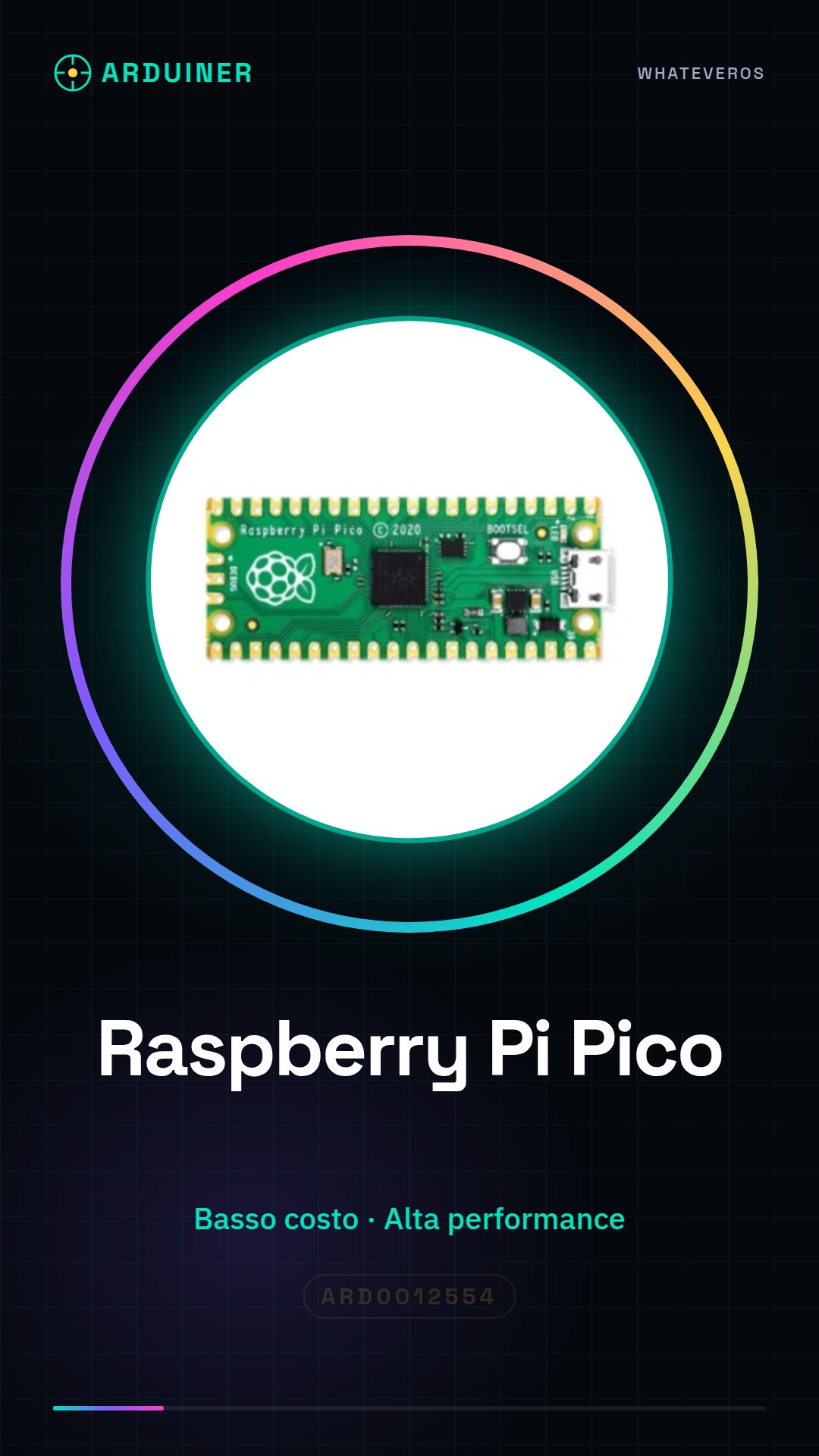
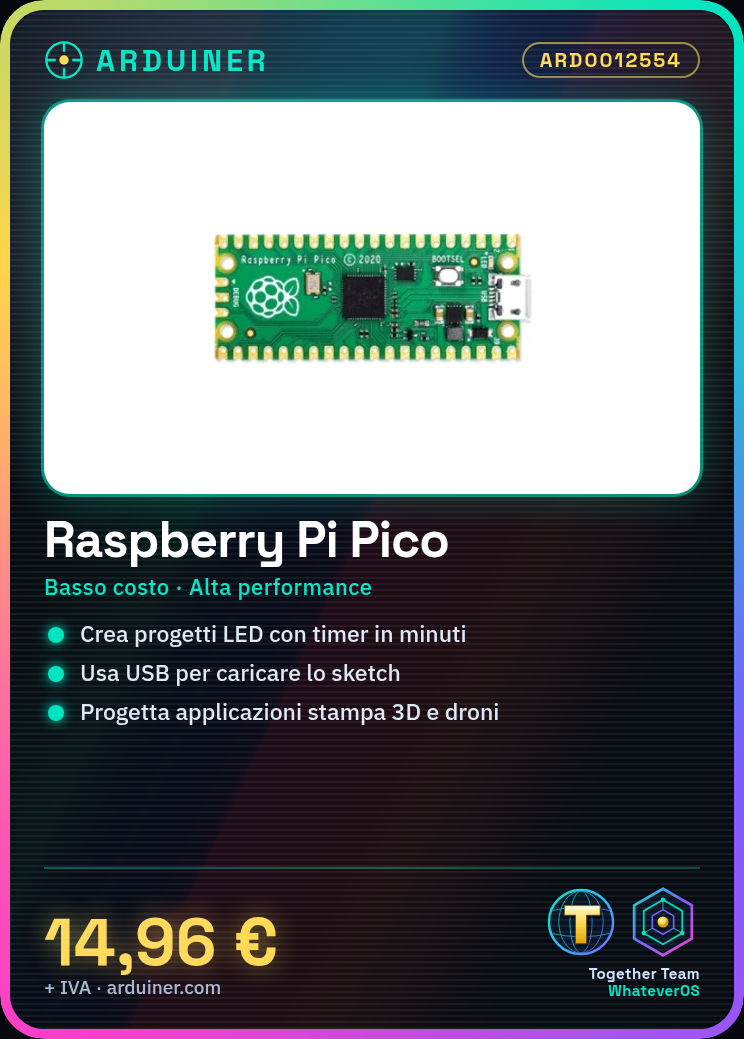
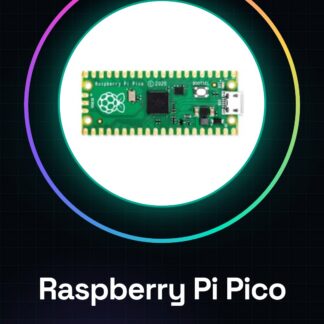
The Raspberry Pi Pico is a high-performance, low-cost microcontroller board ideal for electronics projects, programming, and 3D printing and drone applications. It offers high performance and flexibility, making it an excellent choice for both beginners and experts.
Features
- Low-cost microcontroller with high performance
- Suitable for electronics projects, 3D printing, and drones
- Typical uses: LED lighting projects, timers
What it is for
The Raspberry Pi Pico is used to create simple LED lighting projects that turn on and off based on a timer. It can be used in conjunction with Arduino or ESP to expand its capabilities and flexibility.
Tutorial: How to use Raspberry Pi Pico
The Raspberry Pi Pico is a small, low-cost microcontroller that offers high performance and flexibility. It is ideal for beginners and professionals who want to create electronic projects, 3D printing, and drones.
What you need
- Raspberry Pi Pico
- Computer with microSD
- USB cable
- Development software
Steps
- Install development software on a computer
- Connect the Raspberry Pi Pico to the computer via USB
- Check the connection of the Raspberry Pi Pico
- Load a sketch or script onto the microcontroller
- Check the project’s functionality
Example code
import machine
led = machine.Pin(25, machine.Pin.OUT)
led.value(1)
Mini project
Create a simple lighting project with an LED that turns on and off based on a timer. Takes about 30 minutes.
Common mistakes
- USB connection problems
- Sketch loading error
- Power supply issues
- Incorrect development software configuration
Recommended accessories
- USB cable
- Breadboard
- LED
- Variable resistors
Frequently asked questions
What is the difference between Raspberry Pi Pico and Arduino?
The Raspberry Pi Pico uses an ARM-based microcontroller, while Arduino uses an AVR-based microcontroller. The Raspberry Pi Pico has greater computing power and flexibility.
How can I load a sketch onto the Raspberry Pi Pico?
Use the MicroPython or C/C++ development software to load a sketch onto the microcontroller.

Reviews
There are no reviews yet.