 EN
 IT Italiano
 ES Español
 FR Français
 DE Deutsch
Description
What it is
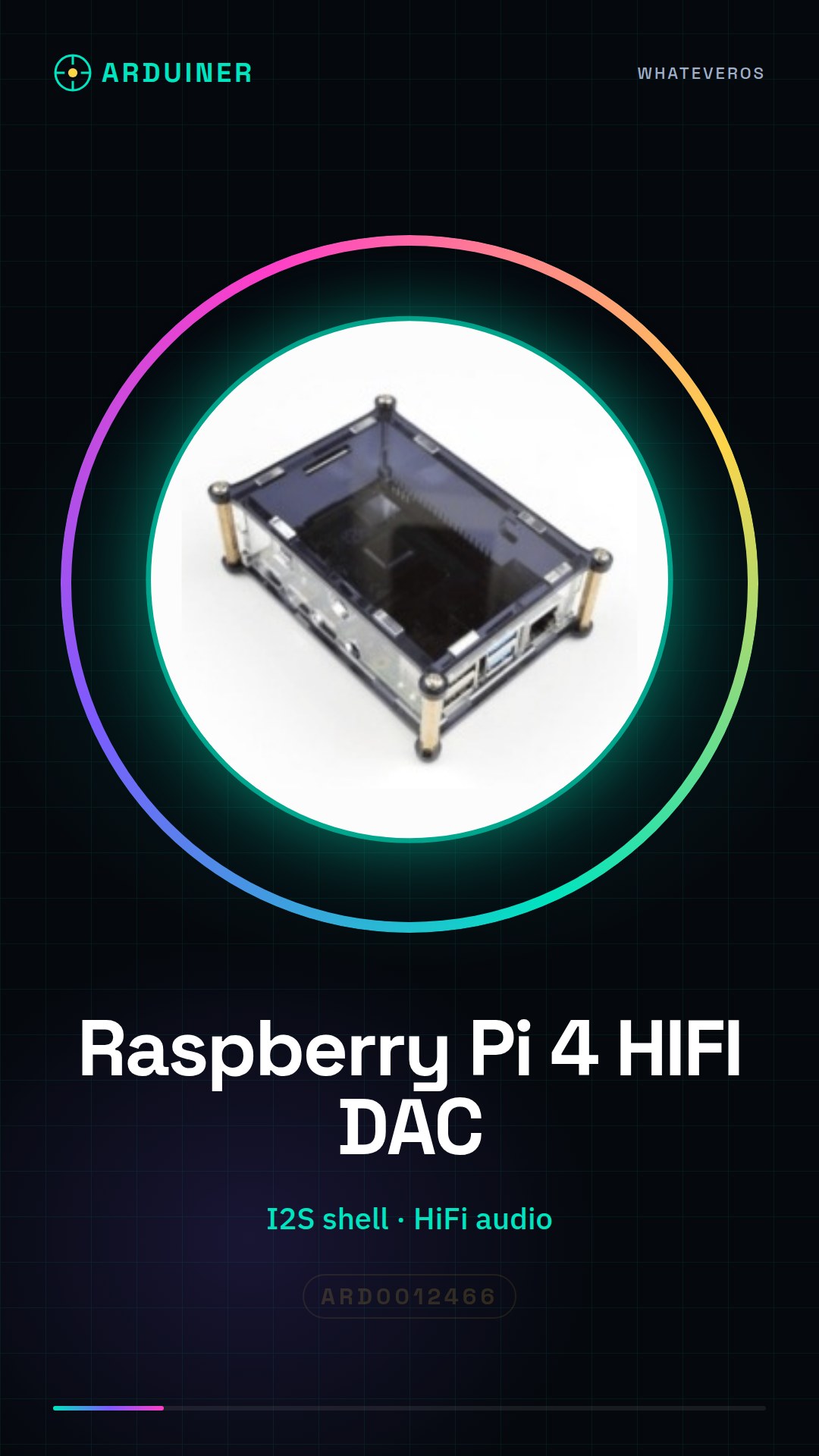
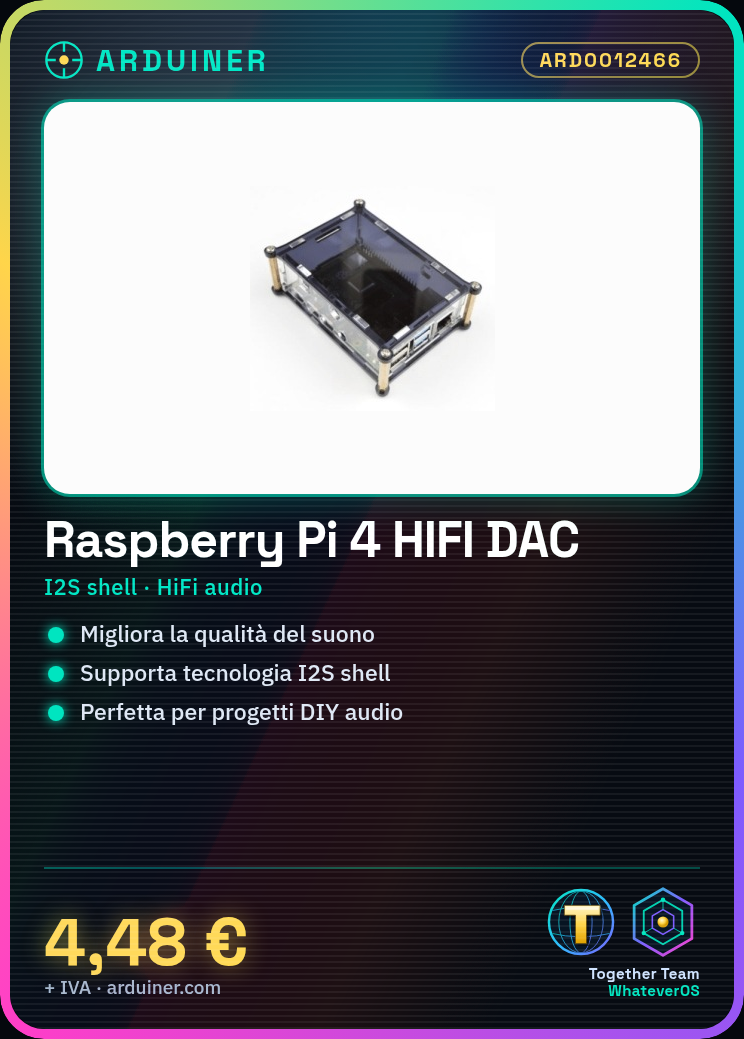
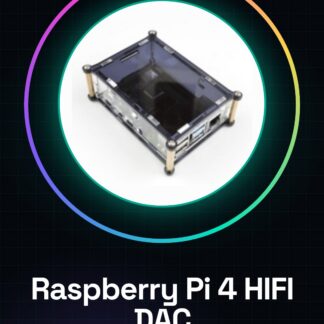
The HiFi Digi audio card for Raspberry Pi 4 is a device that enhances the sound quality of audio projects based on Raspberry Pi 4. It uses I2S shell technology to provide a high-fidelity audio experience.
Features
- Hi-Fi Audio Card for Raspberry Pi 4
- Uses I2S shell technology
- Ideally suited for DIY projects and audio enthusiasts
What it is for
This card is used to create a Hi-Fi audio playback system with Raspberry Pi 4 and improve sound quality. You can use it to install an audio playback app and test sound quality.
Tutorial: How to use Raspberrypi 4 HIFI DiGi HIFI DAC+ digital sound card I2S shell
The Hi-Fi Digi audio card for Raspberry Pi 4 is ideal for improving the sound quality of your audio projects. This tutorial will guide you step-by-step through installation and configuration.
What you need
- Raspberry Pi 4
- SD Card with Raspbian installed
- I2S Connections
- PC or Mac with USB connectivity
Steps
- Install the necessary driver from the official manufacturer’s website
- Connect the DAC board to the Raspberry Pi following the instructions in the datasheet
- Configure the operating system to recognize the board
- Check the connection and sound quality
- Install audio playback applications to test the board
Mini project
Create a Hi-Fi audio playback system with the Raspberry Pi 4 and the DAC board. Install an audio playback app and test the sound quality.
Common mistakes
- I2S Connection Error
- Driver not installed correctly
- Operating system configuration not completed
- Device recognition issues
Recommended accessories
- Raspberry Pi 4
- 16GB SD Card
- Audio Connector Kit
- USB-C Power Supply
Frequently asked questions
Which operating systems are supported?
Check the datasheet
How can I test the board?
Install an audio playback app and test the sound quality
Where can I find the driver?
From the official manufacturer’s website
Reviews
There are no reviews yet.