 EN
 IT Italiano
 ES Español
 FR Français
 DE Deutsch
Description
What it is
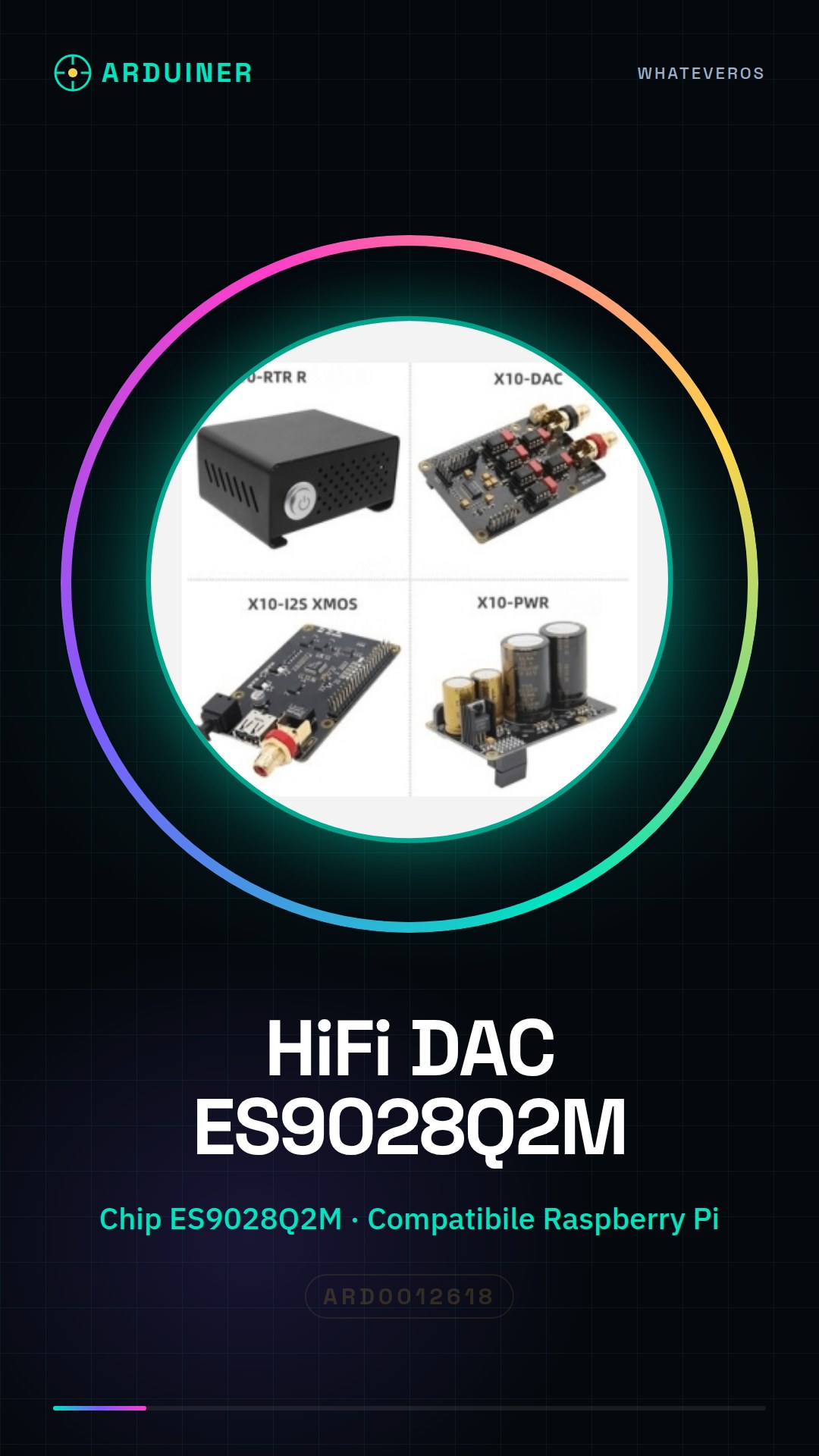
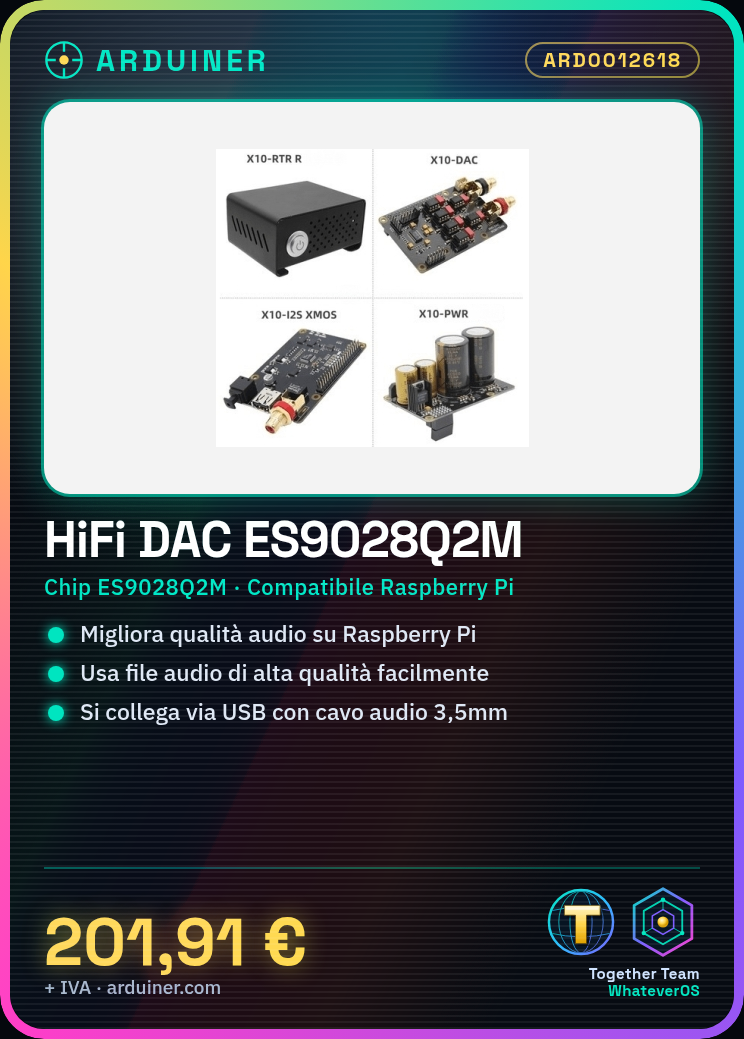
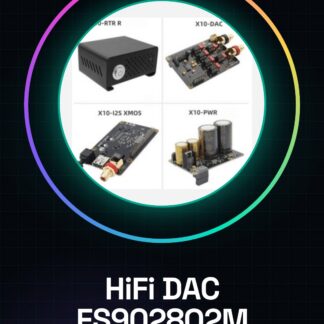
The HiFi DAC Sound Card xmos ES9028Q2M Amp X10 is a high-quality device for Raspberry Pi that significantly improves the audio quality of the system. This component is designed for audio enthusiasts and musicians looking for a sound upgrade for their Raspberry Pi.
Features
- Based on the ES9028Q2M chip for high-quality audio
- Compatible with Raspberry Pi
- Optimized for playing high-quality audio files
What it is for
This HiFi DAC is used to configure a high-quality audio system on Raspberry Pi. It is ideal for those who want to play high-quality audio files in a simple and fast way. Its compatibility with Raspberry Pi makes this device very versatile and suitable for a wide range of audio applications.
Tutorial: How to use HiFi DAC sound card xmos ES9028Q2M amp X10
This component is ideal for improving the sound quality of your Raspberry Pi, suitable for audio enthusiasts and musicians.
What you need
- Raspberry Pi
- USB Power Supply
- Audio Cable (3.5mm)
- Speakers or Headset
Steps
- 1. Ensure your Raspberry Pi is updated to the latest Raspberry Pi OS.
- 2. Download and install the latest version of pulseaudio.
- 3. Connect the DAC to a USB port on your Raspberry Pi.
- 4. Use a 3.5mm audio cable to connect the DAC to your headphones or audio system.
- 5. Start your Raspberry Pi.
- 6. Configure pulseaudio to use the DAC as the audio output.
- 7. Try playing an audio file to check the connection.
- 8. Adjust the volume and audio quality.
Mini project
Set up a Raspberry Pi audio system with HiFi DAC to play a high-quality audio file in less than 30 minutes.
Common mistakes
- Do not configure pulseaudio correctly.
- Do not use a compatible audio cable.
- Connect the DAC to a non-dedicated USB port.
- Omit system update.
Recommended accessories
- Low impedance speakers
- 3.5mm audio cable
- USB power adapter
- Microphone (for audio recording test)
Frequently asked questions
How can I check the compatibility of my Raspberry Pi with this DAC?
Check the datasheet to see if your Raspberry Pi meets the minimum power and supply requirements.
What are the minimum requirements for installing pulseaudio?
Install the latest version of Raspberry Pi OS and the pulseaudio utility.
Can I use this DAC with another platform?
Check the datasheet to see if the DAC supports other platforms.
What should I do if I cannot get sound?
Check the pulseaudio configuration and hardware connection.
Reviews
There are no reviews yet.