 EN
 IT Italiano
 ES Español
 FR Français
 DE Deutsch
Description
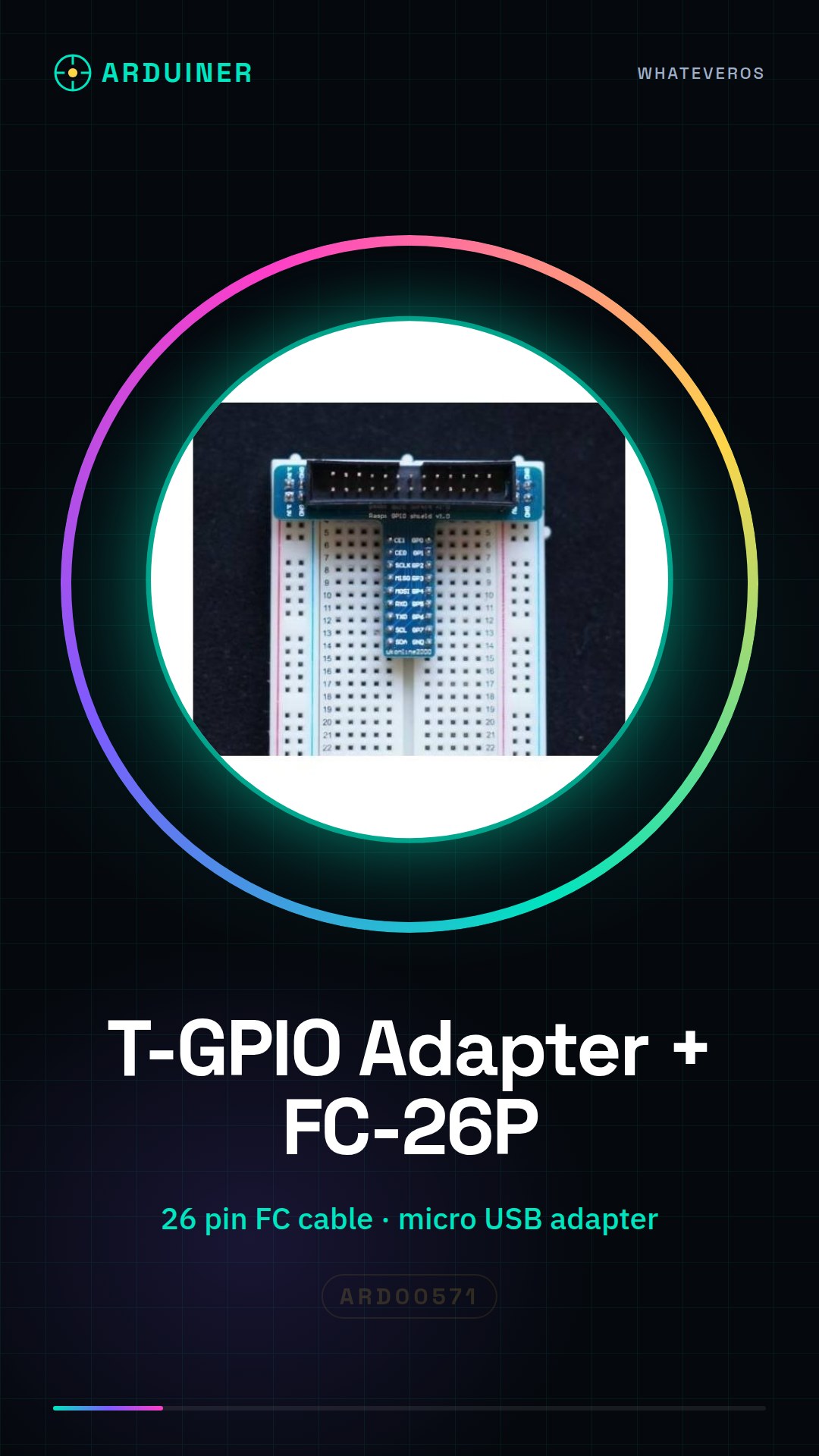
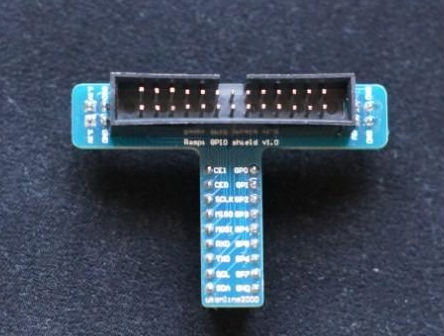
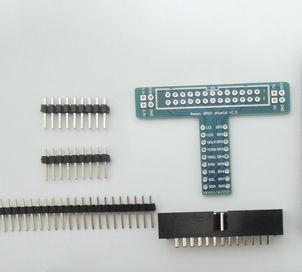
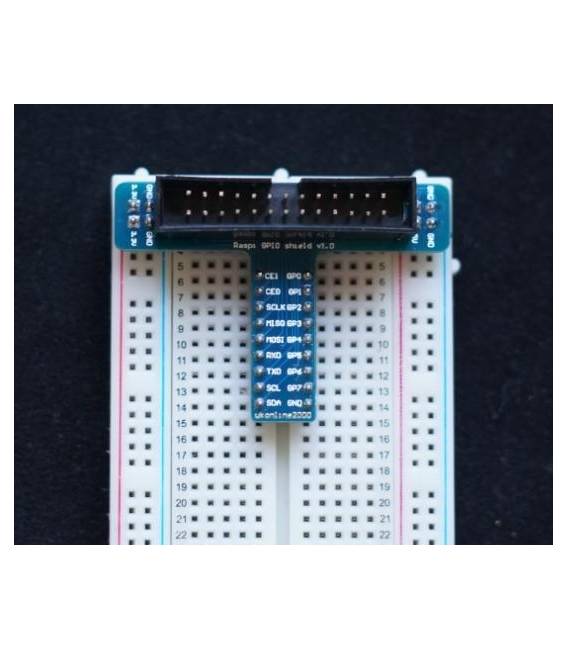
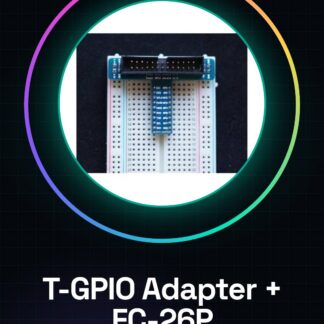
T-GPIO adapter board+FC-26P cable for Raspberry PI
We have datasheets available for all components, should they not be present in the product download sheet, please send us a message through the contact us form and we will publish it as soon as possible on our website.
Tutorial: How to use T-GPIO Adapter board+FC-26P Cable for Raspberry PI
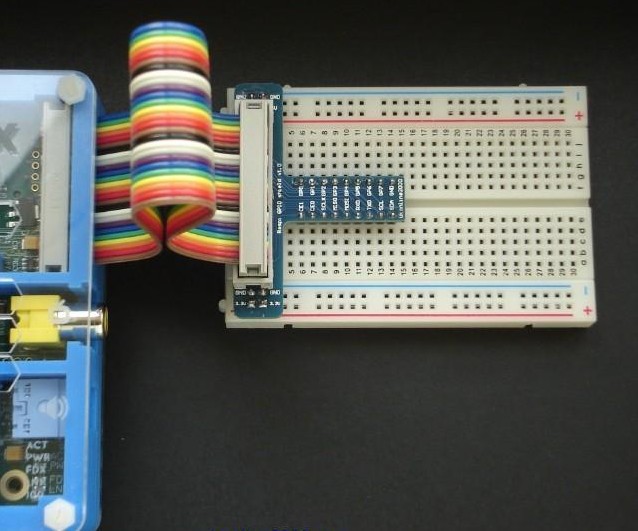
The T-GPIO Adapter board+FC-26P Cable is a useful accessory to expand the GPIO functionality of the Raspberry Pi. This adapter allows you to easily connect external devices to the GPIO pins, making it ideal for home electronics or hobby projects.
What you need
- Raspberry Pi
- Connection to PC (micro USB)
- Power Supply
Steps
- Connect the Raspberry Pi to the micro USB port of your computer to access the file system.
- Ensure that the power supply is correctly connected to the Raspberry Pi.
- Connect the FC-26P cable to the T-GPIO adapter and then to a compatible external device.
- Use the GPIO pins of the adapter to connect sensors or other devices.
- Check the Raspberry Pi datasheet for the functions of the various GPIO pins used.
- If necessary, install any additional software libraries required to manage the connected device.
- Test the configuration by creating a simple script that reads data from sensors or activates external devices.
- Verify the product datasheet for the precise technical specifications of the adapter and cable.
Example code
# Esempio di codice Python per testare la connessione GPIO
import RPi.GPIO as GPIO
GPIO.setmode(GPIO.BCM)
# Configura il pin GPIO come input/output
# Aggiungi qui le tue istruzioni specifiche
Mini project
Create a home alarm system that uses sensors connected via the T-GPIO adapter. The project should take approximately 30 minutes for configuration and testing.
Common mistakes
- Do not properly verify the specifications of the Raspberry Pi GPIO pins
- Omit to install necessary software libraries to manage connected devices
- Connect the power supply without first connecting the FC-26P cable to the T-GPIO adapter
- Do not test the configuration with a simple script before completing the project
Recommended accessories
- GPIO compatible motion sensors
- Relay to control electrical devices
- External USB power supplies
- Ethernet cables to connect the Raspberry Pi to a LAN network
Frequently asked questions
What is the difference between this adapter and similar products?
This adapter offers a specific design that facilitates the installation of external devices to the Raspberry Pi GPIO pins, making it more versatile compared to alternative solutions.
Can I use this adapter with all versions of the Raspberry Pi?
Check the datasheet to ensure the adapter is compatible with your Raspberry Pi version.
Reviews
There are no reviews yet.