 EN
 IT Italiano
 ES Español
 FR Français
 DE Deutsch
Description
What it is
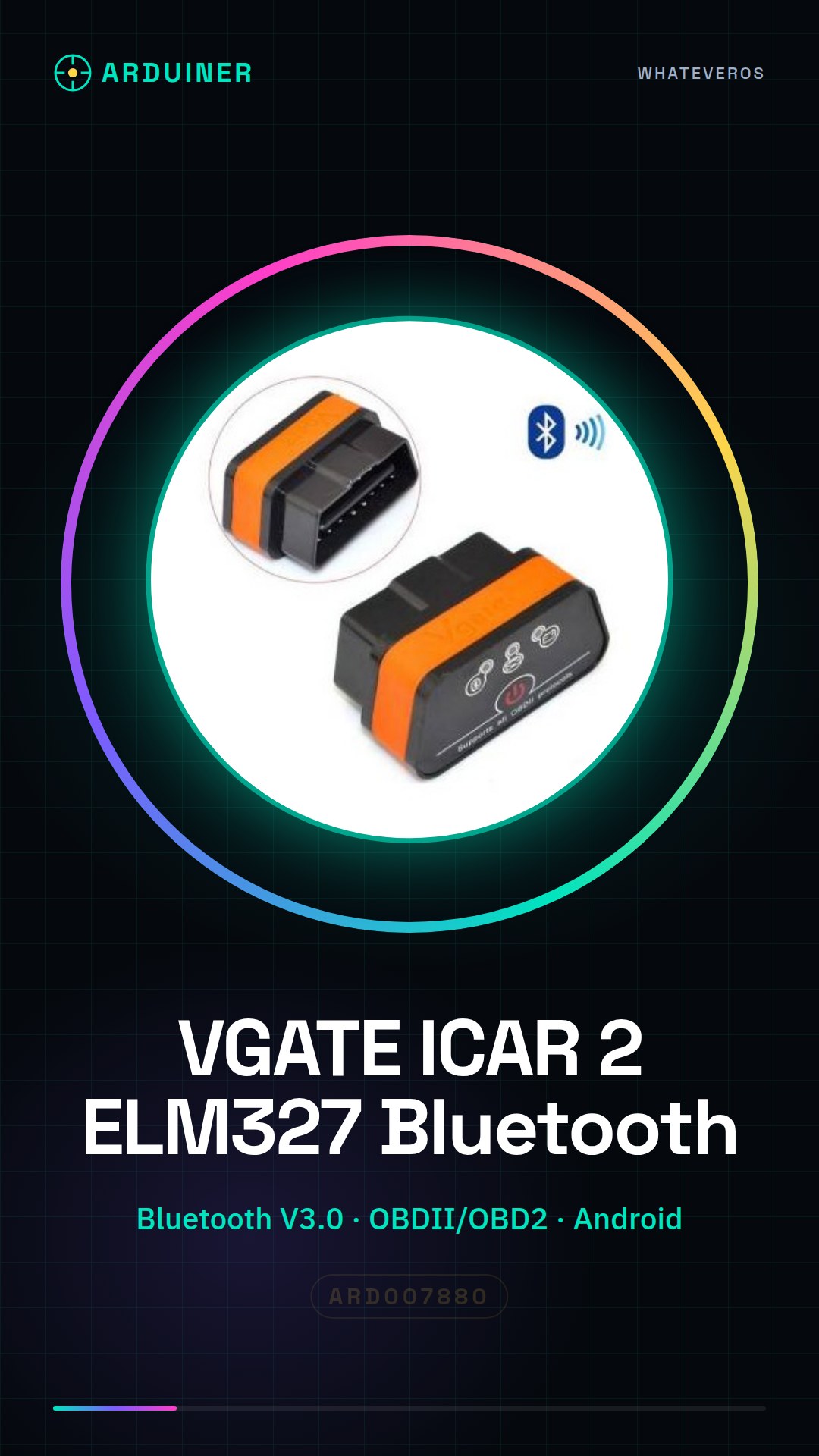
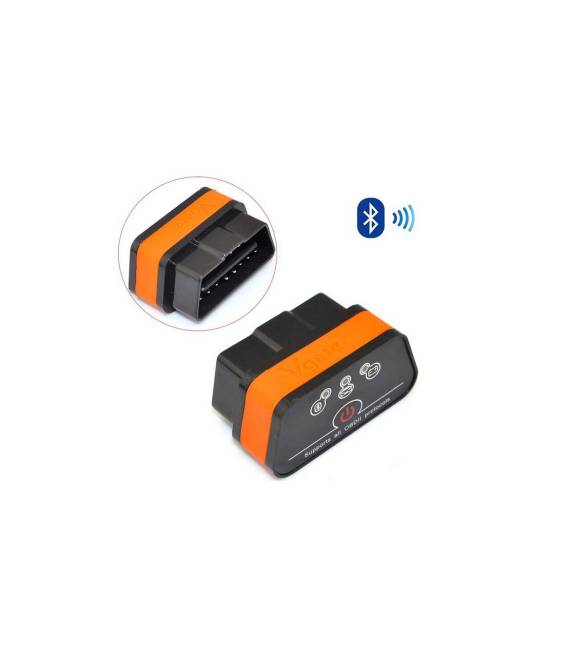
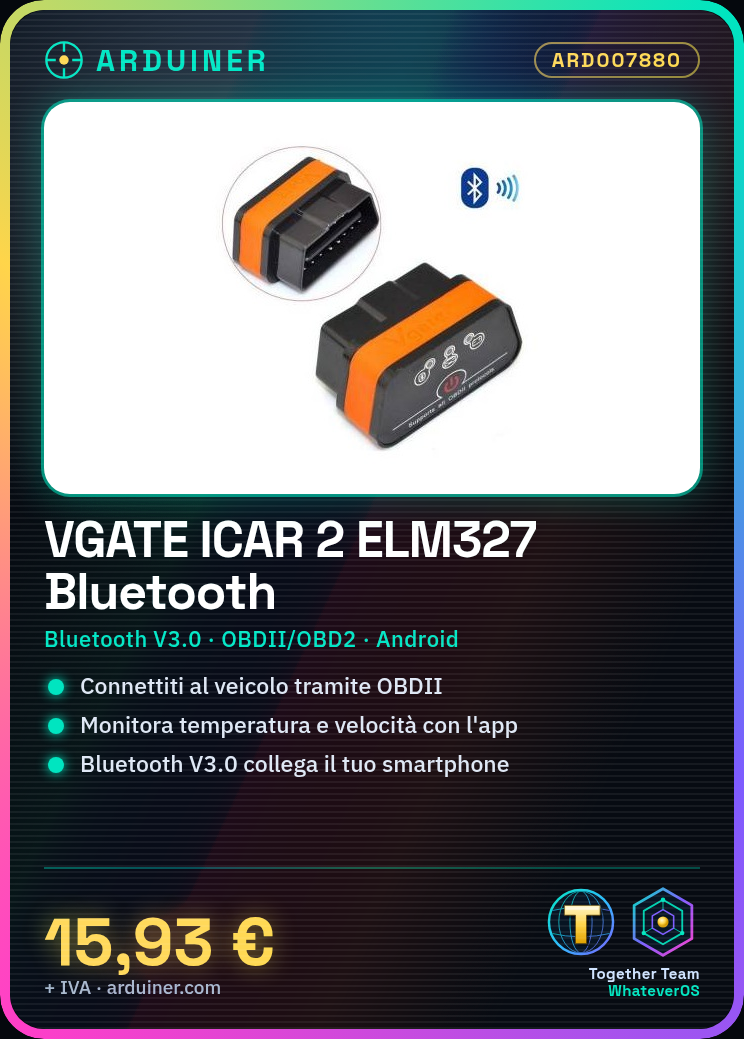
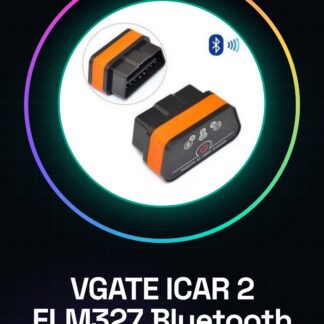
VGATE ICAR 2 ELM327 is a third-generation Bluetooth OBDII module. It allows you to read vehicle dashboard data through an Android device.
Features
- Bluetooth V3.0 Connection
- OBDII/OBD2 Protocol
- Compatibility with Android Devices
- SKU: ARD007880
- Price: 15.93 €
What it is for
The VGATE ICAR 2 ELM327 module can be used to monitor vehicle data such as engine temperature, speed, and other parameters. It is useful for car enthusiasts who want to monitor their vehicle’s health or for users who want direct access to dashboard data.
Tutorial: How to Use VGATE ICAR 2 ELM327 Bluetooth V3.0 OBDII OBD2 Pair Android
This Bluetooth OBDII module allows you to monitor your vehicle’s dashboard data on Android. Useful for maintenance and security enthusiasts.
What you need
- VGATE ICAR 2 ELM327 Bluetooth V3.0 OBDII OBD2 Pair Android
- Vehicle with OBDII Port
- Android Smartphone
- USB Cable
Steps
- Check the datasheet: vehicle compatibility with OBDII.
- Connect the OBDII module to the vehicle’s OBDII port.
- Install the OBDII app on Android.
- Connect the module to your smartphone via Bluetooth.
- Configure the Bluetooth connection on the module.
- Verify the connection between module and smartphone.
- Use the app to monitor onboard data.
- Turn off the module and turn off the vehicle.
Mini project
Connect the OBDII module to the vehicle and install the OBDII app on Android. Configure the Bluetooth connection and verify onboard data such as engine temperature and speed.
Common mistakes
- Do not check the vehicle’s compatibility with OBDII.
- Connect the module incorrectly to the OBDII port.
- Do not configure the Bluetooth connection correctly.
- Do not use a compatible app with the module.
Recommended accessories
- USB Cable for power supply
- Adhesive to secure the module to the vehicle
- Bluetooth Headset for Privacy
Frequently asked questions
The OBDII app does not connect to the Bluetooth module.
Check the Bluetooth configuration and the app’s compatibility with the module.
The module does not work on all vehicles.
Verify the vehicle’s compatibility with OBDII before purchasing.
How can I monitor in-vehicle data in real-time?
Install the OBDII app and select the parameters to monitor.
Reviews
There are no reviews yet.