 EN
 IT Italiano
 ES Español
 FR Français
 DE Deutsch
Description
What it is
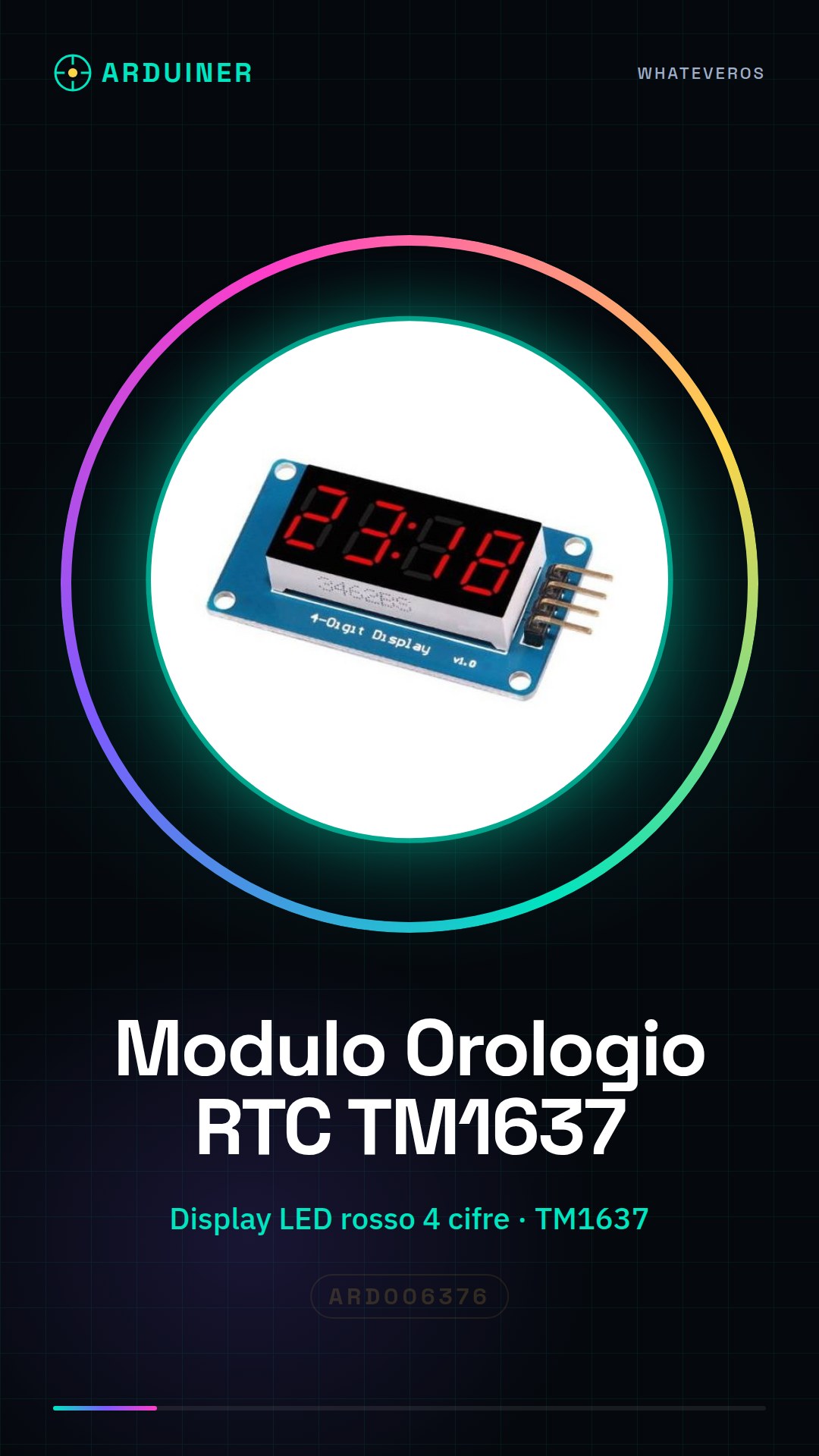
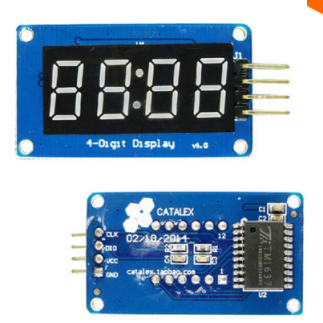
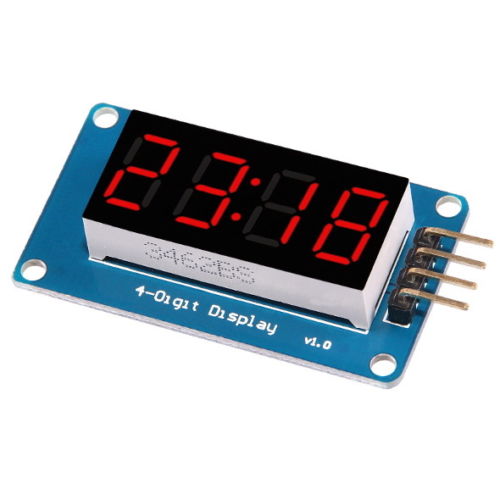
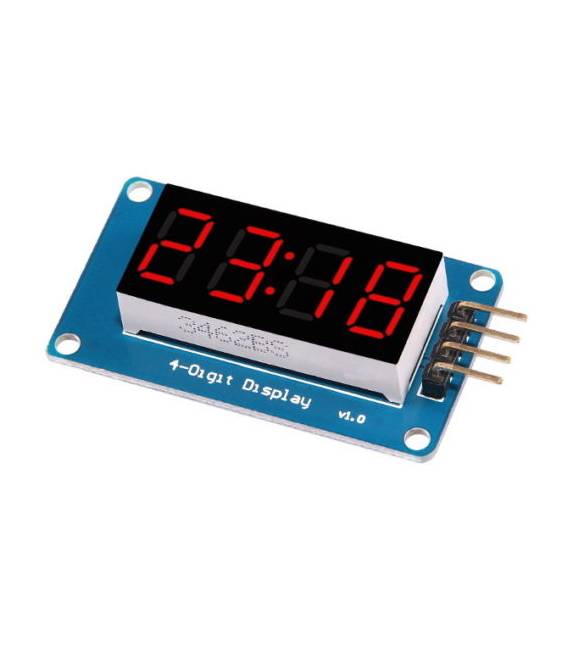
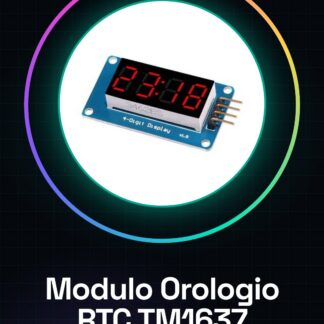
The RTC Clock Module with Red LED 4 Digit 4 Bit Display TM1637 for Arduino is an electronic component that allows displaying the time and date in digital format on four red LEDs. This module integrates real-time clock (RTC) functionality without complicating the circuit, making it ideal for programming and electronics projects.
Features
- 4-digit red LED display
- TM1637 technology
- Compatible with Arduino
What it is for
Modules like this RTC are useful for projects that require digital time display. You can use it to create a digital clock, add real-time clock functionality to electronic devices, or integrate it with buttons for manual time management.
Tutorial: How to use RTC Clock Module with Red LED 4 Digit Display TM1637
The TM1637 module is a useful component for Arduino projects that require digital time display. This module allows you to display the time and date on four red LEDs, integrating real-time clock (RTC) functionality without adding complexity to your circuit.
What you need
- Arduino Uno or compatible
- USB cable to connect Arduino to computer
- Arduino IDE software installed
Steps
- Connect the VCC and GND pins of the TM1637 module to the corresponding power pins of the Arduino.
- Connect the DIO (Data Input Output) pin of the module to any digital pin of the Arduino, for example pin 2. Also connect the CLK pin of the module to pin 3 of the Arduino.
- Open the Arduino IDE and install the TM1637Display library from the Arduino library manager (search for ‘TM1637Display’).
- Upload the sketch provided in this tutorial to your Arduino.
- Check that the red LED display correctly shows the time and date after a few seconds of sketch upload.
Example code
/* Includi la libreria TM1637Display */
#include <TM1637Display.h>

/* Definisci i pin di connessione del modulo */
tm1637display tm1637(2, 3);

void setup() {
  /* Inizializza il display */
  tm1637.init();
}

void loop() {
  /* Mostra l'ora corrente sul display */
  tm1637.showNumberDec(tm1637.now(), true);
}
Mini project
Create a digital clock that displays the time and date in real-time. Add two buttons to manually advance the time or date.
Common mistakes
- The display does not turn on: check the connections of the VCC, GND, DIO, and CLK pins.
- The displayed time is incorrect: ensure the module is properly powered and that the Arduino has a stable connection to the computer.
- The display shows strange characters: make sure you have correctly installed the TM1637Display library.
Recommended accessories
- Buttons to advance the time
- 10kΩ resistors for the buttons
- USB A-Micro B cable
- CR2032 battery (optional, for timekeeping in the RTC module)
Frequently asked questions
Where can I find the TM1637Display library?
You can find it in the Arduino IDE library manager by searching for ‘TM1637Display’.
The display does not turn on, what should I do?
Check the pin connections and ensure the module is properly powered.
How can I keep the time even when Arduino is off?
Add a CR2032 battery to the circuit to maintain the RTC module’s memory.

Reviews
There are no reviews yet.