 EN
 IT Italiano
 ES Español
 FR Français
 DE Deutsch
Description
What it is
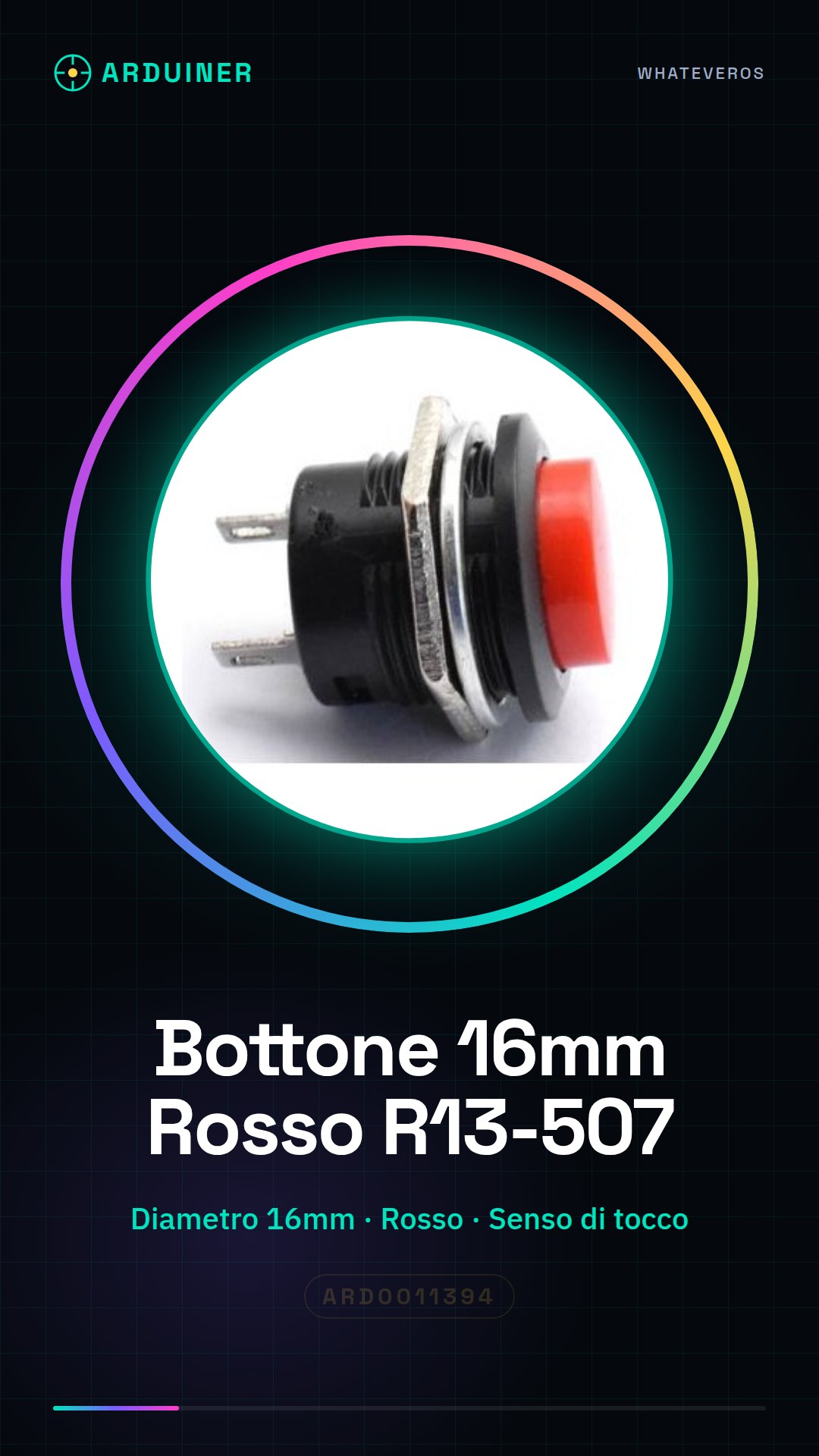
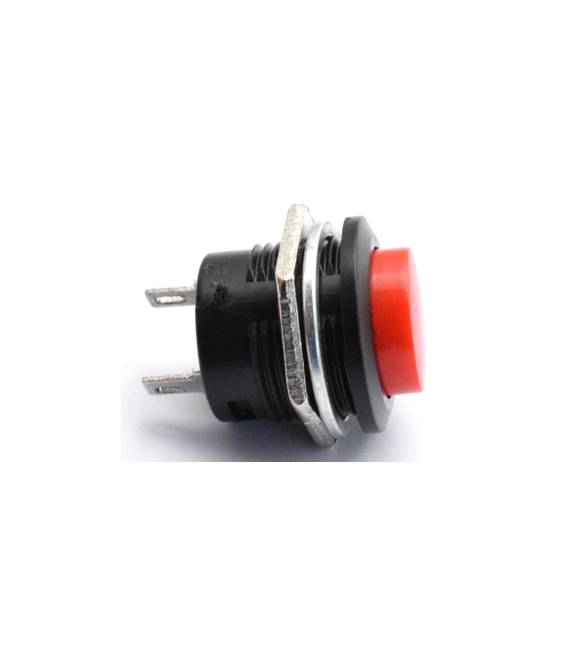
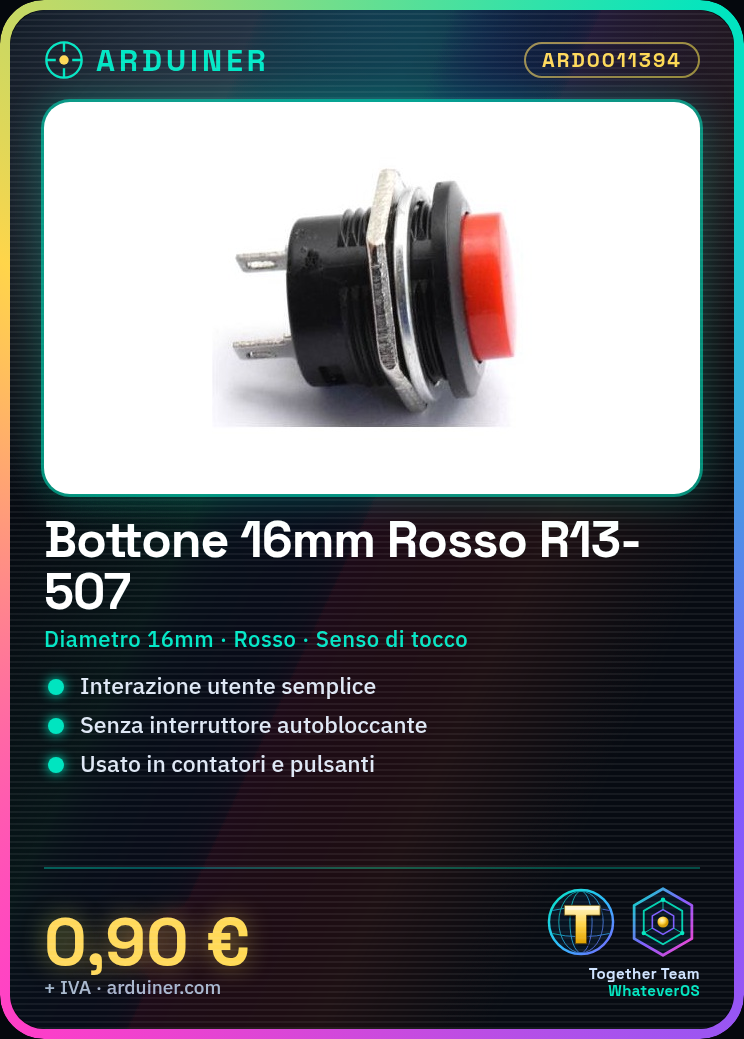
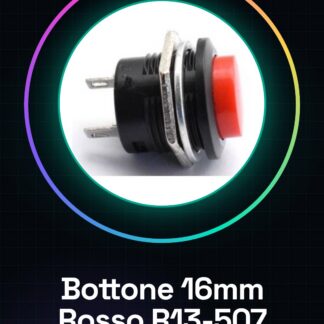
The R13-507 red button with dimensions 16mm is a simple and versatile component for Arduino projects. This button does not have a self-locking switch, making it suitable for use in user interfaces where the button function needs to be repeatable without restrictions.
Features
- Diameter: 16mm
- Connection type: check the datasheet
- Button type: touch sense
- Color: Red
What it is for
This button is ideal for projects that require simple user interactions, such as counters or control buttons. It is compatible with Arduino and can be used in combination with ESP if necessary.
Tutorial: How to use 16mm Red Button
This button is used to create simple user interfaces in Arduino-based projects. Useful for beginners and demonstration projects.
What you need
- Arduino or compatible
- Power cable
- 10kΩ resistor
- Proto-board header (optional)
Steps
- 1. Connect the button to the breadboard (VCC to a pin and GND to GND).
- 2. Connect the resistor between the digital pin (e.g., D2) and VCC.
- 3. Connect the digital pin to the third pin of the button.
- 4. Upload the following code to your Arduino.
- 5. Check that the button functions correctly.
- 6. Add custom features.
- 7. Test your project.
- 8. Repeat for the remaining two buttons.
Example code
```void setup() {} void loop() { if (digitalRead(2) == HIGH) { Serial.println("Bottone premuto"); } }```Mini project
Create a simple counter: connect three buttons to three different pins, count the presses and display the count on an LCD display.
Common mistakes
- Fail to read the datasheet specifications correctly.
- Connect the third pin of the button directly to GND.
- Omit the pull-up resistor.
- Do not test the project before use.
Recommended accessories
- 16×2 LCD Display
- Breadboard
- 10kΩ Resistor
- Power supply cable
Frequently asked questions
The button does not respond correctly.
Check the connections and the resistance value. Verify the code.
What to do if the button lights up?
The button should not light up. Check if it is connected correctly.
Which pins to use?
You can use any digital pin, but choose a pin that is easy to reach.



Reviews
There are no reviews yet.