 EN
 IT Italiano
 ES Español
 FR Français
 DE Deutsch
Description
What it is
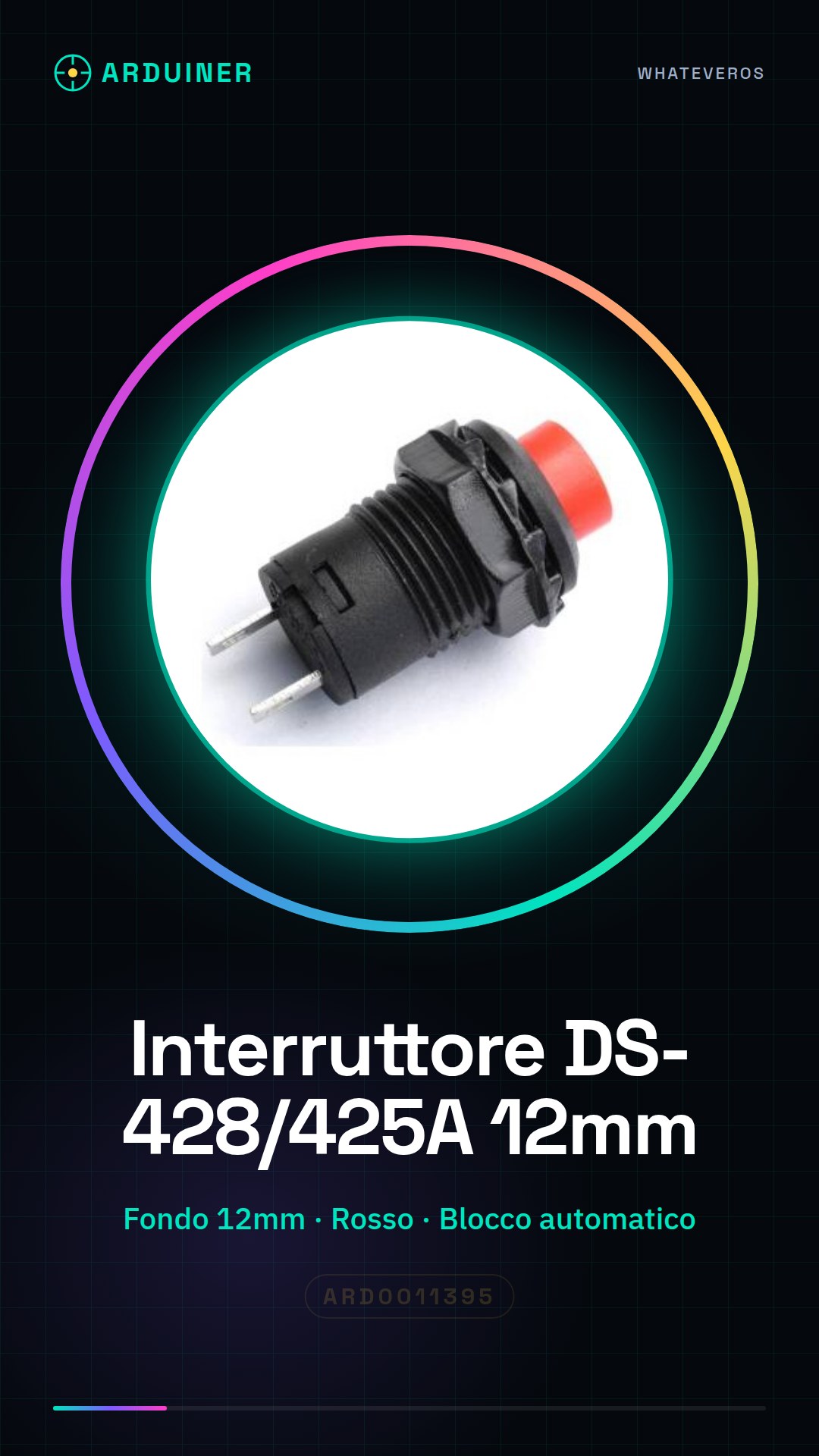
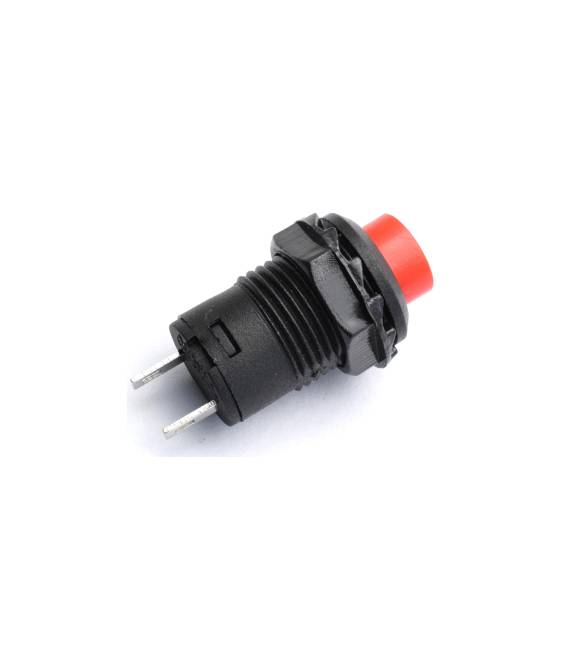
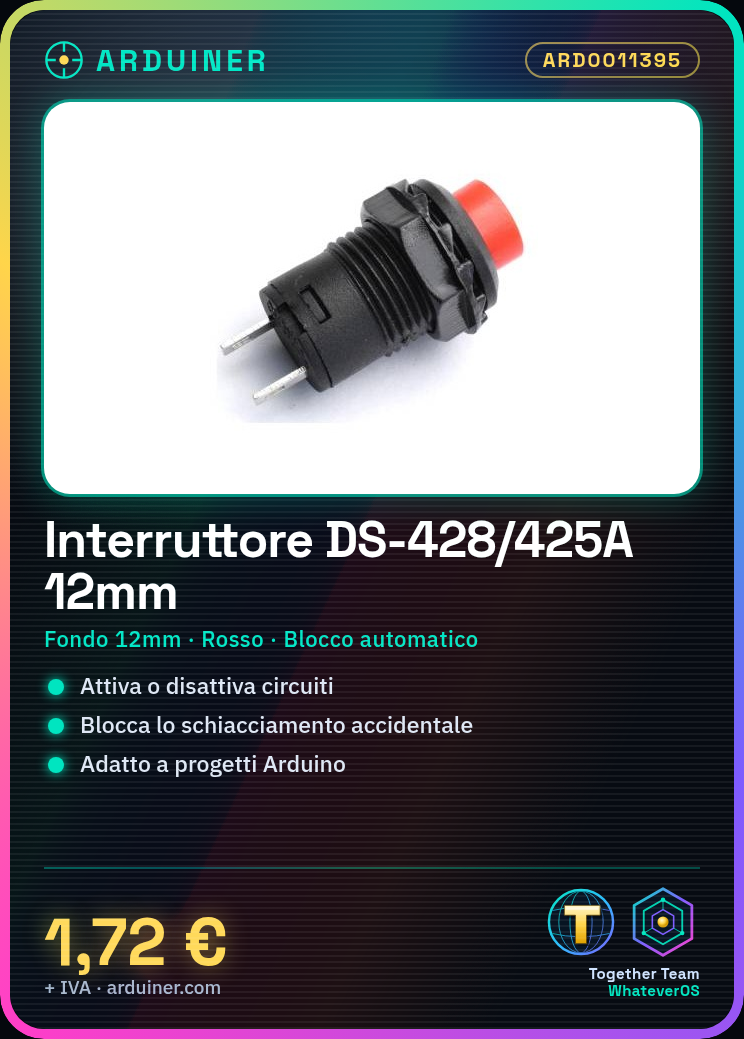
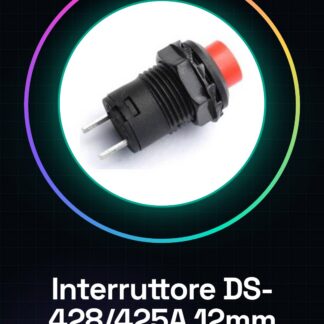
The DS-428/DS425A automatic lock-off switch is an electronic component used to activate or deactivate circuits in a simple manner. This version features a base of 12mm and a red switch.
Features
- Base: 12mm
- Cover: Red
- Type: DS-428 / DS425A
- Automatic lock-off: Yes
What it is for
This switch is ideal for Arduino projects and prototypes, allowing the management of circuits and devices such as LED lights. It is compatible with various microcontrollers including Arduino and ESP.
Tutorial: How to use DS-428/DS425A Switch
The DS-428/DS425A switch is an essential component for projects requiring simple activation and deactivation of circuits. This red base switch, with automatic lock-off, is ideal for beginners and intermediate makers.
What you need
- Arduino Uno
- USB cable
- External power supply
Steps
- Connect the switch to the Arduino digital pin using a jumper wire.
- Configure the pinMode of the switch pin as INPUT_PULLUP or INPUT in the Arduino code.
- Verify the correct activation and deactivation of the switch by pressing it during the execution of the sketch.
- If necessary, adjust the values of the boolean variable limits that control the state of the switch in the code.
Example code
const int interruptPin = 2;

void setup() {
  pinMode(interruptPin, INPUT_PULLUP);
}

void loop() {
  if(digitalRead(interruptPin) == LOW){
    Serial.println("Interruttore premuto!");
  }
}
Mini project
Create a simple light control project with this switch. Connect it to an LED lamp controlled by a relay to turn the light on or off when the switch is pressed.
Common mistakes
- Connect the pin to the Arduino without configuring it correctly.
- Do not verify the state of the switch during the execution of the sketch.
- Use an incorrect value for the boolean variable limits that control the state of the switch in the code.
Recommended accessories
- Control relay
- LED and corresponding resistor
- Jumper wire
Frequently asked questions
How to connect the switch?
Connect it to an Arduino digital pin using a jumper wire. Check the pinMode configuration in the code.
What is the advantage of using this switch?
The automatic lock-off prevents the switch from being accidentally held down, protecting connected circuits.



Reviews
There are no reviews yet.