 EN
 IT Italiano
 ES Español
 FR Français
 DE Deutsch
Description
What it is
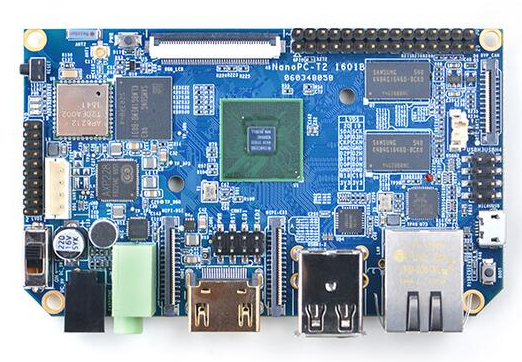
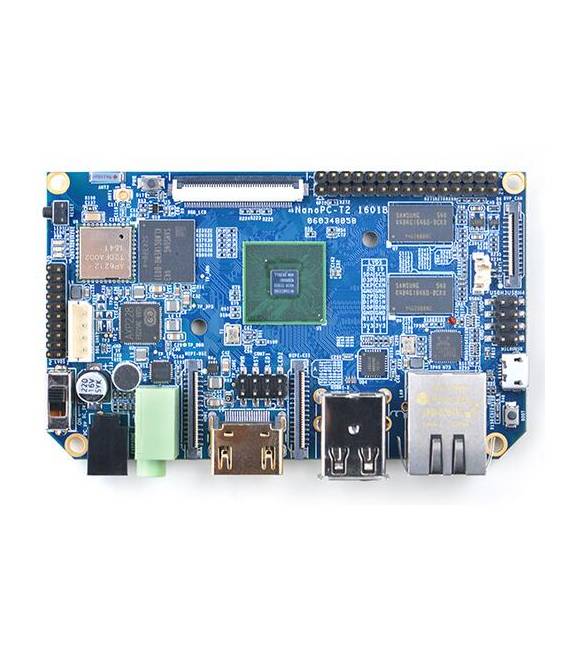
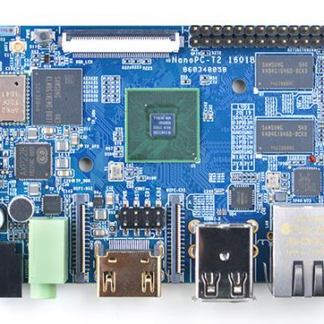
The NanoPC-T2 is a miniaturized quad-core PC board, ideal for development and prototyping. It integrates WiFi and Bluetooth, making it suitable for multi-functional projects.
Features
- Quad-core PC board
- Integrated WiFi
- Integrated Bluetooth 4.0
- Operating System Ubuntu Andrews 5
What it is for
The NanoPC-T2 is useful for programmers, developers, and makers who need a compact platform for developing and prototyping electronic projects. It can be used to create remote control interfaces, automation systems, and much more.
Tutorial: How to use quad-core NanoPC-T2 PC
The NanoPC-T2 is a miniaturized PC ideal for development and prototyping projects. Useful for programmers, developers, and makers.
What you need
- NanoPC-T2
- USB cable
- MicroSD or SD
- Monitor or HDMI screen
- HDMI cable
- Reset button
- 5V power supply
Steps
- 1. Connect the 5V power supply to the NanoPC-T2.
- 2. Connect the USB cable to the power adapter and the PC.
- 3. Insert a MicroSD or SD card into the slot.
- 4. Connect the HDMI cable to the NanoPC-T2 and the monitor.
- 5. Turn on the power supply.
- 6. Start the Ubuntu operating system.
- 7. Connect the NanoPC-T2 to a WiFi network.
- 8. Install Arduino IDE for software development.
Mini project
Create a simple remote control interface for a drone using the NanoPC-T2 and remote management software.
Common mistakes
- Forget the power supply.
- Insert the MicroSD or SD card in the wrong direction.
- Do not connect the HDMI cable correctly.
- Do not start the operating system.
Recommended accessories
- Arduino
- Drone
- MicroSD
- HDMI cable
Frequently asked questions
How can I update the firmware?
Check the datasheet for instructions.
Can it work with a different power supply?
Check the datasheet for power specifications.
Can I use a USB power supply?
Check the datasheet for power specifications.
Reviews
There are no reviews yet.