 EN
 IT Italiano
 ES Español
 FR Français
 DE Deutsch
Description
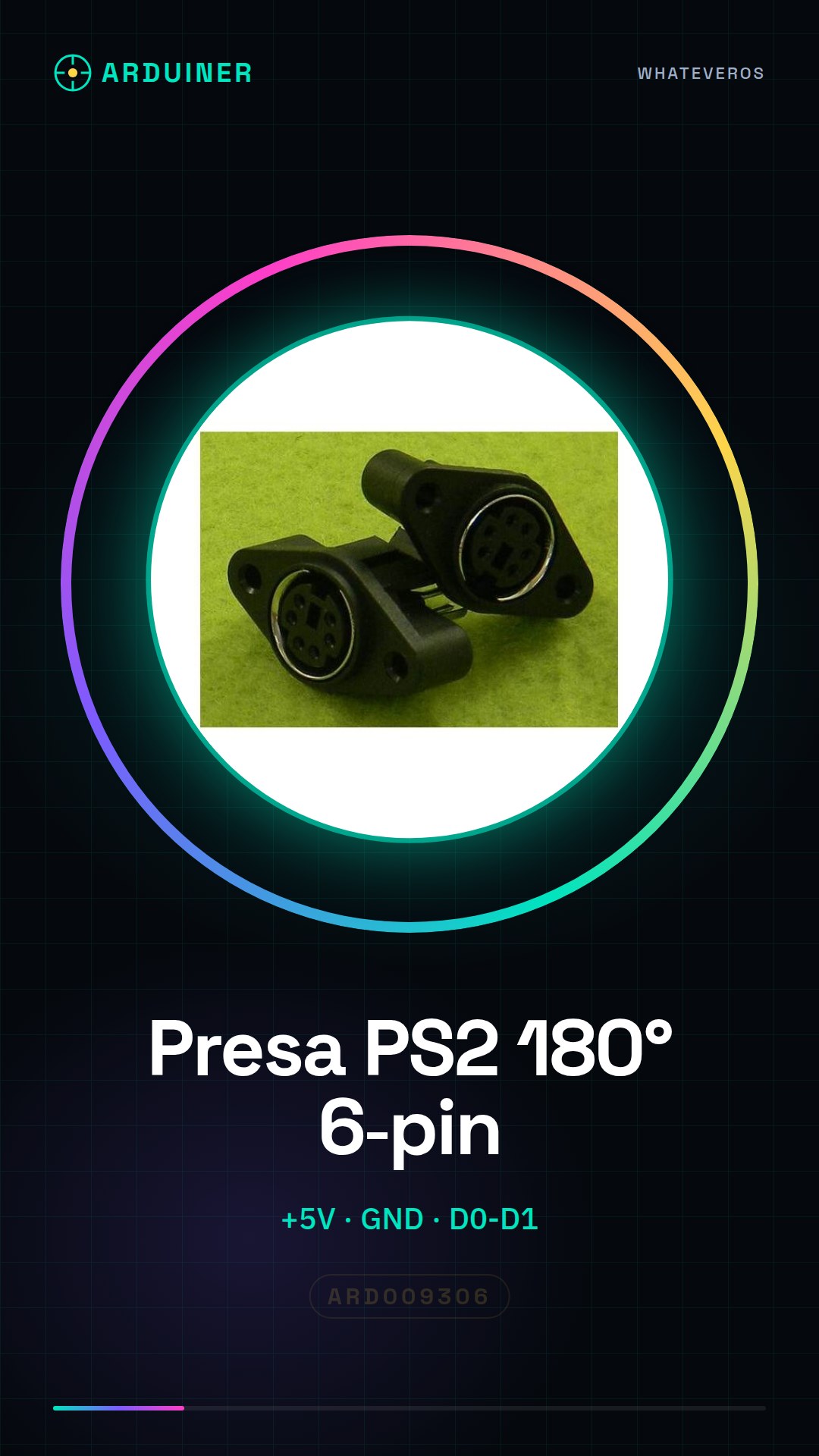
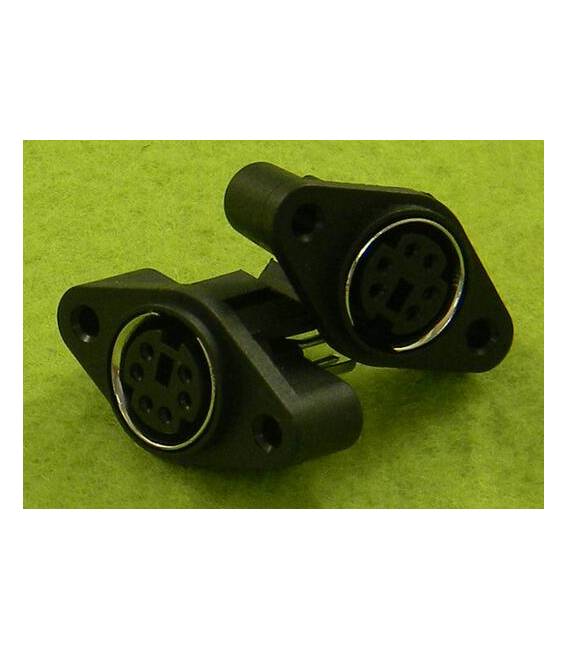
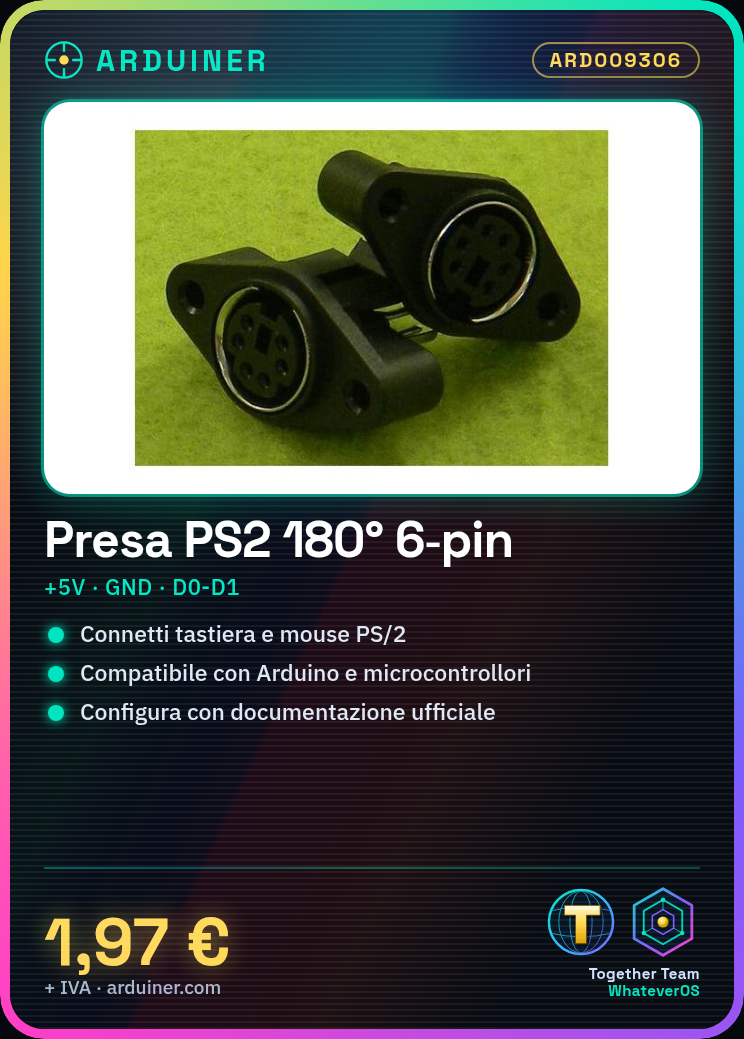
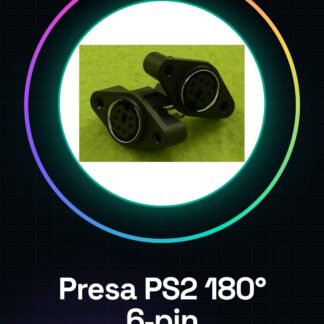
PS2 180 degree connector 6 pin
Tutorial: How to use the PS2 180 degree 6 pin connector
The PS2 180 degree 6 pin connector is a useful component for connecting PS/2 protocol-based keyboards and mice to your projects. Ideal for makers working on electronic systems that require input from traditional input devices.
What you need
- PS2 180 degree connector
- PS2 cable
- Arduino or compatible microcontroller
Steps
- Connect the PS2 cable to the PS2 180 degree connector.
- Check the pin connections (refer to the datasheet).
- Connect the following pins of the PS2 cable to the corresponding pins of the Arduino: +5V, GND, D0, D1.
- Configure your microcontroller to receive input from a PS/2 device following the official Arduino documentation or other online resources.
Mini project
Create a control console with a PS/2 mouse and keyboard that sends commands to a projector or robot.
Common mistakes
- Incorrect pin connection.
- Use of incompatible PS2 cable.
- The microcontroller configuration for the PS/2 protocol is missing.
Recommended accessories
- PS2 cable
- PS/2 connector kit
- Arduino Uno R3
Frequently asked questions
Which pins to use?
Check the datasheet of the PS2 cable and the 180-degree connector for the corresponding pins.
Can I use a wireless mouse with this connector?
No, the connector is designed only for wired PS/2 devices.
Reviews
There are no reviews yet.