 EN
EN IT Italiano
 ES Español
 FR Français
 DE Deutsch
Description
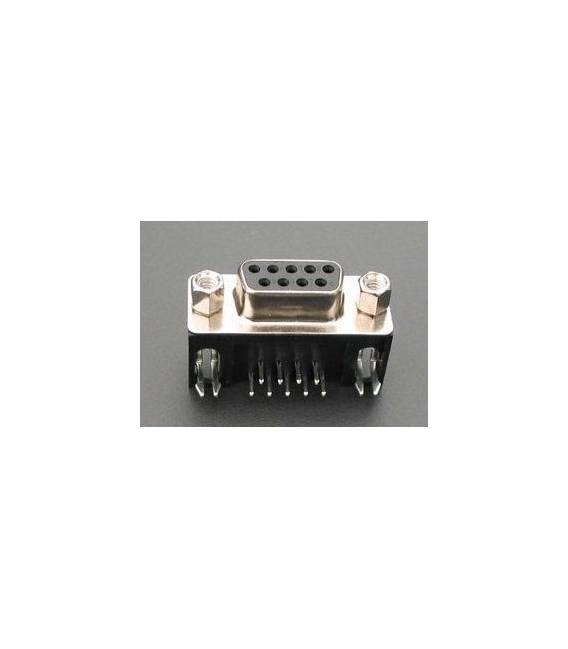
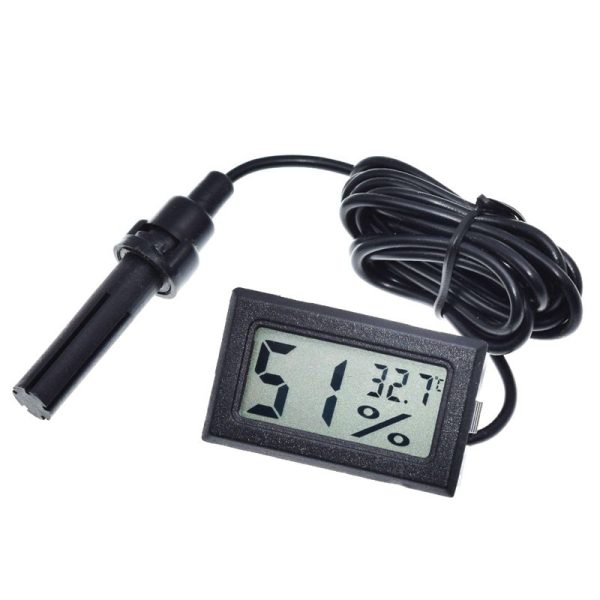
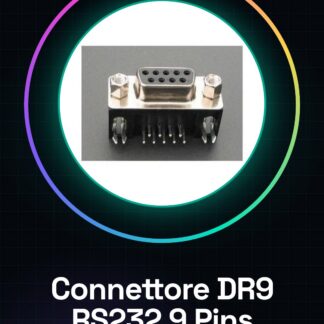
Tutorial: How to use Female RS232 Serial 9 Pin D-Type Connector DR9 The Female RS232 Serial 9 Pin D-Type Connector is essential for connecting devices that use RS-232 serial communication. It is ideal for makers and professionals working with Arduino or other microcontrollers. This component allows for a physical connection between an input/output device and a computer via the RS232 serial interface. What You Need Arduino Uno Serial D-Type Cable (male) Computer with serial port Steps Check the compatibility of the Female RS232 Serial 9 Pin D-Type Connector with your project. Prepare the Arduino and necessary cables for configuration. Connect the Serial D-Type Cable (male) to the Female RS232 Serial 9 Pin D-Type Connector. Refer to the datasheet to understand which pin is associated with which function. Select an Arduino sketch example that uses serial communication, such as Serial Monitor. Upload the sketch to Arduino. Open the serial monitor from the Arduino IDE software. Refer to the datasheet for voltage and current specifications to avoid damage to the device. Example Code // Example code for RS232 serial communication void setup() { Serial.begin(9600); } void loop() { if (Serial.available()) { char receivedChar = Serial.read(); Serial.print(“You wrote: “); Serial.println(receivedChar); } } Mini Project Connect a temperature and humidity sensor to Arduino via the RS232 connector, display data on the computer’s serial monitor. Common Errors Not verifying pin compatibility. Using voltages or currents that do not conform to the datasheet specifications. Ignoring the importance of baud rate synchronization between Arduino and the serial communication software. Not using an RS232 converter for devices requiring negative voltages. Recommended Accessories Serial D-Type Cable (male) RS232 Converter Temperature and Humidity Sensor 3D Print Case for Arduino Frequently Asked Questions What is the difference between a Female RS232 Serial 9 Pin D-Type Connector and a male one? The female connector (DR9) connects to a Serial D-Type Cable (male). How can I check if my computer has a serial RS232 port? Check your computer’s documentation or use software like Device Manager on Windows. Can I use this connector with other microcontrollers besides Arduino? Yes, but check the datasheet for compatibility and configuration specifications.
Reviews
There are no reviews yet.