 EN
 IT Italiano
 ES Español
 FR Français
 DE Deutsch
Description
What it is
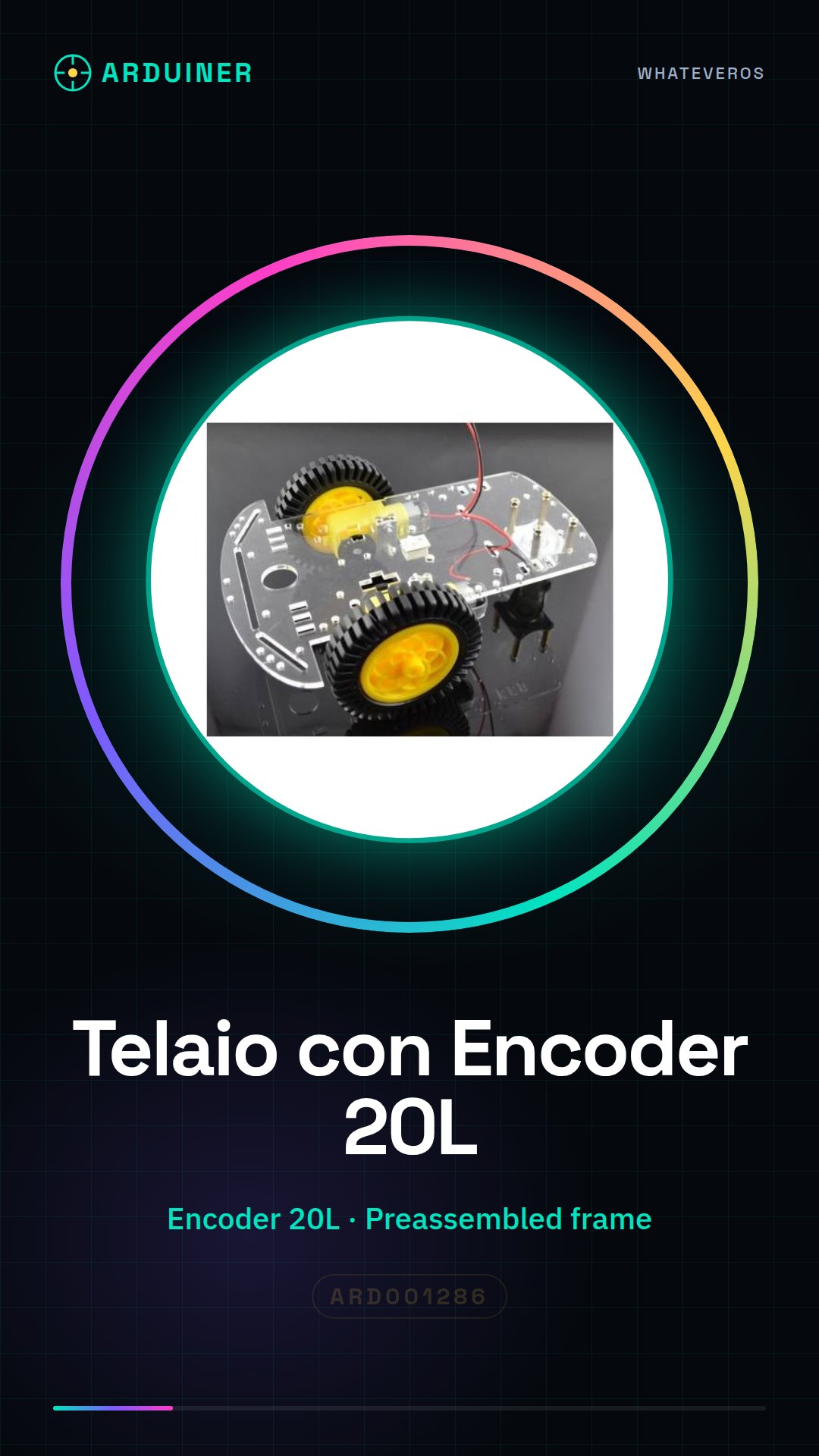
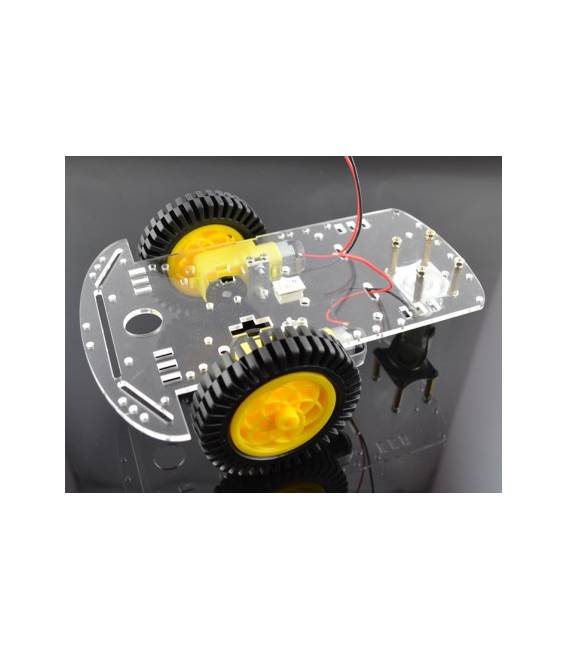
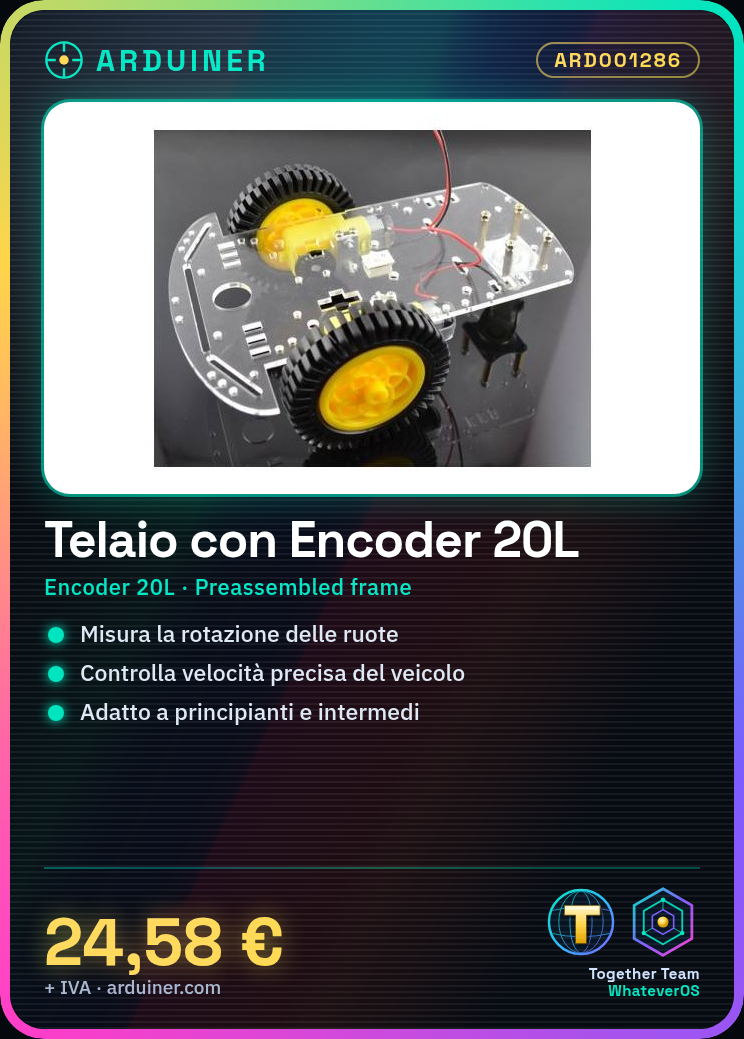
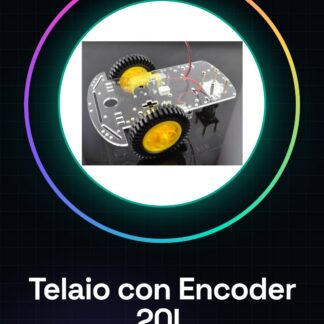
The Smart Speed Car Chassis with 20-line Encoder is a kit designed for building robotic vehicles with precise speed control. It includes a pre-assembled chassis and a 20-line encoder for measuring wheel rotation.
Features
- Smart Speed Car Chassis
- 20-line Encoder
- SKU: ARD001286
- Price: 24.58 €
What it is for
This chassis is ideal for Arduino projects and smart cars. The 20-line encoder is crucial for controlling the speed of intelligent cars, allowing for the measurement of wheel rotation and the consequent adjustment of the vehicle’s speed. It can be used by beginners and intermediates to create basic robotics projects.
Tutorial: How to Use Smart Speed Car Chassis
The 20-line encoder is a crucial component for controlling the speed of smart cars. Useful for beginners and intermediates.
What you need
- 20-line Encoder
- Arduino
- DC Motors
- 10kΩ Resistors
Steps
- Check the datasheet for the encoder specifications.
- Mount the DC motors on the chassis.
- Connect the DC motors to the Arduino power pins.
- Connect the encoder to Arduino pin A0.
- Connect a 10kΩ resistor between GND and the encoder mass pin.
- Load the provided Arduino code.
- Test the connection with a sample sketch.
- Calibrate the encoder sensitivity.
Example code
```
#include <AccelStepper.h>

AccelStepper stepper(AccelStepper::FULL_LEFT_TO_RIGHT, 2, 3);

void setup() {
  stepper.setMaxSpeed(200);
  stepper.setAcceleration(100);
}

void loop() {
  int value = analogRead(A0);
  stepper.setSpeed(value);
}
```
Mini project
Create a smart vehicle speed system in 30 minutes.
Common mistakes
- Forget to calibrate the encoder.
- Connect the encoder pins in reverse.
- Not using appropriate resistors.
- Omit loading the Arduino code.
Recommended accessories
- DC Motors
- 10kΩ Resistors
- Arduino
- Electrical Cords
Frequently asked questions
How to calibrate the encoder?
Measure the encoder position at two extreme points and adjust the Arduino code.
Can I use stepper motors?
Yes, but it might require different code.
Which specifications to check on the datasheet?
Check the power supply voltage and connection pins.
Reviews
There are no reviews yet.