 EN
 IT Italiano
 ES Español
 FR Français
 DE Deutsch
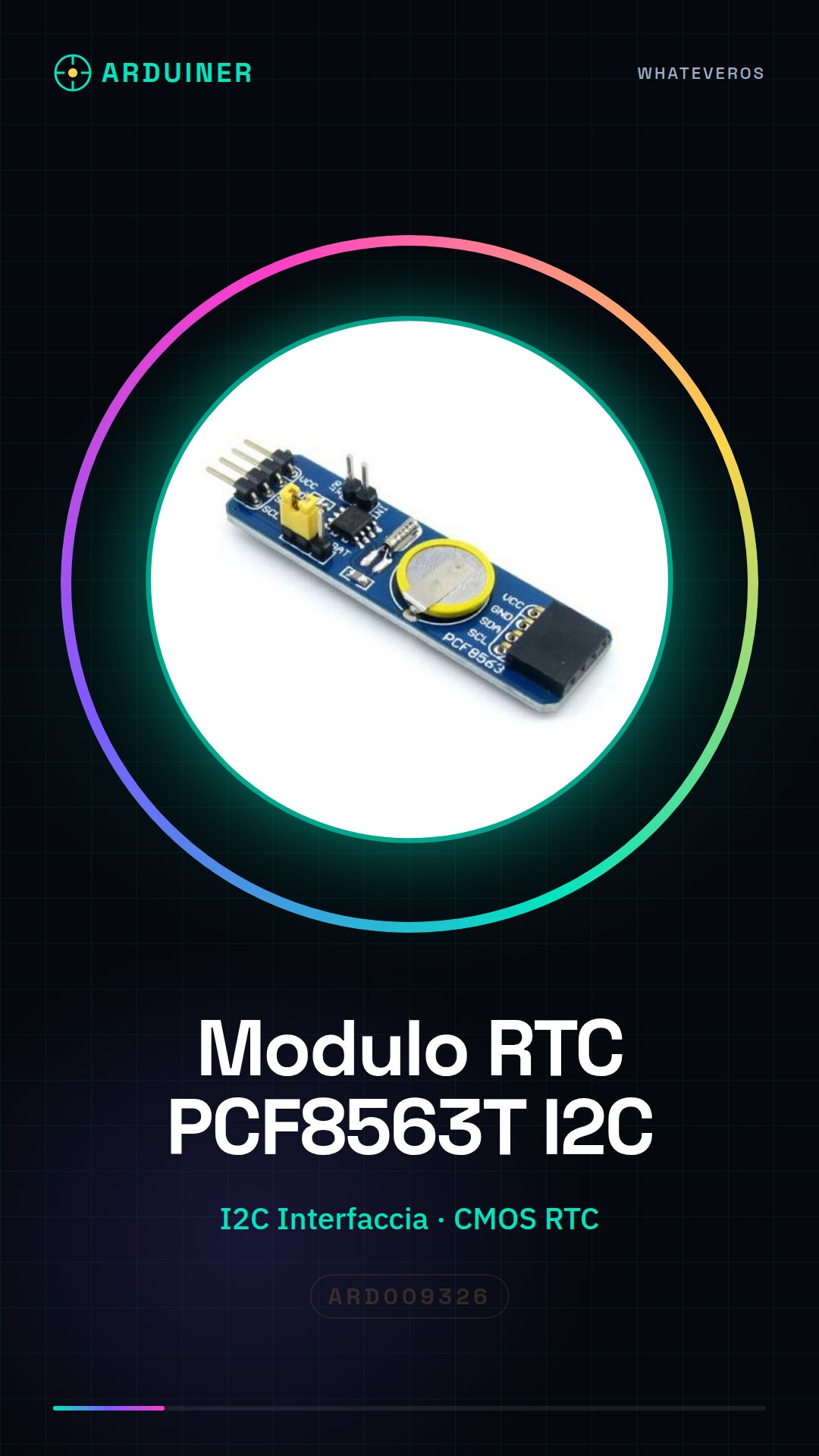
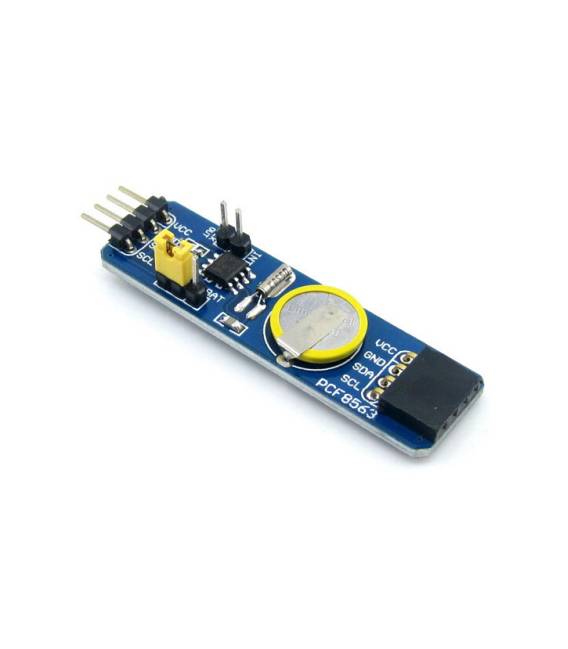
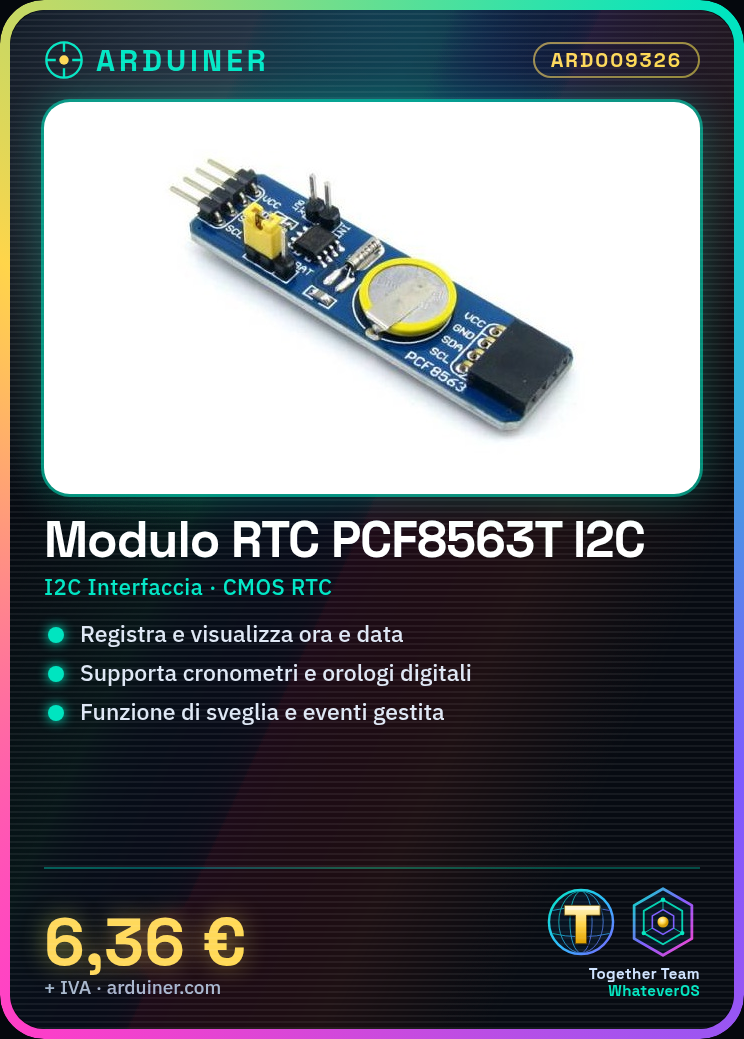
Description
What it is
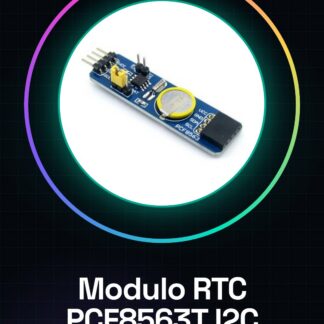
The PCF8563 RTC I2C module is an integrated circuit that provides a reliable solution for real-time clock and calendar in Arduino projects. It allows for precise recording and display of time and date.
Features
- Chip: PCF8563T
- Interface: I2C
- Power Supply: check the datasheet
- Dimensions: check the datasheet
What it is for
The PCF8563 RTC I2C module is ideal for Arduino projects that require precise time recording, such as stopwatches, monitoring systems, or digital clocks. It can be used to log events, set alarms, or manage schedules.
Tutorial: How to use PCF8563 RTC Module
The PCF8563 RTC module is an essential component for projects that require precise time recording, such as stopwatches or monitoring systems. Ideal for both beginners and experts, this module facilitates integration with Arduino via I2C interface.
What you need
- Arduino Uno/Nano
- USB B Connector (for Arduino)
- Jumper Cable M/F and F/F
- CR1220 Battery
Steps
- Connect the VCC pin of the RTC module to the 5V of Arduino.
- Connect the GND pin of the RTC module to the ground of Arduino.
- Connect the SDA pin of the RTC module to A4 (SDA) of Arduino.
- Connect the SDL pin of the RTC module to A5 (SDL) of Arduino.
- Insert the CR1220 battery into the module holder to maintain time in the absence of external power.
- Install the Adafruit_PCF8523 library via Arduino IDE’s library manager.
- Load the example sketch provided by the library (Timekeeping_example).
- Verify that the clock is working correctly by displaying the date and time on the serial monitor.
Example code
include <Wire.h>
#include <Adafruit_PCF8523.h>

Adafruit_PCF8523 clock = Adafruit_PCF8523(0x68); // Indirizzo I2C del modulo RTC
void setup() {
clock.begin();
clock.getDateTime(&now);
Serial.begin(9600);
}
void loop() {}
Mini project
Create a digital clock with an LED display that shows the time and date in real-time, updating the data every minute.
Common mistakes
- Do not check if the module is properly powered.
- Use an unsupported library for this type of RTC module.
- Insert the CR1220 battery backwards in the module holder.
- Ignore the importance of initial clock synchronization.
Recommended accessories
- CR1220 batteries
- 4-digit LED display
- USB B connector
- Jumper M/F cable
Frequently asked questions
Is the PCF8563 RTC module compatible with other microcontrollers besides Arduino?
Yes, the module is compatible with any device that supports the I2C interface.
How can I check for the presence of another instance of the RTC module on the same I2C line?
Use a tool like i2cdetect to identify occupied I2C addresses on Arduino.
Reviews
There are no reviews yet.