 EN
 IT Italiano
 ES Español
 FR Français
 DE Deutsch
Description
What it is
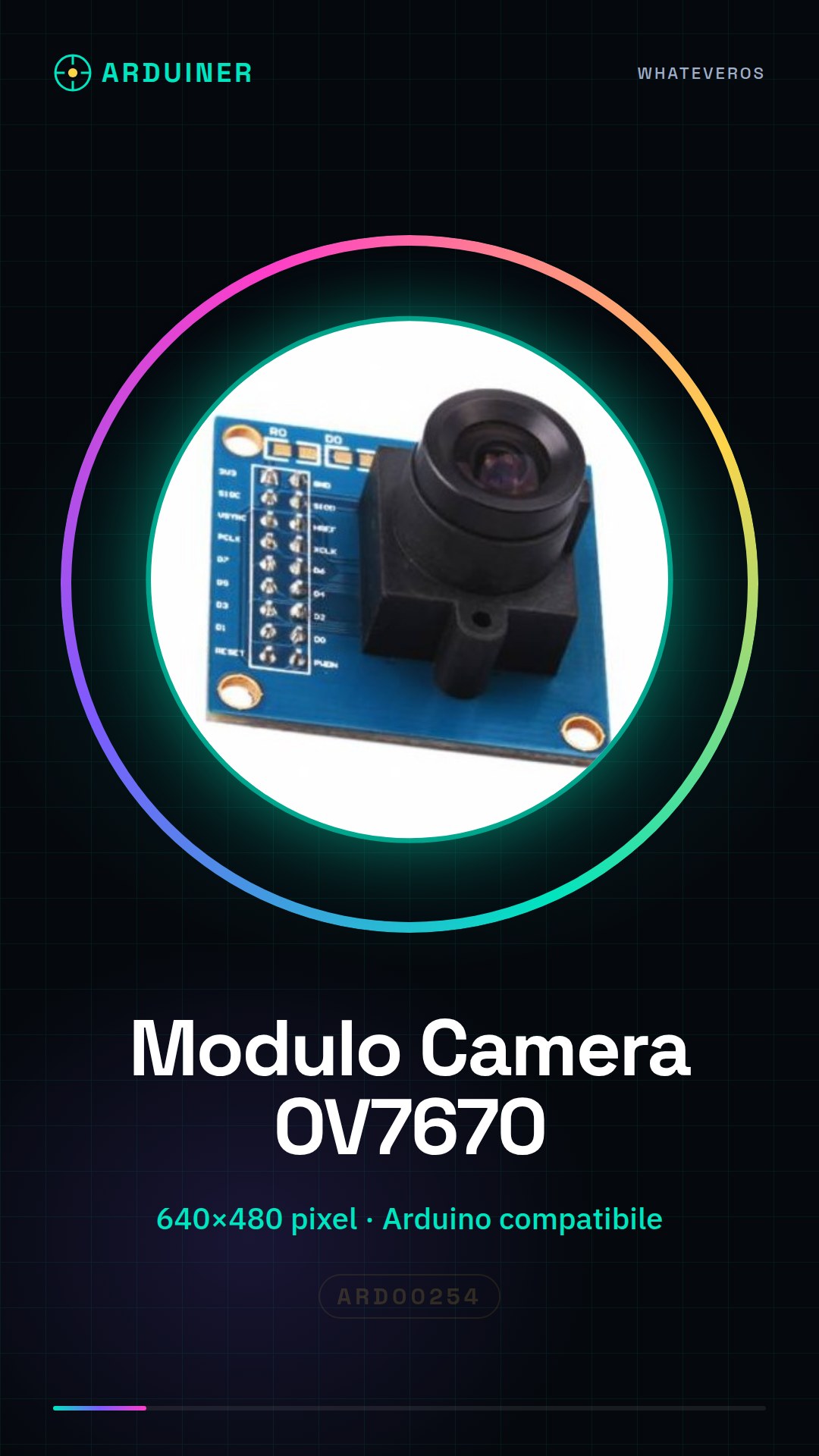
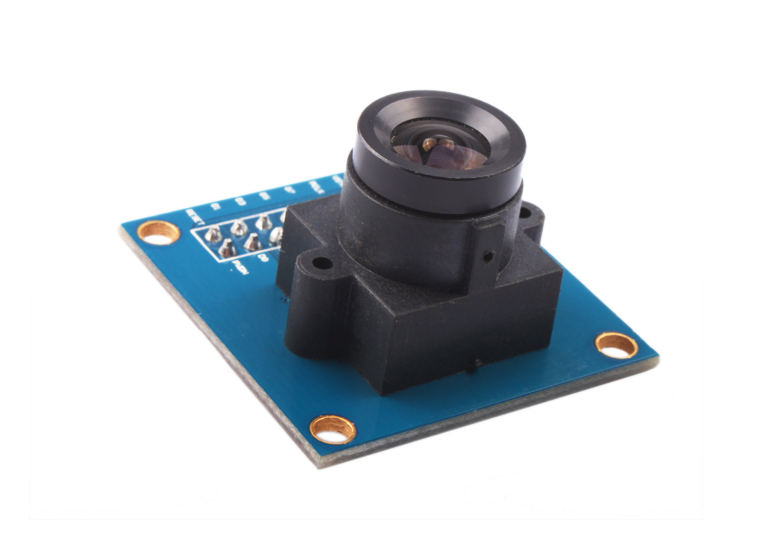
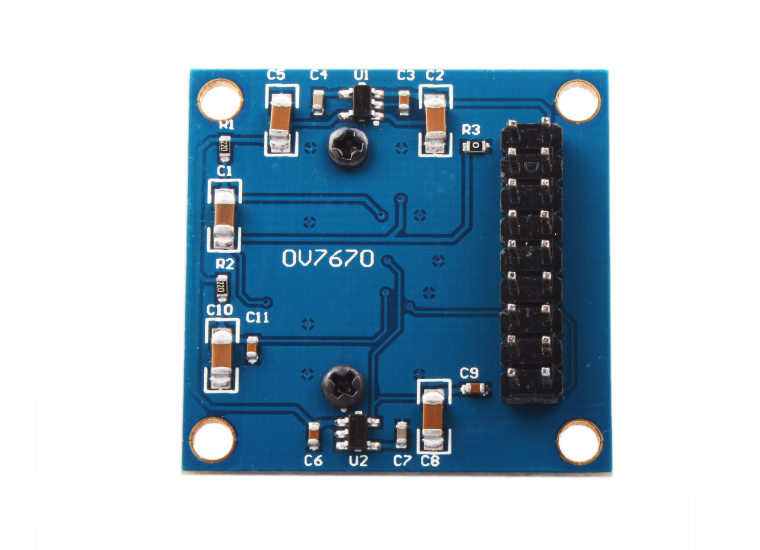
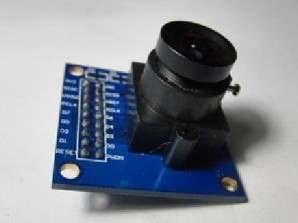
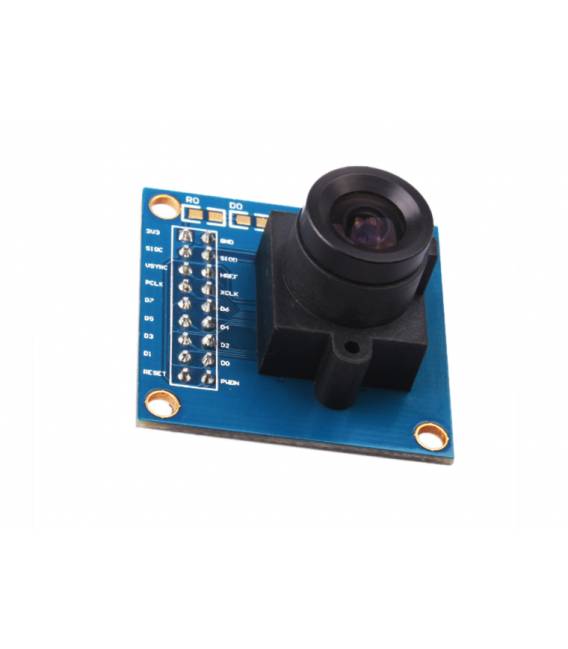
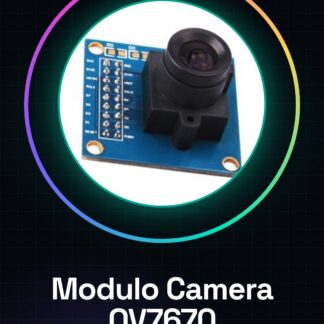
The OV7670 camera module is an electronic component compatible with Arduino, designed to acquire digital images in VGA resolution (640×480 pixels). This device is ideal for implementing artificial vision features in your projects.
Features
- Resolution: 640×480 pixels
- Compatible with Arduino
What it is for
The OV7670 module is usable for computational vision, robotics, and video streaming projects. You can use it to create home monitoring systems that send real-time images to a cloud platform or integrate it into your Arduino/ESP32 devices.
Tutorial: How to Use OV7670 Camera Module
The OV7670 camera module is ideal for artificial vision and video streaming projects with Arduino. It is perfect for beginners who want to start exploring the world of computer vision.
What you need
- Arduino Uno or compatible
- USB Type B cable
- Power adapter
Steps
- Connect the Arduino to the computer via USB type B cable.
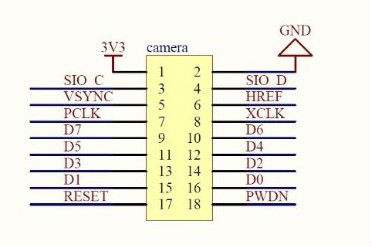
- Check the connection between the OV7670 module and Arduino following the instructions on the module labels.
- Install the necessary serial communication drivers (if required).
- Load the example sketch provided in the Arduino IDE software.
- Verify that the OV7670 LED turns on and blinks, indicating a correct connection.
- Use a software to monitor the Arduino serial console to display the data received from the camera.
- If necessary, modify the sketch to adapt it to the project requirements.
- Test the system with different lighting conditions and optimize the settings.
Example code
/*
 * Sketch di base per la comunicazione con OV7670
 */
#include <SoftwareSerial.h>

SoftwareSerial mySerial(10, 11); // RX | TX

void setup() {
  Serial.begin(9600);
  mySerial.begin(9600);
}

void loop() {
  if (mySerial.available())
    Serial.write(mySerial.read());
}
Mini project
Create a home monitoring system that sends real-time images to a cloud platform.
Common mistakes
- Unstable USB connection
- Incorrect OV7670 module configuration
- Insufficient power supply issues
- Missing or incorrectly configured serial drivers
Recommended accessories
- Power supply for Arduino
- Ethernet cable to connect Arduino to the Internet
- MicroSD Shield for image recording
- LCD screen to display system status data
Frequently asked questions
How can I optimize the lighting conditions?
Use an IR filter and adjust the gain and camera lighting.
Which libraries are necessary?
You can use SoftwareSerial for serial communication.
How can I transmit images over the network?
Use a Wi-Fi compatible board with Arduino and a web server to receive the data.
Reviews
There are no reviews yet.