 EN
 IT Italiano
 ES Español
 FR Français
 DE Deutsch
Description
What it is
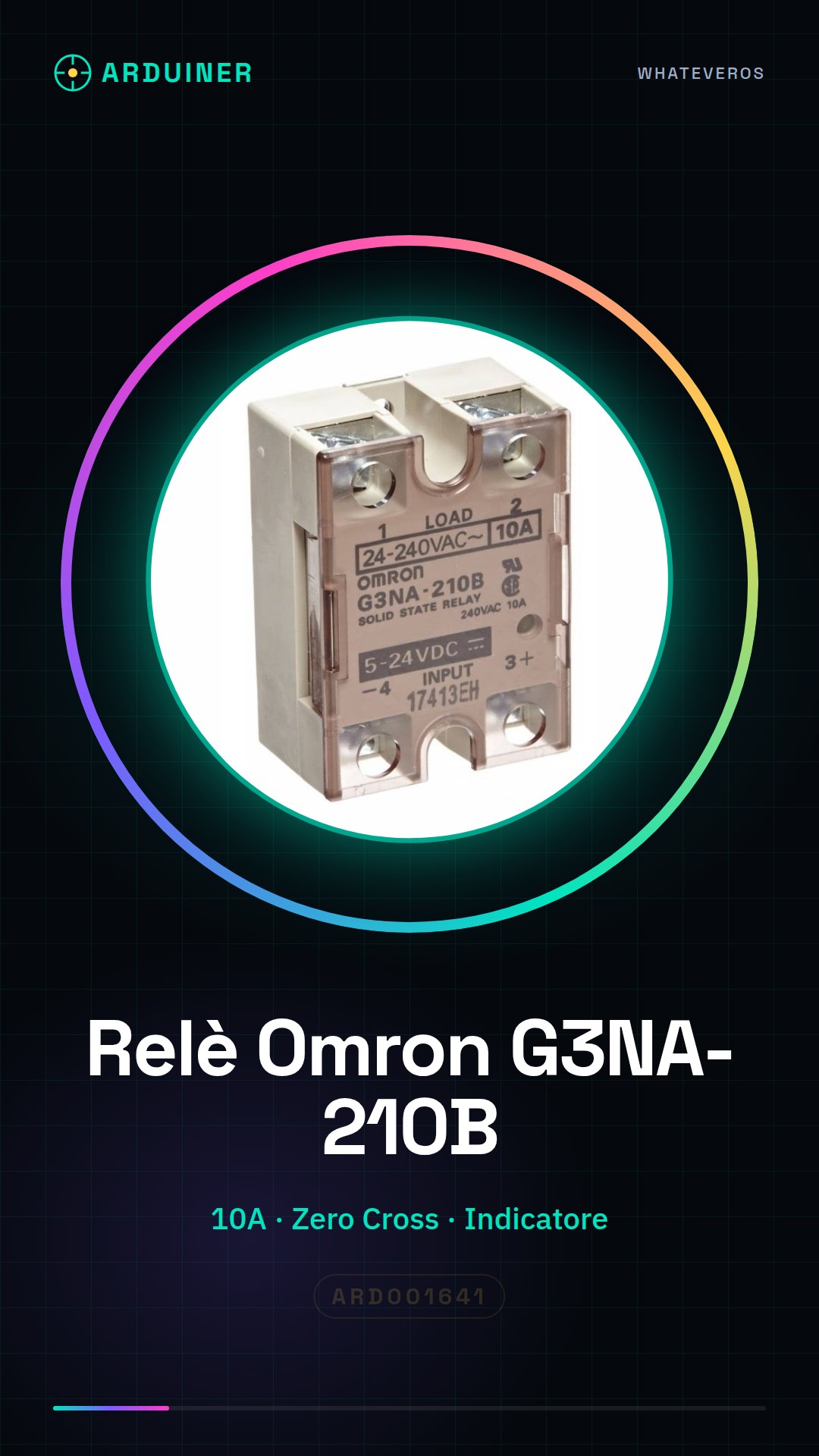
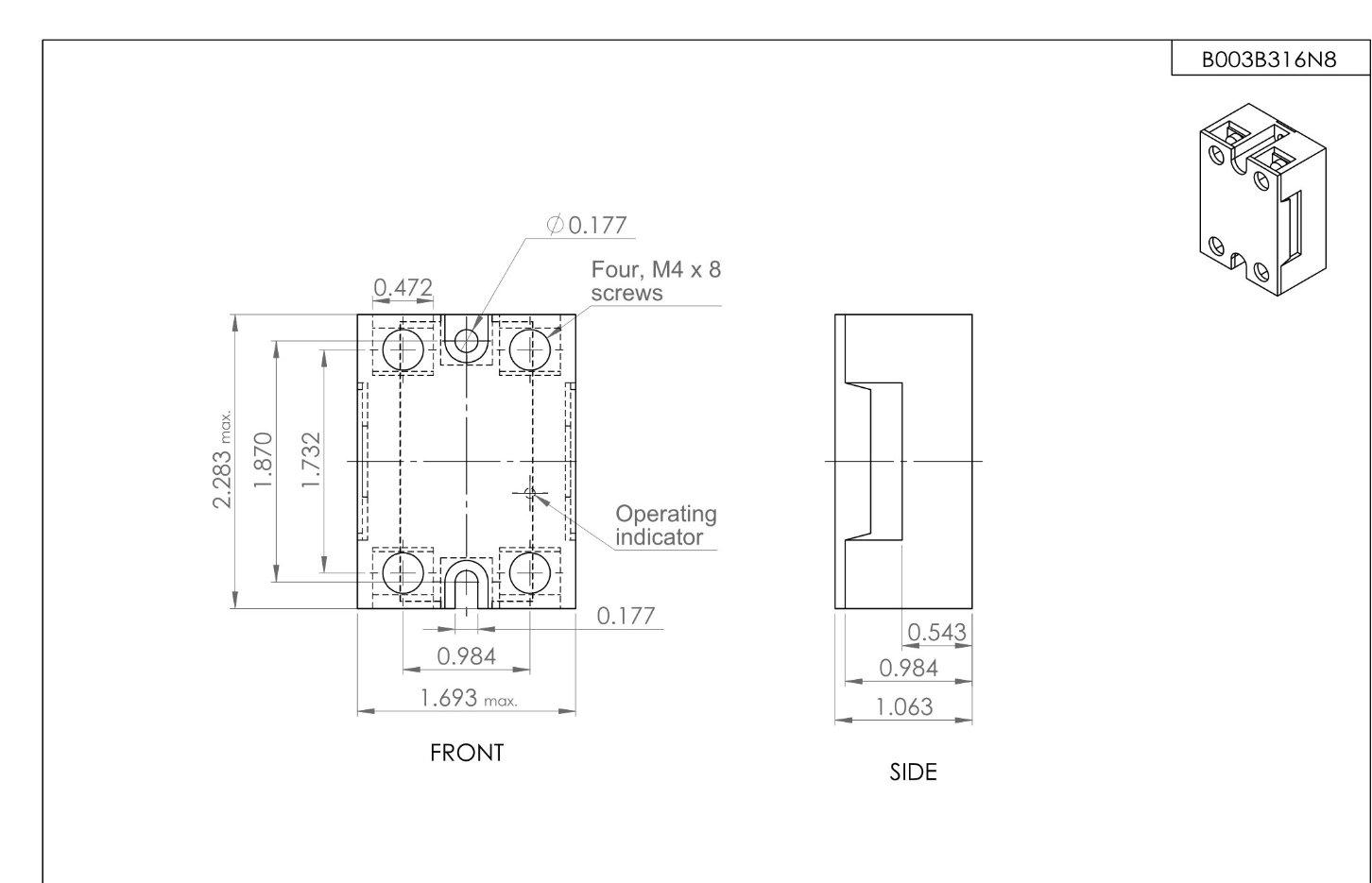
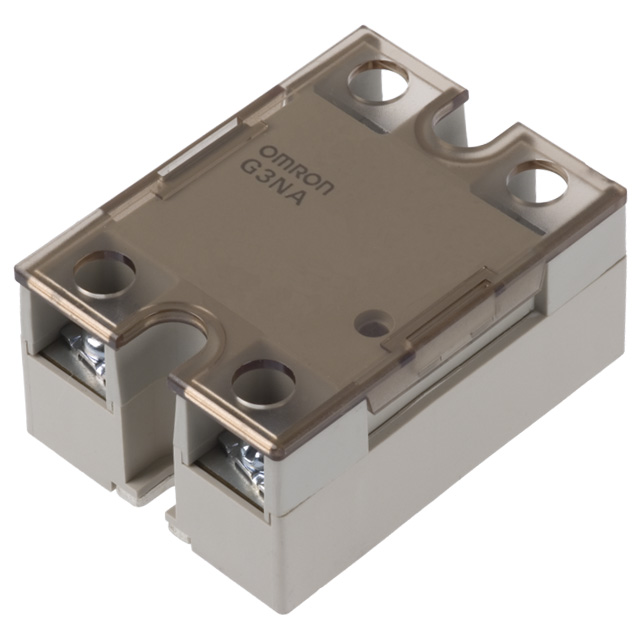
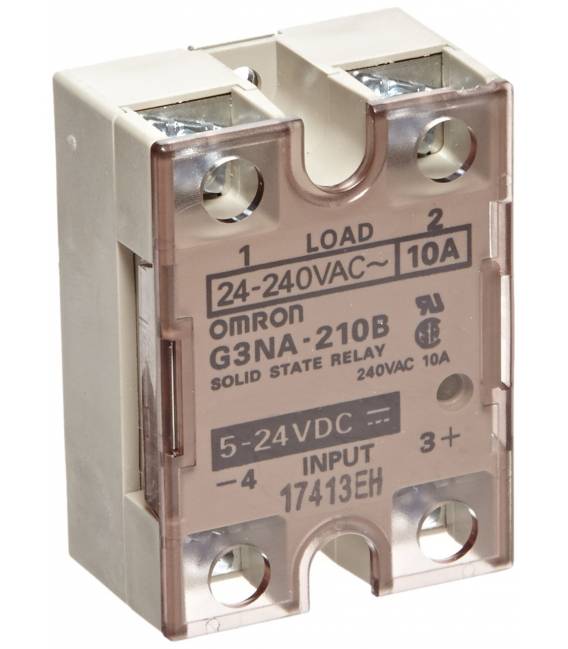
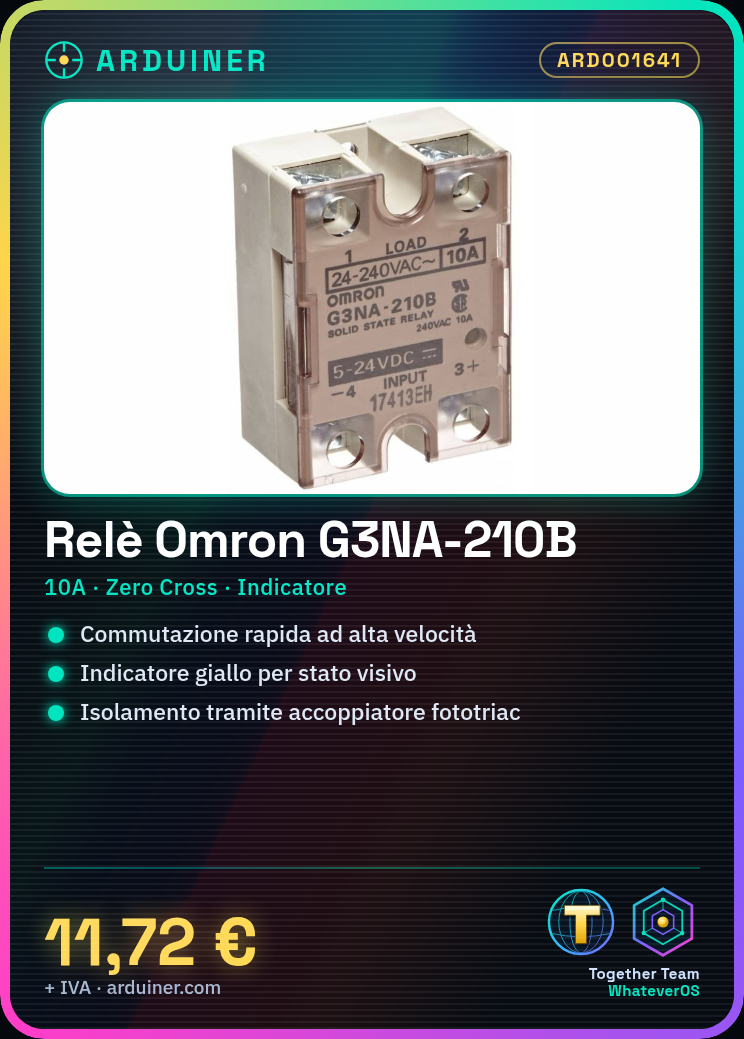
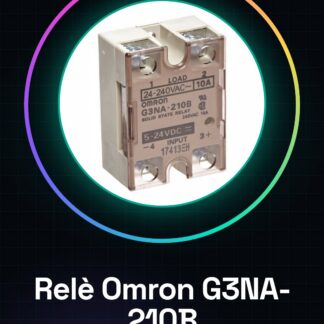
The Omron G3NA-210B-DC5-24 solid state relay features a Zero Cross function, a yellow indicator, and a phototriac coupling isolator. This type of relay is designed to provide high-speed switching in applications requiring electrical control.
Features
- Type: Solid State Relay G3NA-210B-DC5-24
- Zero Cross Function
- Yellow Indicator
- Phototriac Coupling Isolator
- Nominal Current: 10 A
What it is for
Ideal for Arduino and ESP projects, the G3NA-210B relay can be used to control electrical devices in current protection applications. It is particularly useful for beginners and intermediates, allowing the creation of automatic lighting systems using a light detector.
Tutorial: How to use G3NA-210B
The G3NA-210B relay is ideal for controlling electrical devices in current protection applications. Useful for beginners and intermediates.
What you need
- G3NA-210B
- Arduino
- Phototriac
- Resistor
Steps
- 1. Ensure the relay is functioning (check the datasheet).
- 2. Connect the relay to the phototriac via the coupling capacitor.
- 3. Connect the phototriac to the Arduino using a current-limiting resistor.
- 4. Connect the relay to the current to be controlled.
- 5. Load the Arduino code.
- 6. Configure the Arduino pin to control the relay’s state.
- 7. Test the relay using a yellow indicator as visual feedback.
- 8. Verify the insulation and effectiveness of the relay.
Example code
```
void setup() {
  pinMode(2, OUTPUT);
}

void loop() {
  digitalWrite(2, HIGH);
  delay(5000);
  digitalWrite(2, LOW);
  delay(5000);
}
```
Mini project
Create an automatic lighting system using a light sensor and the G3NA-210B relay.
Common mistakes
- Connect the relay directly to the Arduino without a resistor.
- Omit the coupling capacitor between the relay and phototriac.
- Ignore the yellow indicator to verify the relay’s state.
- Do not verify the relay’s insulation.
Recommended accessories
- Arduino Uno
- Phototriac
- Coupling capacitor
- 1kΩ resistor
Frequently asked questions
How can I check the relay’s functionality?
Use the yellow indicator and verify the relay’s status with a multimeter.
What is the Zero Cross function?
It allows for safer and more efficient control of high-frequency currents.
Can I use this relay with an Arduino Nano?
Yes, the G3NA-210B is compatible with any Arduino.
How much current can the relay handle?
The relay can handle up to 10 A nominal.
Reviews
There are no reviews yet.