 EN
 IT Italiano
 ES Español
 FR Français
 DE Deutsch
Description
What it is
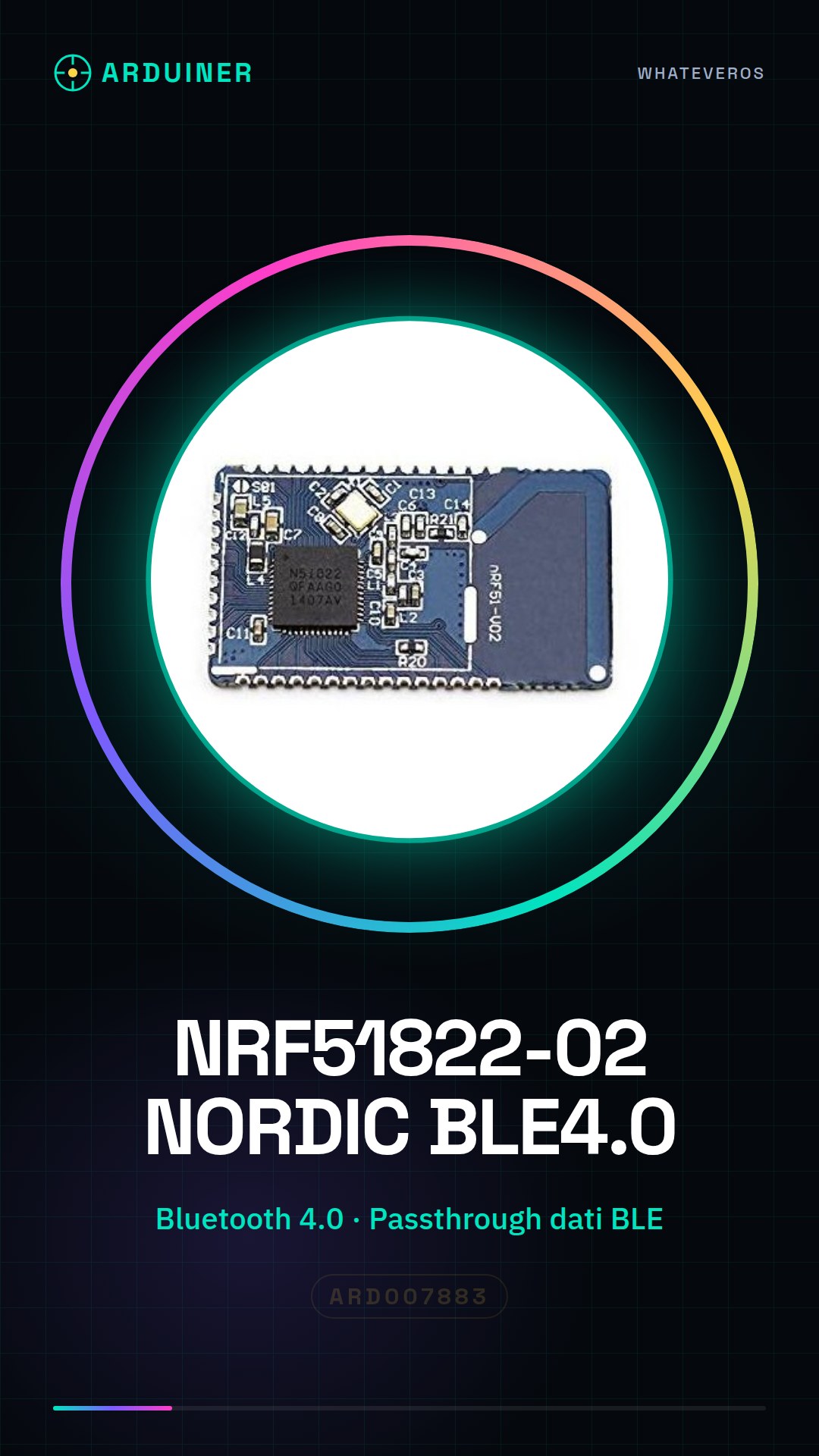
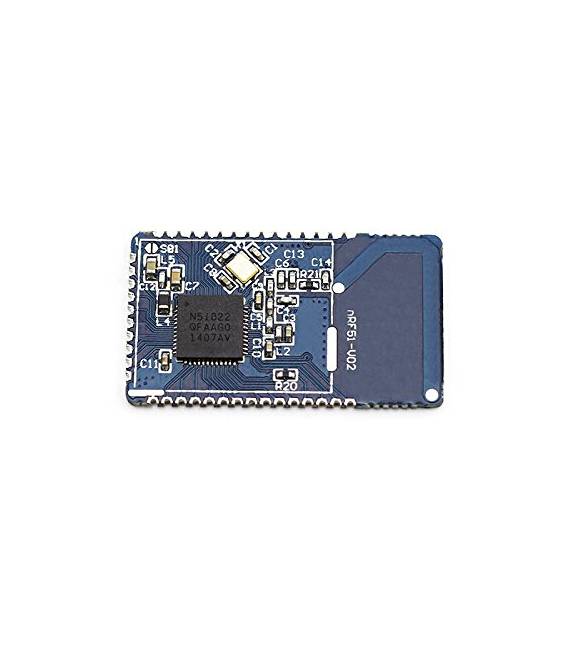
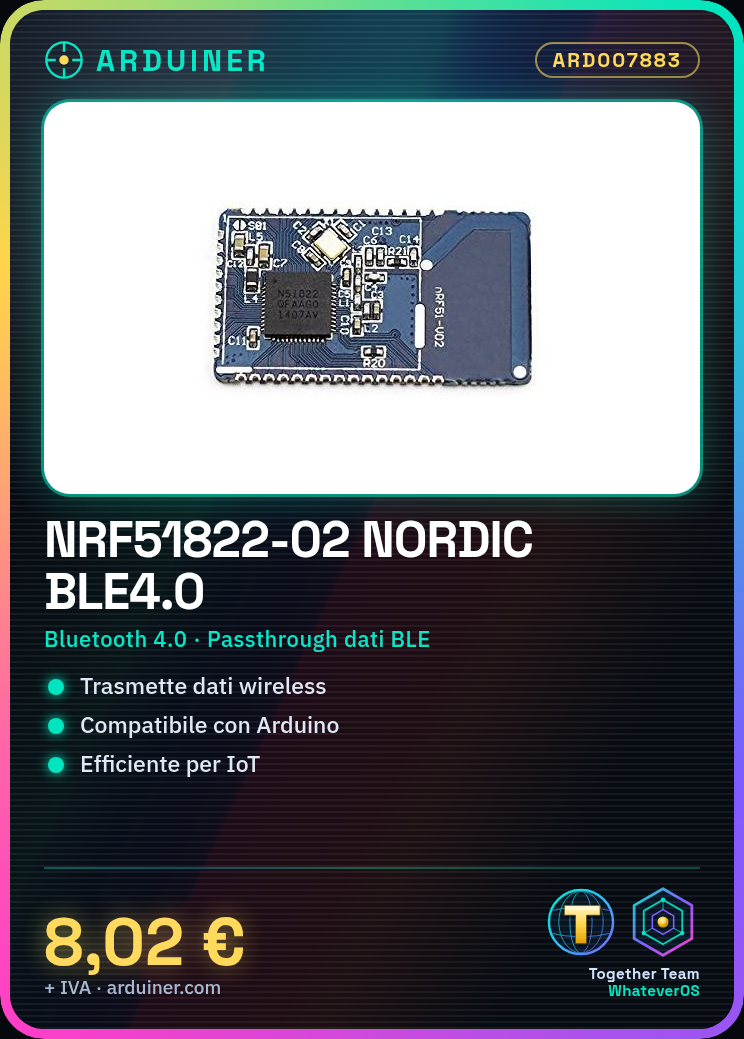
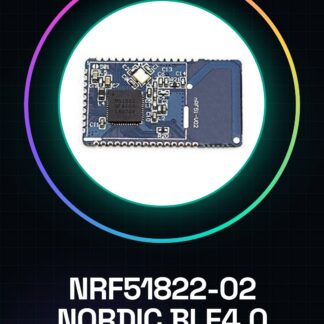
The NRF51822-02 Nordic BLE4.0 is a low-power Bluetooth module designed for use with Arduino and other microcontrollers. This module allows for efficient wireless data transmission, ideal for IoT applications that require wireless connections.
Features
- Low-power Bluetooth module Nordic BLE4.0
- Bluetooth LE data passthrough
What it is for
NRF51822-02 modules are useful for projects that require wireless connections, such as creating small weather stations that send temperature and humidity data to a mobile app. Compatible with Arduino.
Tutorial: How to use NRF51822-02 – Bluetooth BLE4.0 module
The NRF51822-02 module allows for low-power wireless data transmission, ideal for projects that require Bluetooth LE connections on Arduino.
What you need
- Arduino Uno or compatible
- USB A-Micro B cable
- Arduino IDE software installed
Steps
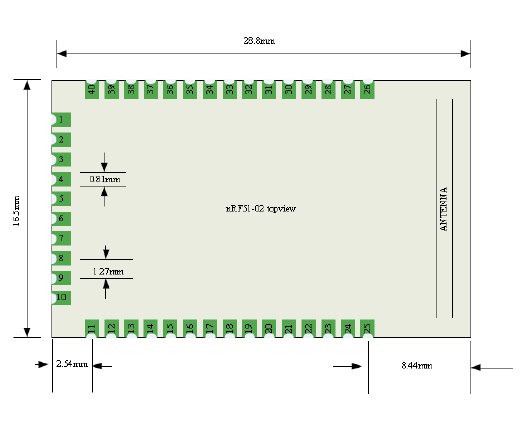
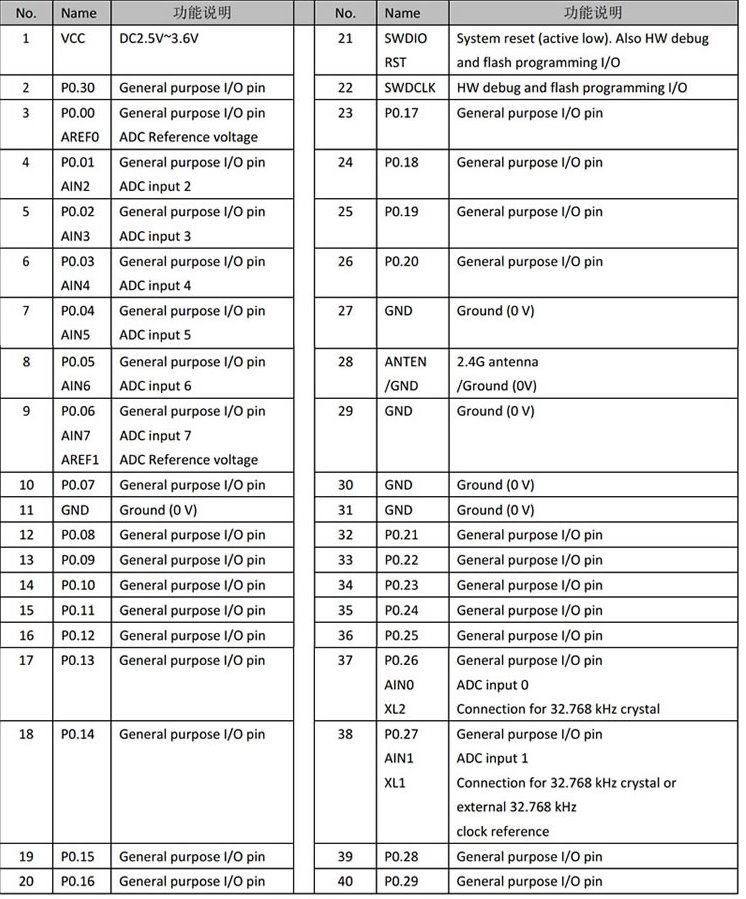
- Connect the NRF51822-02 module to the VCC, GND, and TX/RX pins of the Arduino.
- Install the BLESerial library via the Arduino IDE Library Manager.
- Write a sketch that initializes the module and sends data via Bluetooth LE.
- Upload the sketch to the Arduino and verify the connection with a mobile device or computer.
- Use the BLE Scanner app to locate the NRF51822-02 module and establish a connection.
- Test data transmission by sending messages from the device to the module and vice versa.
Example code
void setup() {
  Serial.begin(9600);
  BLESerial.begin();
}

void loop() {
  if (BLESerial.available()) {
    String received = BLESerial.readStringUntil('n');
    Serial.println(received);
  }
}
Mini project
Create a small weather station that sends temperature and humidity data to a mobile app using the NRF51822-02 module.
Common mistakes
- Error in installing the BLESerial library.
- Issues with configuring the TX/RX pin settings.
- Difficulty in finding the module with the Bluetooth LE scanner app.
- Unstable connection between Arduino and mobile device.
Recommended accessories
- DHT11 Module for temperature and humidity reading
- LiPo 3.7V Battery for low power operation
- USB Bluetooth Antenna to improve connection range
- RGB LED controllable via mobile app
Frequently asked questions
How can I check if the BLESerial library is installed correctly?
Make sure there are no errors during installation and try to upload a sample sketch provided by the library.
What are the minimum hardware requirements for using this module?
Arduino Uno or compatible, USB power supply or 3.7V LiPo battery.

Reviews
There are no reviews yet.