 EN
 IT Italiano
 ES Español
 FR Français
 DE Deutsch
Description
What it is
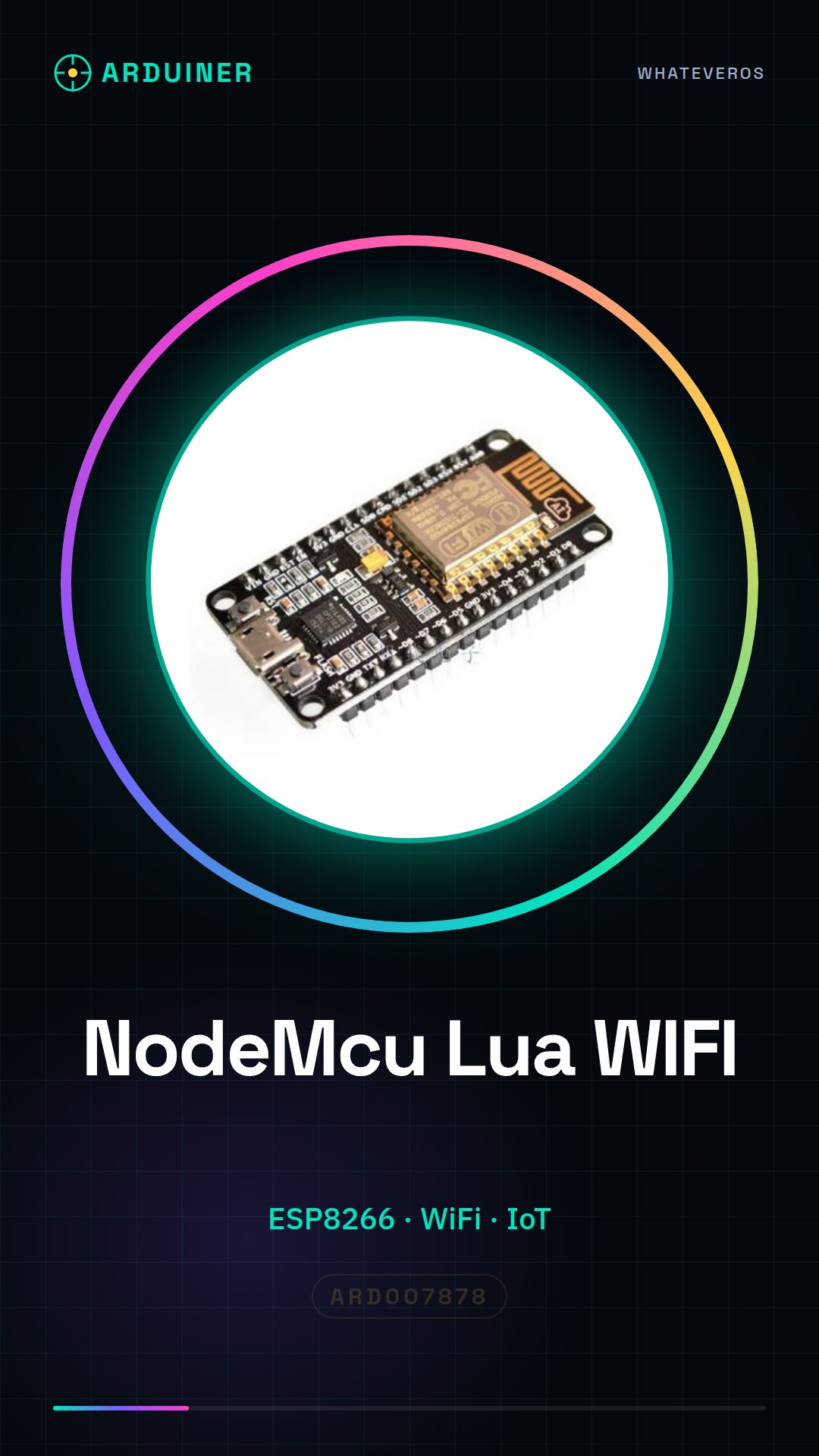
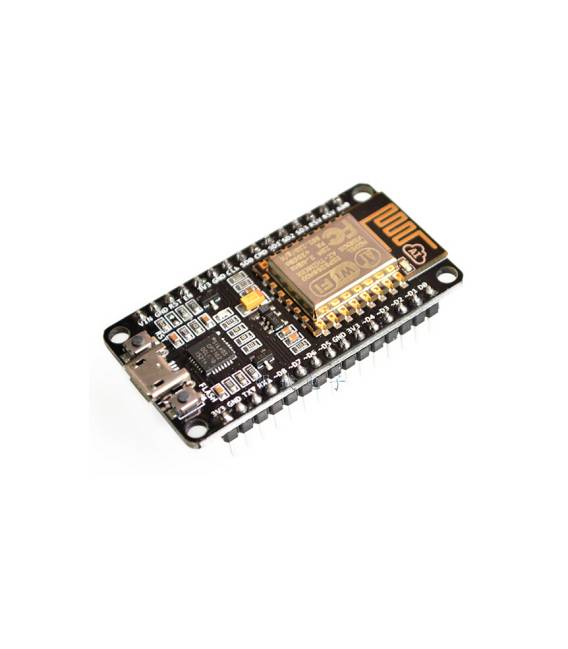
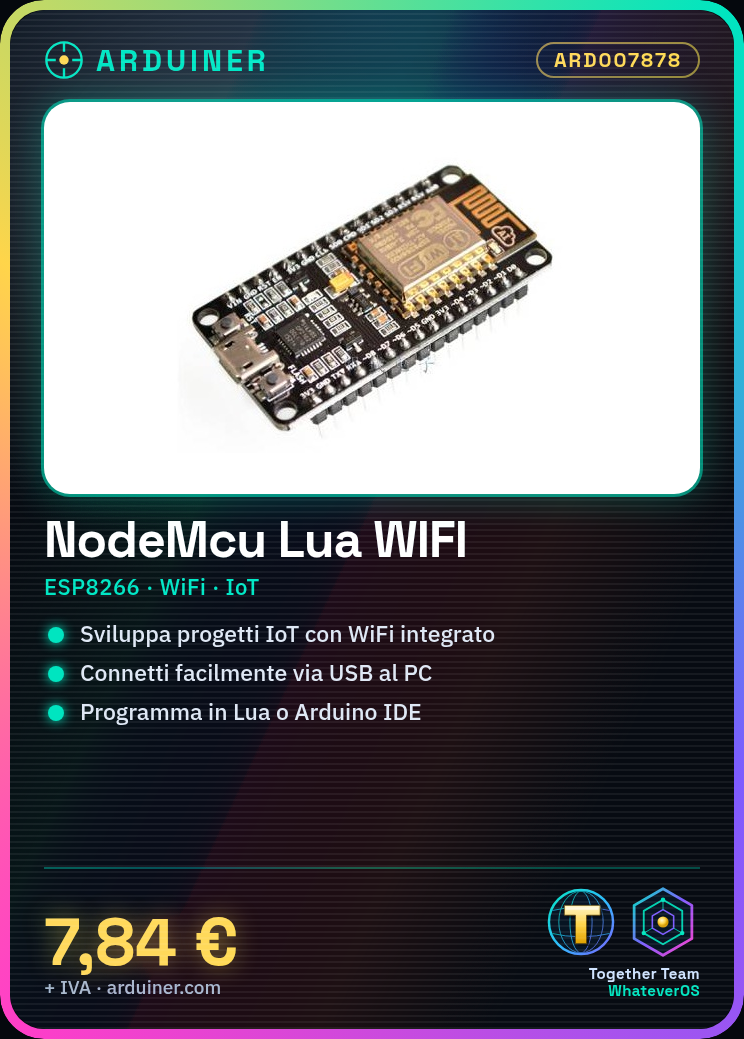
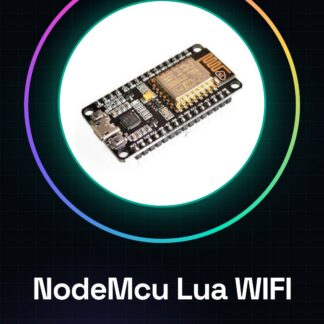
The NodeMcu Lua WIFI board based on ESP8266 is a development board for Internet of Things (IoT) projects. This device allows makers and developers to create applications that interact with the internet thanks to its WiFi integration.
Features
- ESP8266 based board
- WiFi integration for online connectivity
What it is for
The NodeMCU board is ideal for projects that require wireless communication with the internet. You can use it to create simple IoT applications, such as a digital clock that displays the current time on a small 16×2 LCD connected to the module.
Tutorial: How to use NodeMCU Lua WIFI ESP8266
The NodeMCU board based on ESP8266 is an excellent choice for anyone who wants to start exploring the world of IoT applications. With its WiFi integration, you can create projects that interact with the internet without the need for an Arduino motherboard.
What you need
- NodeMCU ESP8266 board
- Computer with USB
- Development software Lua/Arduino IDE
Steps
- Connect the NodeMCU board to the USB of the computer for recognition
- Install the Arduino development environment and add the ESP8266 library if not present
- Load a simple sketch onto the board (see code below)
- Check that the WiFi connection is stable by monitoring the indicator LED
- Modify the sketch to customize the project’s features
- Test and repeat until the project requirements are met
Example code
wifi.setmode(wifi.STATION)
wifi.sta.config('SSID', 'password')
print(wifi.sta.getip())
Mini project
Create a simple digital clock with the NodeMCU board that displays the current time on a small 16×2 LCD connected to the module.
Common mistakes
- WiFi connection issues
- Error in setting the local time
- Difficulty in loading complex sketches
Recommended accessories
- 16×2 LCD
- RTC module for clock
- Various sensors
- Portable USB battery
Frequently asked questions
How can I access the ESP8266 module documentation?
Visit the official Espressif Systems page or check the NodeMCU GitHub repository.
What other languages does this board support besides Lua?
You can also use Arduino IDE with specific libraries for ESP8266.
Reviews
There are no reviews yet.