 EN
 IT Italiano
 ES Español
 FR Français
 DE Deutsch
Description
What it is
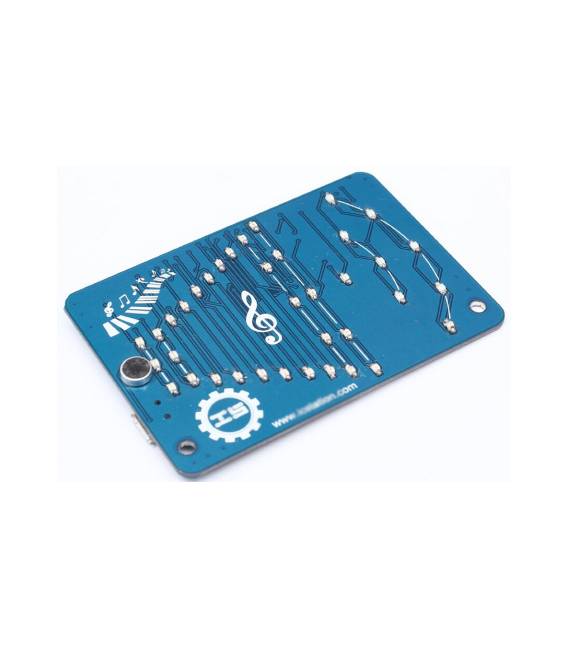
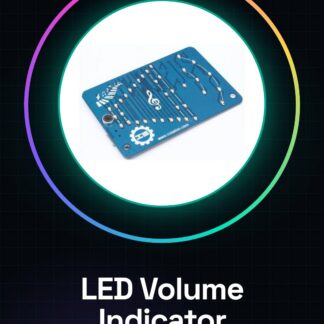
The LED Volume Indicator is an audio level sensor module designed to monitor sound volume in various electronic applications. This device indicates volume level through a series of LEDs, making it ideal for DIY projects or noise-based alarm systems.
Features
- Audio level sensor module with volume indication via LEDs
- Optimized for DIY applications and sound monitoring in domestic or industrial environments
What it is for
Main uses include creating volume-based alarm systems, integrating with sound sensors to determine noise levels, and indexing volume in audio projects. Compatible with Arduino or ESP.
Tutorial: How to use LED Volume Indicator
This LED module indicates sound volume, ideal for audio projects or monitoring volume levels in domestic or industrial environments.
What you need
- Arduino
- Power supply cable
- 220 Ohm resistor
- Sound source
Steps
- 1. Install the Arduino Shield on an Arduino UNO.
- 2. Connect the LED to digital pin 9 of the Arduino.
- 3. Connect one end of the resistor to VCC (5V) of the Arduino and the other end to pin 9.
- 4. Connect the GND pin of the Arduino to the LED mass.
- 5. Connect the sound source to the audio input pin of the module.
- 6. Load the following code onto the Arduino.
- 7. Check that the LEDs light up based on the volume.
- 8. Check the datasheet for further settings.
Example code
```void loop() {}```Mini project
Create a volume-based alarm system. Connect the LED module to a sound sensor and set an alarm volume. When the volume exceeds a certain level, the LEDs light up and the module emits a sound.
Common mistakes
- Do not connect the LED directly to VCC without a resistor.
- Do not use an Arduino that is not compatible with the Shield.
- Set the wrong pin for the LED.
- Do not connect the sound source correctly.
Recommended accessories
- Arduino UNO
- Arduino Shield
- Sound Sensor
- Power Cable
Frequently asked questions
How to set the minimum volume?
Check the datasheet for configuration specifications.
Can I use this module with Arduino Mega?
Check compatibility on the datasheet.
Does the module work with batteries?
Connect the battery to the Arduino Shield.
Reviews
There are no reviews yet.