 EN
 IT Italiano
 ES Español
 FR Français
 DE Deutsch
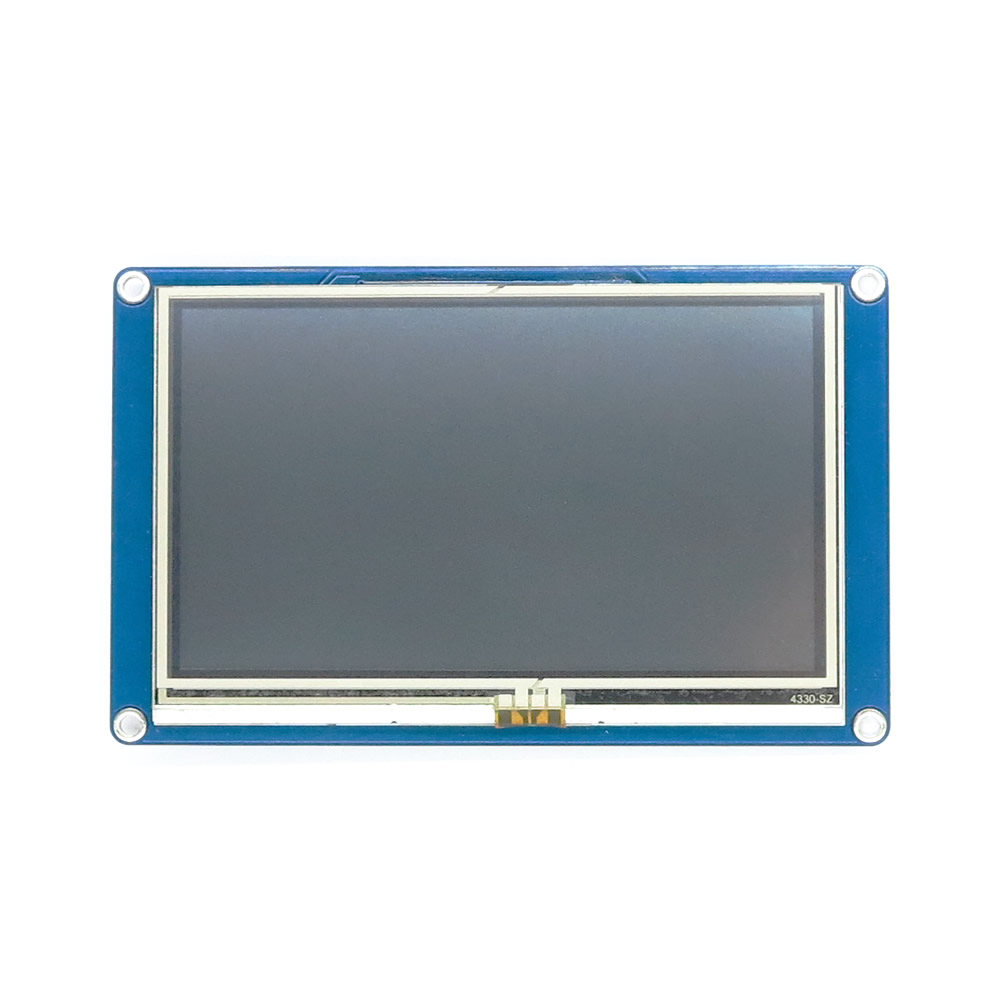
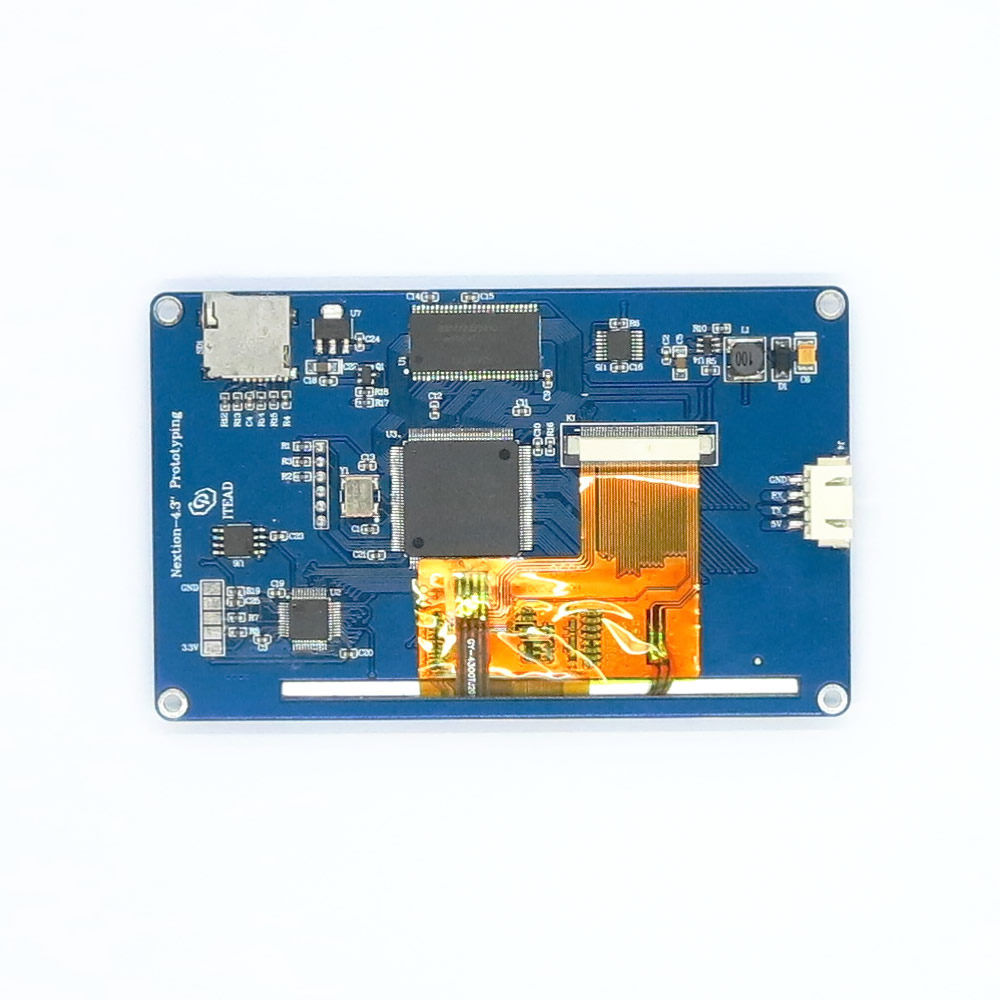
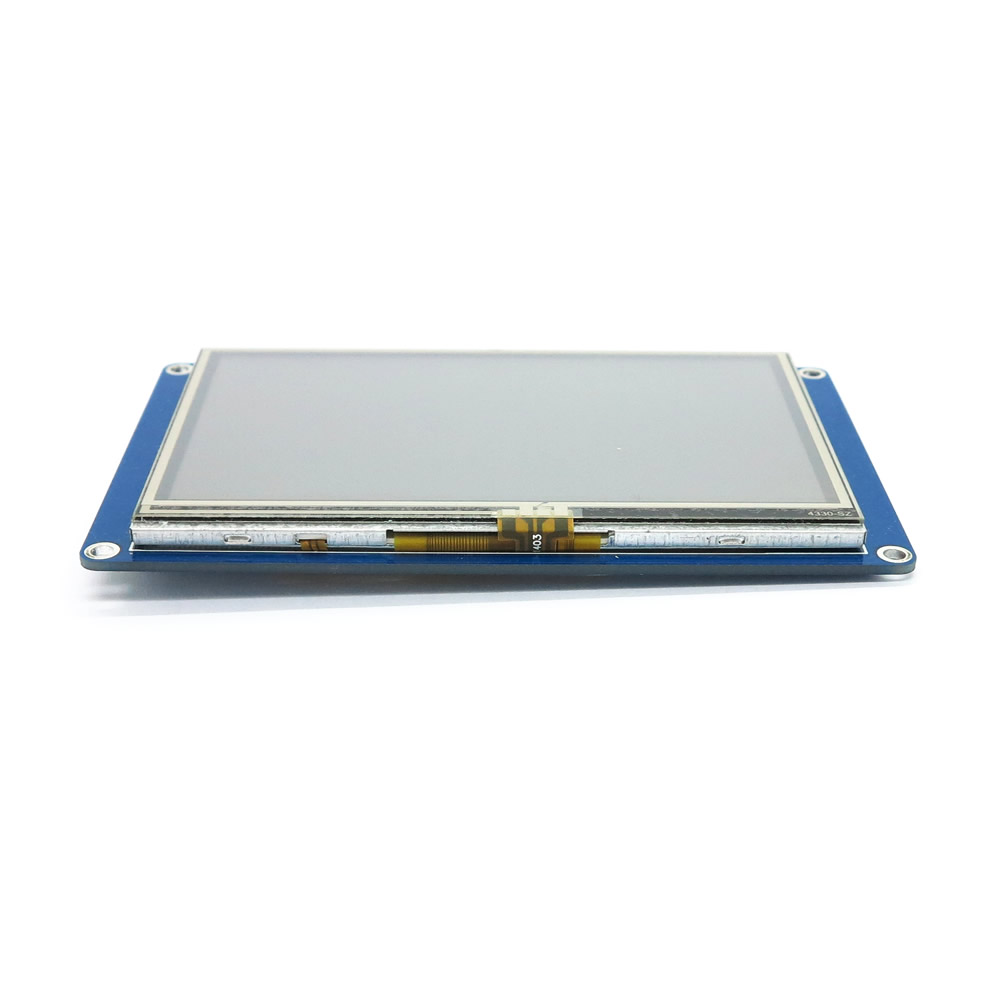
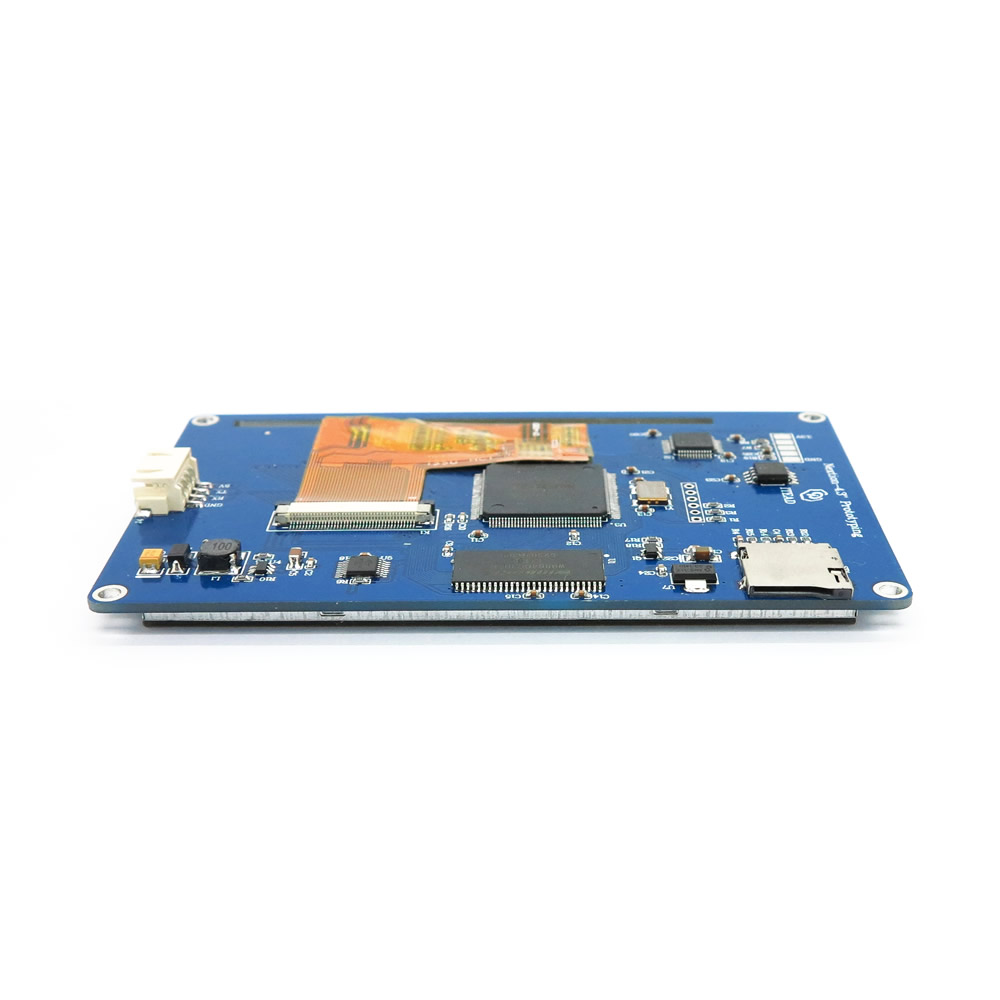
Description
What it is
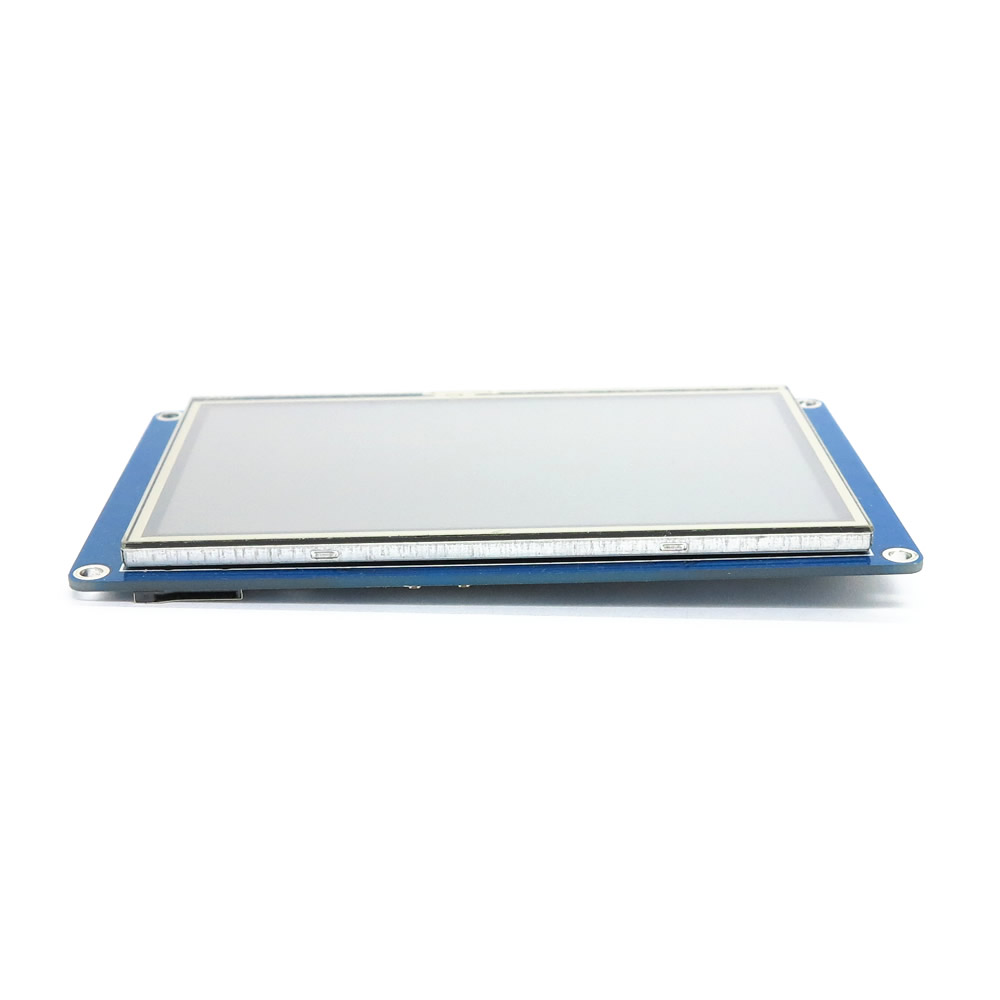
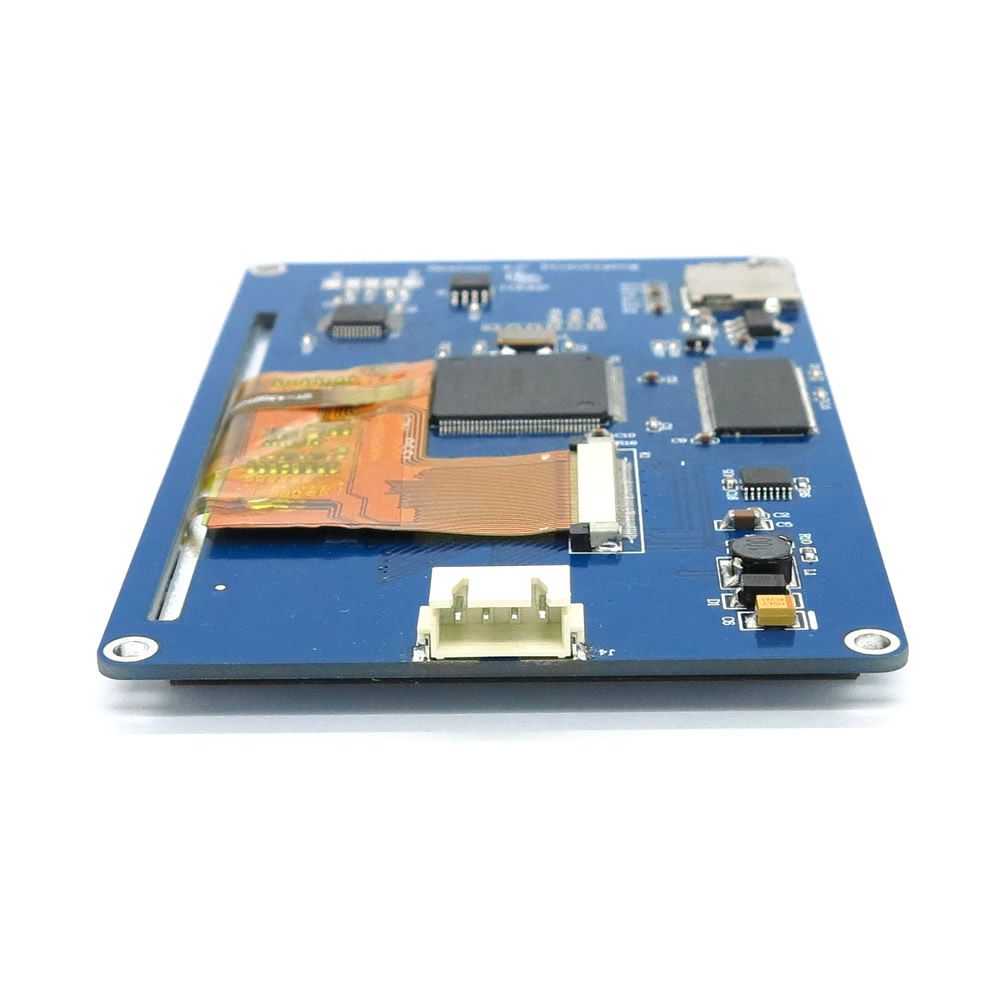
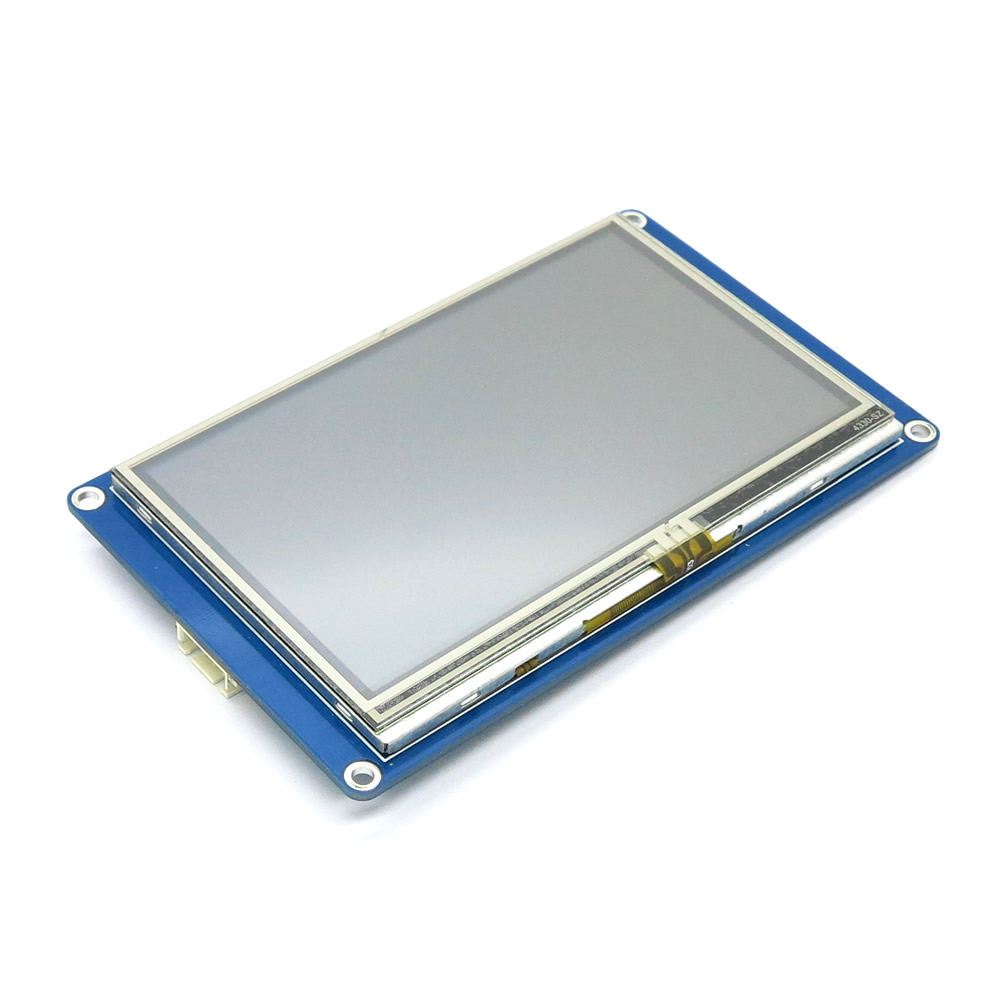
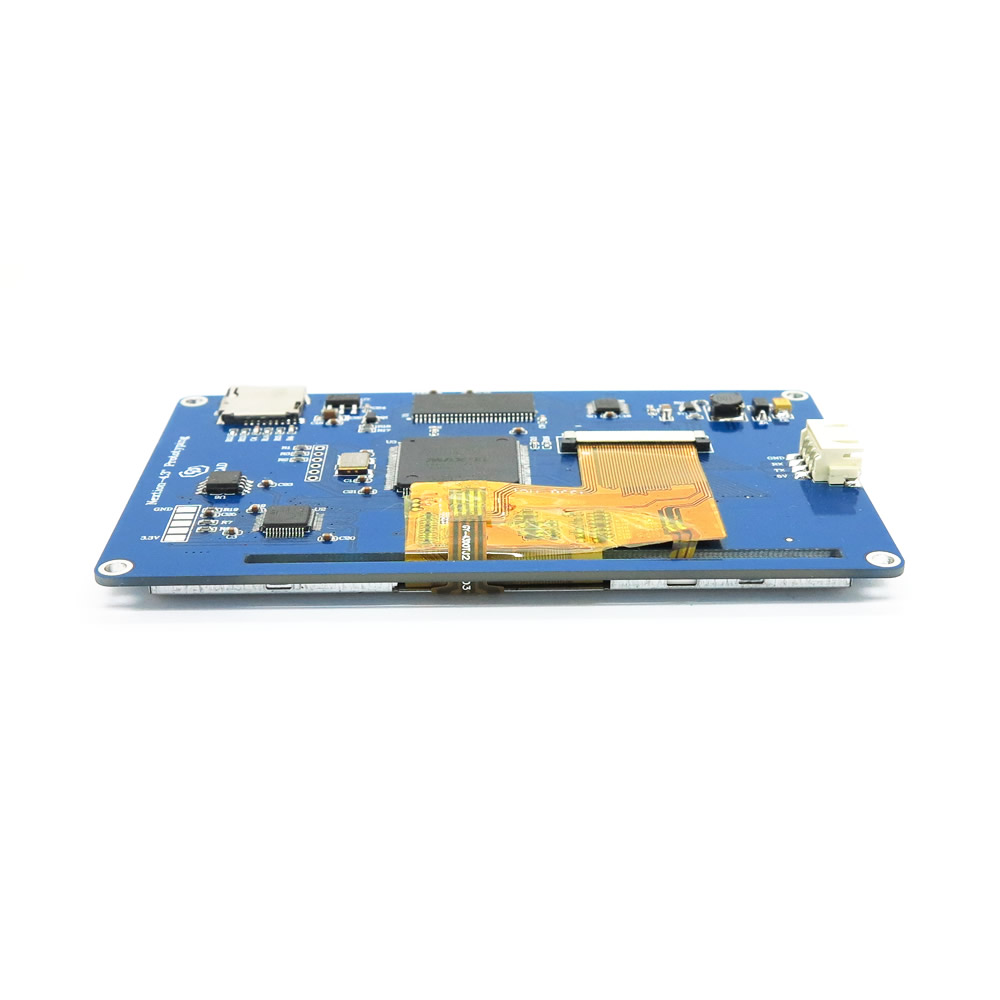
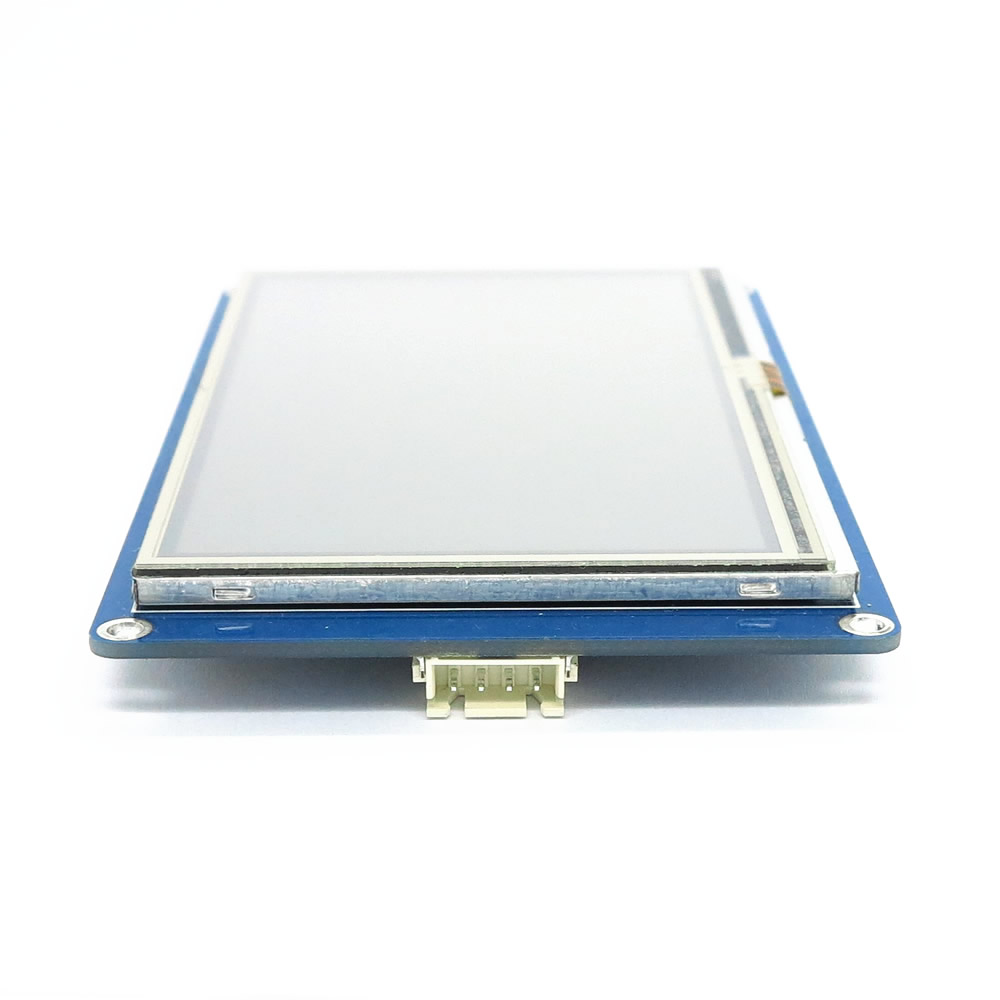
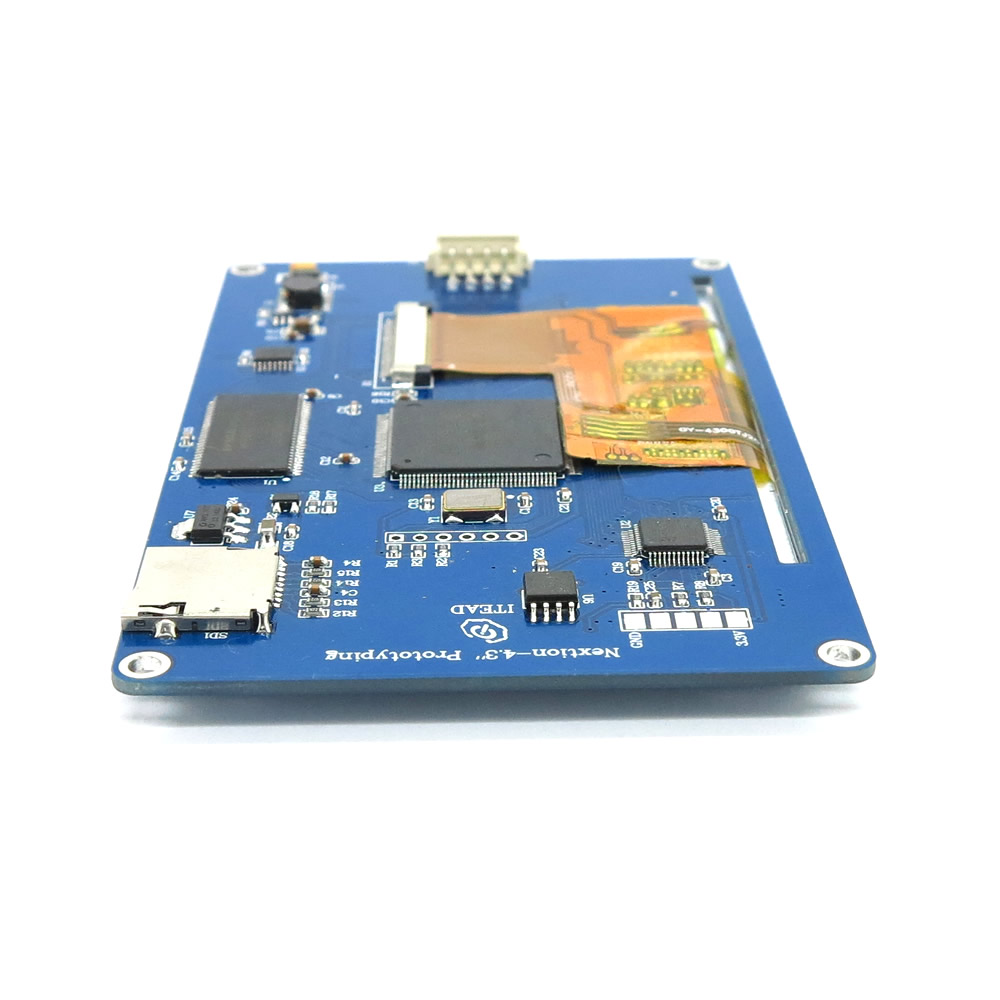
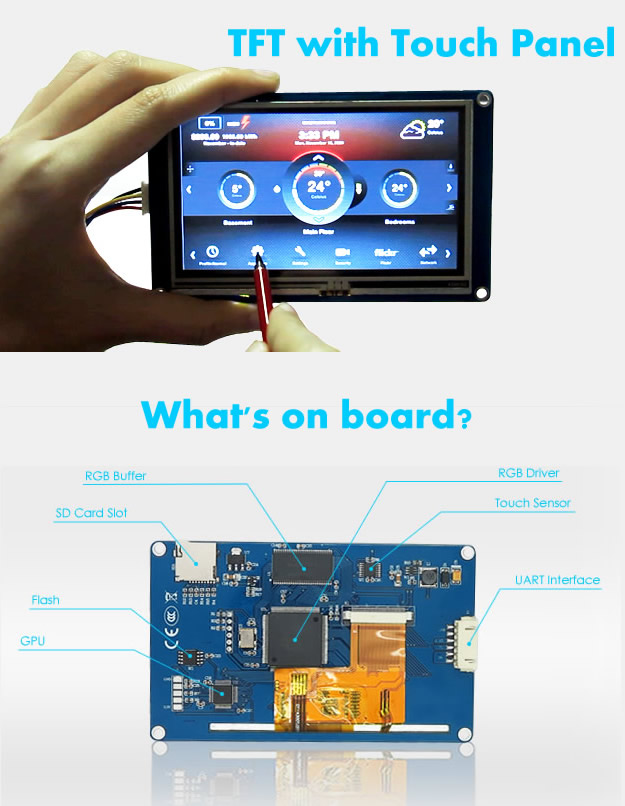
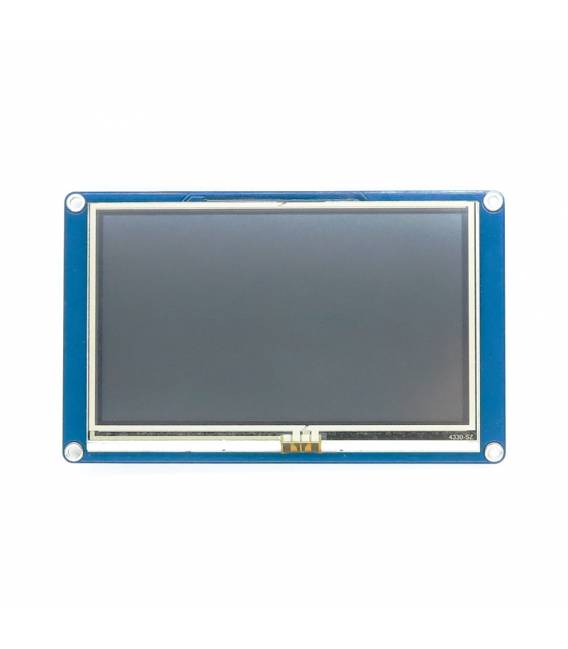
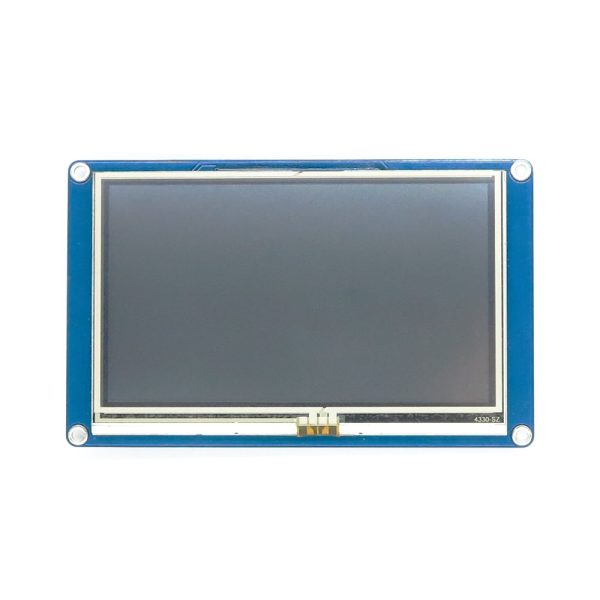
The Nextion NX4827T043 4.3 inch touch screen LCD is a color TFT display with touch interface for electronic projects based on Raspberry Pi and Arduino.
Features
- Display size: 4.3 inches
- Display type: Color TFT
- Interface: Touch
- Model: NX4827T043
What it is for
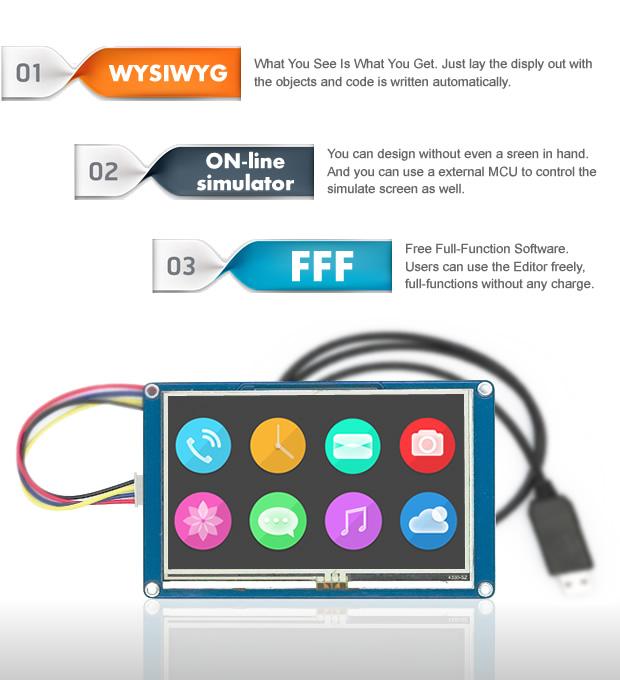
This touch screen LCD display is ideal for Raspberry Pi and Arduino projects that require an intuitive and functional graphical user interface. It can be used to create applications such as timers, data readers, device controls, and much more. Compatibility with Arduino and Raspberry Pi makes it a versatile solution for a wide range of projects.
Tutorial: How to use Touch Screen LCD Nextion NX4827T043
This touch screen LCD display is ideal for Raspberry Pi and Arduino projects that require a graphical user interface. Perfect for beginner and intermediate makers.
What you need
- Nextion NX4827T043 LCD Screen
- Raspberry Pi or Arduino
- 10pin Shield Cable
- Pull-up Resistor (10kΩ)
Steps
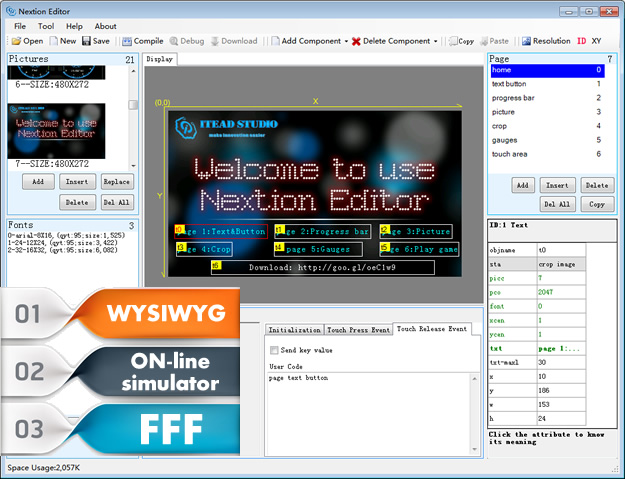
- 1. Download and install the Nextion Editor software.
- 2. Check the datasheet for the dimensions of the shield cable.
- 3. Connect the shield cable to the Raspberry Pi or Arduino.
- 4. Attach the shield cable pins to the correct pins on your microcontroller.
- 5. Once connected, activate the pull-up resistor on GPIO 27 for Raspberry Pi or on pin 2 for Arduino.
- 6. Start the Nextion Editor software and load the .ncx file for the display.
- 7. Configure your Arduino or Raspberry Pi project to interact with the display.
- 8. Test your graphical user interface.
Mini project
Create a simple stopwatch with a graphical user interface using the Nextion display.
Common mistakes
- Ignore unused pins on the shield cable.
- Forget to activate the pull-up resistor.
- Do not read the datasheet specifications carefully.
- Do not use the Nextion Editor software to configure the display.
Recommended accessories
- Microcontroller Arduino
- Microcontroller Raspberry Pi
- 10pin Shield Cable
- 10kΩ pull-up Resistor
Frequently asked questions
Which pins to use on the Raspberry Pi?
Use GPIO 27 for the pull-up resistor.
Why is it necessary to activate the pull-up resistor?
To ensure proper functioning of the touch screen.
Can I use this display with a different microcontroller?
Yes, but check the pin and protocol compatibility.
Which .ncx files are required for the display?
The .ncx file specified in the datasheet.
Reviews
There are no reviews yet.