 EN
EN IT Italiano
 ES Español
 FR Français
 DE Deutsch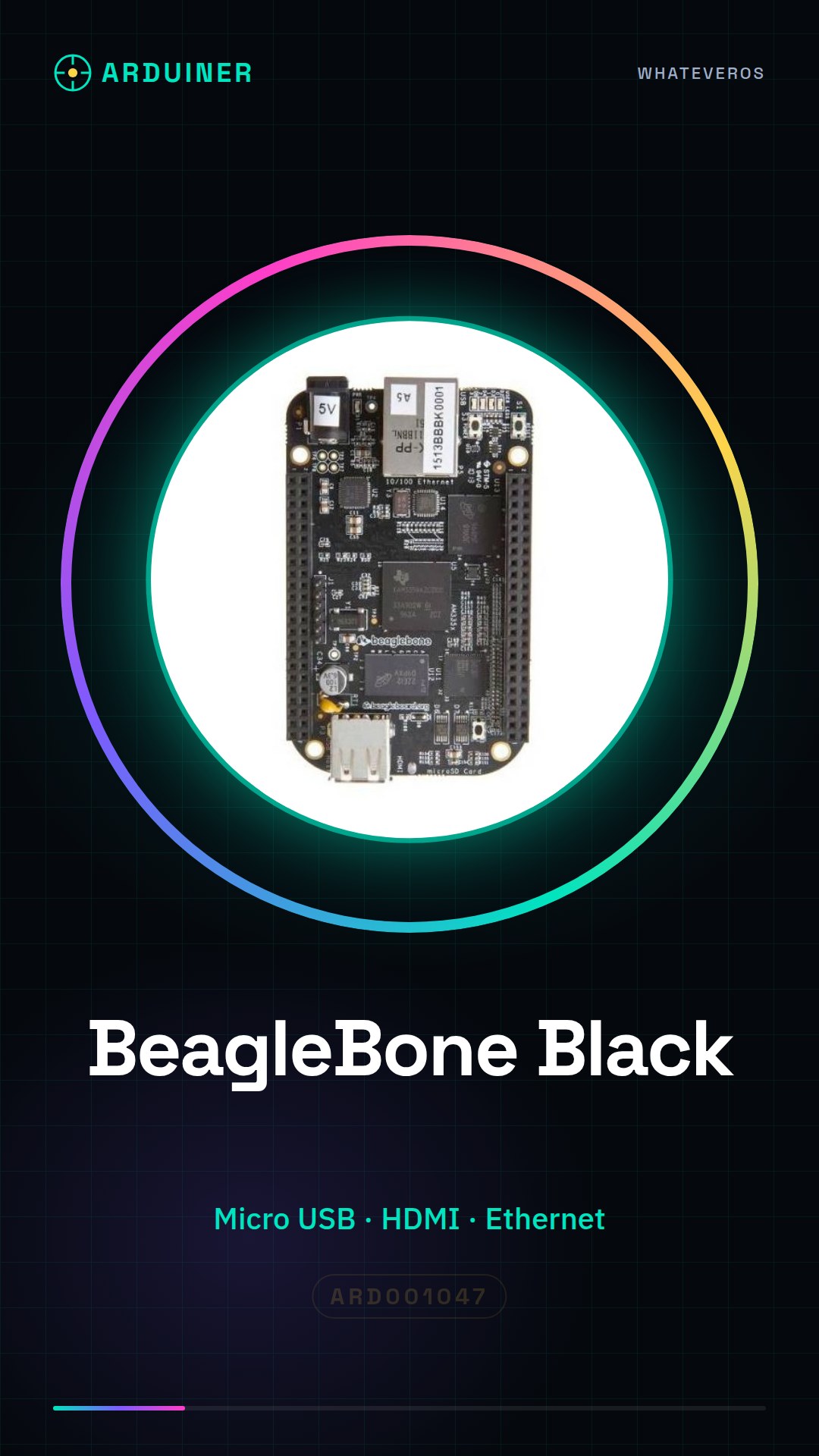
Description
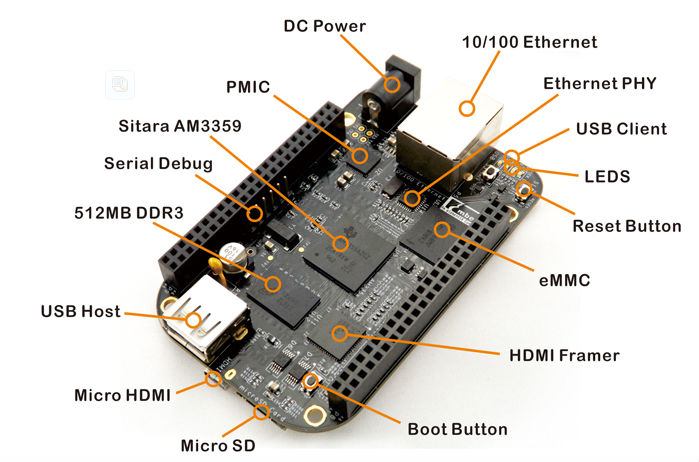
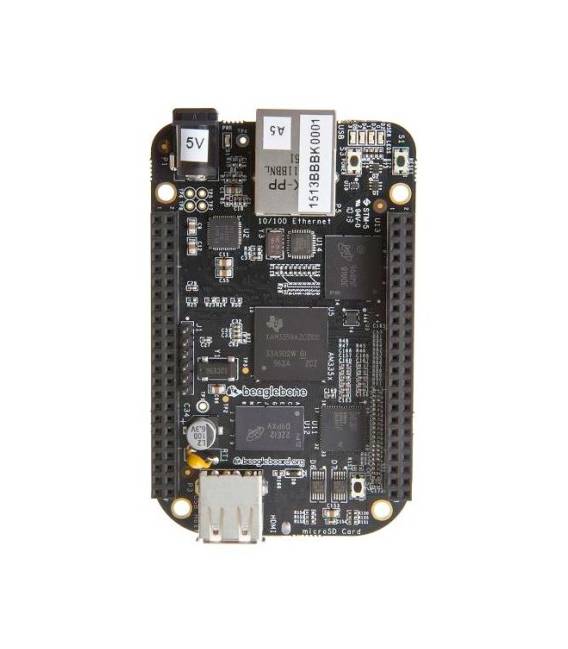
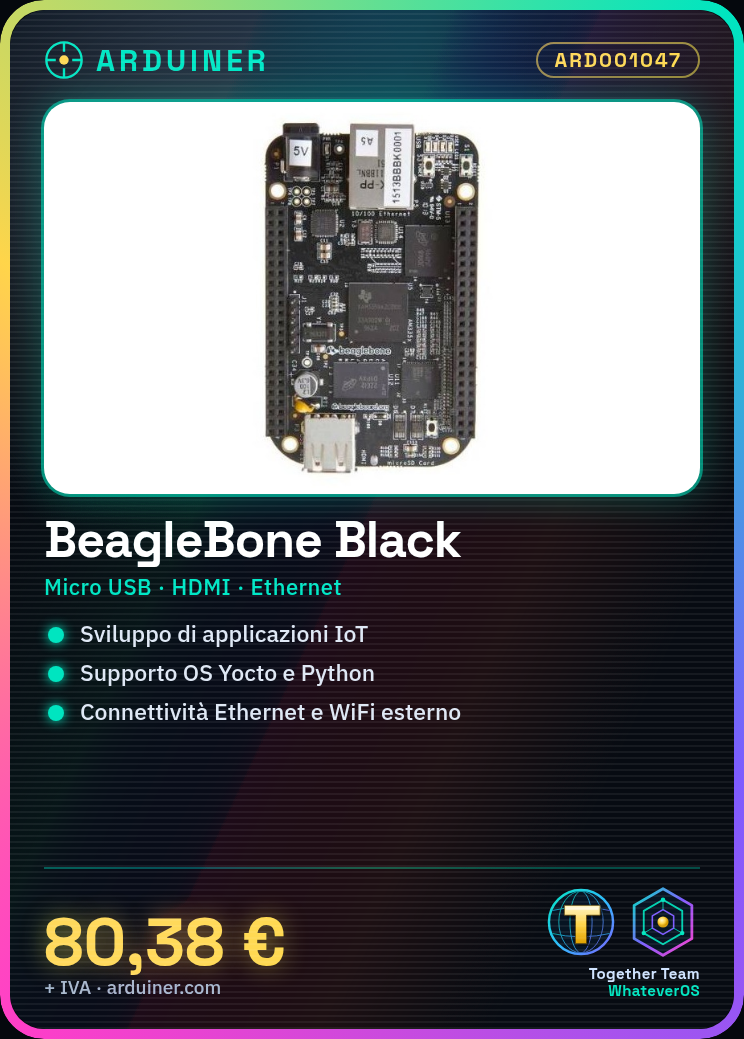
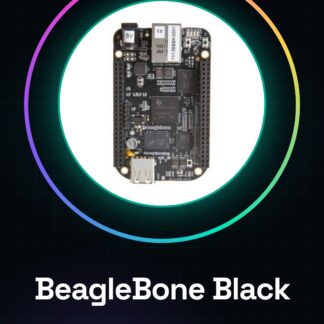
The BeagleBone Black is an open-source board designed for software application development, IoT, and robotics. With a versatile design, it offers advanced features at an affordable price. It can be used to create complex projects such as sensor-based control systems or graphical user interfaces. It can be combined with other electronic components to develop embedded applications. To use it, follow these steps: 1. Install Yocto OS on the BeagleBone Black using a Micro USB cable. 2. Connect the BeagleBone Black to a 5V power supply. 3. Insert a Micro SD card with the Yocto OS. 4. Connect the BeagleBone Black to a monitor via HDMI. 5. Turn on the power supply and the BeagleBone Black. 6. Wait for the OS to fully boot. 7. Connect the Ethernet or use WiFi. 8. Install additional software if needed. Recommended accessories include an 8GB Micro SD card, a 5V 2.5A power supply, a button, and a resistor. Common errors include forgetting to install the Yocto OS, connecting the BeagleBone to a voltage other than 5V, inserting the Micro SD card with unformatted OS, and forgetting to connect the HDMI cable. For more information, refer to the official BeagleBone website.

Reviews
There are no reviews yet.