 EN
 IT Italiano
 ES Español
 FR Français
 DE Deutsch
Description
What it is
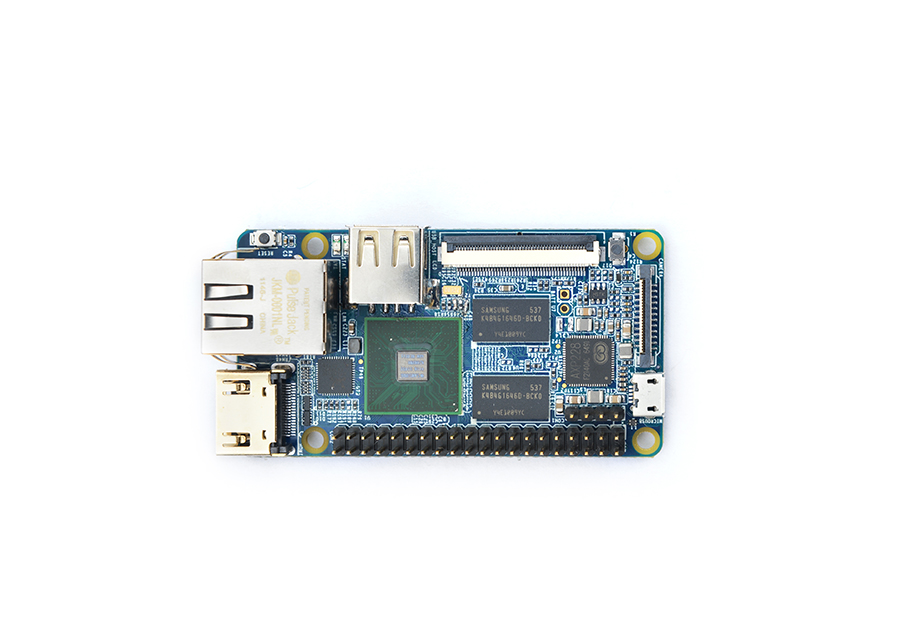
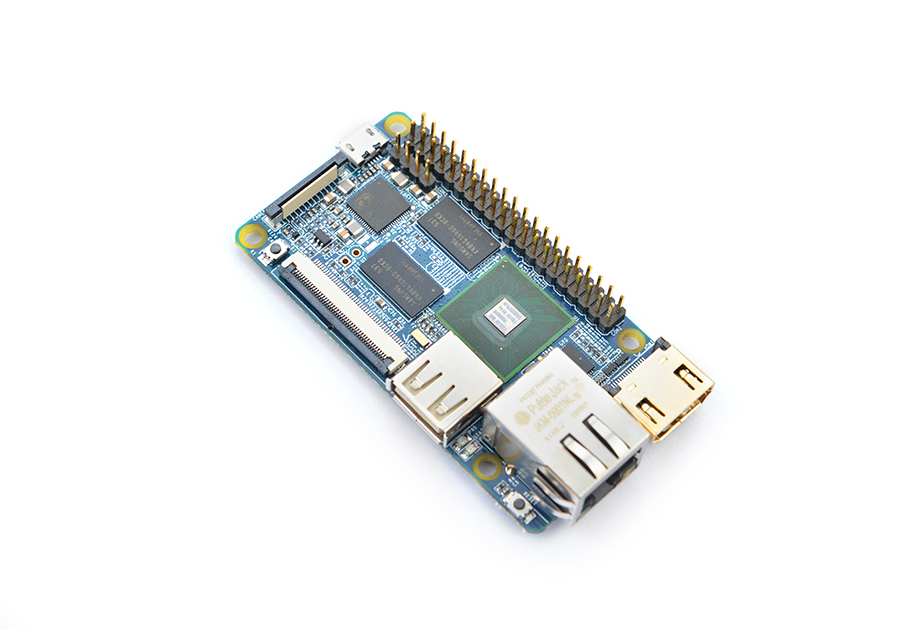
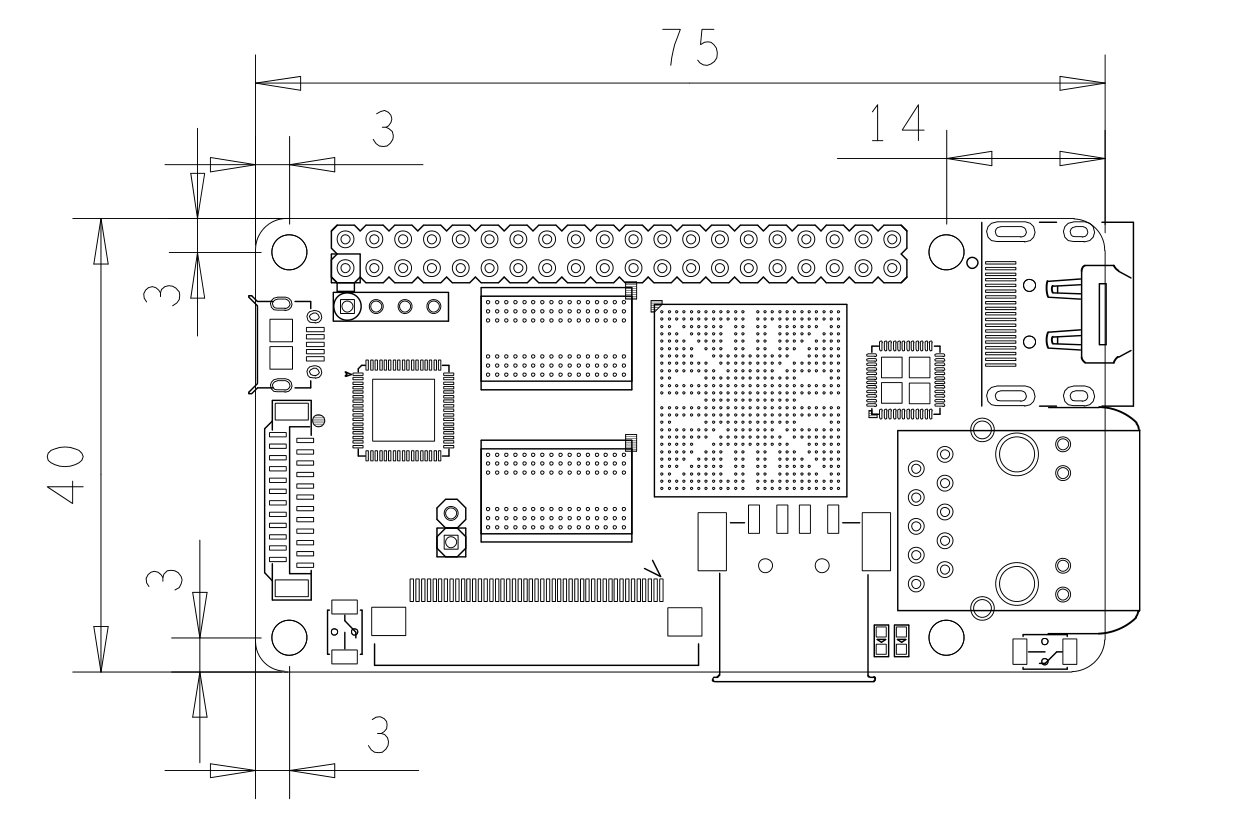
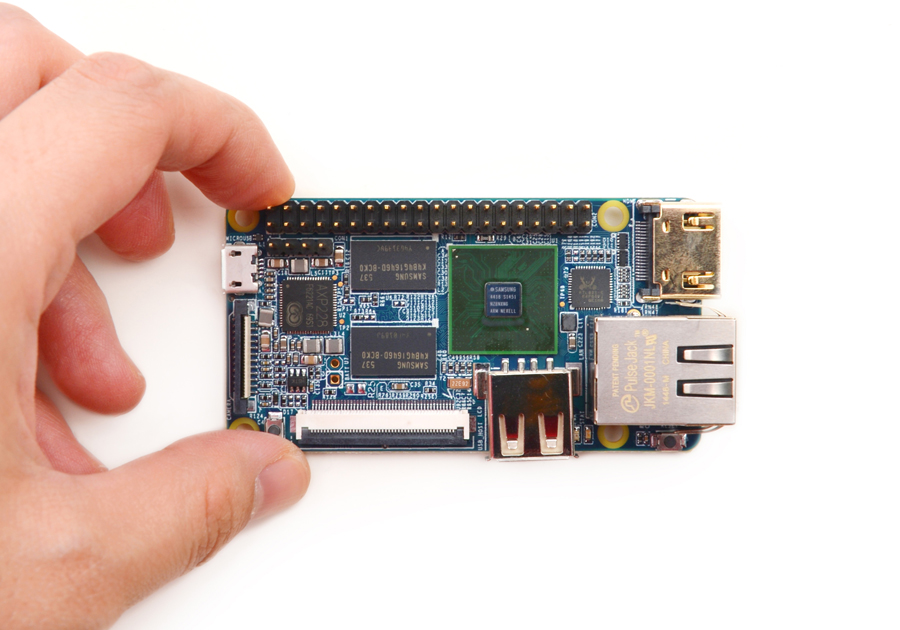
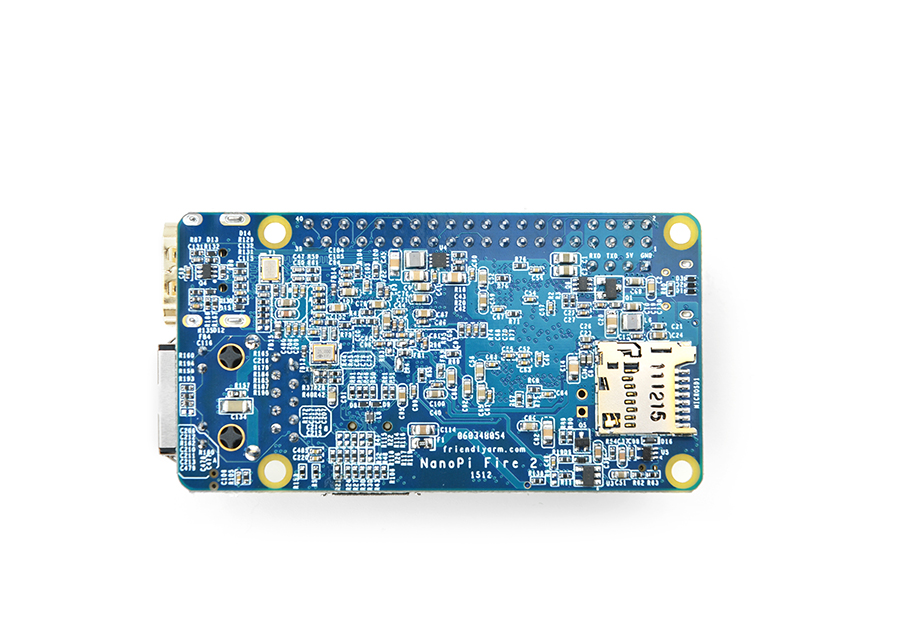
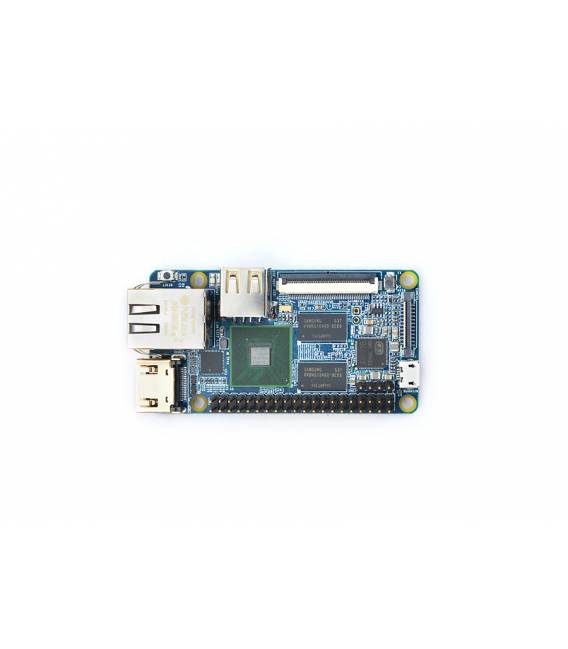
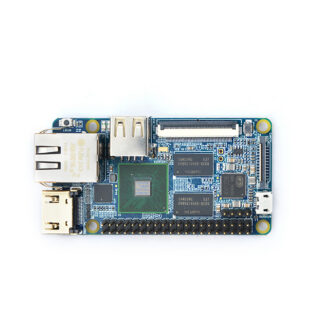
The NanoPi 2 Fire is a quad-core motherboard with Gigabit Ethernet, designed for development and robotics projects. It offers a good balance between performance and cost, making it a suitable choice for makers and developers.
Features
- Quad-core
- Gigabit Ethernet
- 1GB DDR3
What it is for
The NanoPi 2 Fire is ideal for Internet of Things projects, local networks, and software development. It can be used to create simple web servers, automated control systems, and rapid prototyping applications.
Tutorial: How to Use NanoPi 2 Fire
The NanoPi 2 Fire is a quad-core computing board ideal for Internet of Things projects, local networks, and software development. Useful for programmers and makers.
What you need
- NanoPi 2 Fire
- Arduino IDE
- USB Cable
- MicroSD card (8GB or more)
Steps
- 1. Download Arduino IDE from the official website.
- 2. Connect NanoPi 2 Fire to the computer via USB.
- 3. Install the USB driver on NanoPi 2 Fire.
- 4. Create a new sketch in Arduino IDE.
- 5. Insert the minimum code: `Serial.begin(115200); Serial.println(“Hello, World!”);`
- 6. Upload the code to the NanoPi 2 Fire.
- 7. Connect a serial console to view the output.
- 8. Try modifying the code and re-uploading.
Example code
Serial.begin(115200); Serial.println("Hello, World!");Mini project
Create a simple web server using Arduino IDE and a web browser.
Common mistakes
- Do not properly connect the NanoPi 2 Fire.
- Use an incompatible USB driver.
- Do not install the necessary software.
- Omit serial port configuration.
Recommended accessories
- Arduino Ethernet Shield
- Temperature sensors
- LCD display
- Stepper motor
Frequently asked questions
How can I connect the NanoPi 2 Fire to an Ethernet network?
Use a GigE cable to connect the NanoPi 2 Fire directly to an Ethernet port.
Which USB drivers are required?
Install official USB drivers for Raspberry Pi or an equivalent driver.
Can I use the NanoPi 2 Fire as a web server?
Yes, you can use web services like Node.js or Python to create a web server.
What are the minimum requirements for the operating system?
The NanoPi 2 Fire supports Linux, but it does not have specific requirements for the OS.
Reviews
There are no reviews yet.