 EN
 IT Italiano
 ES Español
 FR Français
 DE Deutsch
Description
What it is
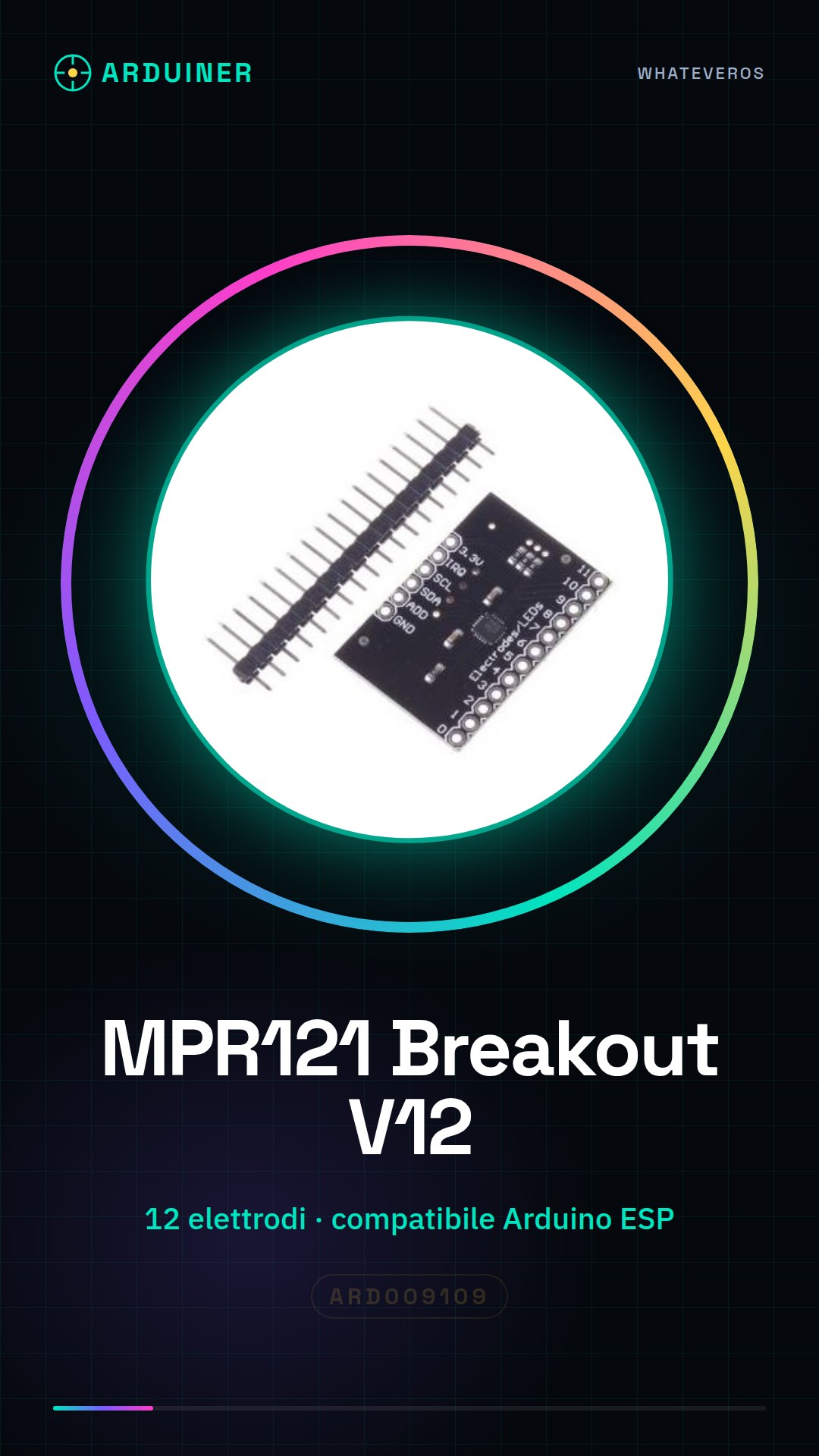
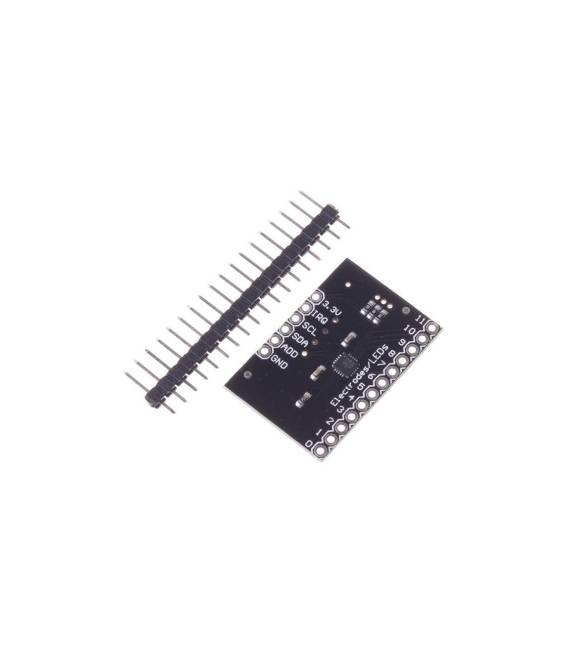
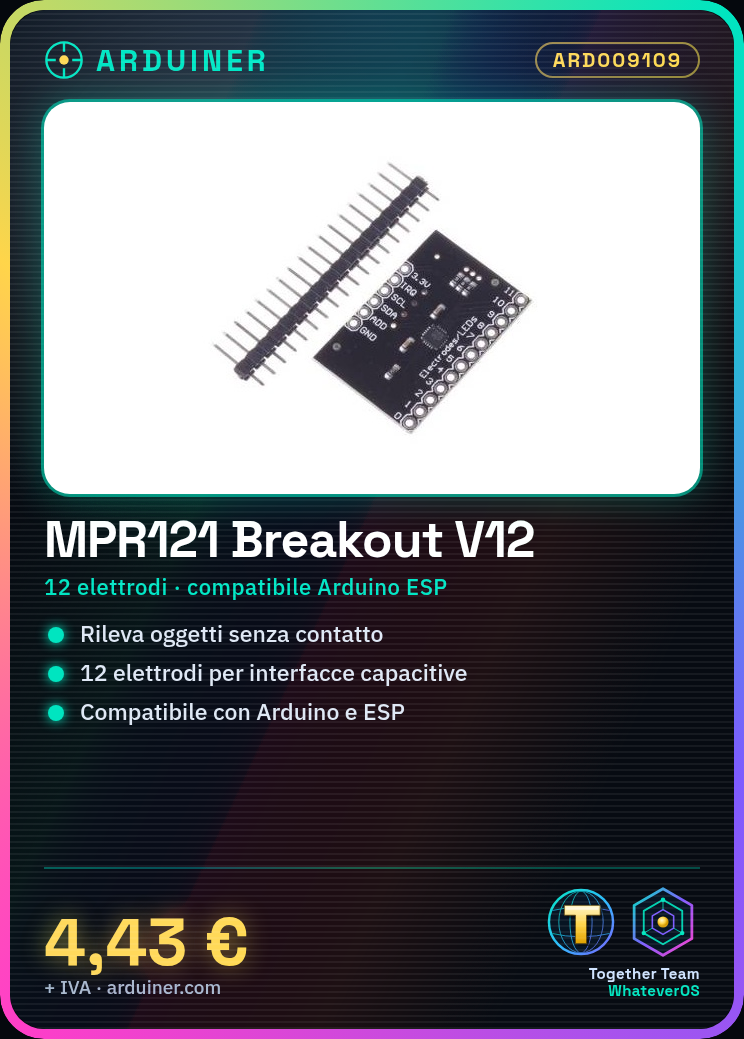
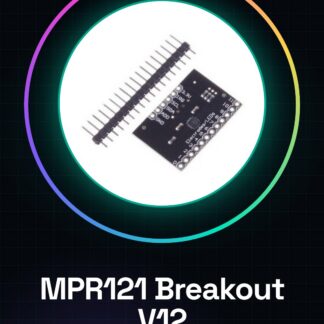
The MPR121 Breakout V12 is a capacitive proximity sensor that allows non-invasive detection of objects through an electric field. This breakout board is ideal for implementing capacitive interfaces in various Arduino projects.
Features
- MPR121 Sensor with 12 dedicated electrodes
What it is for
The MPR121 can be used to create capacitive interfaces, monitor user interaction non-invasively, or integrate into 3D printing and drone projects. It is compatible with Arduino and ESP.
Tutorial: How to use MPR121 Breakout V12
The MPR121 is a capacitive proximity sensor ideal for makers who want to create capacitive interfaces or monitor user interaction non-invasively. With 12 dedicated electrodes, it is perfect for both beginners and more experienced creators.
What you need
- Arduino Uno
- MPR121 Breakout V12
- USB power supply
- connection cables
Steps
- Connect the MPR121 to the Arduino pins SDA and SCL using the cables.
- Install the Adafruit_MPR121 library through the Arduino Library Manager in the IDE.
- Upload the example sketch provided by the library to the Arduino.
- Check that the sensor responds correctly to touches on its electrodes.
- Modify the code to adapt it to your specific project.
Example code
// Includi la libreria
#include <Adafruit_MPR121.h>
// Crea un oggetto MPR121
Adafruit_MPR121 cap = Adafruit_MPR121();
void setup() {
cap.begin(0x5A); // Verifica l'indirizzo I2C sul datasheet
}
void loop() {
for (uint8_t i=1; i<=12; i++) {
if (cap.touched(i)) {
Serial.print("Elettrodo ");
Serial.println(i);
}
}
delay(50); // Verifica la frequenza di aggiornamento sul datasheet
}
Mini project
Create an LCD display that changes the message in response to touches on the different electrodes of the MPR121.
Common mistakes
- Do not verify the I2C address of the sensor
- Ignore the configuration of the interrupt pins
- Use an unsupported power supply voltage
- Enter incorrect code to handle touches
Recommended accessories
- LCD 16×2
- Pull-up resistors
- Breadboard
- Ambient light sensors
Frequently asked questions
How can I configure the sensor to only respond to certain electrodes?
Use the set_{electrode}_threshold() methods of the library to adjust the sensitivity.
The sensor does not respond to touches, what should I do?
Check the connections and ensure that the sensor is properly powered.
Reviews
There are no reviews yet.