 EN
 IT Italiano
 ES Español
 FR Français
 DE Deutsch
Description
What it is
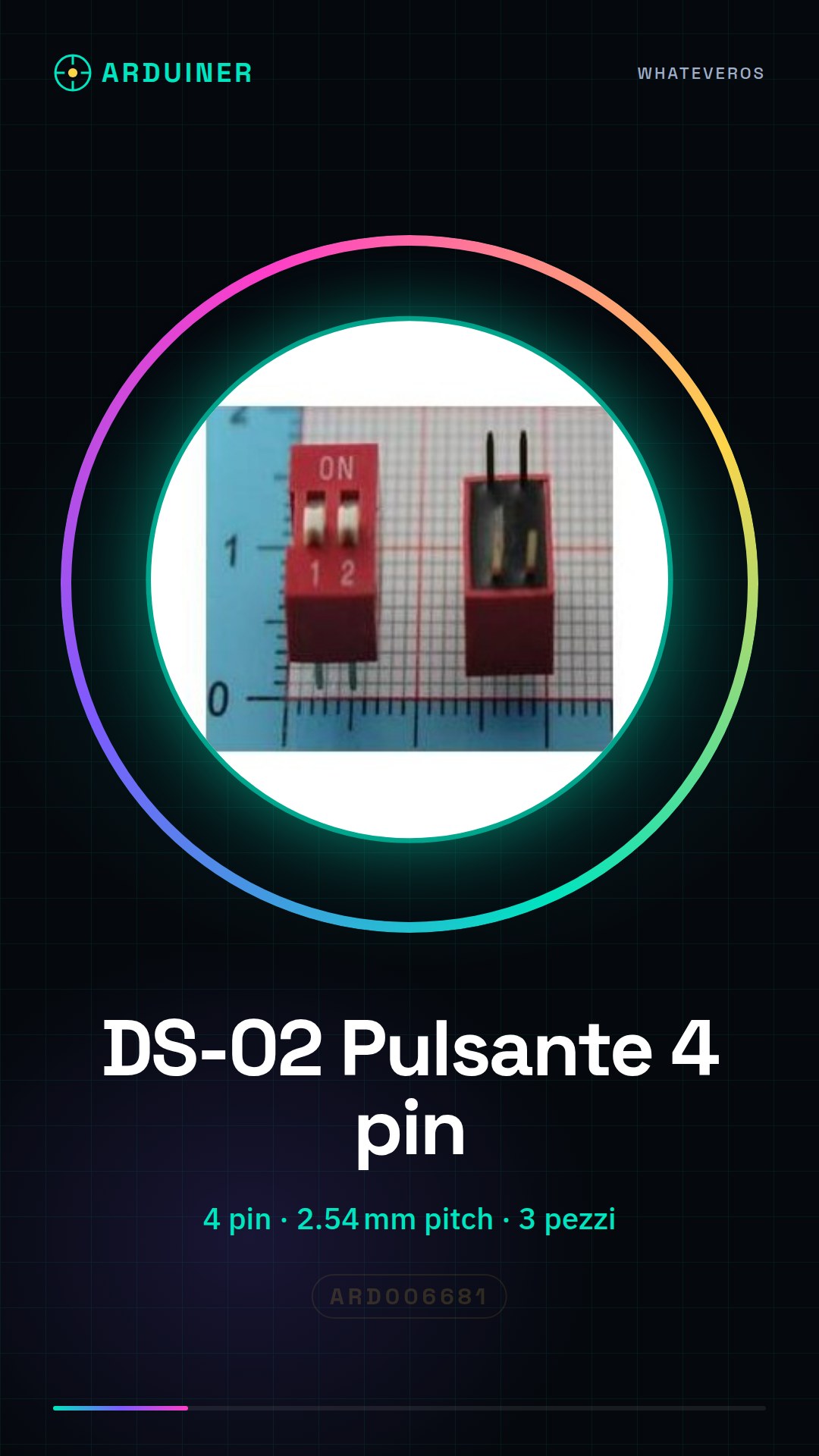
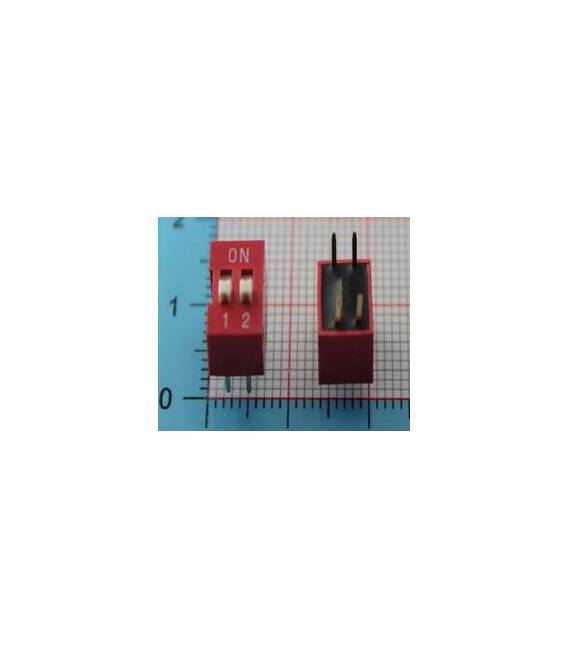
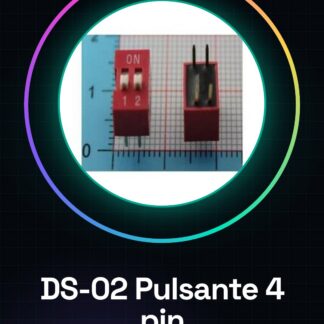
The DS-02 Code Button is a 4-pin electronic component with a 2.54 mm pitch. It is supplied in a set of 3 pieces.
Features
- 3 pieces in a set
- Type: Code Button
- Pins: 4
- Pitch: 2.54 mm
- SKU: ARD006681
- Price: 1.72 €
What it is for
The DS-02 Code Button is ideal for Arduino projects that require distance and obstacle control. It can be used to create user interactions in projects of varying complexity. Examples of use include creating a simple button press counter.
Tutorial: How to Use 3 Pieces DS-02 Code Button
The DS-02 button is ideal for projects that require interactions as they develop. Useful for beginners and intermediates, it serves to control user input.
What you need
- 3 pieces DS-02 Code Button
- Arduino
- Power cable
- Multimeter (optional)
Steps
- 1. Installation: Assemble the pieces on the circuit or protoboard.
- 2. Connection: Connect the button pins to your Arduino. GND to GND, VCC to 5V, pull-up to a digital pin.
- 3. Coding: Check the datasheet for the pull-up specifications.
- 4. Test: Power on the Arduino and verify that the button works correctly.
- 5. Code: Add code to check the state of the button.
- 6. Debug: Use a multimeter to verify the correct polarity.
- 7. Assembly: Mount the button on the final project.
- 8. Test: Verify functionality in real-world conditions.
Example code
```
int pulsante = 2;
void setup() {}
void loop() {
  if (digitalRead(pulsante) == HIGH) {
    Serial.println("Pulsante premuto");
  }
}
```
Mini project
Create a simple button pressure counter in 30 minutes.
Common mistakes
- Connect the pull-up to VCC instead of a digital pin.
- Omit checking the pull-up on the datasheet.
- Forget to test the button before final assembly.
- Do not use a multimeter to verify the correct polarity.
Recommended accessories
- Arduino Uno
- USB power cable
- Multimeter
- Protoboard
Frequently asked questions
How to connect correctly to the pull-up?
Connect the pull-up to a digital pin and not to VCC.
Which pins to use for the button?
Use a digital pin, for example 2, 3, 4, or 5.
Does the button work with Arduino Mini?
Yes, but make sure the pin used supports digital.
Reviews
There are no reviews yet.