 EN
 IT Italiano
 ES Español
 FR Français
 DE Deutsch
Description
What it is
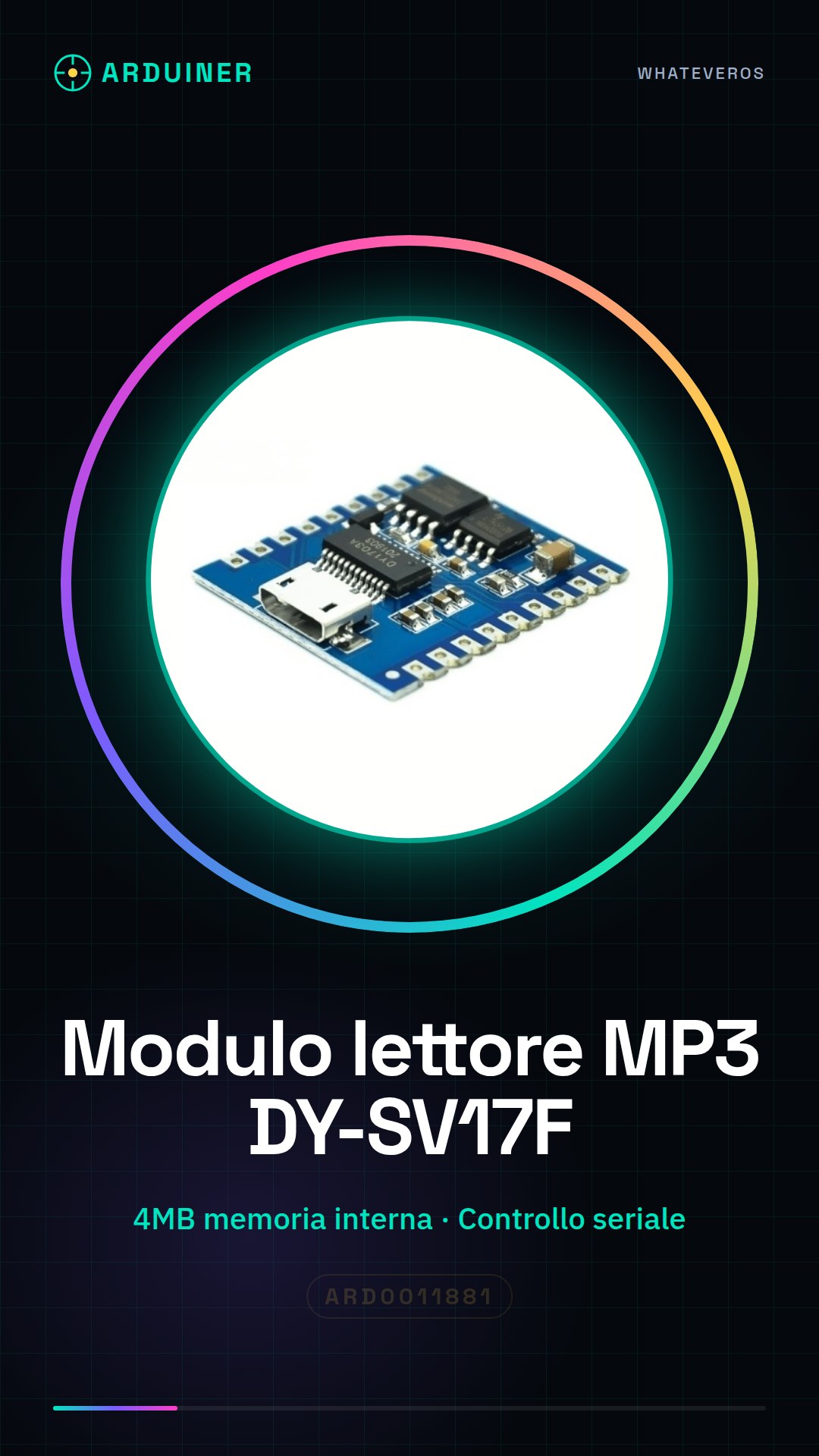
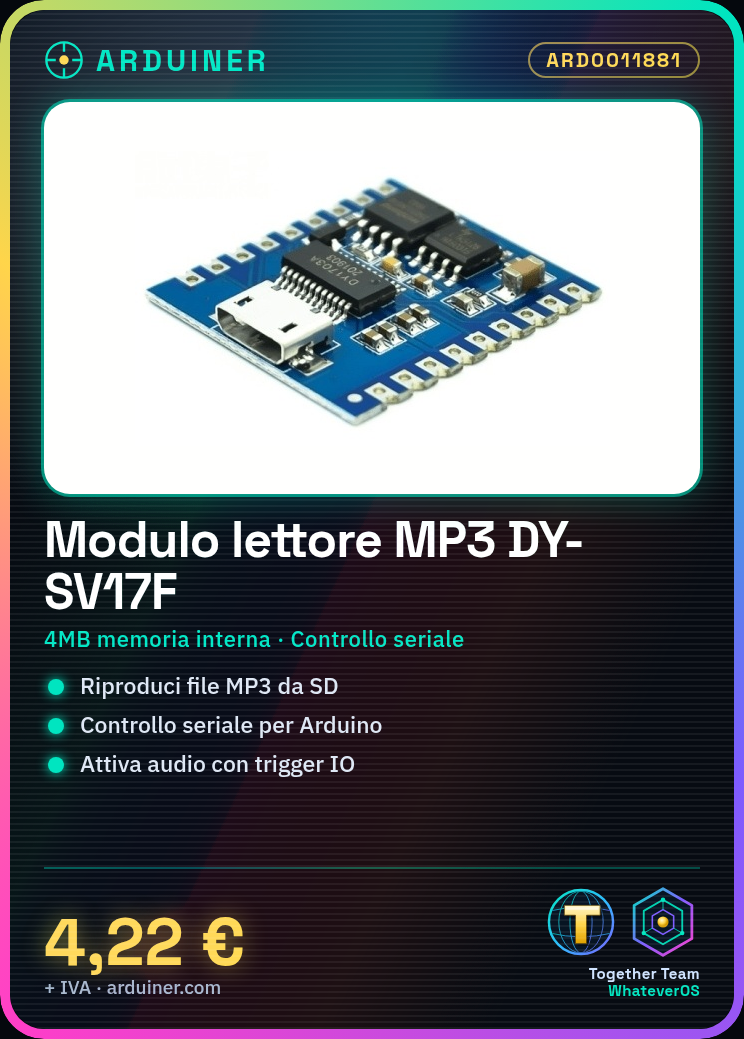
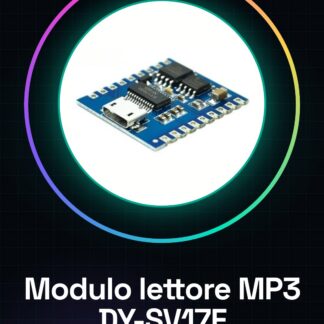
The DY-SV17F MP3 Reader Module is a device that allows the playback of audio and voice files from an SD card. Included in its functionality is serial control, enabling integration with Arduino projects or other microcontrollers.
Features
- MP3 voice and audio playback from SD card
- 4MB internal memory for temporary storage of audio/voice files
- Serial control for communication with Arduino or other microcontrollers
- USB Flash download capability
- Trigger IO for automatic activation of voice playback
What it is for
The DY-SV17F MP3 modules are ideal for projects requiring audio and voice file playback, such as interactive alarm clocks, interactive games, or any home application. Compatibility with Arduino makes this module a versatile component for building custom audio interfaces.
Tutorial: How to use the DY-SV17F MP3 Reader Module
The DY-SV17F MP3 Reader Module is a versatile device that allows for direct playback of audio and voice files from an SD card. Ideal for home electronics projects, interactive games, or any application requiring voice playback.
What you need
- Arduino Uno
- SD card
- USB connections
Steps
- Connect the DY-SV17F module to the Arduino using the GPIO connectors.
- Insert an SD card into the module to load MP3 or WAV files.
- Download and install the necessary library from the Arduino repository.
- Write a sketch that initializes the module and plays a specific audio file.
- Check the module DY-SV17F datasheet for additional configuration details.
- Test audio using various control commands such as start, pause, and stop.
- Configure trigger IO to activate audio playback from a sensor or external device.
- Save the project and test it with different audio files and environmental conditions.
Example code
/*Sketch di esempio*/
#include <DFPlayer.h>

//Inizializza oggetti DFPlayer
DFPlayer dfplayer;

void setup() {
  Serial.begin(9600);
  dfplayer.begin(Serial);
}

void loop() {
  //Comando di esempio per riprodurre un file audio
  dfplayer.playTrack(1);
}
Mini project
Create an interactive alarm clock that will play an MP3 melody and turn on lights upon waking up.
Common mistakes
- Connection issues between Arduino and DY-SV17F module.
- Difficulty in loading correct audio files onto the SD card.
- Error in configuring the Arduino library or sketch.
Recommended accessories
- GPIO connector
- 8GB SD card
- Motion sensors
Frequently asked questions
How can I add new MP3 files?
Insert the SD card into the DY-SV17F module, load the files and configure the playback order in the Arduino sketch.
What is the power consumption of the module?
Check the datasheet for detailed information on power consumption.
Reviews
There are no reviews yet.