 EN
 IT Italiano
 ES Español
 FR Français
 DE Deutsch
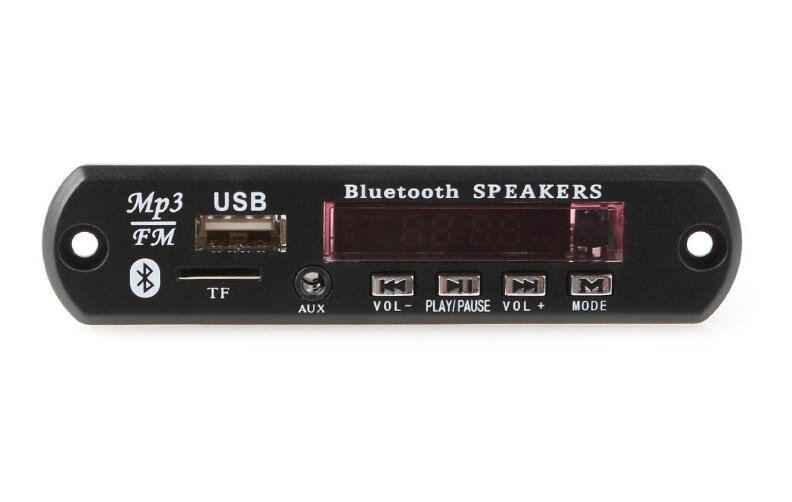
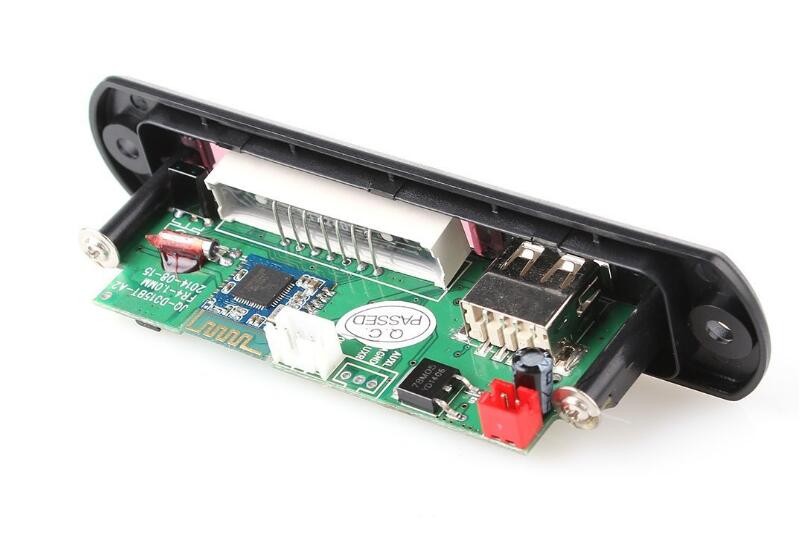
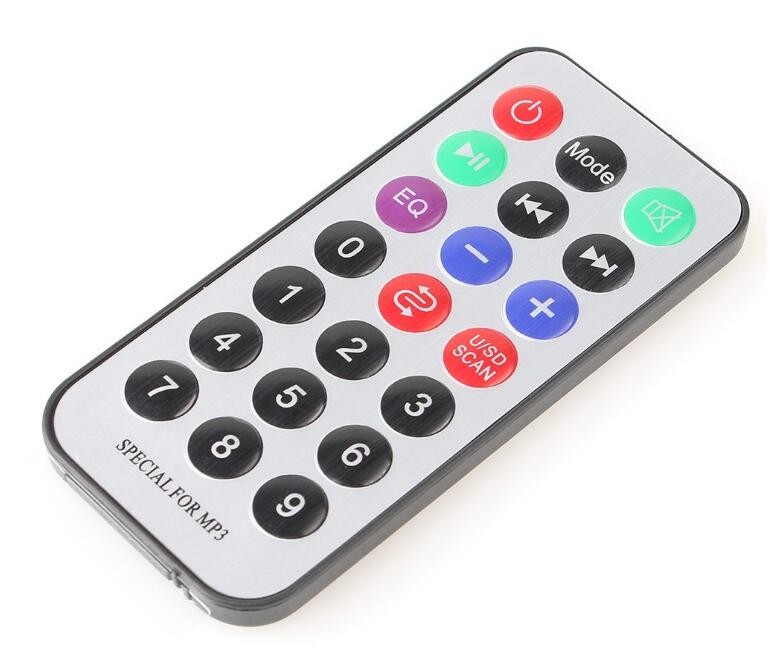
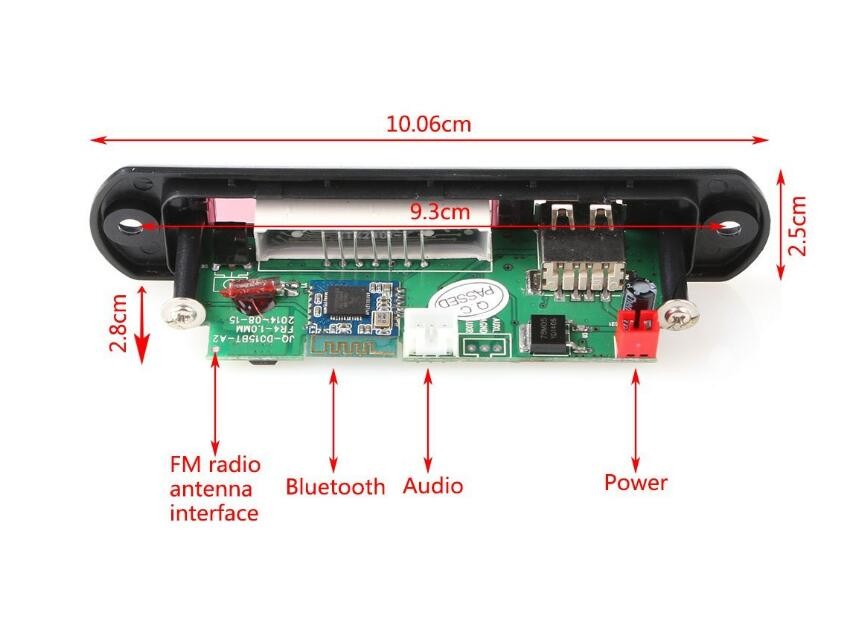
Description
What it is
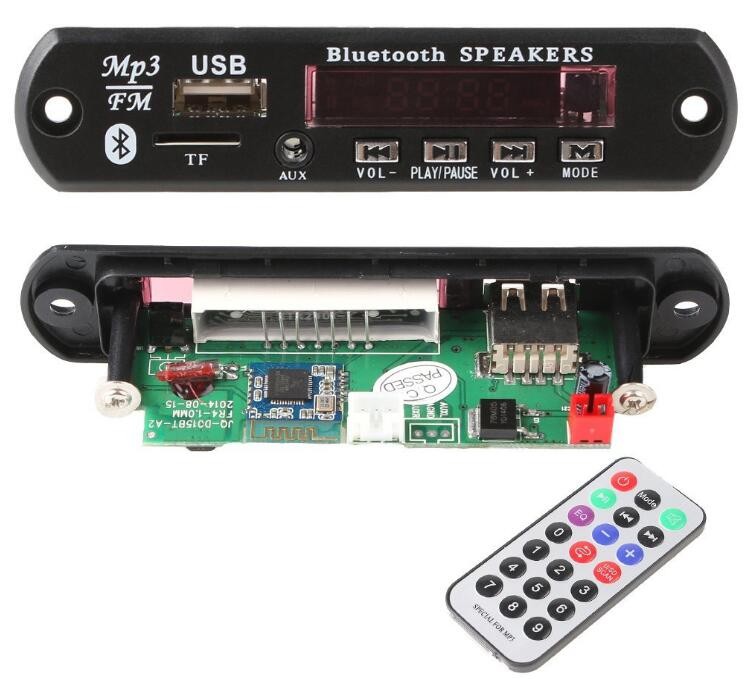
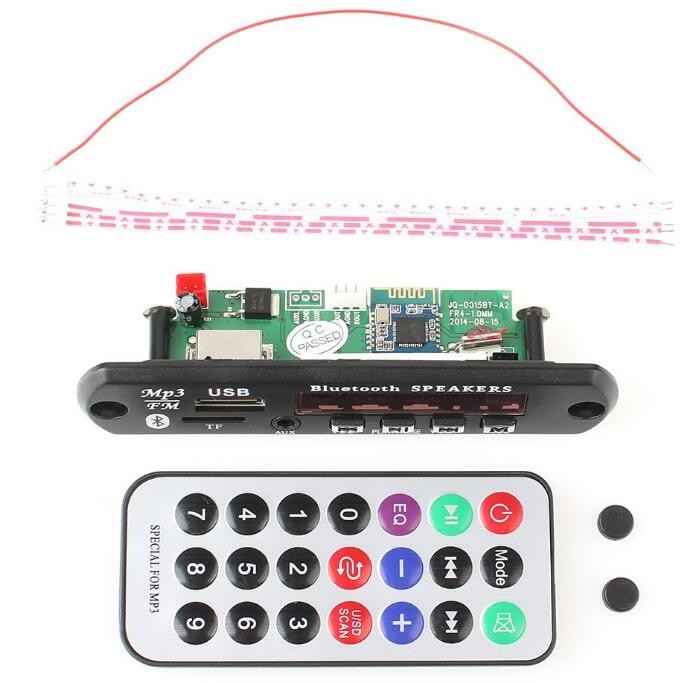
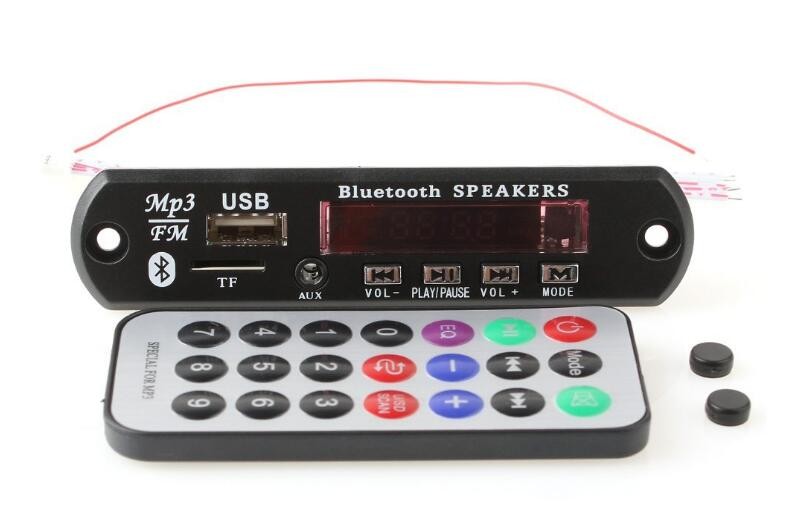
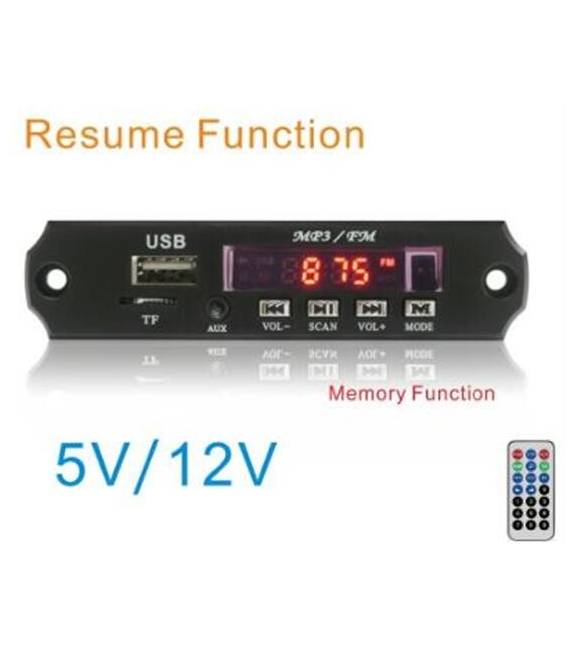
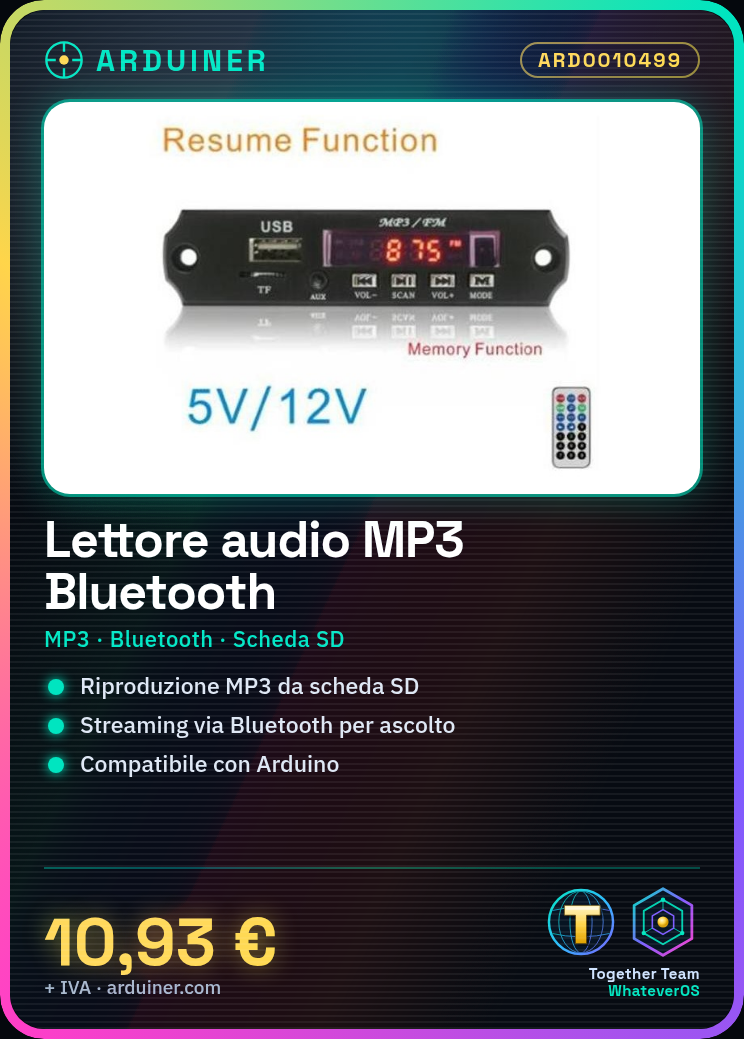
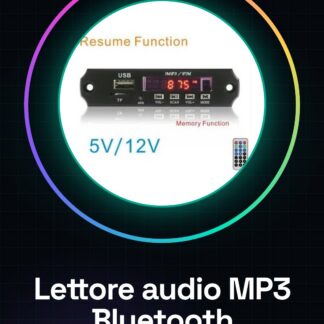
The ARD0010499 MP3 Bluetooth Audio Reader Board is a module that allows adding audio functionality to Arduino projects. It supports MP3 file playback and Bluetooth connectivity for streaming music.
Features
- MP3 Audio Reader
- Bluetooth Connection
- SD Card Support
- Price: 10.93 €
What it is for
The board is ideal for projects requiring MP3 music playback with Bluetooth connectivity. It can be used to create small audio systems, such as for a bedroom, by connecting it to an Arduino and uploading the appropriate code. It is compatible with Arduino and other microcontrollers that support Bluetooth communication.
Tutorial: How to Use MP3 Bluetooth Audio Reader
The MP3 Bluetooth Audio Reader is ideal for projects requiring MP3 audio file playback with Bluetooth connectivity. Useful for beginners and intermediates.
What you need
- Arduino
- Connection Wires
- Audio MP3 Bluetooth Reader Module
- MP3 Files
Steps
- 1. Connect the Audio MP3 Bluetooth Reader Module to your Arduino using the connection wires.
- 2. Break the pins of the module to identify the following connectors: VCC, GND, SDA, SCL, BT_SCK, BT_MISO, BT_MOSI, BT_CS, BT_IRQ.
- 3. Connect VCC to the 5V of Arduino and GND to the GND of Arduino.
- 4. Connect SDA and SCL of Arduino to BT_MISO and BT_MOSI respectively.
- 5. Connect BT_CS to a digital pin of Arduino.
- 6. Connect BT_IRQ to another digital pin of Arduino.
- 7. Load the provided Arduino code.
- 8. Load your MP3 files onto an SD card.
- 9. Set your smartphone to connect to the Bluetooth audio reader.
- 10. Try to play an audio file.
Example code
```
#include <MP3Player.h>

MP3Player mp3;

void setup() {
  Serial.begin(9600);
  mp3.begin();
}

void loop() {
  if (Serial.available() > 0) {
    String command = Serial.readString();
    if (command == "play") {
      mp3.playFile("file.mp3");
    }
  }
}
```
Mini project
Create a small audio system for your bedroom using an Arduino and this Bluetooth audio player. Connect the audio player to your Arduino and load the code. Use a smartphone to connect to the audio player and listen to your favorite music.
Common mistakes
- Connect VCC to 3.3V instead of 5V.
- Forget to load MP3 files onto an SD card.
- Set up the Bluetooth connection correctly.
- Do not use a digital pin for BT_IRQ.
Recommended accessories
- SD Card
- MP3 Files
- Bluetooth Antennas
- Protection Wires
Frequently asked questions
How can I connect to the Bluetooth audio player?
Set your smartphone to connect to the Bluetooth device name of the audio player.
Can I use audio files in other formats besides MP3?
Check the datasheet for further details.
Does the audio player support multimedia playback?
Check the datasheet.
Reviews
There are no reviews yet.