 EN
 IT Italiano
 ES Español
 FR Français
 DE Deutsch
Description
What it is
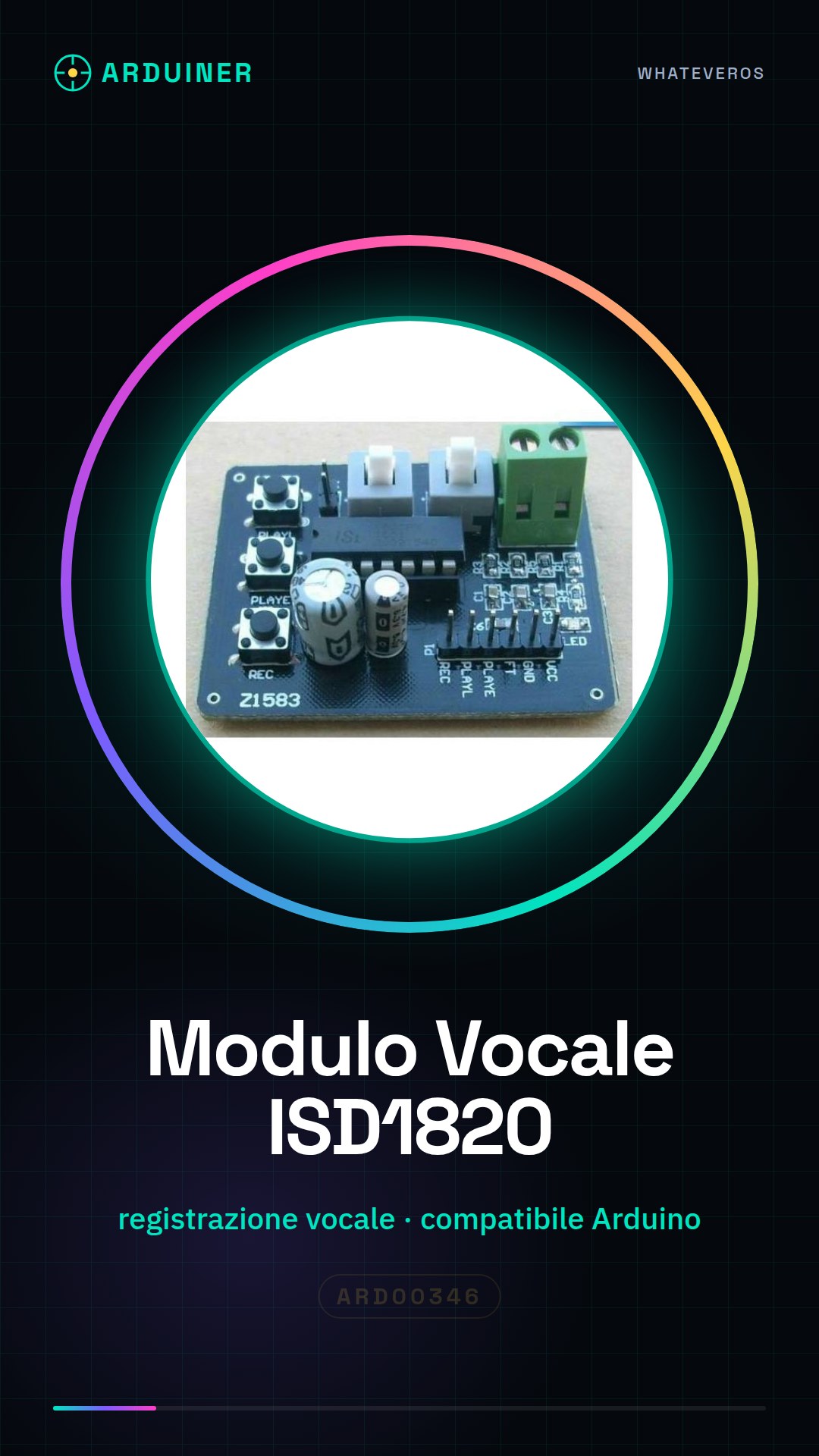
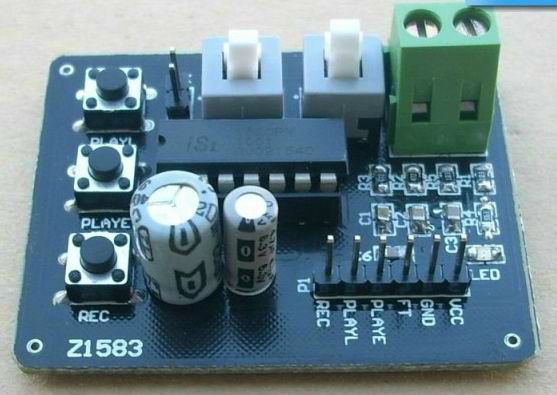
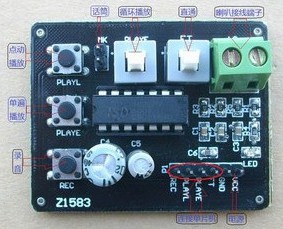
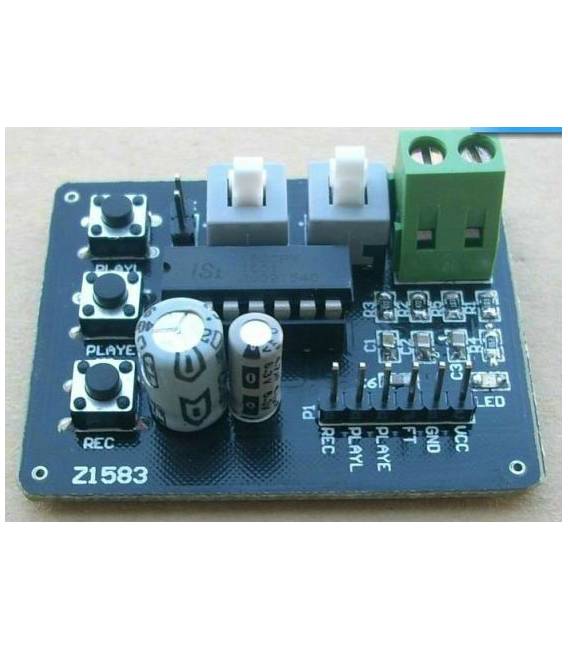
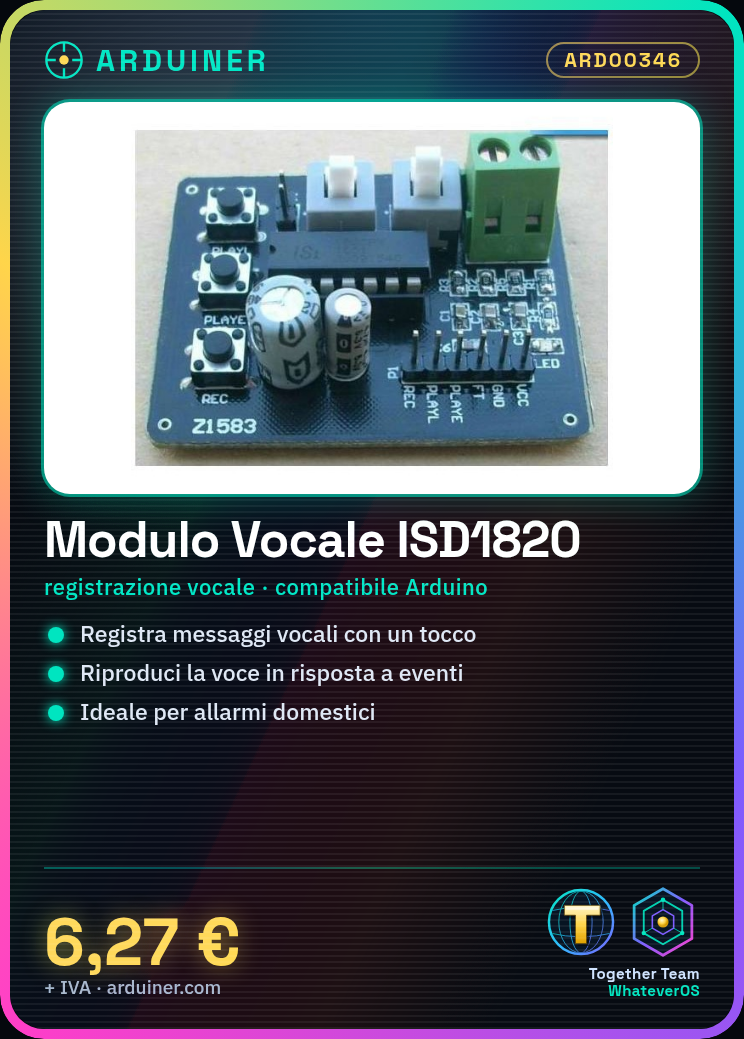
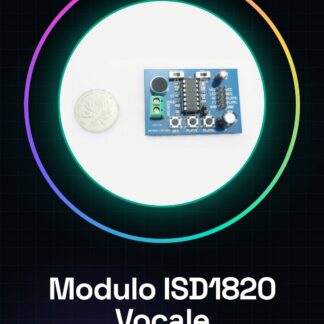
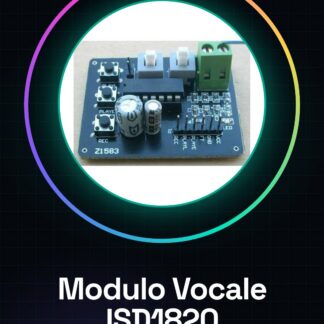
The ISD1820 module is a voice recording and playback device that allows the creation of interactive projects based on Arduino. This module enables the recording of voice messages and then playing them back in response to certain conditions or events.
Features
- Ideally suited for simple and economical voice recording
- Compatible with Arduino for the implementation of interactive projects
- Potentially usable in applications such as home alarms or pre-recorded messages
What it is for
ISD1820 modules are ideal for creating devices that record and play back voice messages. For example, they can be used in projects such as home alarms or interactive games where messages are activated by specific conditions.
Tutorial: How to use ISD1820 Voice Module
The ISD1820 module is ideal for those who want to create simple and affordable voice recording devices. It is suitable for projects such as home alarms, pre-recorded messages, or interactive games.
What you need
- Arduino Uno
- USB A-Micro B cable
- LiPo 3.7V battery (optional)
- Speakers
Steps
- Connect the ISD1820 module to the digital pins of the Arduino microcontroller.
- Install the ISD1820 library in the ‘libraries’ folder of the Arduino IDE.
- Write the sketch to control the voice recording and playback functions.
- Enter the code on your computer and upload it to the Arduino microcontroller.
- Press the command keys of the ISD1820 module to record and play back voice messages.
- Check the quality of the recorded audio.
- If necessary, adjust the module settings to optimize the recording.
- Test the complete system with a set of predefined commands.
Example code
// Includere la libreria ISD1820
#include <ISD1820.h>
// Creare oggetto della libreria ISD1820
ISD1820 isd;
void setup() {
isd.begin();
}
void loop() {
isd.playMessage(1);
delay(5000); // Aspetta 5 secondi prima di riprodurre il messaggio successivo
}
Mini project
Create a voice alarm for your home that records and plays back voice messages when a door or window is opened.
Common mistakes
- The module does not respond correctly to the Arduino microcontroller.
- The quality of the recorded audio is low.
- The commands for the ISD1820 module do not work as expected.
- The module consumes too much energy during recording or playback.
Recommended accessories
- Arduino Uno
- Speakers 3.5mm
- LiPo 3.7V Battery with Protection
- USB A-Micro B Cable
Frequently asked questions
How can I improve the quality of the recorded audio?
Check the datasheet of the ISD1820 module for better audio settings.
How long does a voice recording last with the ISD1820 module?
Check the datasheet of the ISD1820 module for the maximum recording duration.
Reviews
There are no reviews yet.