 EN
 IT Italiano
 ES Español
 FR Français
 DE Deutsch
Description
What it is
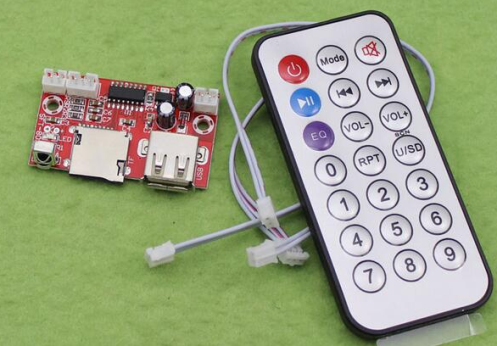
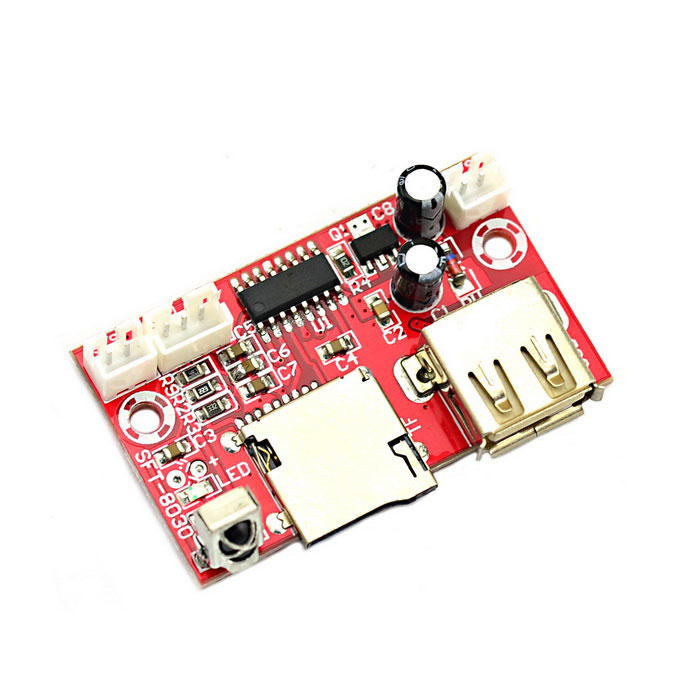
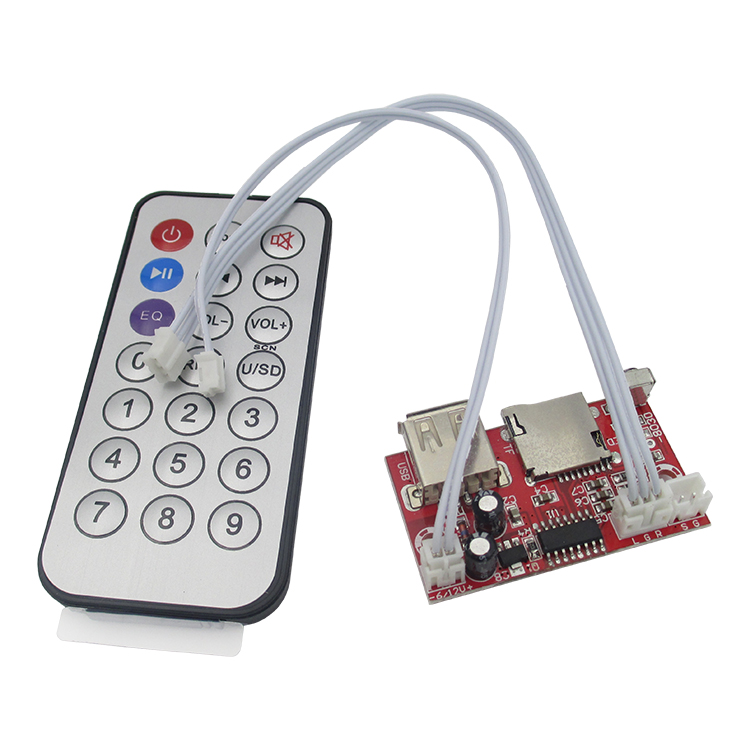
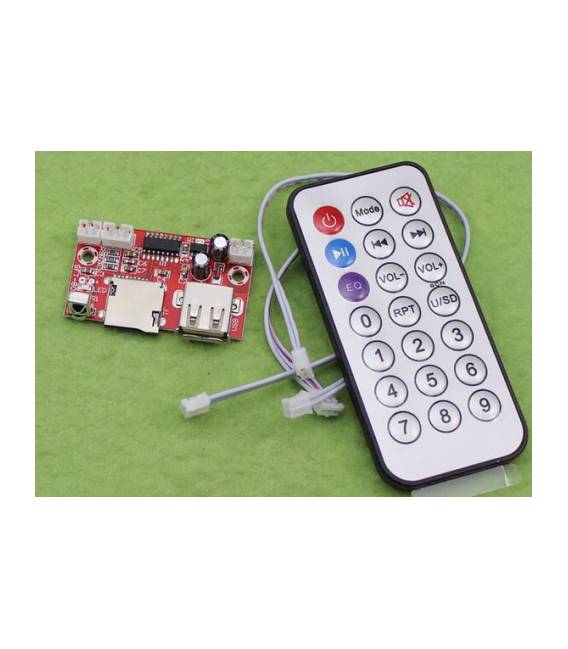
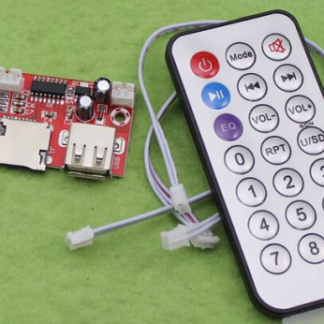
This MP3 decode card is an electronic component that allows the playback of MP3, WAV, and APE audio files. It operates with a 12V DC power supply and supports audio file reading from a TF (microSD) card or a USB flash drive.
Features
- Power Supply: 12V DC
- Supported Audio Formats: MP3, WAV, APE
- Inputs: TF card, USB
What it is for
The MP3 card can be used to implement audio features in electronic projects. For example, it can be used to create a small jukebox with Arduino by connecting the card to an LCD display to show the names of audio files. It is ideal for audio projects, such as music or sound effect playback, in electronic circuits.
Tutorial: How to Use MP3 Shield
The MP3 Shield allows you to play MP3 audio files on an Arduino. Ideal for audio projects or for those who want to integrate audio playback features into their circuits.
What you need
- Arduino
- MP3 Shield
- TF Card or USB connector
- 12V DC Power Supply
Steps
- 1. Connect the 12V DC Power Supply to the MP3 Shield.
- 2. Connect the Arduino to the MP3 Shield using the power and ground pins.
- 3. Insert the TF Card or connect the USB connector.
- 4. Upload the code to the Arduino.
- 5. Turn on the power and listen to the music.
- 6. Check the power supply current to avoid overloads.
- 7. Verify pin compatibility in the datasheet.
- 8. Configure audio settings via the configuration pins.
Example code
```
#include <MP3Shield.h>

MP3Shield mp3shield;

void setup() {
  mp3shield.begin();
}

void loop() {
  mp3shield.playFile("file.mp3");
}
```
Mini project
Create a small jukebox using an Arduino, the MP3 Shield, and a TF Card with various audio files. Connect the Arduino to an LCD display to show the file names.
Common mistakes
- Omit checking the power supply current.
- Do not verify pin compatibility.
- Do not connect the 12V DC Power Supply correctly.
- Forget to upload the code to the Arduino.
Recommended accessories
- LCD Display
- TF Card with audio files
- Protective case for Arduino
- 12V DC Connectors
Frequently asked questions
How can I check pin compatibility?
Consult the datasheet for MP3 Shield.
Can I use this shield with an Arduino Uno?
Yes, the shield is compatible with Arduino Uno.
Does the MP3 Shield support other audio formats?
Check the datasheet for updated information.
Reviews
There are no reviews yet.