 EN
 IT Italiano
 ES Español
 FR Français
 DE Deutsch
Description
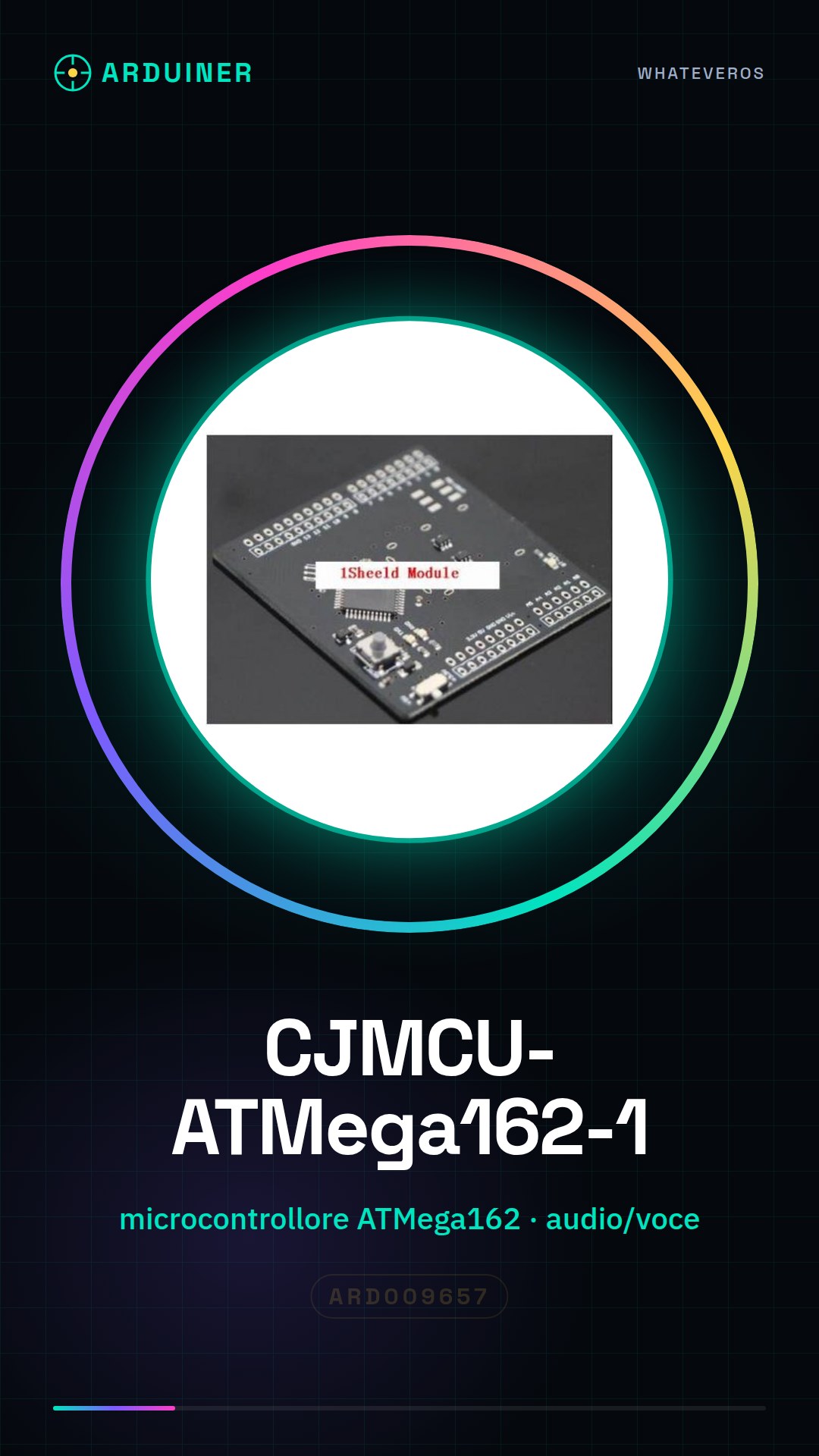
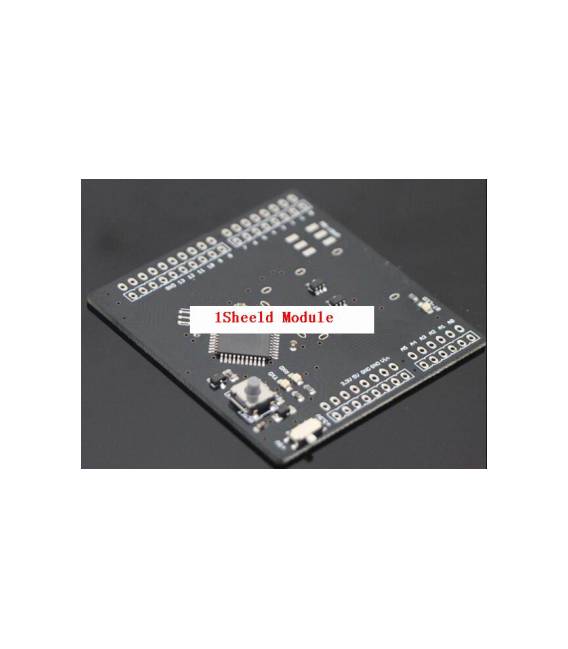
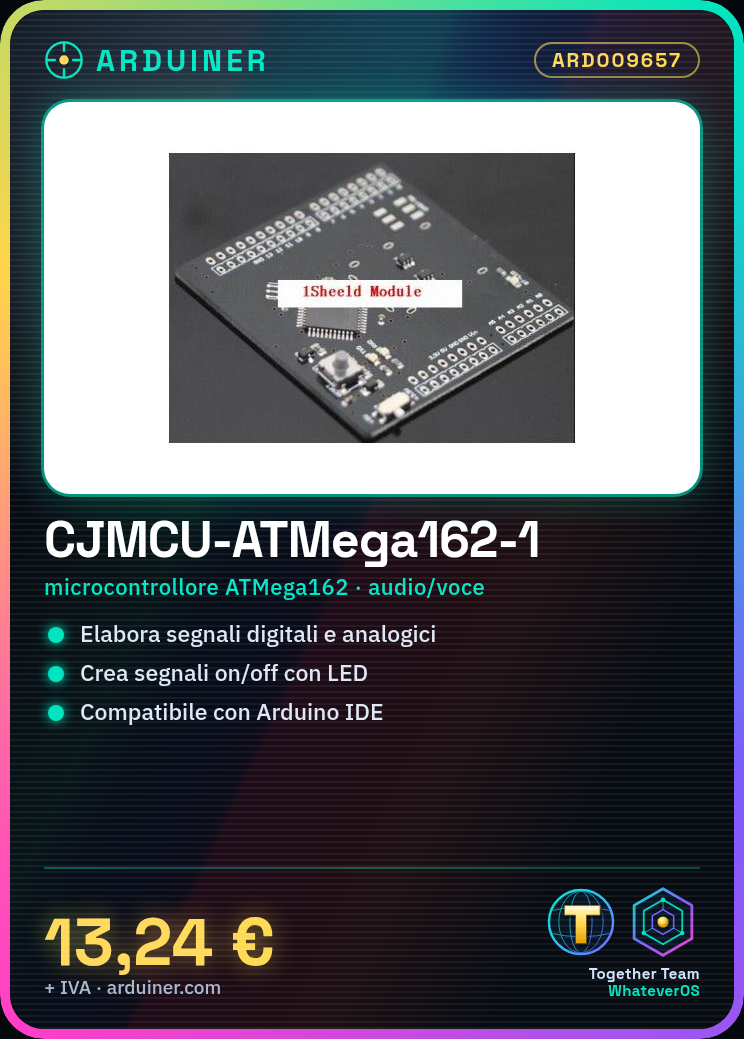
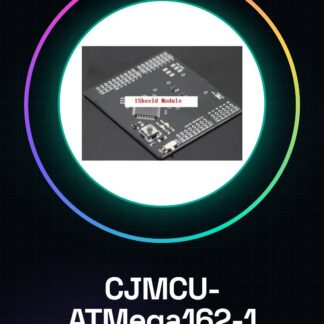
What is the CJMCU-ATMega162-1? The CJMCU-ATMega162-1 is a soldering board that includes an ATMega162 microcontroller, ideal for basic to intermediate audio/voice/MP3 projects and as an additional shield in various devices. Features Board based on the ATMega162 microcontroller Suitable for basic and intermediate projects What does it do? The CJMCU-ATMega162-1 is used to process digital and analog signals, suitable for creating simple circuits such as an on/off signal with an LED. It is compatible with Arduino and can be integrated into projects requiring audio/voice/MP3 functionalities. Tutorial: How to use the CJMCU-ATMega162-1 The CJMCU-ATMega162-1 is a microcontroller ideal for basic and intermediate projects, used to process and control digital and analog signals. What do you need? CJMCU-ATMega162-1 Arduino IDE USB cable Resistors (if needed) Steps 1. Download and install Arduino IDE. 2. Connect the CJMCU-ATMega162-1 to your computer via a USB cable. 3. Check the datasheet for pinout specifications. 4. Upload the ‘Blink’ example code on Arduino IDE. 5. Connect the CJMCU-ATMega162-1 to your digital circuit. 6. Verify connections and upload the code. 7. Observe the microcontroller’s behaviour. 8. Modify the code to test advanced functionalities. Example Code “` void setup() { pinMode(13, OUTPUT); } void loop() { digitalWrite(13, HIGH); delay(1000); digitalWrite(13, LOW); delay(1000); } “` Mini-project Create a simple on/off signal with an LED using the CJMCU-ATMega162-1. Common mistakes Not checking pinout before connecting. Uploading incorrect code. Connecting to wrong pins. Using unsuitable USB cable. Recommended Accessories LED Resistor for LED USB Cable Multimeter Frequently Asked Questions What specifications are needed to connect the CJMCU-ATMega162-1? Check the datasheet for pinout and voltage specifications. Can I use the CJMCU-ATMega162-1 with Arduino IDE? Yes, the CJMCU-ATMega162-1 is compatible with Arduino IDE. What are the voltage specifications of the CJMCU-ATMega162-1? Check the datasheet for power supply voltage specification.
Reviews
There are no reviews yet.