 EN
 IT Italiano
 ES Español
 FR Français
 DE Deutsch
Description
What it is
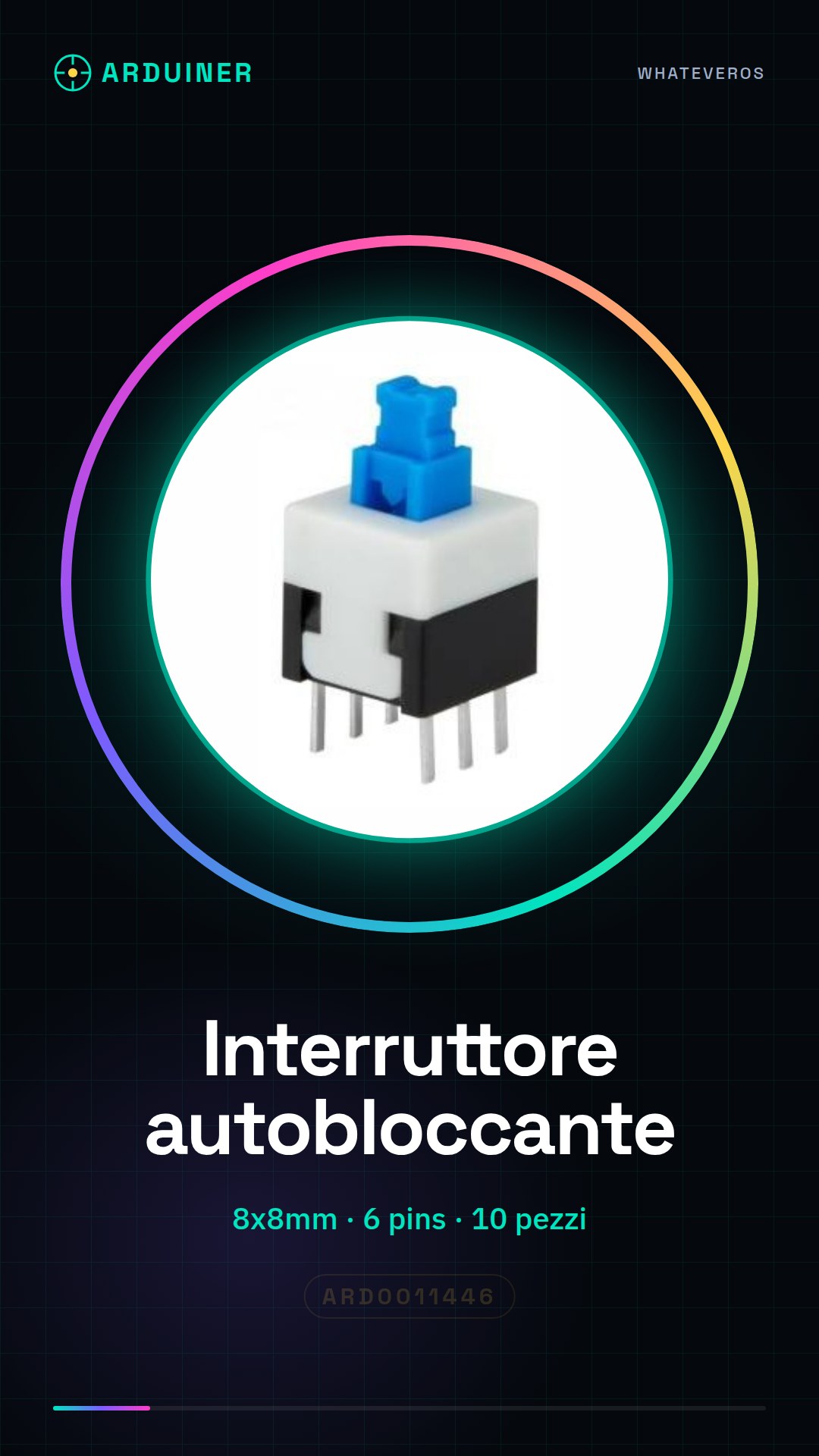
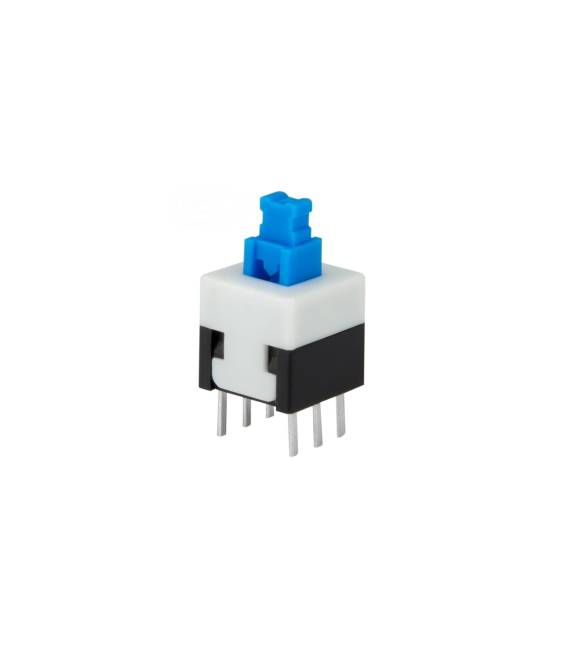
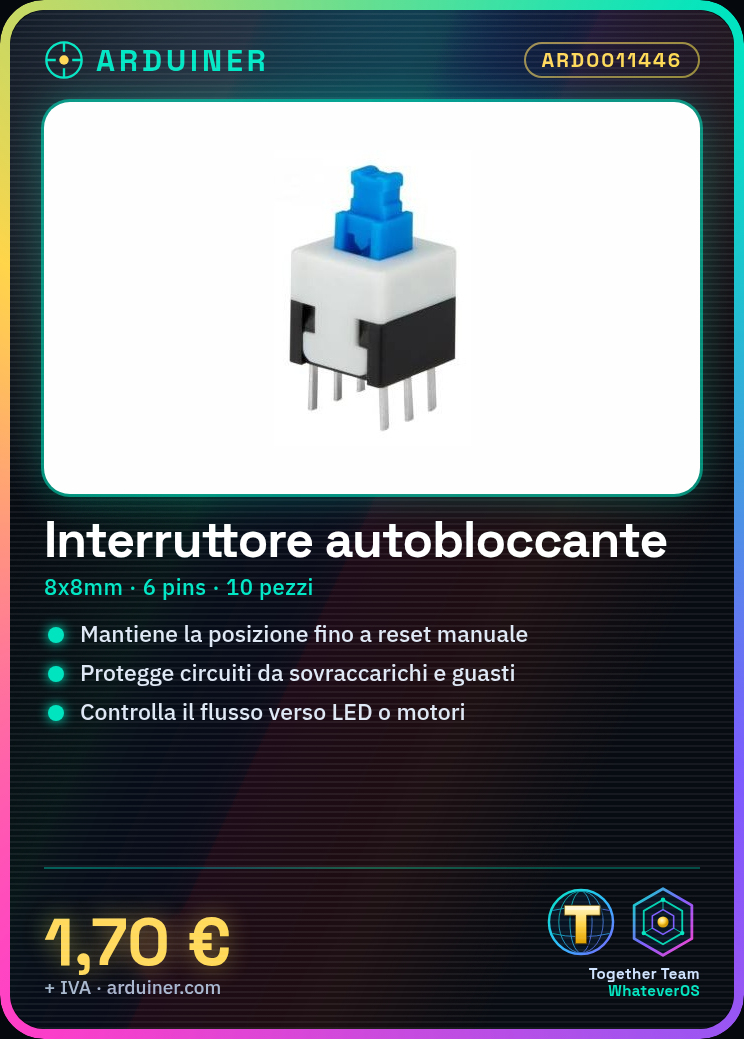
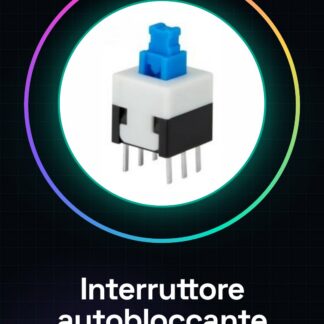
The 8x8mm, 6 pins latching switch is an electronic component that allows the interruption or restoration of current flow in a circuit. Once activated, the switch remains in position until manually restored.
Features
- Dimensions: 8 x 8 mm
- Number of pins: 6
- Type: latching
- Quantity: 10 pieces
What it is for
The latching switch can be used to protect circuits from overloads and damage, or to control the flow of current to devices such as LEDs or motors. It is a versatile component suitable for Arduino projects and other electronic projects.
Tutorial: How to use Latching Switch 8 * 8mm
The 8 * 8mm latching switch is ideal for protecting circuits from overloads and damage. Useful for beginner and intermediate makers.
What you need
- Latching Switch 8 * 8mm
- Arduino
- 1kΩ resistor (check datasheet)
- 6 pins straight connector
Steps
- 1. Installation: Apply slight pressure to insert the switch into the circuit.
- 2. Connection: Connect to pin 2 of the Arduino using a perfboard.
- 3. Protection: Connect a 1kΩ resistor between the perfboard and GND.
- 4. Code: Insert the minimum code to control the switch.
- 5. Test: Turn on the circuit and try closing and opening the switch.
- 6. Verification: Check that the Arduino responds correctly.
- 7. Final Installation: Ensure that the switch is securely in place.
- 8. Preorder: Order now to receive it on time.
Example code
int interruptPin = 2; void setup() { pinMode(interruptPin, INPUT); } void loop() { if (digitalRead(interruptPin) == HIGH) { Serial.println("Interruttore chiuso"); } else { Serial.println("Interruttore aperto"); } }Mini project
Build a simple power switch to control an LED.
Common mistakes
- Do not apply too much force during installation.
- Do not use the correct resistor.
- Connect the switch to VCC instead of GND.
- Omit the protection code.
Recommended accessories
- LED
- 220Ω resistor (check the datasheet)
- Protection circuit
- Insulating tape
Frequently asked questions
How can I protect the switch?
Use insulation tape to prevent accidental contacts.
Can I use this switch with a different microcontroller?
Yes, it is compatible with any microcontroller that supports digital signals.
What precautions should I take during installation?
Apply light pressure to avoid damaging the switch.
Can I use a perfboard with a different pin count?
Yes, but make sure it is compatible with the switch.



Reviews
There are no reviews yet.