 EN
 IT Italiano
 ES Español
 FR Français
 DE Deutsch

Description
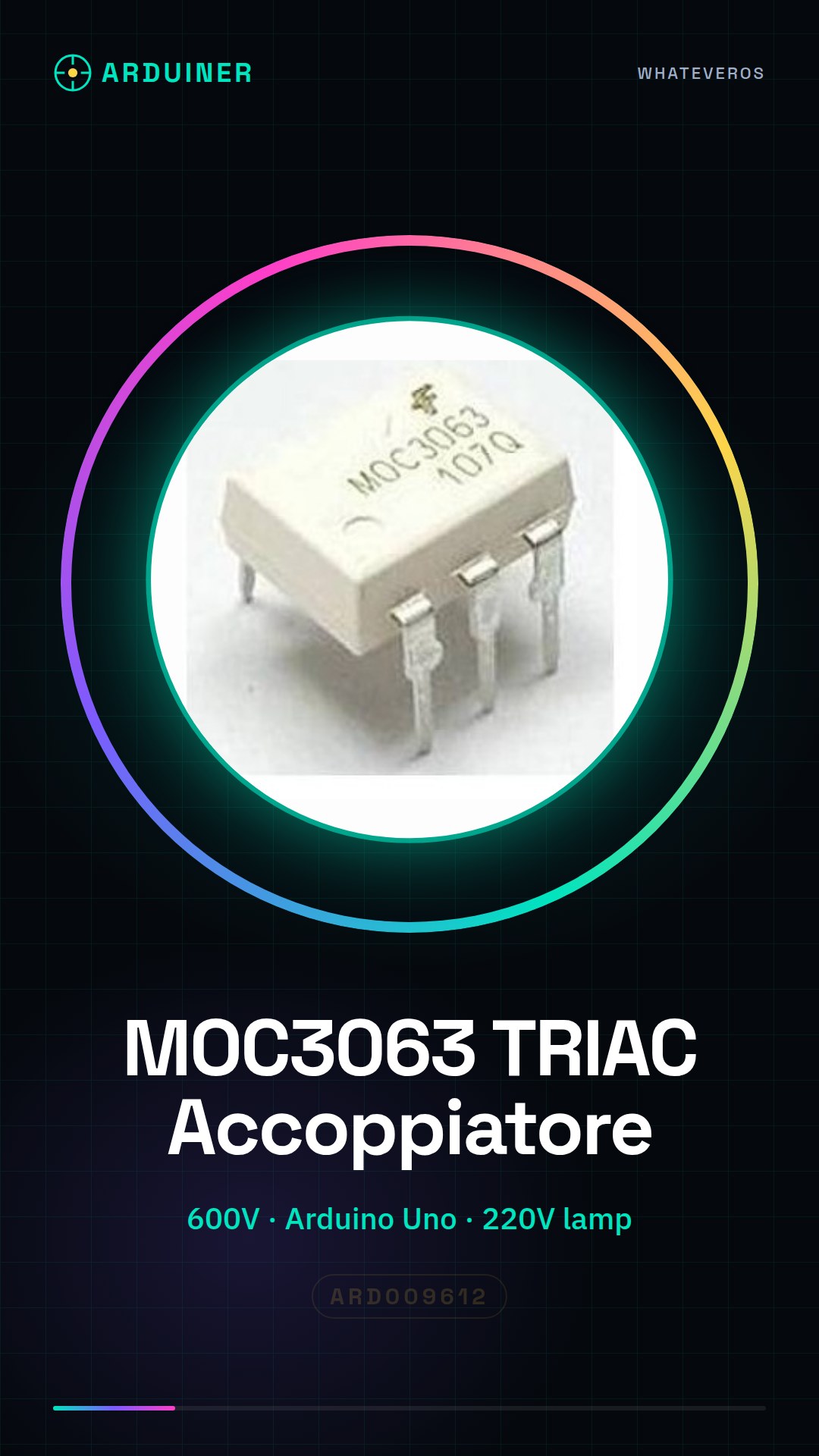
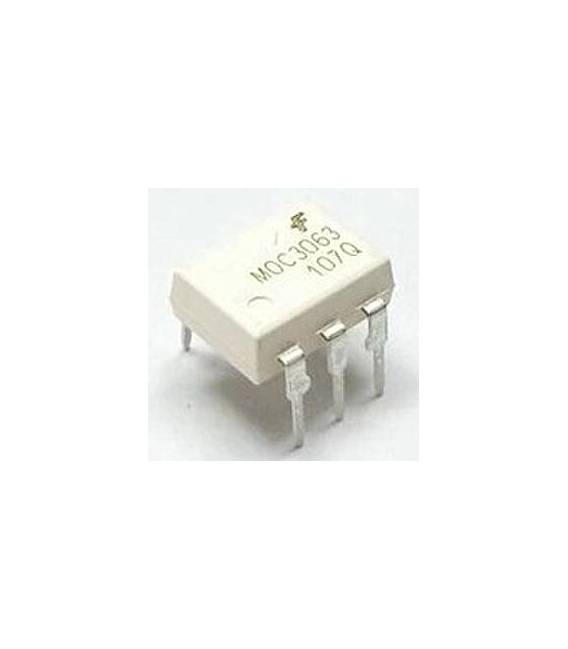
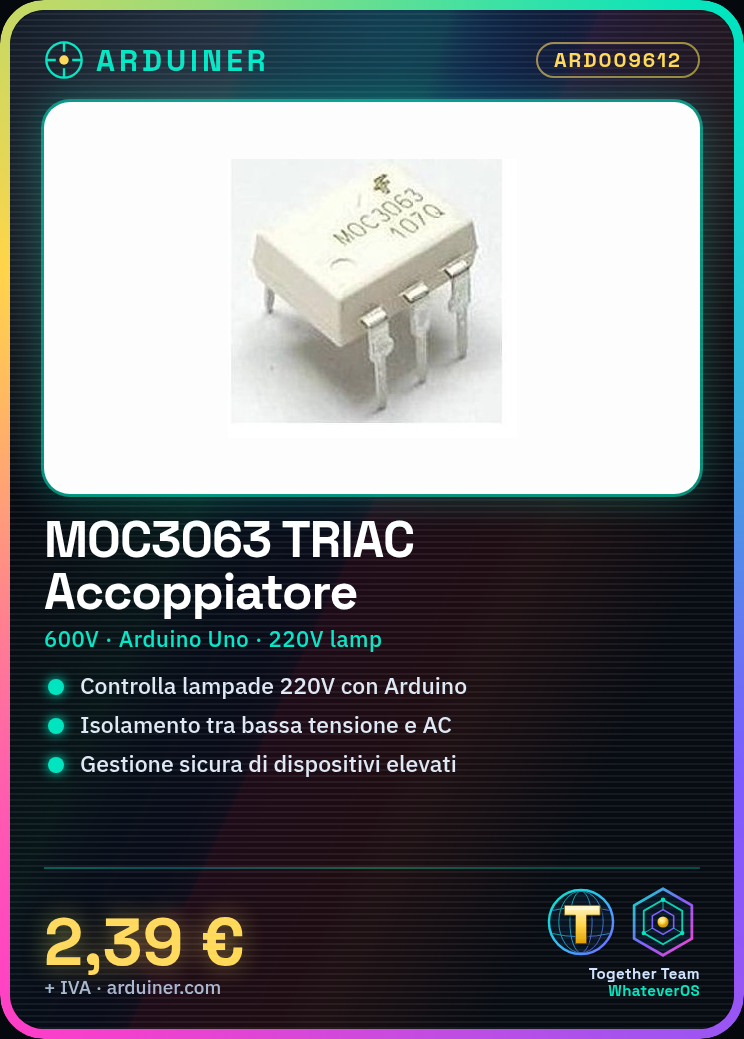
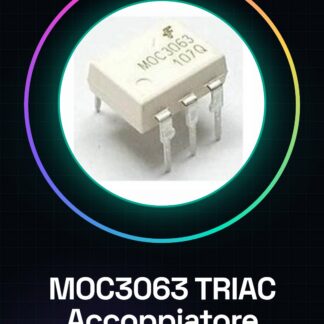
Opto-coupler MOC3063 TRIAC 600V
Tutorial: How to use Opto-coupler MOC3063 TRIAC
The opto-coupler MOC3063 is an essential component for anyone who wants to control high-voltage electrical devices from low-voltage circuits. Ideal for projects that require safe management of alternating current.
What you need
- Arduino Uno
- Jumper Wire
- Motion Sensor
Steps
- Connect the VCC pin of the MOC3063 opto-coupler to the +5V of the Arduino
- Connect the GND pin of the opto-coupler to GND of the Arduino
- Connect the OUT pin of the motion sensor to the IN pin of the MOC3063 opto-coupler
- Check the datasheet for the voltage and current required for the TRIAC connected to the opto-coupler
- Connect the phases of the electrical network to the terminals of the TRIAC following the specifications in the datasheet
- Write the Arduino sketch that activates the motion sensor and communicates with the MOC3063 opto-coupler
- Test the connection and ensure that the devices are controlled correctly
- Check the electrical protections to ensure optimal safety
Example code
void setup() {
  pinMode(IN, OUTPUT);
}

void loop() {
  if (movimentoDetto()){
    digitalWrite(IN, HIGH);
    delay(1000);
    digitalWrite(IN, LOW);
  }
}
Mini project
Create an automatic lighting system that turns on the lights when motion is detected. Use the MOC3063 coupler to control a 220V lamp.
Common mistakes
- Do not check the voltage and current of the TRIAC before installation
- Connect the motion sensor directly to the TRIAC without the MOC3063 coupler
- Omit the necessary electrical protections to avoid damage to the devices or incidents
- Do not fully test the system before final use
Recommended accessories
- Arduino Uno R3
- PIR Motion Sensor
- Electronic Protection Kit
- 220V Lamp for testing
Frequently asked questions
What is the maximum voltage I can handle with the MOC3063 coupler?
Check the datasheet, but it is generally 600V.
Can I use this coupler to control an AC motor?
Yes, but make sure the TRIAC is compatible with the motor’s power and check the specifications on the datasheet.
How can I protect the Arduino from damage when using this coupler?
Use insulation between the Arduino’s low voltage circuits and the AC mains circuits of the network.

Reviews
There are no reviews yet.