 EN
 IT Italiano
 ES Español
 FR Français
 DE Deutsch
Description
…
Tutorial: How to Use L293D
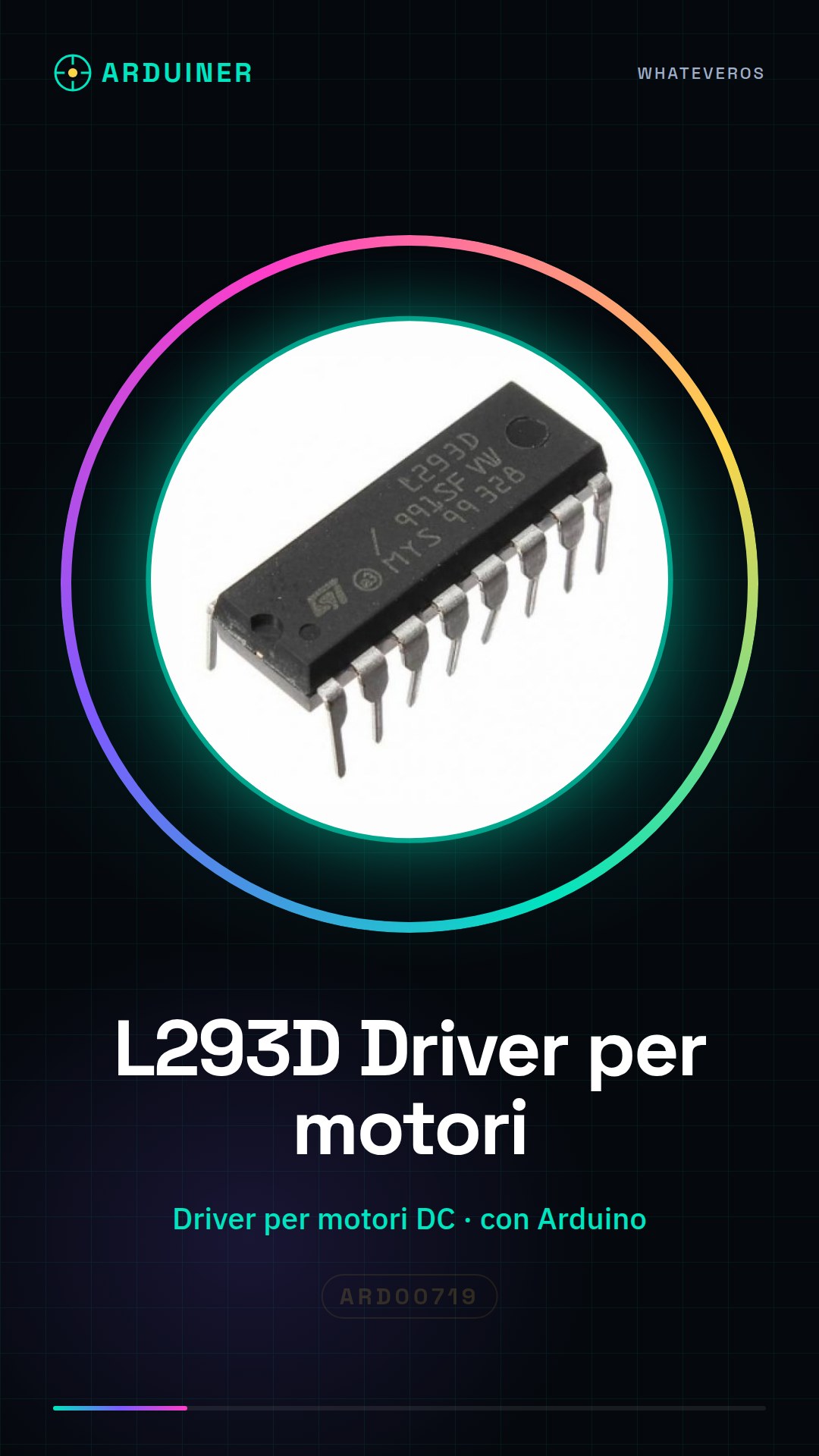
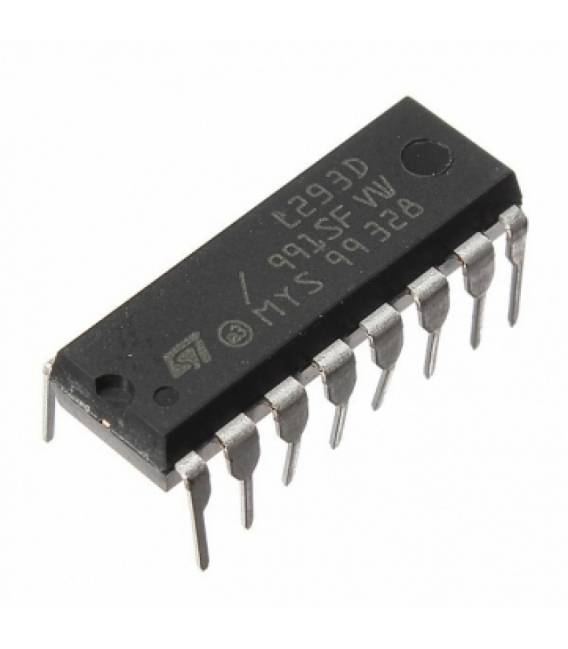
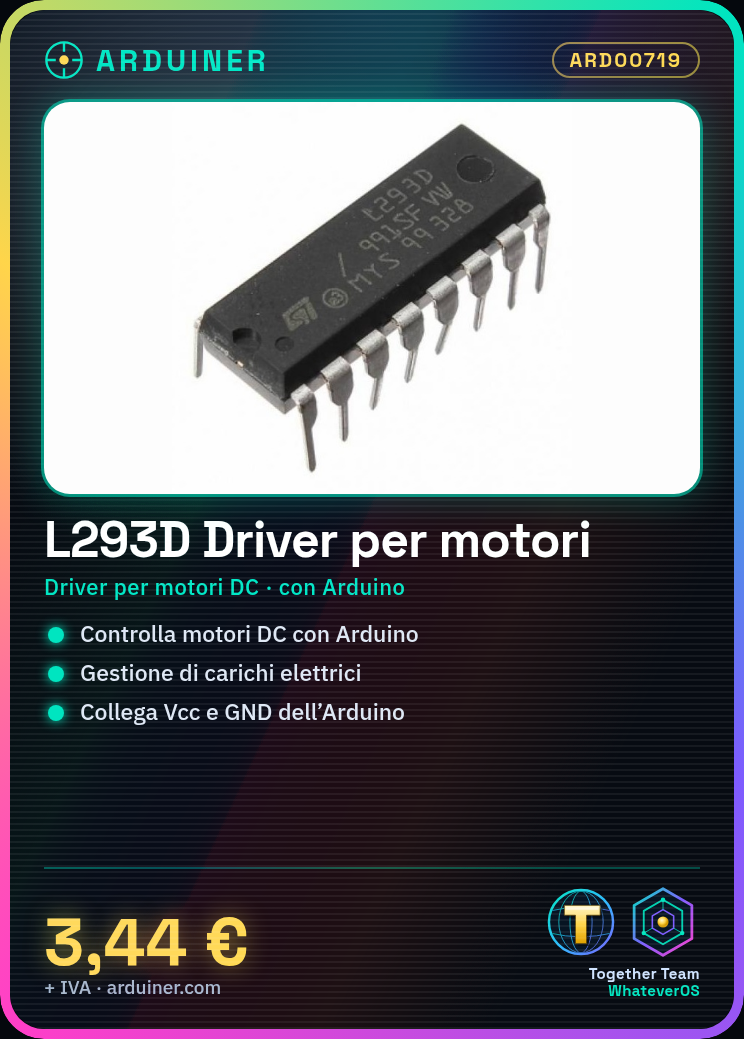
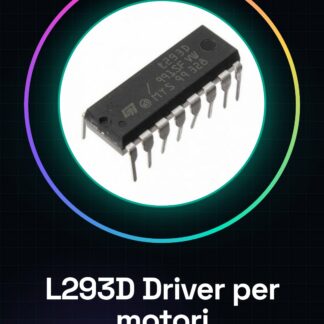
L293D is a motor driver that allows controlling DC motors or servomotors via an Arduino microcontroller. It is useful for projects requiring the management of electrical loads.
What you need
- L293D
- Arduino
- Resistors
- Connection Cables
Steps
- Check the datasheet for power supply specifications.
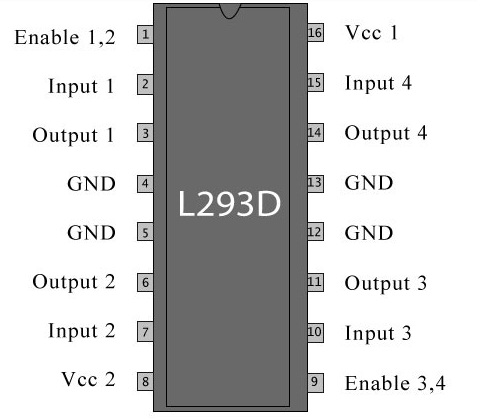
- Connect the Vcc and GND of the Arduino to the Vcc and GND of the L293D.
- Connect the IN1 and IN2 pins of the L293D to two digital pins of the Arduino.
- Connect the EN1 and GND pins of the L293D to a resistor and then to the Vcc of the Arduino.
- Connect the OUT1 and OUT2 pins of the L293D to a DC motor.
- Write an Arduino code to control the motor (example: `digitalWrite(2, HIGH);` to start the motor).
- Check the motor operation.
- Add electrical protections if necessary.
Example code
```
void setup() {
  pinMode(2, OUTPUT);
}

void loop() {
  digitalWrite(2, HIGH);
  delay(2000);
  digitalWrite(2, LOW);
  delay(2000);
}
```
Mini project
Create a simple robot that moves forward and backward for 2 seconds.
Common mistakes
- Do not check the power supply specifications on the datasheet.
- Connect the IN pins of the L293D directly to the Vcc of the Arduino without a resistor.
- Omit the EN pins to control the motor speed.
- Do not use electrical protections such as resistors or diodes.
Recommended accessories
- 10kΩ resistors
- 1N4007 diodes
- DC motor
- Connection cables
Frequently asked questions
Can I use L293D for a servo?
Yes, but check the specifications on the datasheet.
Which resistor to use for the EN pin?
10kΩ.
Does L293D work with Arduino UNO?
Yes, but verify the power supply specification.
Reviews
There are no reviews yet.