 EN
 IT Italiano
 ES Español
 FR Français
 DE Deutsch
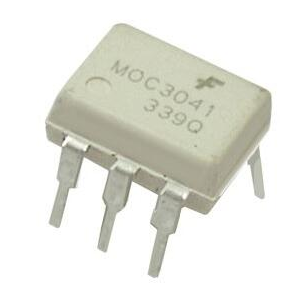
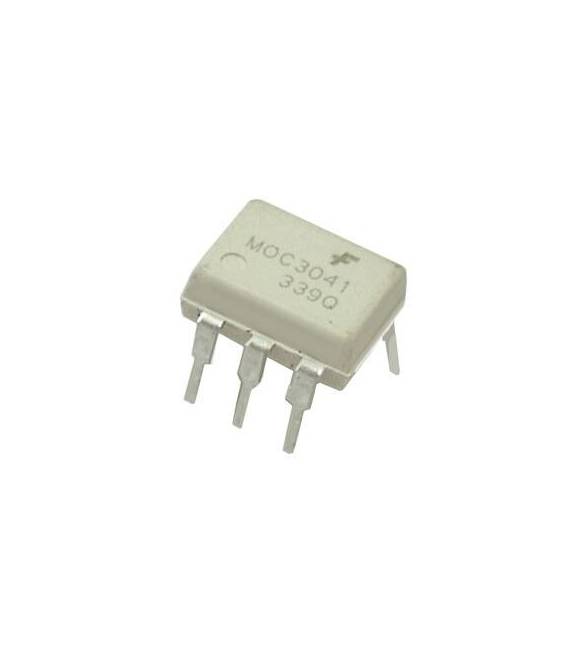
Description
MOC3041 DIP-6
Tutorial: How to use MOC3041 DIP-6
The MOC3041 DIP-6 is an optocoupler isolator used to separate electrical circuits. Ideal for beginners and intermediates who want to isolate currents in circuits.
What you need
- MOC3041 DIP-6
- Arduino or microcontroller
- 1kΩ resistor
- Test lead
Steps
- 1. Installation: Mount the MOC3041 DIP-6 on a protected circuit.
- 2. Connection: Connect pin 1 to the VCC of the microcontroller.
- 3. Connection: Connect pin 2 to the base of a transistor.
- 4. Connection: Connect pin 3 to the GND of the microcontroller.
- 5. Connection: Connect pin 4 to the GND of the transistor.
- 6. Connection: Connect pin 5 to the VCC of an LED.
- 7. Connection: Connect pin 6 to the GND.
- 8. Test: Turn on the microcontroller and verify the illumination of the LED.
Mini project
Create a simple optocoupler isolator using the MOC3041 DIP-6 to control an LED from another circuit.
Common mistakes
- Do not directly connect the VCC and GND of the microcontroller to VCC and GND of the MOC3041.
- Check the datasheet to verify if the microcontroller’s supply voltage is compatible with the MOC3041.
- Ensure the resistor is correct for the transistor’s base.
- Do not connect the LED directly to the VCC of the microcontroller.
Recommended accessories
- Transistor 2N2222
- LED
- Microcontroller Arduino
- Protected circuit
Frequently asked questions
Can the MOC3041 be used with any microcontroller?
Yes, but check the supply voltage and maximum current on the datasheet.
What resistor to use with the MOC3041?
A 1kΩ resistor is sufficient for most microcontrollers.
Why connect the GND of the LED to the VCC of the MOC3041?
To create a proper power supply circuit for the LED.
Can you use another type of optocoupler?
Yes, but make sure the specifications are compatible with your project.
Reviews
There are no reviews yet.