 EN
 IT Italiano
 ES Español
 FR Français
 DE Deutsch

Description
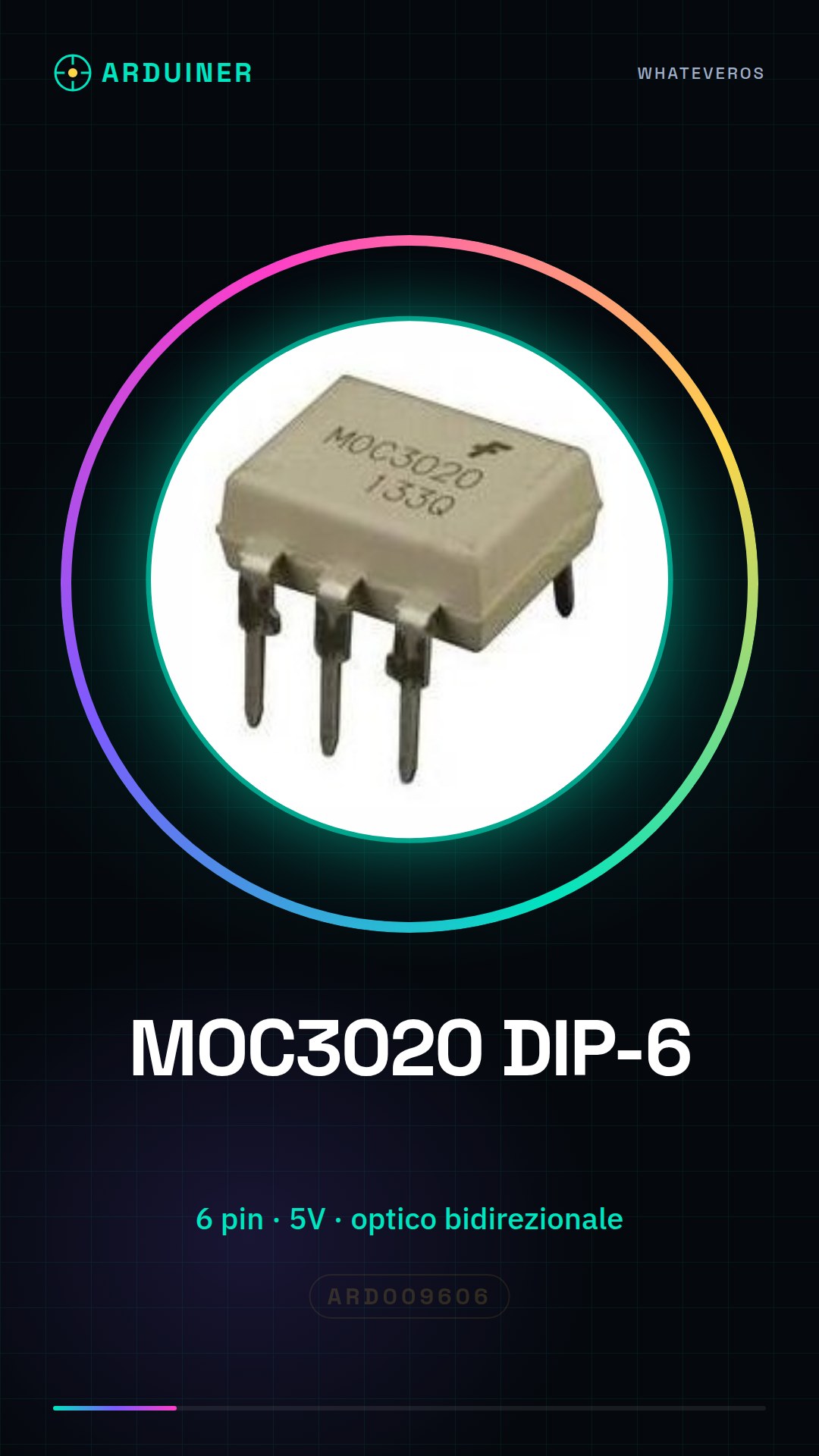
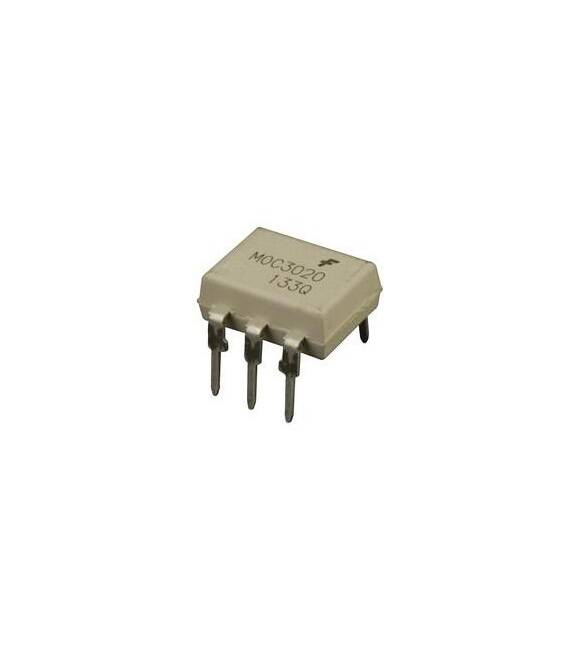
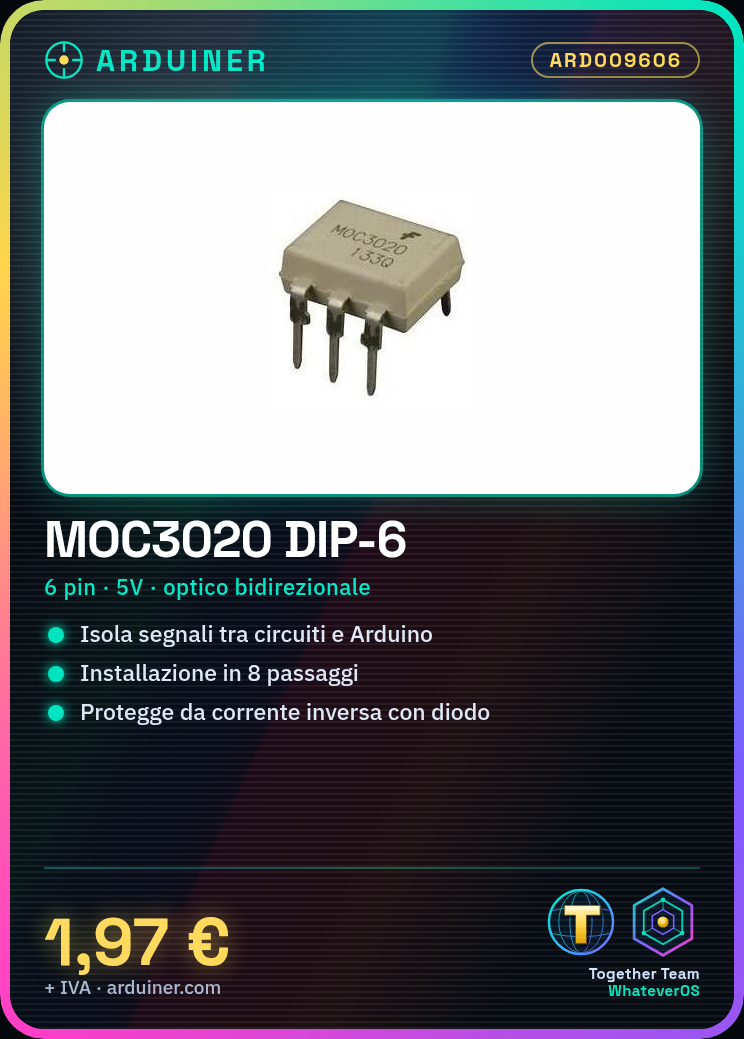
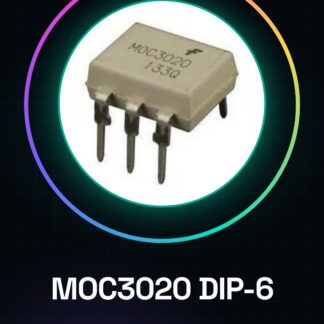
MOC3020 DIP-6
Tutorial: How to Use MOC3020
The MOC3020 is a bidirectional optical isolator used to protect electronic circuits. It is useful for beginners and intermediates and is essential in projects requiring optical isolation.
What you need
- MOC3020
- Arduino
- Resistor (10kΩ)
- Diode (optional)
Steps
- 1. Installation: Connect pins 1 and 6 to VCC (5V) of the Arduino.
- 2. Connect pin 2 to the input pin of the circuit to be protected.
- 3. Connect pin 3 to GND of the Arduino.
- 4. Connect pin 4 to VCC (5V) of the Arduino.
- 5. Connect pin 5 to GND of the circuit to be protected.
- 6. Add a 10kΩ resistor between pin 5 and GND to protect the MOC3020.
- 7. (Optional) Connect a diode between pin 2 and 5 to protect against reverse current.
- 8. Upload the code to the Arduino.
Mini project
Create a simple electronic switch with a button and an LED.
Common mistakes
- Do not connect VCC and GND directly without resistance.
- Do not use a reverse diode without verification.
- Do not connect pin 2 and 5 without a protection resistor.
- Do not forget to upload the code to Arduino.
Recommended accessories
- Button
- LED
- Resistor (220Ω)
- Prototype wires
Frequently asked questions
Can I use the MOC3020 with a power supply different from 5V?
Check the datasheet for the maximum power supply.
What are the functional pins of the MOC3020?
Pins 1, 2, 3, 4, 5, 6 are functional.
Is the MOC3020 unique for Arduino?
No, it works with any electronic circuit.
How long is the lifespan of the MOC3020?
Check the datasheet for the lifespan.
Reviews
There are no reviews yet.