 EN
 IT Italiano
 ES Español
 FR Français
 DE Deutsch
Description
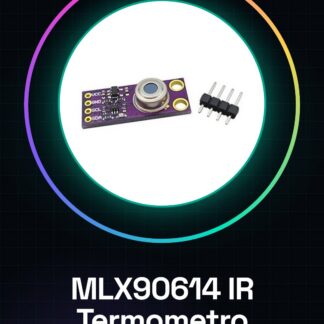
Tutorial: How to Use MLX90614 IR Thermometer
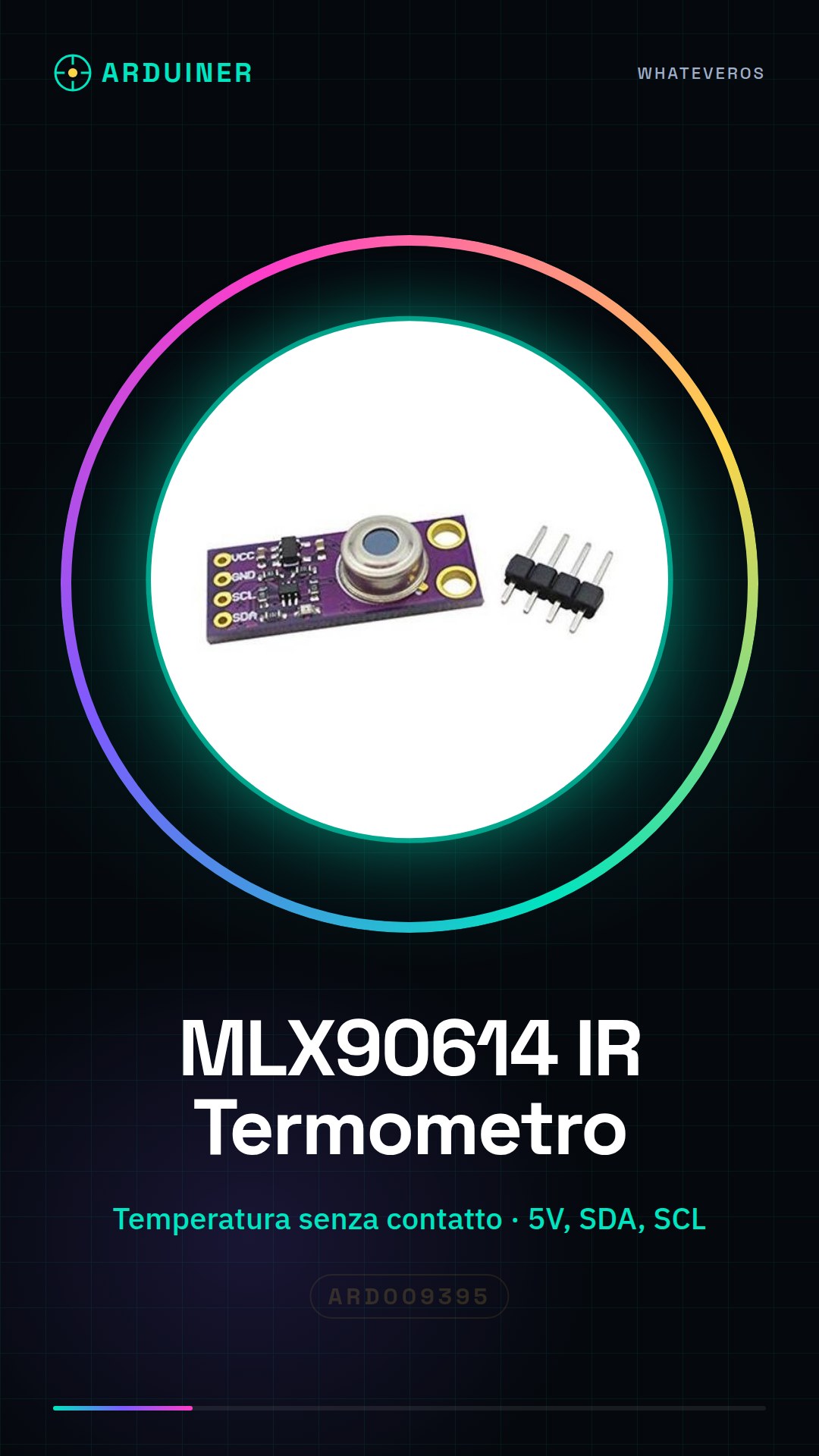
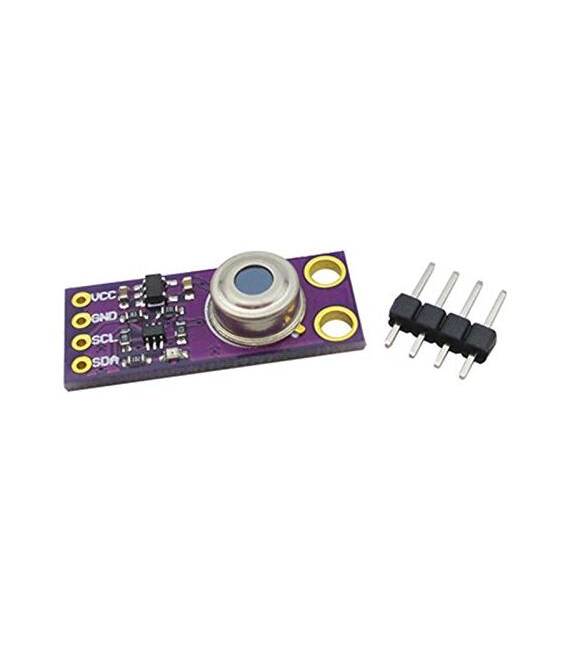
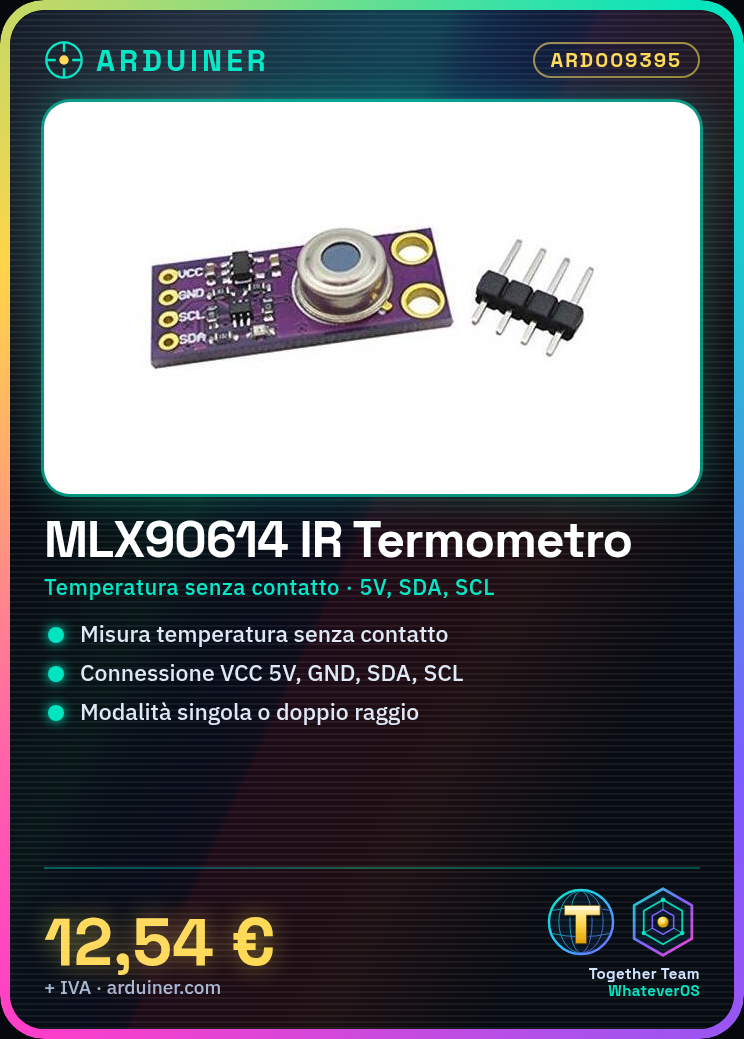
This infrared thermometer measures temperature without contact, ideal for environmental monitoring and safety projects.
What you need
- Arduino Uno or compatible
- 5V power supply cable
- Thermostat for testing (optional)
- Digital thermometer for comparison (optional)
Steps
- 1. Installation: Download and install the MLX90614 library.
- 2. Connection: Connect VCC to 5V, GND to GND, SDA to SDA and SCL to SCL.
- 3. Code: Add the following code.
- 4. Testing: Use a digital thermometer to compare values.
- 5. Configuration: Set the measurement mode (single or dual range).
- 6. Debugging: Check the temperature in various environmental conditions.
- 7. Calibration: Check the datasheet if necessary.
- 8. Usage: Integrate into your project.
Example code
```
#include <MLX90614.h>

MLX90614 sensor;

void setup() {
  Serial.begin(9600);
}

void loop() {
  float temp = sensor.getTempC();
  Serial.println(temp);
  delay(1000);
}
```
Mini project
Create a temperature warning with an LED that turns on when the temperature exceeds a certain limit.
Common mistakes
- Forget to install the library.
- Incorrectly connect the pins.
- Set the measurement mode correctly.
- Omit calibration.
Recommended accessories
- Arduino Uno
- Digital thermometer
- LED
- Resistor
Frequently asked questions
How can I calibrate the thermometer?
Check the datasheet for specific instructions.
Which pins do I use?
VCC to 5V, GND to GND, SDA to SDA, SCL to SCL.
Can I use any Arduino?
Yes, but make sure it supports SDA and SCL pins.
Does the thermometer work in all conditions?
Check the datasheet for operating conditions.
Reviews
There are no reviews yet.