 EN
 IT Italiano
 ES Español
 FR Français
 DE Deutsch
Description
What it is
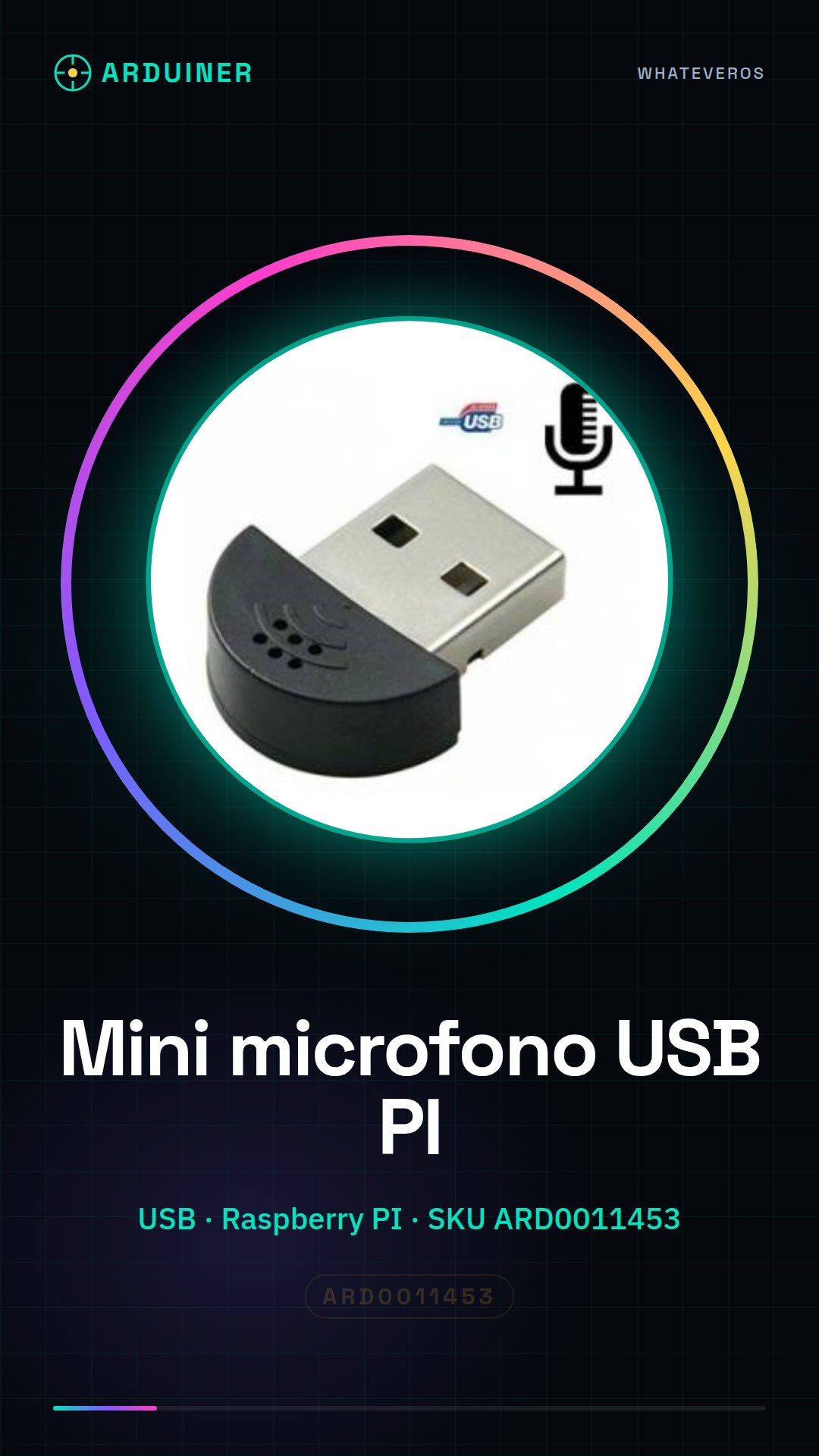
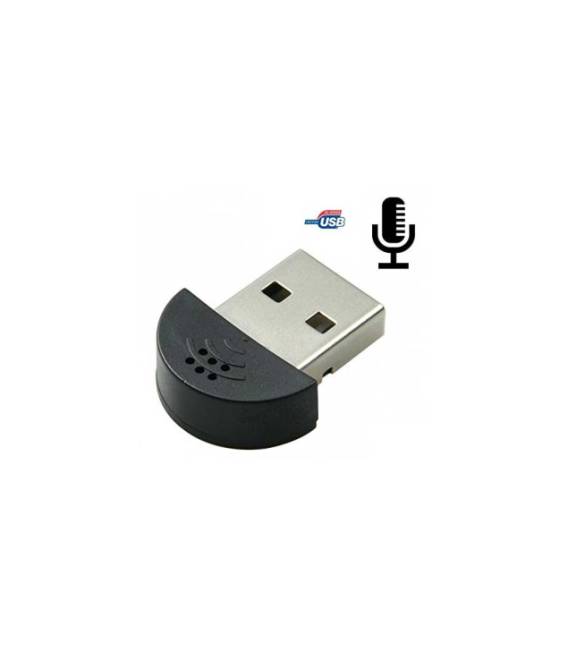
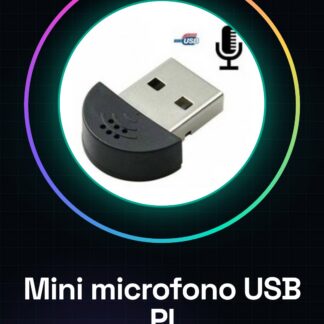
The Mini USB microphone for Raspberry PI is an audio component designed for recording sounds on a Raspberry PI card.
Features
- Connection: USB
- Compatibility: Raspberry PI
- SKU: ARD0011453
- Price: 4.13 €
- Availability: Pre-order
What it is for
The mini USB microphone is ideal for recording high-quality audio for electronic projects, podcasts, or simple voice recording systems. It can be used to create entry alerts, record ambient sounds, or create interactive audio projects with Raspberry PI.
Tutorial: How to use the Mini USB microphone
The Mini USB microphone is ideal for recording audio on a Raspberry PI. Useful for audio projects, voice recording, or sounds.
What you need
- Raspberry PI
- USB cable
- MicroSD with installed operating system
Steps
- 1. Connect the microphone to the Raspberry PI via the USB cable.
- 2. Turn on the Raspberry PI.
- 3. Open the terminal.
- 4. Type `arecord -D plughw:1,0 -f cd -t wav output.wav` to record.
- 5. Check the datasheet for recording parameters.
- 6. To stop recording, press Ctrl+C.
- 7. Create a .wav file with your audio.
- 8. (Optional) Install an audio software like Audacity to export the file.
Mini project
Create a simple voice recording system for entry alert.
Common mistakes
- Do not connect the microphone to an occupied USB port.
- Make sure the Raspberry PI is properly powered.
- Check that the USB cable is functioning.
- Check the datasheet to see if the microphone supports the specific file format.
Recommended accessories
- MicroSD with installed operating system
- USB cable
- USB speaker
- MicroSD readers
Frequently asked questions
How can I check if the microphone works?
Run `arecord -l` in terminal to view audio devices.
Can I use this microphone with other operating systems?
The microphone is compatible with Windows and Linux, but it may require additional drivers.
Does the microphone support low-frequency sounds?
Check the datasheet for frequency parameters.



Reviews
There are no reviews yet.