 EN
 IT Italiano
 ES Español
 FR Français
 DE Deutsch
Description
What it is
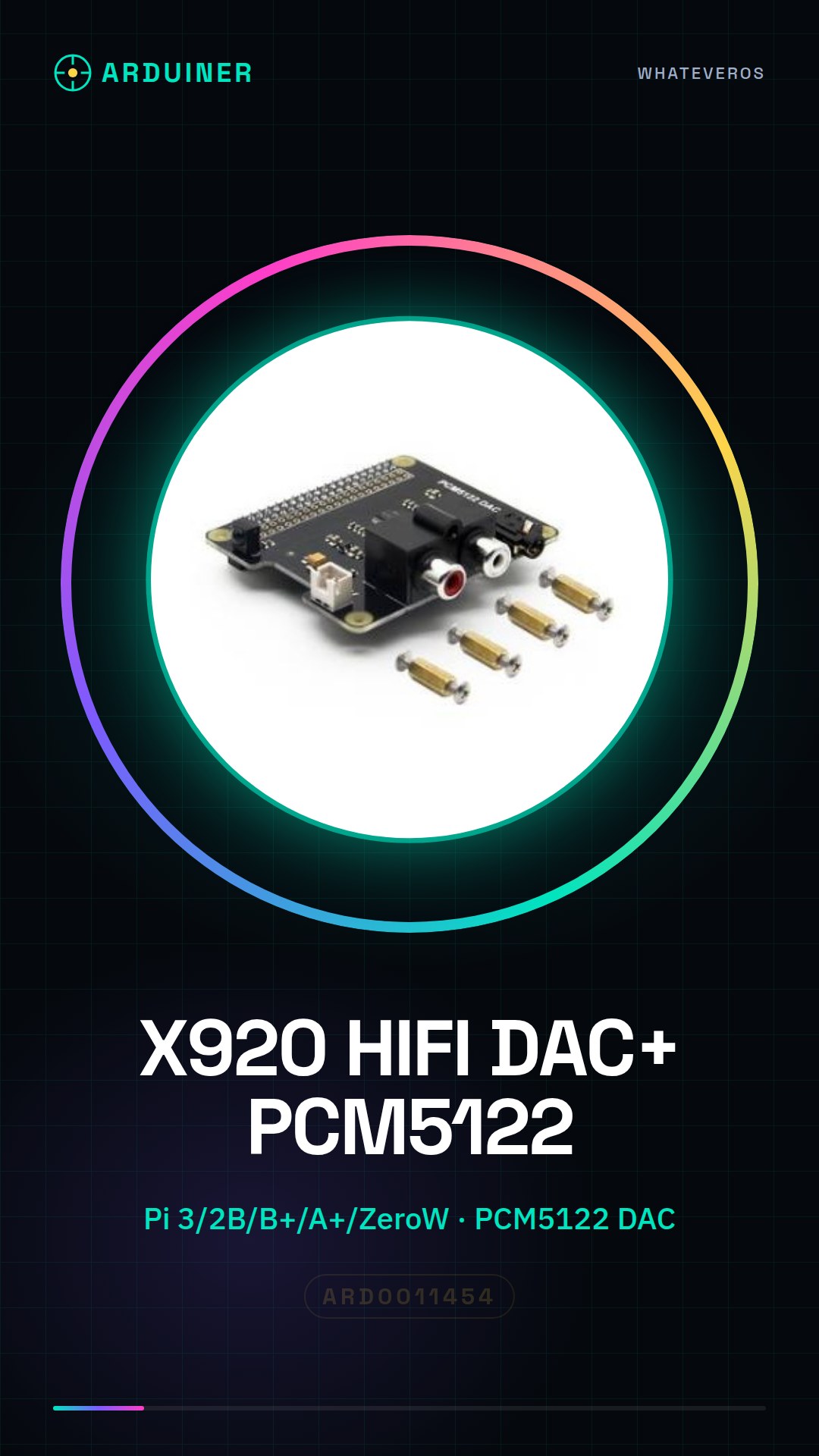
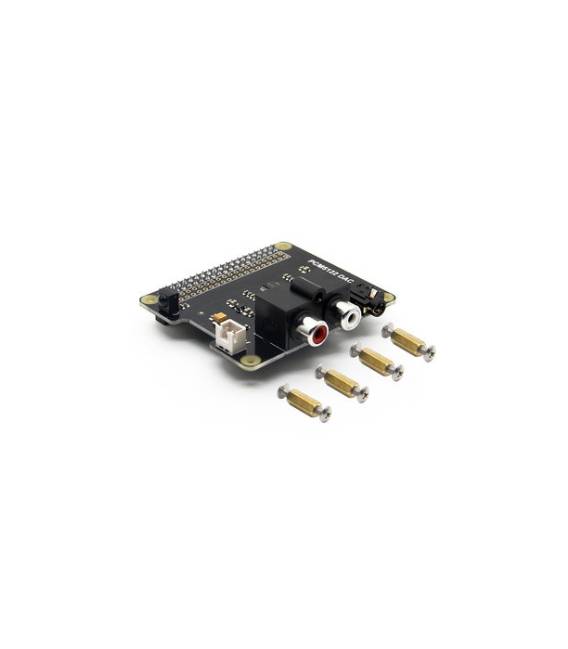
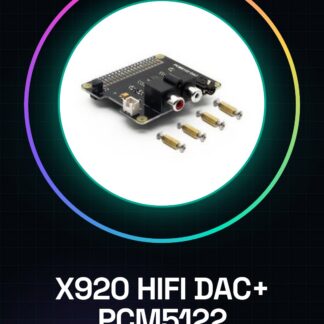
The X920 HIFI DAC+ PCM5122 Expansion Board is an expansion board for Raspberry Pi designed to improve audio quality. It integrates the PCM5122 digital-to-analog converter for high-fidelity sound.
Features
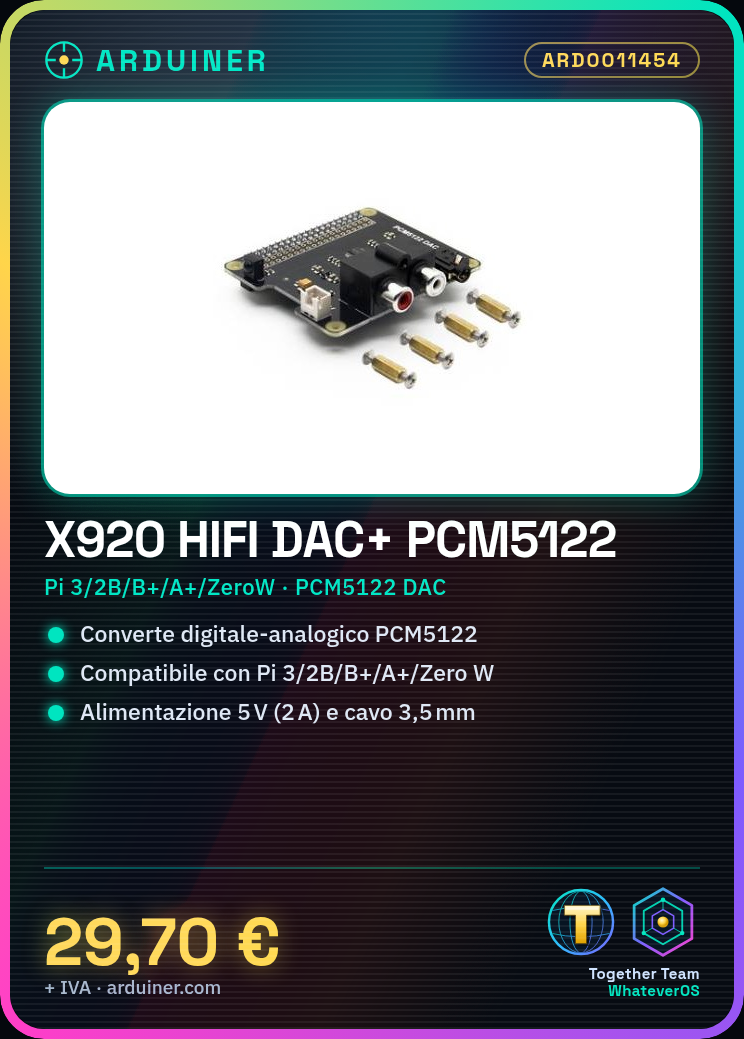
- Compatible with Raspberry Pi 3 Model B / 2B / B+ / A+ / Zero W
- Integrates the PCM5122 digital-to-analog converter
- SKU: ARD0011454
- Price: 29.7 € (preorder price)
What it is for
The X920 HIFI DAC+ is ideal for high-fidelity audio projects. You can use it to create a low-profile audio system by combining it with a small amplifier. The board allows you to achieve superior sound quality compared to the standard audio output of the Raspberry Pi.
Tutorial: How to use X920 HIFI DAC+
The X920 HIFI DAC+ is a digital-to-analog converter for Raspberry Pi ideal for improving the sound quality of your audio applications.
What you need
- X920 HIFI DAC+
- Raspberry Pi 3 Model B / 2B / B+ / A+ / Zero W
- 3.5 mm audio cable
- 5 V (2A) power supply
Steps
- 1. Ensure the Raspberry Pi is turned off.
- 2. Connect the 5 V (2A) power supply to the Raspberry Pi.
- 3. Wait for the Raspberry Pi to boot up.
- 4. Take the X920 HIFI DAC+ and connect the 3.5 mm audio cable to the DAC.
- 5. Connect the 3.5 mm audio cable from the DAC to the Raspberry Pi.
- 6. Turn on the Raspberry Pi.
- 7. Check the datasheet to see if additional drivers need to be installed.
- 8. Configure audio through the Raspberry Pi terminal using the command: `sudo raspi-config` and select ‘Audio Interface’.
Mini project
Create a low-profile audio system with the X920 HIFI DAC+ and a small amplifier. Connect the DAC to the Raspberry Pi and test the sound.
Common mistakes
- Do not connect the DAC to the Raspberry Pi’s power supply.
- Do not use a low-quality 3.5 mm audio cable.
- Do not install unsupported drivers.
- Do not turn on the Raspberry Pi without first connecting the DAC.
Recommended accessories
- High Quality 3.5 mm Audio Cable
- 5 V (2A) Power Supply / Adapter
- Raspberry Pi 3 Model B / 2B / B+ / A+ / Zero W
- Audio Amplifier
Frequently asked questions
Does the DAC require additional drivers?
Check the datasheet to see if additional drivers need to be installed.
Can I use a different power supply than 5 V (2A)?
Always use the power supply specified in the datasheet.
Can I connect the DAC directly to the Raspberry Pi?
Connect the DAC to the Raspberry Pi power supply.



Reviews
There are no reviews yet.