 EN
 IT Italiano
 ES Español
 FR Français
 DE Deutsch
Description
What it is
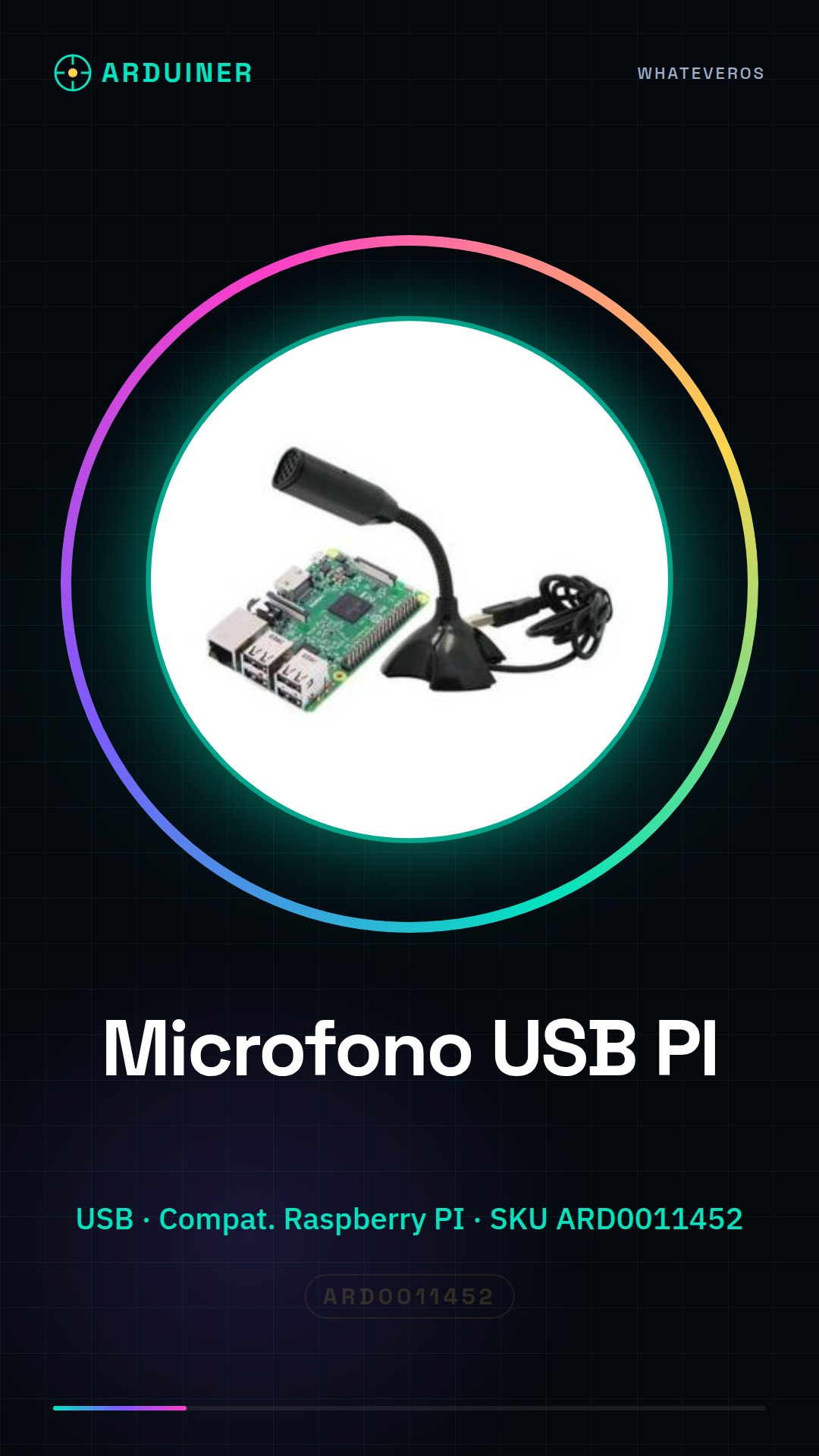
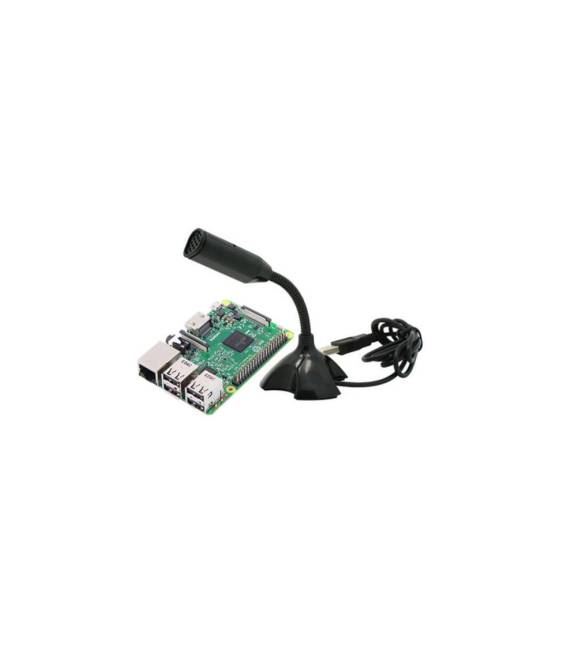
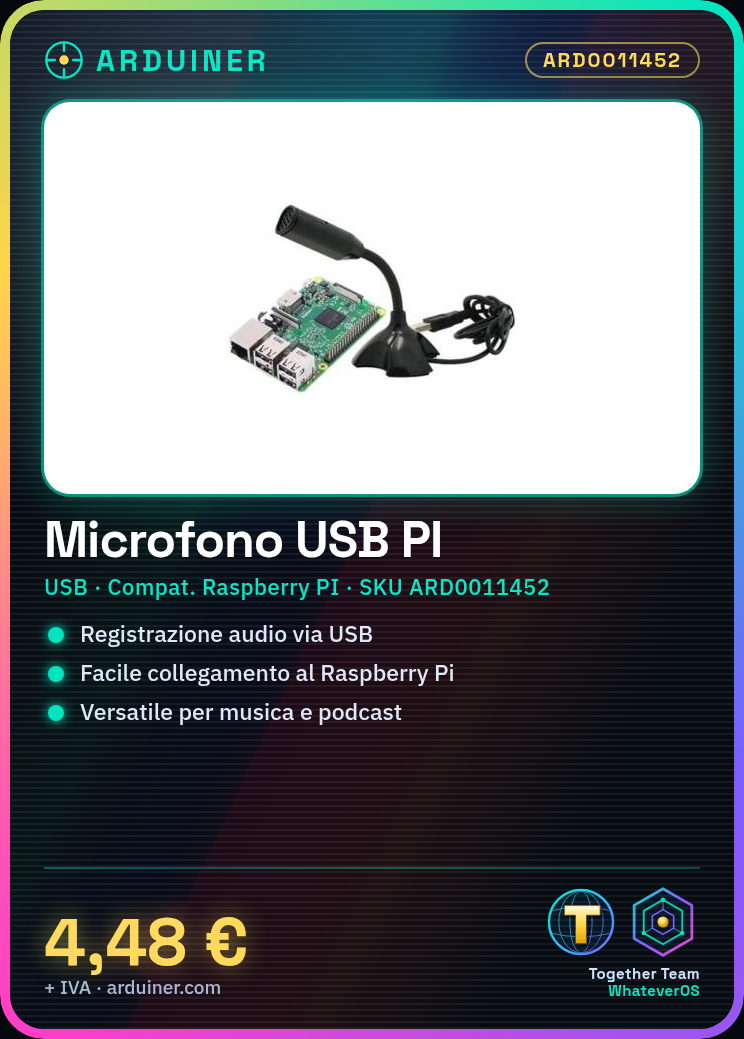
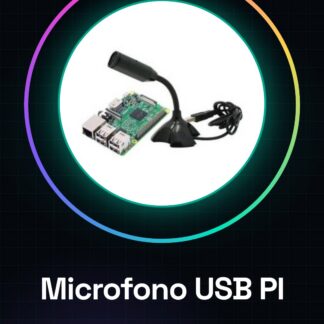
The USB Microphone for Raspberry PI is an accessory that allows you to record audio through your Raspberry Pi.
Features
- Connection: USB
- Compatible with: Raspberry PI
- SKU: ARD0011452
- Price: 4.48 €
What it is for
This USB microphone is ideal for recording audio on Raspberry PI, perfect for audio projects and podcasts. You can use it to record music, conversations, ambient sounds, or any other type of audio you want to capture.
Tutorial: How to use USB Microphone for Raspberry PI
This USB microphone is ideal for recording audio on Raspberry PI, perfect for audio projects and podcasts.
What you need
- USB Microphone for Raspberry PI
- Raspberry PI
- USB cable
Steps
- 1. Connect the microphone to the Raspberry PI using the USB cable.
- 2. Turn on the Raspberry PI.
- 3. Open the terminal.
- 4. Type `arecord -l` to view audio devices.
- 5. Check the datasheet for microphone compatibility with your Raspberry PI.
- 6. Use `arecord -D plughw:1,0 -f cd -t wav output.wav` to record audio (check the datasheet).
- 7. Verify the quality of the audio file with VLC.
- 8. Configure system audio settings if necessary.
Mini project
Create a simple bash script to record a short audio and save the file. In 30 minutes you can have an audio file recorded.
Common mistakes
- Do not connect the microphone to a USB power supply different from the Raspberry PI.
- Make sure the microphone is correctly recognized by the system.
- Ensure that the audio software is up to date.
- Do not use audio commands that are not compatible with your system.
Recommended accessories
- USB Microphone
- USB Cable
- Raspberry PI
Frequently asked questions
Does the microphone work with all models of Raspberry PI?
Check the datasheet for microphone compatibility with your Raspberry PI.
How can I check if the microphone is recognized by the system?
Open the terminal and type `arecord -l`.
What commands can I use to record audio?
Use `arecord -D plughw:1,0 -f cd -t wav output.wav` (check the datasheet).



Reviews
There are no reviews yet.