 EN
 IT Italiano
 ES Español
 FR Français
 DE Deutsch
Description
What it is
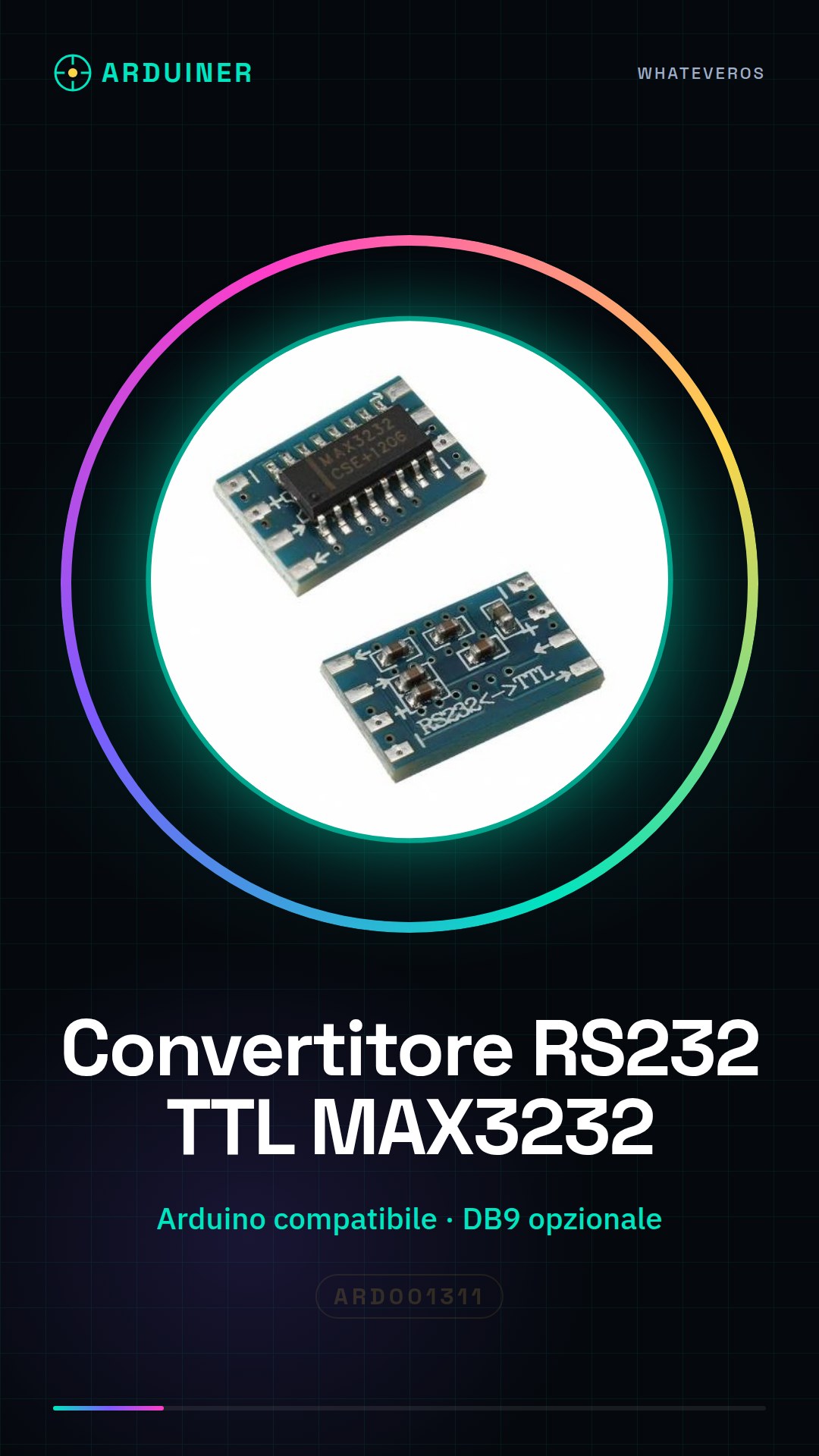
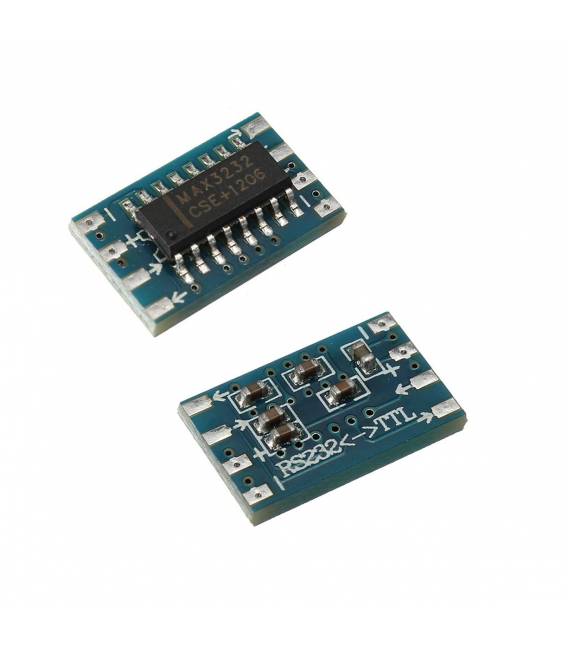
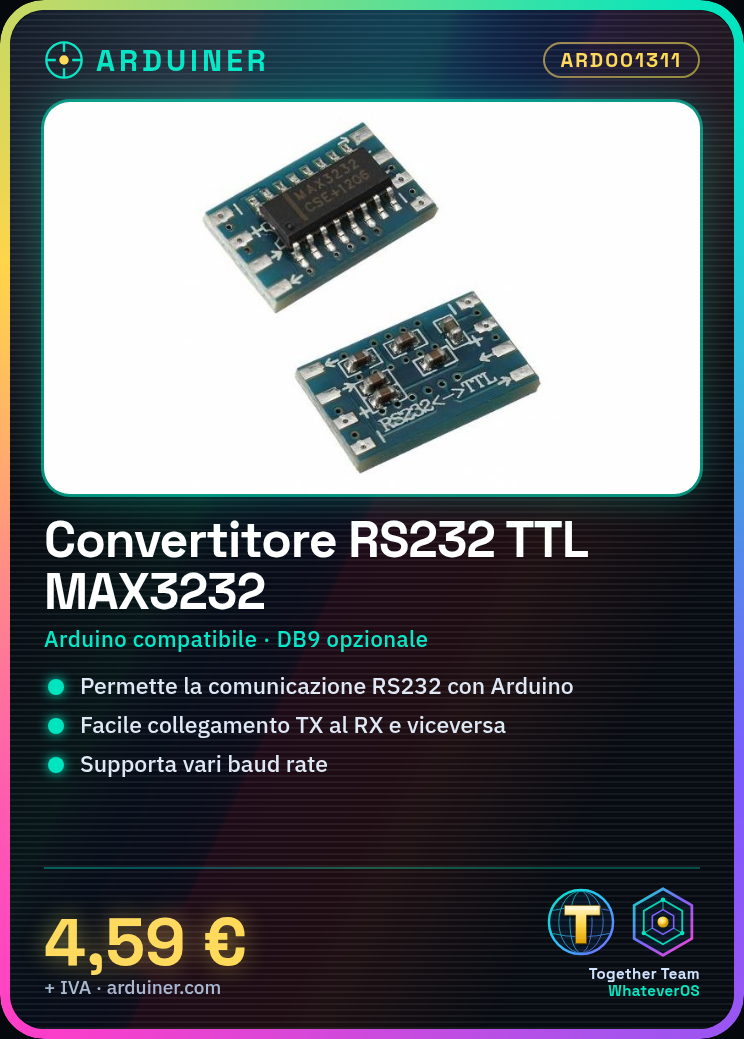
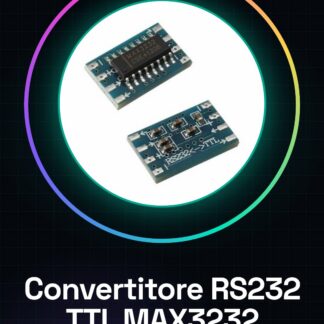
The Mini RS232 to TTL Serial Converter with MAX3232CSE for Arduino is a useful device for serial communication between devices using the RS232 protocol and microcontrollers like Arduino, which require a TTL logic voltage.
Features
- RS232 to TTL Converter with MAX3232CSE chip
- Compatible platform: Arduino
What it is for
This converter is ideal for projects that require serial communication between RS232 devices and microcontrollers like Arduino. It can be used to create simple remote devices, for example with a button and an LED.
Tutorial: How to use the RS232 to TTL Converter
This converter allows you to easily connect RS232 devices to Arduino. Useful for serial communication projects.
What you need
- Mini RS232 to TTL Converter
- Arduino
- USB cable
- DB9 cable (optional)
Steps
- 1. Check that the converter has the following connections: VCC, GND, TX, RX.
- 2. Connect the VCC of the converter to the 5V of the Arduino.
- 3. Connect GND of the converter to GND of the Arduino.
- 4. Connect TX of the converter to RX of the Arduino.
- 5. Connect RX of the converter to TX of the Arduino.
- 6. If you have an RS232 device, connect it to the DB9 (if present).
- 7. Load the following sketch on Arduino to test communication.
- 8. Check the Serial Monitor console to verify communication.
Example code
Serial.begin(9600); while (1) { Serial.println('Ciao da Arduino!'); delay(1000); }Mini project
Create a simple remote device using a button and an LED with the converter.
Common mistakes
- Connect GND and VCC backwards.
- Forget to connect TX and RX.
- Use a baud rate different from 9600.
- Do not verify connectivity with the DB9.
Recommended accessories
- Button for Arduino
- LED for Arduino
- DB9 cable
- RS232 device
Frequently asked questions
How can I verify the connectivity of the DB9?
Connect to a computer and use a serial software like PuTTY or TeraTerm to control the communication.
Does the converter work with Arduino Mega?
Yes, the converter works with Arduino Mega, but make sure the VCC is correct.
Can I use another baud rate?
Yes, check the datasheet for supported values.
Does the converter support different frequencies?
Check the datasheet for supported values.
Reviews
There are no reviews yet.