 EN
 IT Italiano
 ES Español
 FR Français
 DE Deutsch
Description
What it is
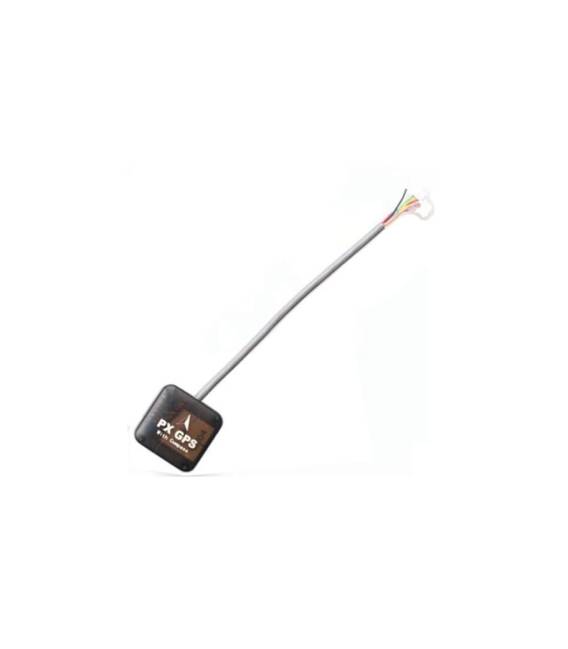
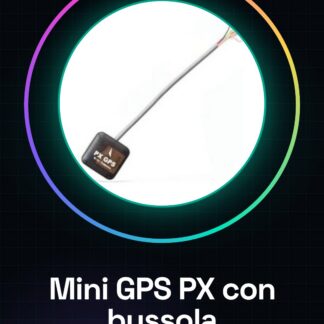
The Mini GPS PX Module with Compass Series 7 is a crucial component for drones using the Pixhawk flight controller. This module integrates localization and orientation functionalities, enhancing the precision and stability of the drone during flight.
Features
- Compatible with the PX4 Pixhawk flight controller
- Includes a GPS module for accurate localization
- Series 7
- Integration of a compass to improve orientation
What it is for
This module is useful for both beginners and intermediate operators, facilitating autonomous flight and drone navigation. To use it, mount the module on the drone, connect it to the GPS antenna and the Pixhawk flight controller, then start an Arduino sketch to verify localization.
Tutorial: How to use Mini GPS PX Module with Compass
This GPS module with compass is essential for the localization and orientation of your drones. Useful for beginners and intermediates, it simplifies autonomous flight and navigation.
What you need
- Mini GPS PX module with compass
- PX4 Pixhawk flight controller
- FTDI or USB cable for testing
- GPS antenna
Steps
- 1. Check the datasheet for the module specifications.
- 2. Connect the GPS antenna to the module.
- 3. Connect the module to the PX4 Pixhawk flight controller.
- 4. Verify the correct power supply to the module.
- 5. Install the module in the drone.
- 6. Verify the stability of the module.
- 7. Test the module with an Arduino sketch.
- 8. Verify communication with the flight controller.
Example code
```
#include <AP_GPS.h>

AP_GPS gps;
void setup() {
  Serial.begin(57600);
  gps.begin();
}
void loop() {
  if (gps.fix) {
    Serial.print("Lat: "); Serial.println(gps.location.lat());
    Serial.print("Lon: "); Serial.println(gps.location.lng());
  }
}```
Mini project
Mount the GPS module on the drone, connect the antenna and the flight controller. Start the Arduino sketch to verify localization.
Common mistakes
- Incorrect power supply.
- GPS antenna not connected.
- Incorrect connections on the flight controller.
- Serial.begin() set to a different speed than the module.
Recommended accessories
- GPS Antenna
- PX4 Pixhawk Flight Controller
- FTDI or USB Cable
- Drone
Frequently asked questions
How can I check the stability of the module?
Check for GPS signals and compass during flight.
What specifications do I check before installation?
Check the datasheet for power specifications, interface, and GPS frequency.
Does the module work with other flight controllers?
Check compatibility on the datasheet. Some GPS modules can be used with various flight controllers.
How can I solve a communication error?
Check connections, proper power supply, and Arduino sketch configuration.
Reviews
There are no reviews yet.