 EN
 IT Italiano
 ES Español
 FR Français
 DE Deutsch
Description
What it is
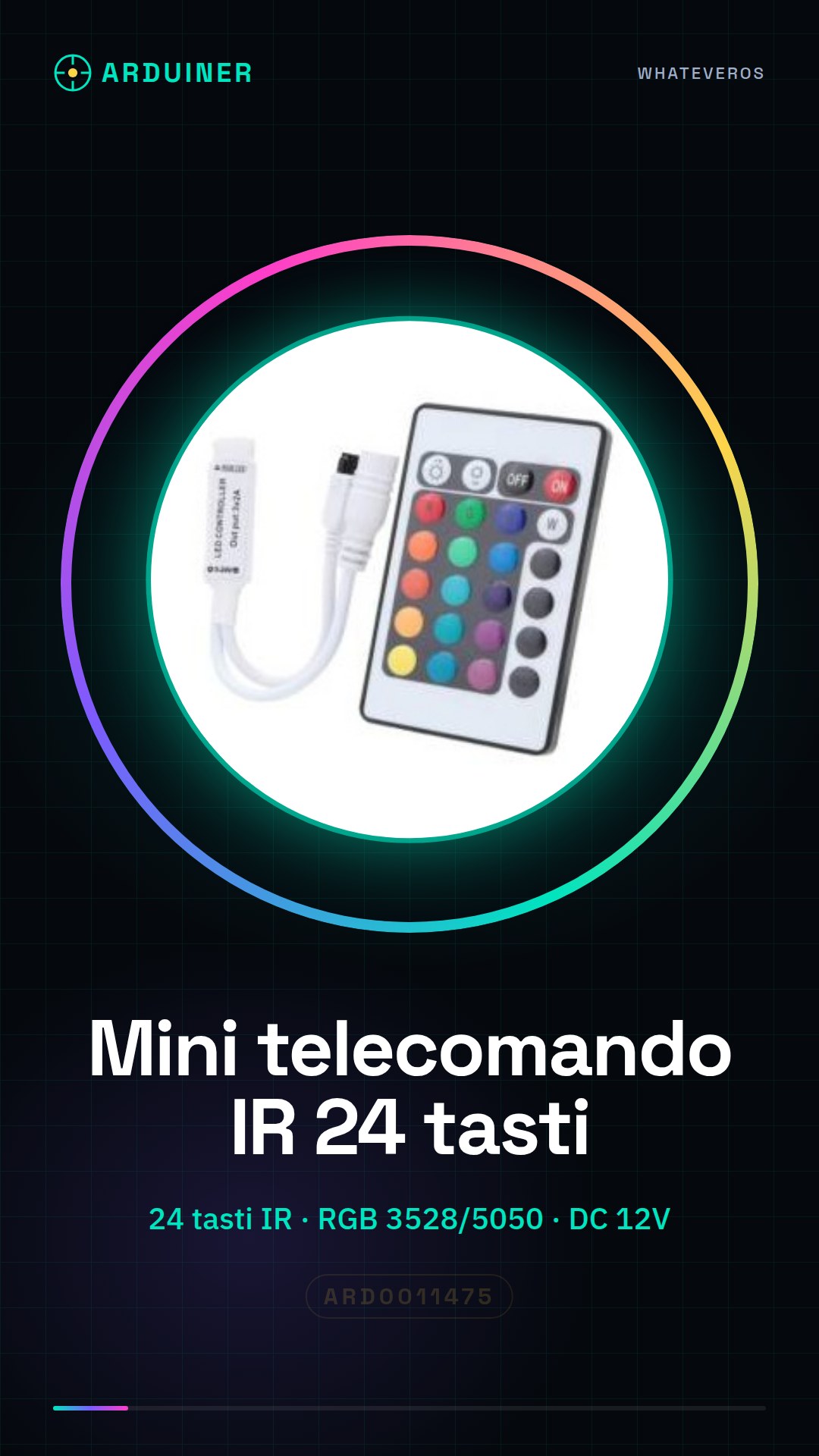
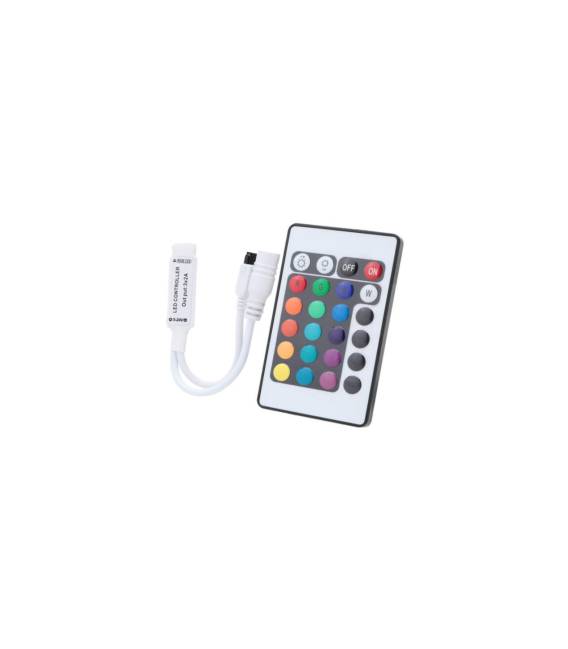
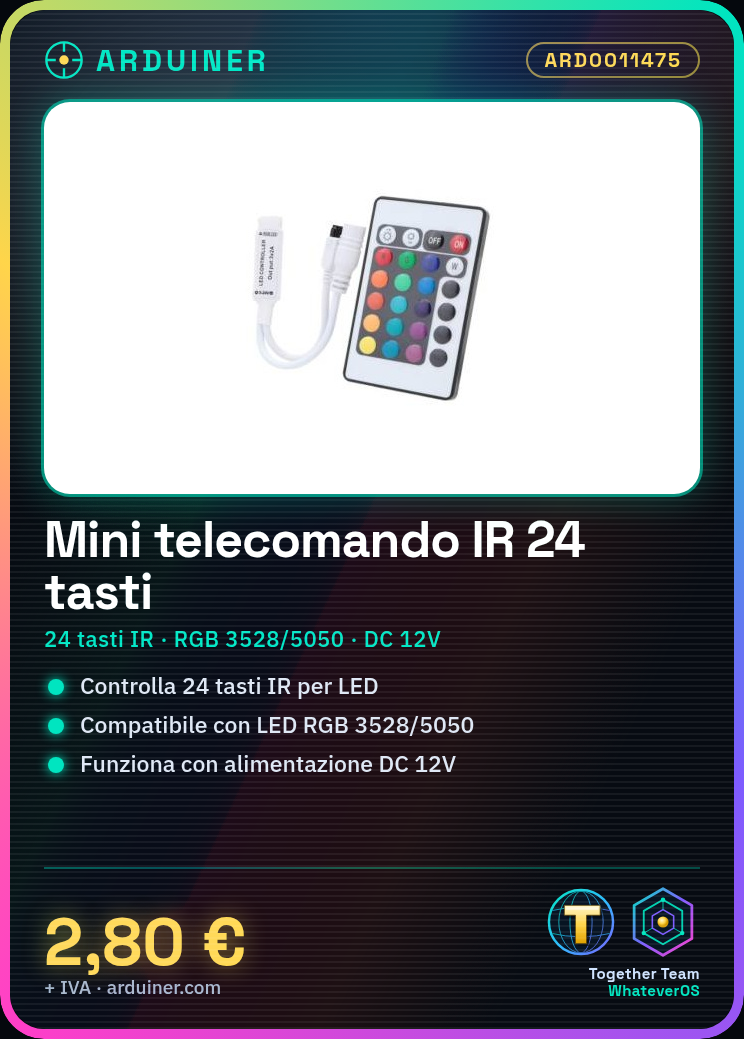
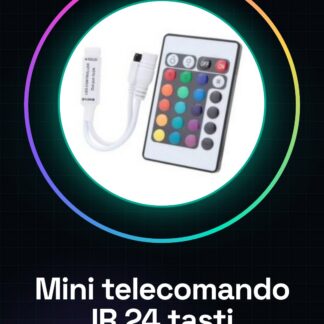
24-button IR remote control for RGB LED strip 3528/5050 light control.
Features
- 24 IR buttons
- Compatible with RGB LED strips 3528/5050
- DC 12V power supply
- SKU: ARD0011475
- Price: 2.8 €
What it is for
Ideal for controlling RGB LED strip 3528/5050 lights, creating color animations and lighting effects. Perfect for decoration and custom lighting projects. Check the datasheet for compatibility with Arduino/ESP.
Tutorial: How to use the 24-button IR remote control
This 24-button IR remote control is ideal for controlling RGB LED strip 3528/5050 lights. Perfect for beginners and intermediate makers.
What you need
- 24-button IR remote control
- LED strip light 3528/5050
- Arduino or compatible microcontroller
- USB cable for microcontroller
Steps
- 1. Connect to the Arduino IDE.
- 2. Load the base code for the IR receiver.
- 3. Connect the IR receiver to the microcontroller (VCC to 5V, GND to GND, DOUT to a digital pin).
- 4. Connect the 12V strip light to the IR remote.
- 5. Configure the IR buttons in the Arduino code.
- 6. Load the code onto the microcontroller.
- 7. Test the buttons on the remote.
- 8. Check the strip light’s reaction.
Example code
```cpp
#include <IRremote.h>

const int RECV_PIN = 11;
IRrecv irrecv(RECV_PIN);
decode_results results;

void setup() {
  Serial.begin(9600);
  irrecv.enableIRIn();
}

void loop() {
  if (irrecv.decode(&results)) {
    Serial.println(results.value, HEX);
    irrecv.resume();
  }
}
```
Mini project
Create an animation with the colors of the IR buttons.
Common mistakes
- Do not connect the IR receiver to the 12V VCC.
- Forget to load the code onto the Arduino.
- Connect the IR receiver to the microcontroller with the wrong cables.
- Do not use a compatible IR remote.
Recommended accessories
- LED strip light 3528/5050
- Arduino Nano
- IR receiver
- USB cable
Frequently asked questions
How can I test the IR remote?
Connect the IR receiver to the Arduino and use a basic code to read the IR signals.
Does the remote only work with the strip light?
No, it works with any compatible IR device.
Can I use a different remote?
Check the IR remote datasheet.



Reviews
There are no reviews yet.