 EN
 IT Italiano
 ES Español
 FR Français
 DE Deutsch
Description
What it is
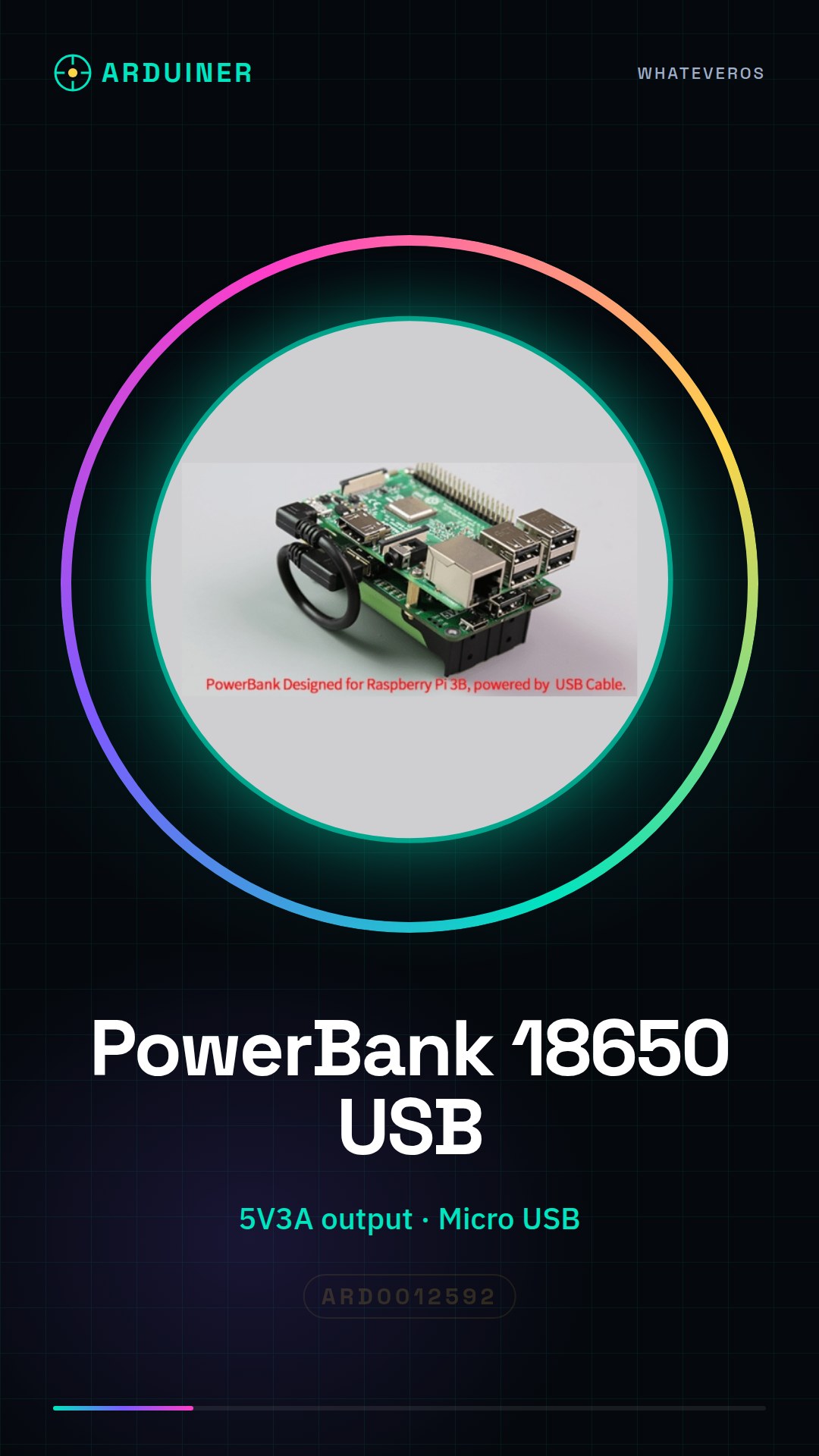
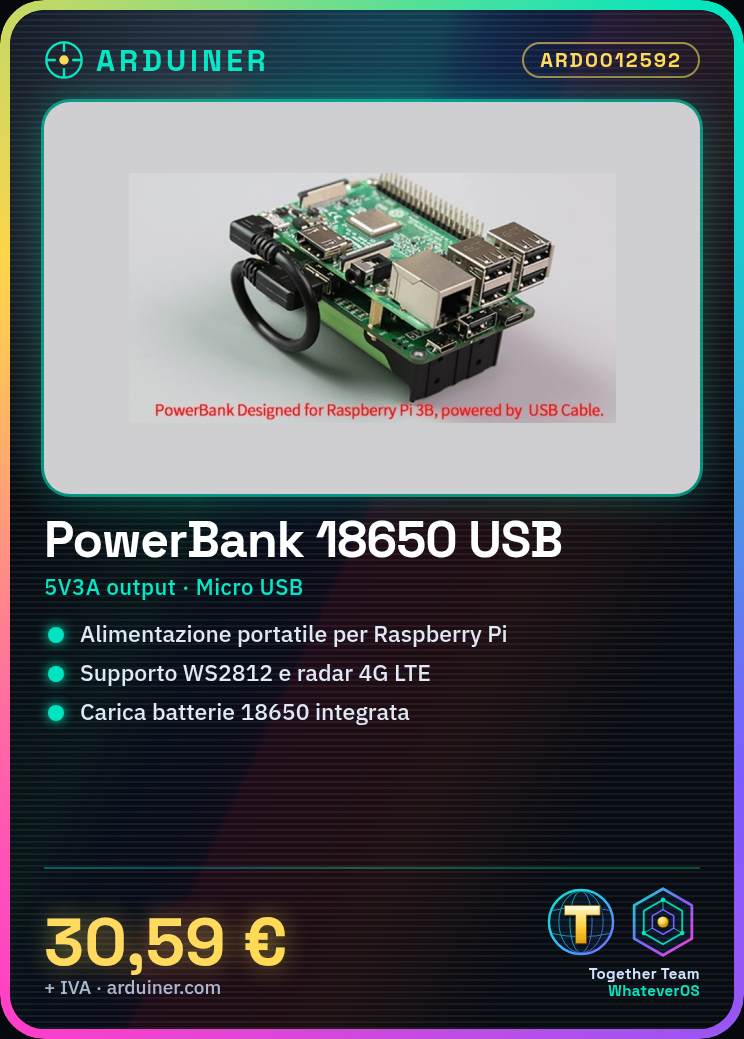
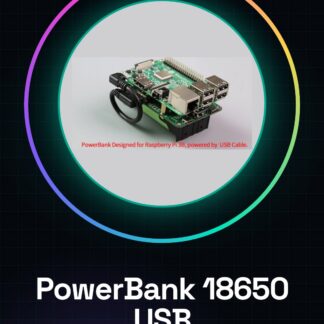
The 18650 PowerBank with Micro USB is a portable power supply device designed to power devices such as the Raspberry Pi. It provides 5V3A power supply for compatible USB devices, including components like WS2812 and 4G LTE radar.
Features
- Micro USB Power Supply
- Charges 18650 batteries
- Power output up to 5V3A
- Compatible with WS2812 and 4G LTE radar
- PowerBank for Raspberry Pi
What it is for
This PowerBank is ideal for makers and developers who want to keep their projects running even when they are not near an electrical outlet. It can be used to create remote monitoring systems with a Raspberry Pi powered by this PowerBank. Additionally, 4G connectivity allows for real-time data transmission.
Tutorial: How to use Micro USB PowerBank for Raspberry Pi
This PowerBank is designed to power devices such as the Raspberry Pi and other USB-compatible devices. It is ideal for makers and developers who want to keep their projects running even when they are not near an electrical outlet.
What you need
- Raspberry Pi
- Micro USB to Micro USB cable
- 18650 battery
- 4G Connection (if needed)
Steps
- Check the compatibility of your Raspberry Pi with the PowerBank.
- Insert the 18650 battery into the PowerBank.
- Connect the PowerBank to the Raspberry Pi via the Micro USB cable.
- If necessary, connect a 4G device for mobile connectivity.
- Check that the Raspberry Pi is receiving the correct power (5V, maximum 3A).
- If necessary, use the WS2812 output to control RGB LEDs.
- If necessary, use the radar output for object detection.
- Check that all connected devices are powered correctly.
Mini project
Create a remote monitoring system with this Raspberry Pi powered by a PowerBank. Use 4G connectivity to send real-time data.
Common mistakes
- Insert the 18650 battery backwards.
- Use a lower quality Micro USB cable.
- Do not check the current supplied to the Raspberry Pi.
- Do not use a 4G device for mobile connectivity when required.
Recommended accessories
- Micro USB to Micro USB cable
- 18650 battery
- 4G connection
- WS2812 LED
Frequently asked questions
How can I charge the 18650 battery?
Insert the battery into the PowerBank and connect the PowerBank to a power source via the Micro USB cable.
How long does the 18650 battery last?
Check the datasheet of the 18650 battery.
Can I use this PowerBank with other devices?
Yes, but check that the device requires a voltage of 5V and a maximum current of 3A.
Reviews
There are no reviews yet.