 EN
 IT Italiano
 ES Español
 FR Français
 DE Deutsch
Description
CHARACTERISTICS
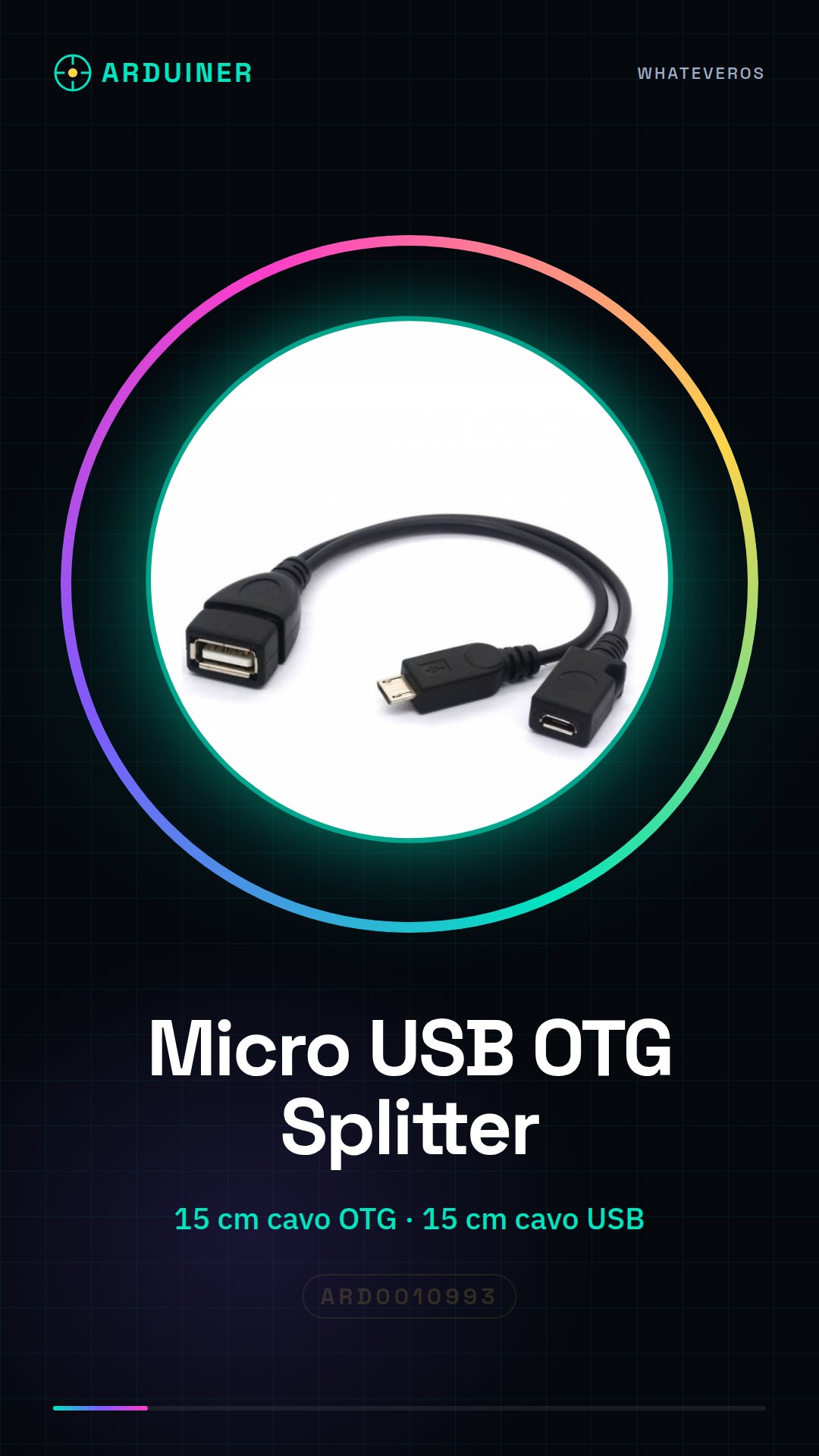
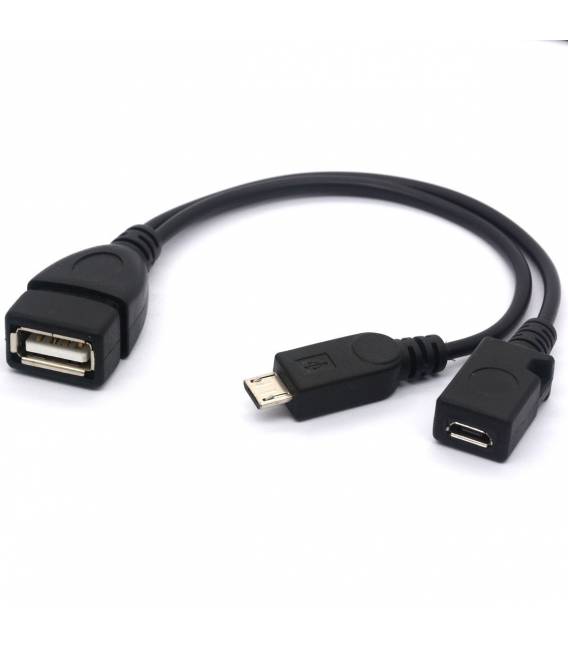
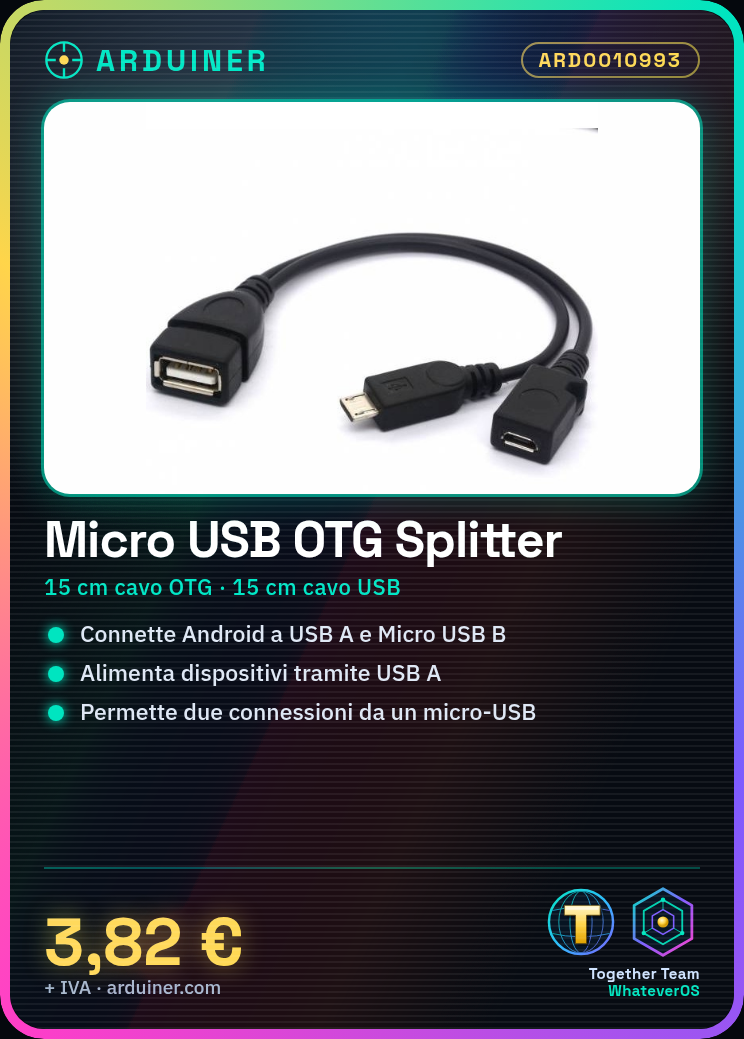
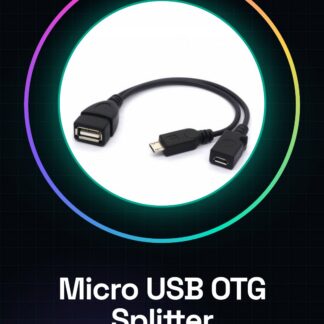
– Cable OTG length: 15 centimeters
– USB cable length: 15 cm
– Includes: Micro-USB connector type B (for connecting to the Android device)
– USB A adapter type (to connect to the USB device) + USB Adapter Type A (charger)
Tutorial: How to use Micro USB OTG Cable Splitter
The Micro USB OTG Cable Splitter is a useful accessory for those who need to connect two devices through a single micro-USB connector. Ideal for developers and makers working with Arduino or other Android devices.
What you need
- Android device
- USB A to B cable
- USB power supply
Steps
- Connect the cable splitter to the Android device via the micro-USB end.
- Connect a USB cable to the female USB-A end of the cable splitter to connect to other devices or power supplies.
- Check that both devices are recognized and functioning correctly.
Mini project
[“Connecting an Arduino to an Android tablet via the OTG cable to control the Arduino from a dedicated app.”, ‘Project time: 30 minutes’]
Common mistakes
- Ensure that both devices are correctly recognized by the operating system.
- Check the compatibility of the OTG cable with the Android device being used.
- Don’t forget to verify the adequacy of the electrical voltage provided by the USB power supply connected to the cable splitter.
Recommended accessories
- Arduino Uno
- USB Power Supply 5V
- Android Tablet
Frequently asked questions
My device does not recognize the OTG cable.
Check that your device supports the OTG functionality and that the drivers are up to date.
Can I use this cable to charge a phone?
Yes, but make sure the USB power supply has sufficient charging capacity.
Reviews
There are no reviews yet.